
AI tool
Bracket
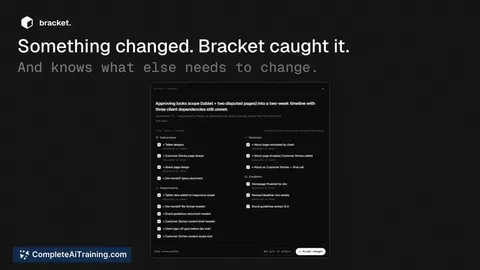
Bracket captures decisions, requirements, and changes from your existing conversations across Gmail, Slack, Figma, and GitHub. It is for teams who want a continuously updated memory they can query instead of manually updating another tool.
About Bracket
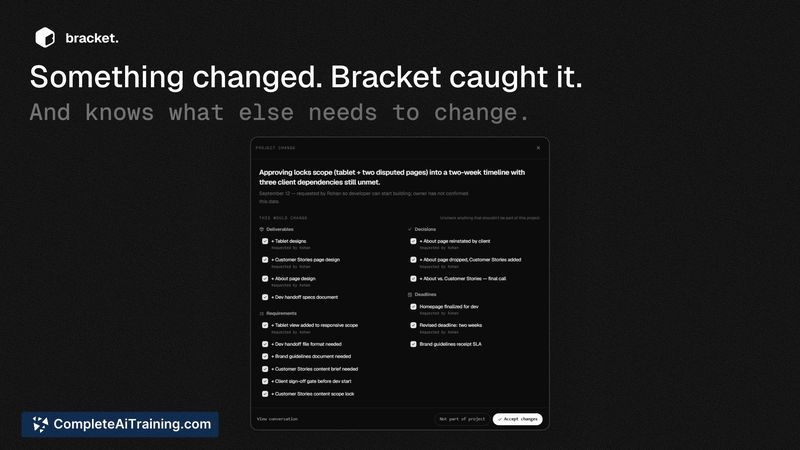
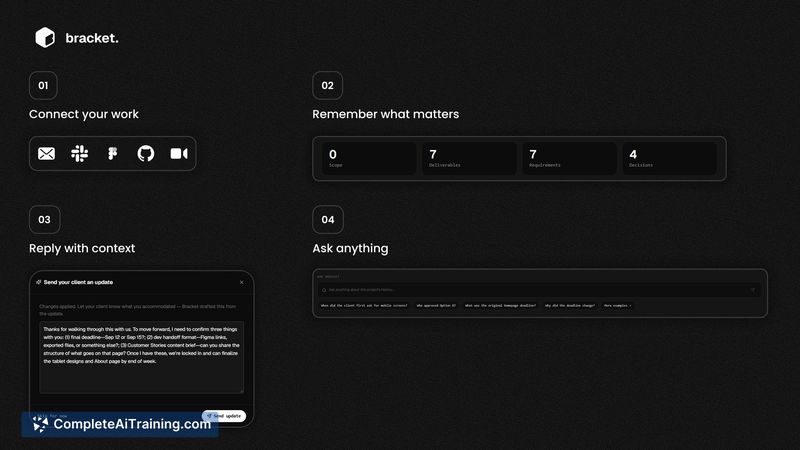
Bracket is an AI-powered memory layer that connects to Gmail, Slack, Figma, and GitHub. It automatically captures requirements, decisions, scope, deliverables, deadlines, and changes from ongoing conversations and project activity. The tool then uses that accumulated context to answer questions and generate replies without requiring manual updates.
Review
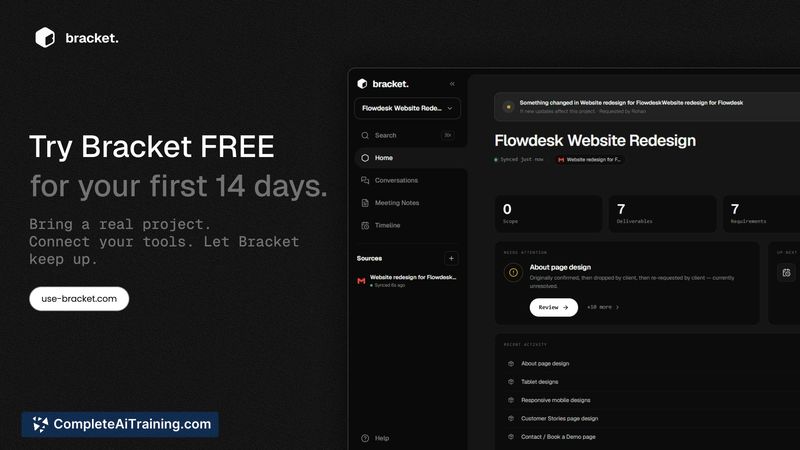
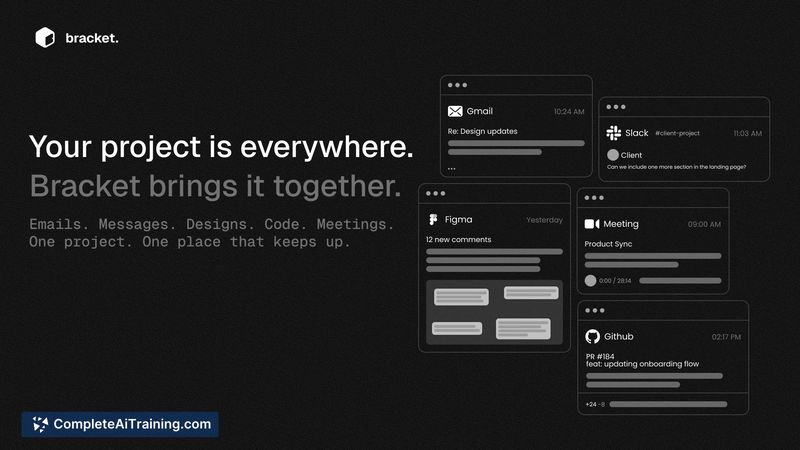
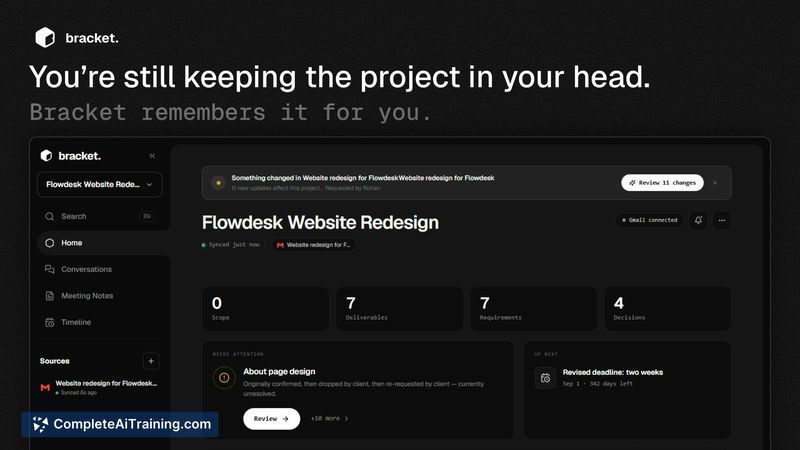
Bracket addresses a specific friction point in project work: the gap between where decisions happen and where they're documented. Instead of adding another tool to maintain, it reads from the channels teams already use. The product launched this week with a 14-day free trial, and the makers are actively soliciting feedback on what breaks or feels unnecessary.
Key Features
- Connects to Gmail, Slack, Figma, and GitHub to ingest conversations, updates, and activity automatically.
- Identifies and tracks six categories of project context: requirements, decisions, scope, deliverables, deadlines, and changes.
- Answers natural language questions about project history, such as why a deadline shifted, citing the original source.
- Generates contextual replies using the accumulated memory, so users don't need to re-explain situations.
- Surfaces conflicting information from different channels rather than silently overwriting one source with another.
Pricing and Value
Bracket is currently free to use, with a 14-day free trial structure mentioned on its launch page. The makers haven't published a long-term pricing model yet. For now, users can access the full feature set without cost while the team gathers feedback and refines the product.
Pros
- Pulls context passively from existing tools, which reduces the manual upkeep that typical project trackers demand.
- Preserves source and timeline data when conflicting information appears, flagging ambiguity instead of defaulting to the most recent update.
- Accepts meeting notes and transcripts alongside connected app data, expanding the memory beyond integrated platforms.
- Small team shipping quickly-the product was rebuilt substantially from its first launch based on user behavior.
- Free during the current feedback phase, with no immediate paywall blocking evaluation.
Cons
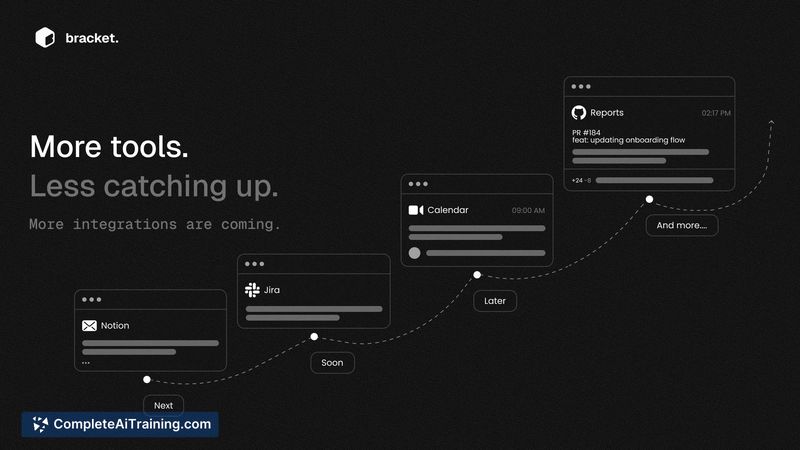
- Integration scope is limited to four tools-teams using other email clients, chat apps, design tools, or version control systems won't get the same automatic capture.
- The product is newly launched and still being refined; conflict resolution and change detection logic are areas the makers describe as actively in development.
- Not well suited for teams that don't conduct significant project communication inside Gmail, Slack, Figma, or GitHub.
Bracket fits small-to-medium teams whose project conversations are scattered across the four supported platforms and who want a passive memory layer rather than another manual tracker. It's less relevant for teams outside that integration footprint or those needing mature, battle-tested project intelligence. The current free period gives teams a window to test whether Bracket's automatic capture actually surfaces context they'd otherwise lose.
Jobs Bracket suits
We checked Bracket against 500+ jobs; these get the most out of it.



