AI tool
oovi
oovi delegates your request to a team of AI bots-a researcher, writer, and critic-that plan, draft, and review work while showing you every external action for approval. It is built for solo operators who want a private, local-first assistant they...
About oovi
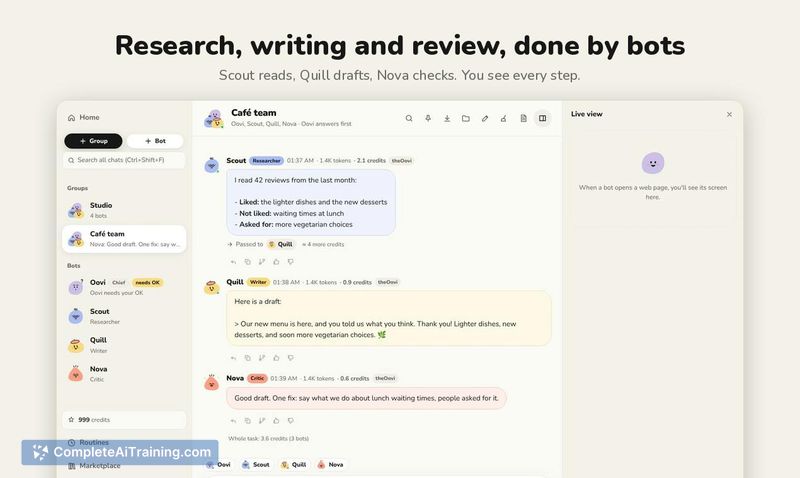
oovi is a desktop AI workflow automation tool that deploys a team of specialized bots - a leader, researcher, writer, and critic - to complete tasks from a single request. Each bot handles a distinct part of the job, and the user can watch any bot work in real time. The tool is free when you bring your own API key, with a paid tier starting at $10/month for built-in model credits that never expire.
Review
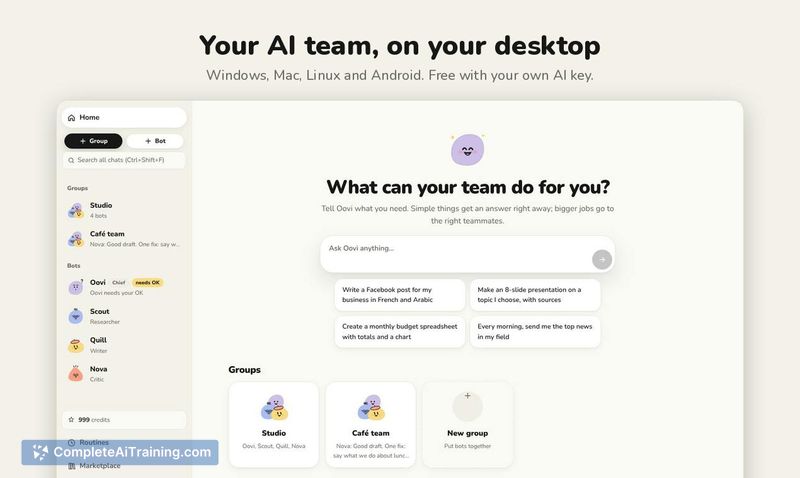

oovi approaches task automation as a multi-agent assembly line rather than a single chat thread. Instead of prompting back and forth, you hand it a job and the bots divide the work among themselves. The desktop app keeps chats, files, and API keys local by default, with an opt-in sync option for running routines when the computer is off.
Key Features
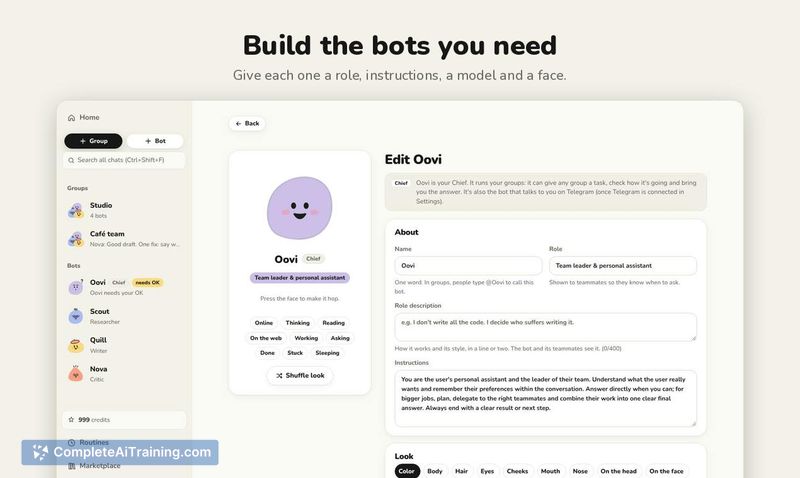
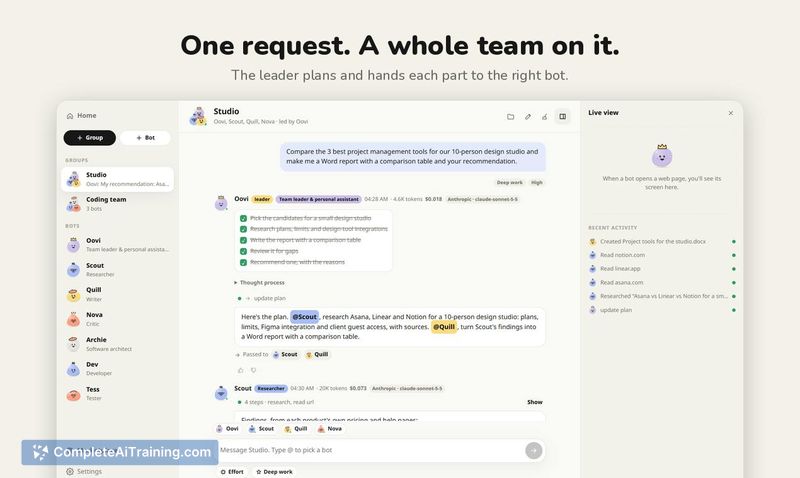
- Multi-bot workflow: A leader bot plans the task and delegates to a researcher (searches and reads sources), a writer (drafts content), and a critic (reviews the output). Users can open any bot's screen to observe its process.
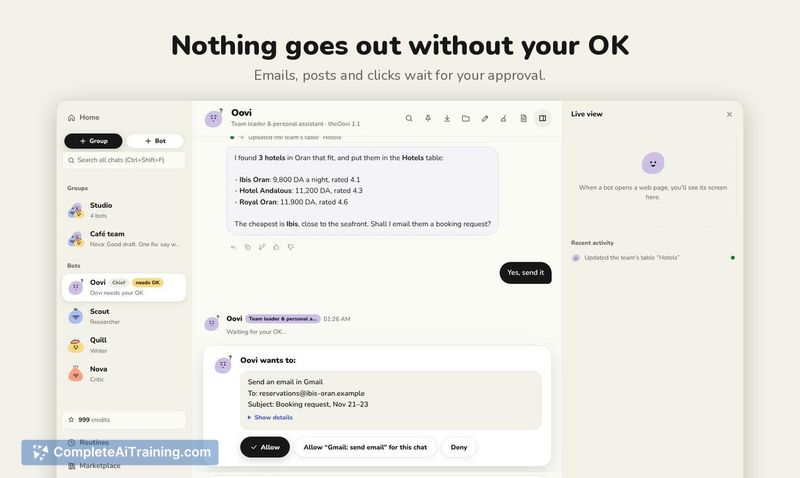
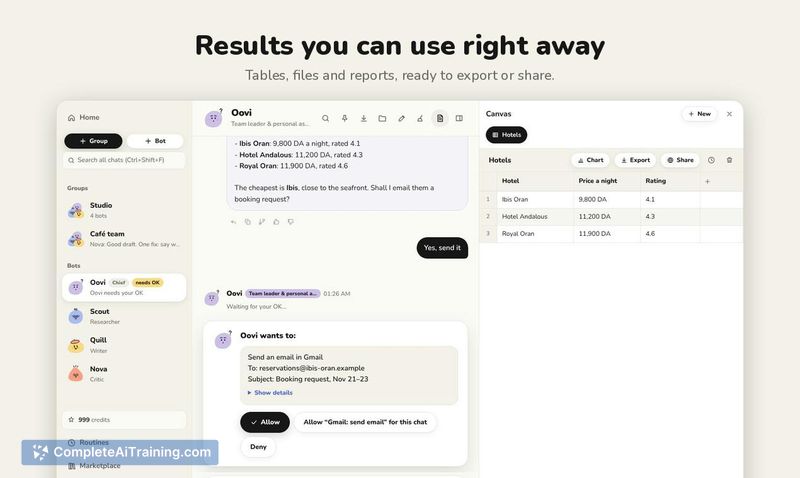
- Approval gate on external actions: Any action that touches the outside world - sending an email, posting, clicking a site - pauses and displays the exact action for user approval before execution.
- Bring your own model: oovi works with Claude, GPT, Gemini, Grok, OpenRouter, or local models. Using your own key makes the tool free, with no markup on API usage.
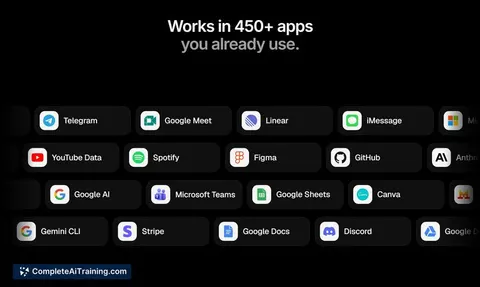
- Telegram integration with routines: Users can interact with their bot team via Telegram. Routines can run on a cloud server when the desktop is off, provided Sync is enabled. Approval cards appear in the chat, and API keys stay local even with Sync active.
- Local-first data storage: Chats, files, and keys reside on the user's computer by default. Cloud sync is opt-in and limited to chat data; API keys are never uploaded.
Pricing and Value
oovi is free when you supply your own API key for a supported model. For users who prefer not to manage their own keys, the tool offers a built-in model starting at $10/month. Credits from this plan do not expire. The direct installer bypasses the Microsoft Store for those who prefer it, though the Store version is also available.
Pros
- No markup on API usage when bringing your own key - the tool is genuinely free in that configuration.
- Approval prompts before any external action give users a clear checkpoint, which matters for email and posting workflows.
- Multi-language support covers English, French, Arabic, Spanish, German, Turkish, and Algerian Darija.
- Telegram integration extends control to mobile, with the same approve/reject cards seen on desktop.
- Installer options include both Microsoft Store and a direct download that self-updates.
Cons
- Routines and Telegram messages depend on opt-in cloud sync to run when the desktop is off; without sync, the tool only operates while the app is open.
- oovi is not well suited for teams that need shared workspaces or collaborative agent management - it's built for a single user, not a group.
- Version 0.15.0 indicates early-stage development, so users should expect evolving feature coverage and possible instability.
oovi fits solo operators who juggle research, writing, and review tasks and want a bot team that works with minimal back-and-forth. The local-first design and bring-your-own-key model make it practical for users who already have API access and prefer to keep data on their own machine. Teams needing shared agent workspaces or multi-user collaboration will find the single-user scope limiting.