AI tool
PicKey AI
PicKey AI turns your photo and a 3D character into a high-strength visual Master Password-no typing or memorizing text passwords. A visual password manager that pairs strong security with simple, password-free access.
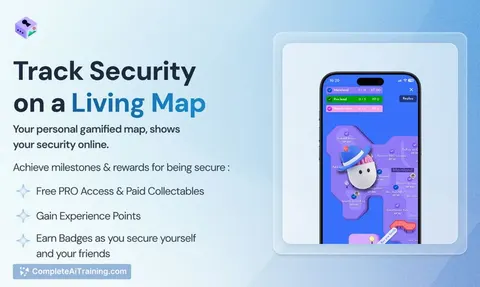
About PicKey AI
PicKey AI is a visual password manager that uses a personal photo plus a 3D collectible as a visual master key. Instead of storing text master passwords, it generates strong, site-specific passwords on the fly using an AI-driven "MagicPass" method.
Review
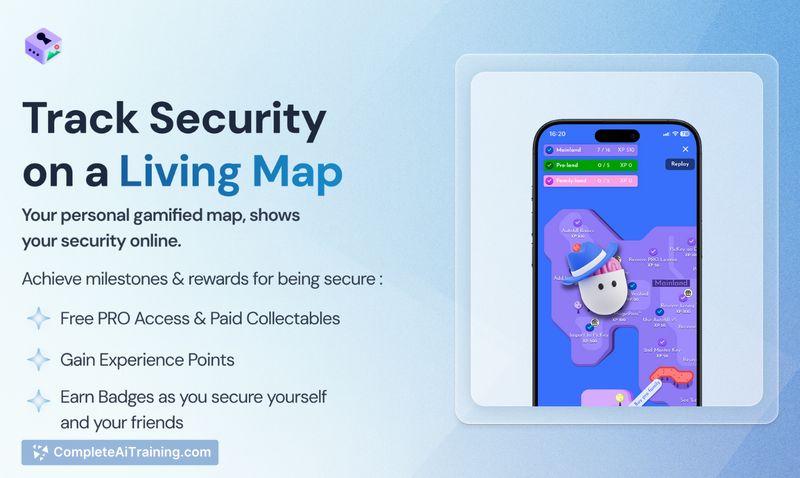
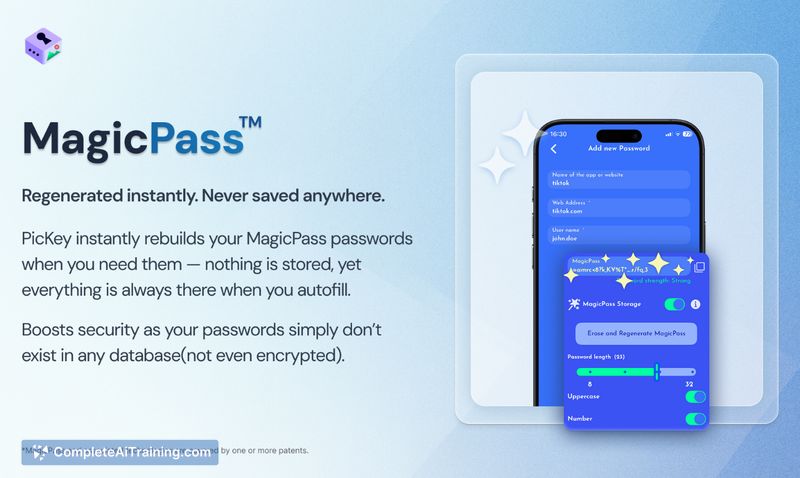
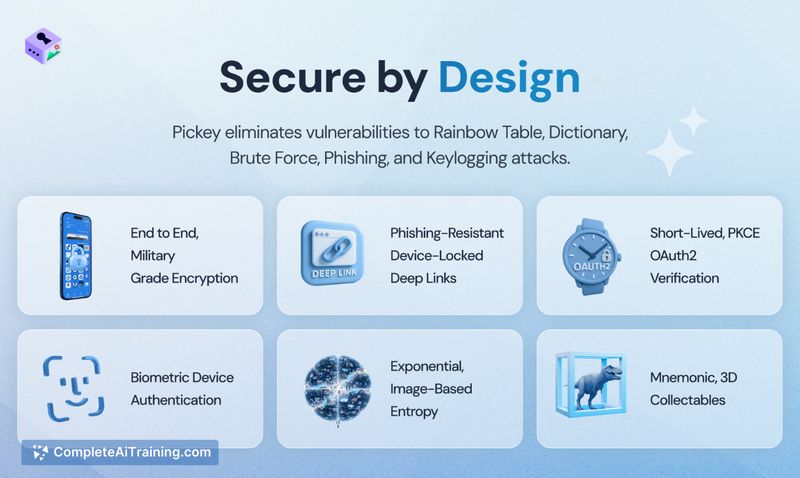
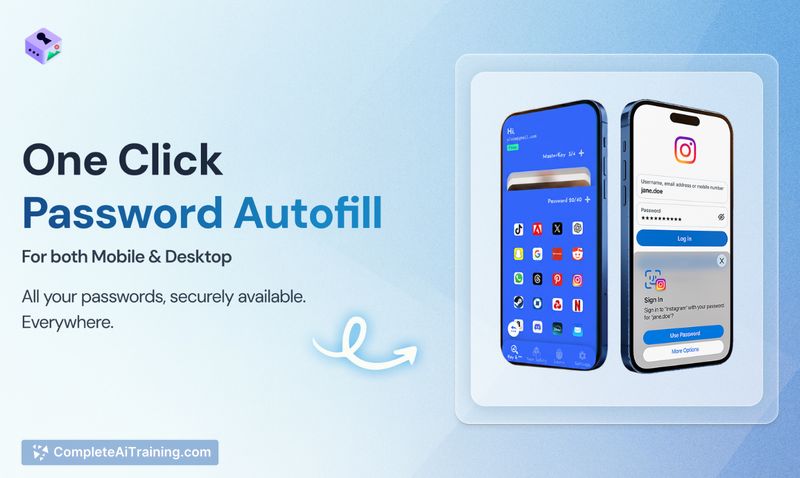
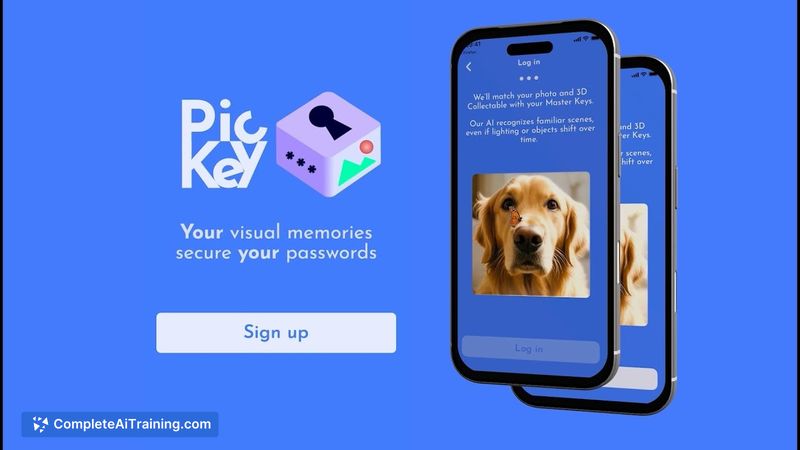
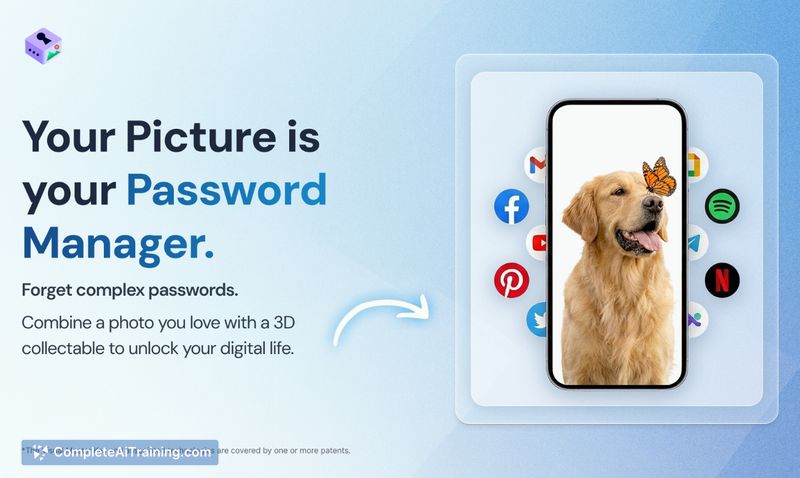
PicKey AI presents an alternative to traditional vault-based password managers by replacing a typed master password with a photo-based authentication model. The product combines image-semantic recognition, on-device verification and a suite of standard cryptographic protections to deliver a memorable login method that aims to reduce stored-secret risk.
Key Features
- Visual Master Key: use a favorite photo plus a 3D collectible and optional region-based focus to create a memorable login.
- MagicPass: unique, strong passwords are mathematically regenerated when needed and are not stored in a central vault.
- Security primitives: biometric options, on-device verification, AES-256-GCM encryption, secure KMS, and short-lived PKCE-style OAuth flows.
- Cross-platform access: mobile (iOS) app plus browser extensions for Chrome, Firefox, Edge and Safari.
- Sharing and legacy features: family plans, Next of Kin and living-will style controls for account access and recovery.
Pricing and Value
PicKey AI offers a free tier alongside paid plans (PRO and PRO-Family). At launch there is a promotional discount available for the paid tiers. The value proposition centers on easier recall and a reduced attack surface because passwords are generated on demand rather than stored. Whether that trade-off is worth a subscription will depend on how much a user values convenience and the specific security model compared with traditional vault-based services.
Pros
- More memorable sign-in method for people who struggle with long text master passwords.
- Passwords are not stored centrally, lowering the risk from database breaches of stored credentials.
- Multiple security controls and encryption standards are used alongside AI-based image recognition.
- Family and recovery features are built in, which helps with shared accounts and digital legacy planning.
- Cross-device support with browser extensions and a mobile app for common workflows.
Cons
- Photo-based authentication is a different mental model; some users and security professionals may need reassurances or more documentation before trusting it for critical accounts.
- Site and onboarding content can feel unclear for first-time visitors; a clearer visual walkthrough or tutorial would reduce friction.
- Gamification elements and collectibles may not appeal to users who prefer a minimal, purely utilitarian interface.
PicKey AI is a good fit for people who forget or dislike typing long master passwords, families who want simpler shared access, and users who prefer password alternatives on mobile devices. Security-minded users should review the technical documentation and test the recovery options before migrating high-value accounts, but the concept offers a fresh approach worth trying for those open to a different authentication model.