AI tool
Shot.video
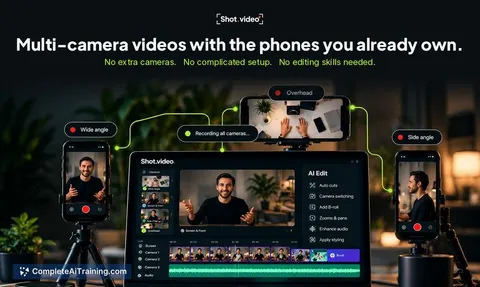
Shot.video turns multiple phones into synced cameras without installing an app. It records your screen, laptop camera, and phones together, then uses AI to create an editable first cut for content creators.
About Shot.video
Shot.video turns a laptop and nearby phones into a multi-camera recording setup without requiring an app installation on the phones. A QR code scan connects each phone as an additional camera angle, and a single record button starts synchronized capture across all devices. The tool then uses AI to produce a first edit that cuts to the camera the speaker is looking at, adding zooms, punch-ins, and optional B-roll.
Review
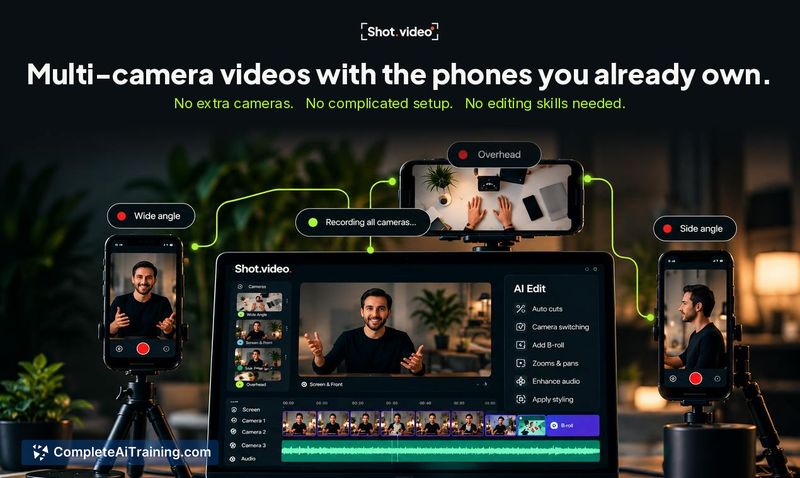
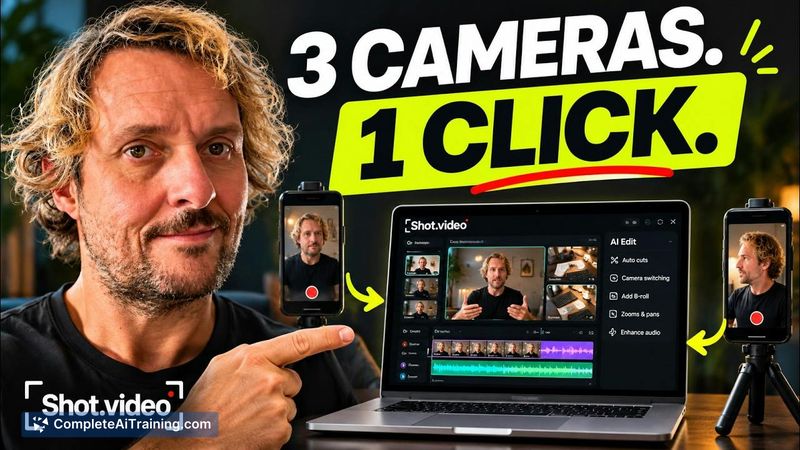
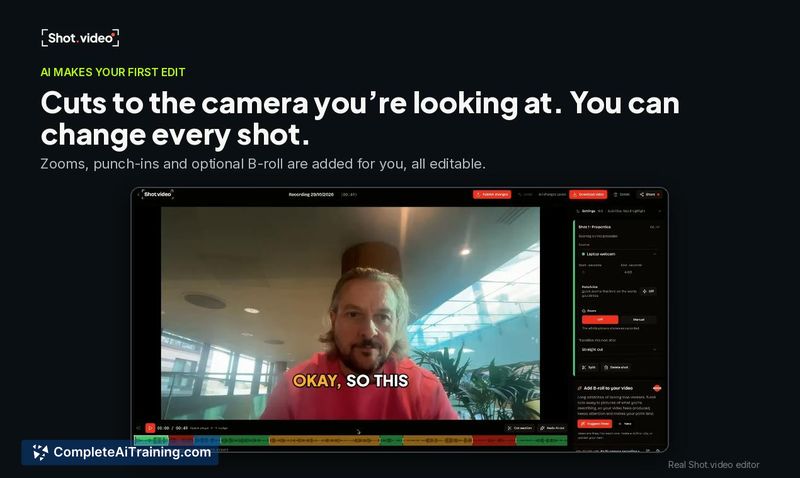
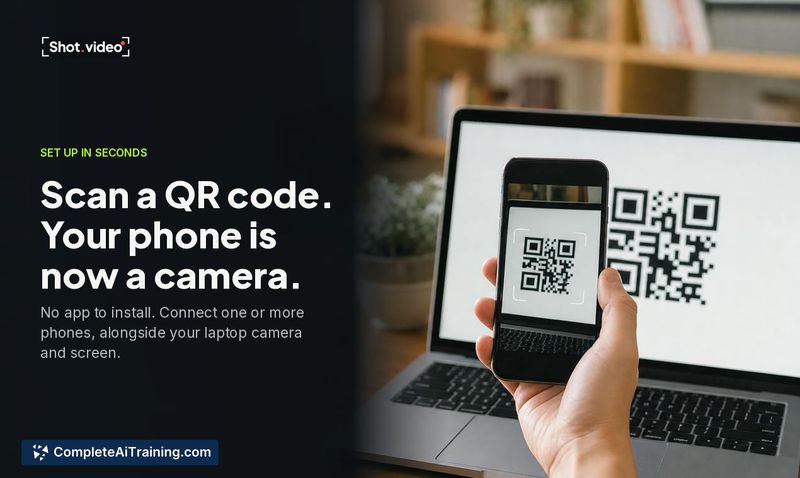
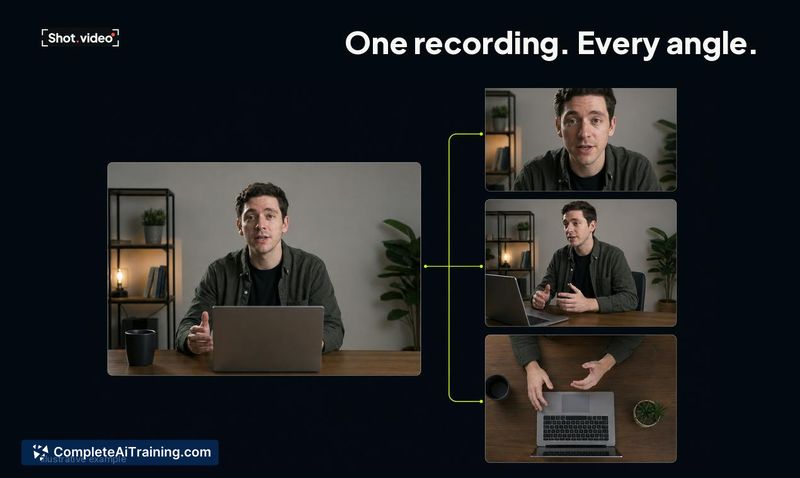
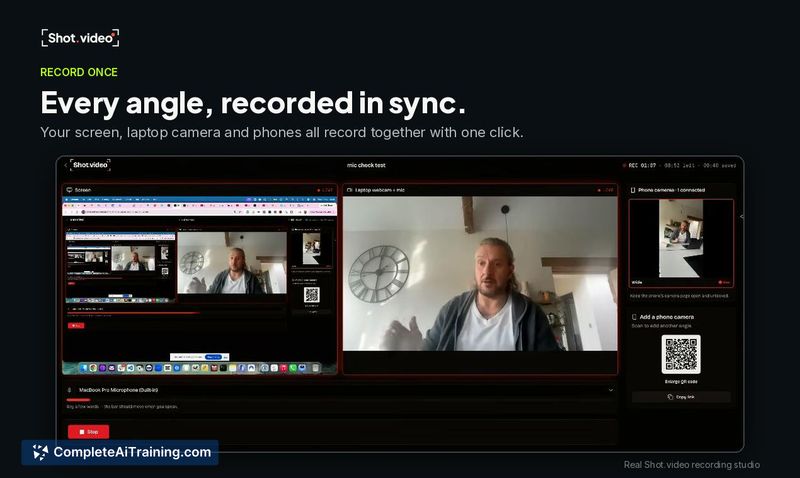
Shot.video addresses the friction of setting up multiple camera angles for talking-head videos, product demos, and tutorials. It relies on browser-based recording on phones rather than a native app, which keeps setup simple but ties output quality to browser capabilities. The AI editing feature aims to reduce post-production time by automatically switching angles based on speaker eye direction.
Key Features
- Multi-device recording from a laptop and phones connected via QR code, with no phone app install required.
- Synchronized capture: pressing record once starts all cameras, screen recording, and laptop microphone simultaneously.
- AI-generated first edit that cuts to the camera the speaker is looking at and inserts zooms, punch-ins, and optional B-roll.
- Editable timeline where every AI-generated cut can be manually changed.
- Local phone recording that uploads footage in the background in roughly 20-second segments, with automatic retry if a connection drops.
Pricing and Value
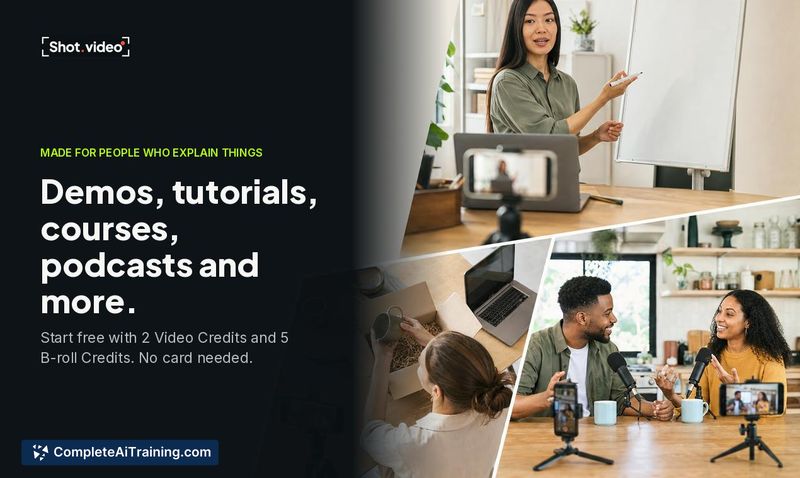
The free plan includes 2 Video Credits and 5 B-roll Credits, with no credit card required. During the Product Hunt launch week, new accounts receive 50 extra B-roll credits. The tool's page does not list pricing for paid tiers or define what constitutes a Video Credit beyond the free allocation. Long-term pricing structure remains unannounced. Recordings stop at the 10-minute mark, so longer sessions need to be split into parts.
Pros
- Setup requires only a QR code scan on phones-no app download, account creation, or cable connection.
- All camera angles, screen capture, and laptop audio start recording from a single button press.
- AI editing bases cuts on where the speaker is looking, which can save time on rough-cut assembly.
- Phones record locally in-browser and upload in segments, so a temporary WiFi drop doesn't lose already-transferred footage.
- iPad support works the same way as phone support, through Safari with no additional setup.
Cons
- Phone video resolution depends on browser access to the camera-the tool requests 1080p, but actual output varies by device and browser limitations rather than using the full native camera capability.
- Recordings are capped at 10 minutes, requiring multi-part sessions for longer content like full course lessons or extended meetings.
- The tool is not well suited for users who need guaranteed, consistent high-bitrate footage from all angles, since phone recording quality fluctuates with browser constraints and network conditions.
Shot.video fits solo creators and small teams who record product demos, tutorials, or short-form talking-head videos and want a second angle without buying extra hardware. It's practical for quick, multi-angle content where the 10-minute limit aligns with the format-like launch walkthroughs, review clips, or team updates. Users who need full manual control over camera settings or produce long-form, high-fidelity recordings should test whether the browser-based phone capture meets their quality requirements before committing to a workflow.