AI tool
Spiik
Spiik records meetings, lectures, and calls then provides accurate transcripts with speaker labels. It creates summaries, notes, and quizzes from recordings and supports over 100 languages. It is for people who want to capture and use spoken infor...
About Spiik
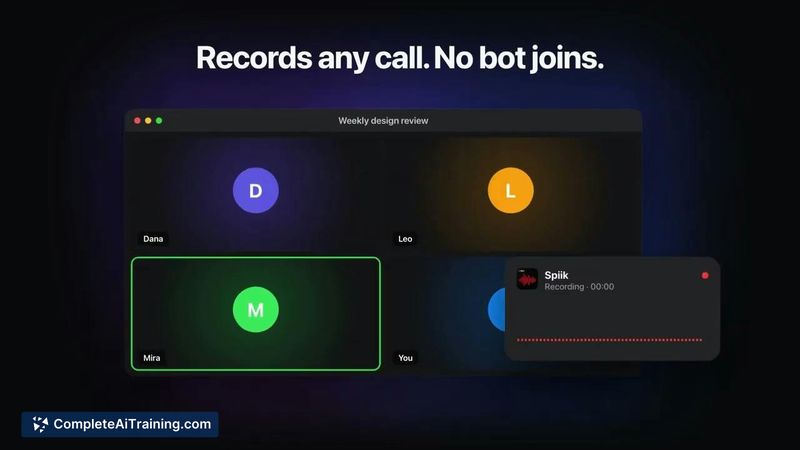
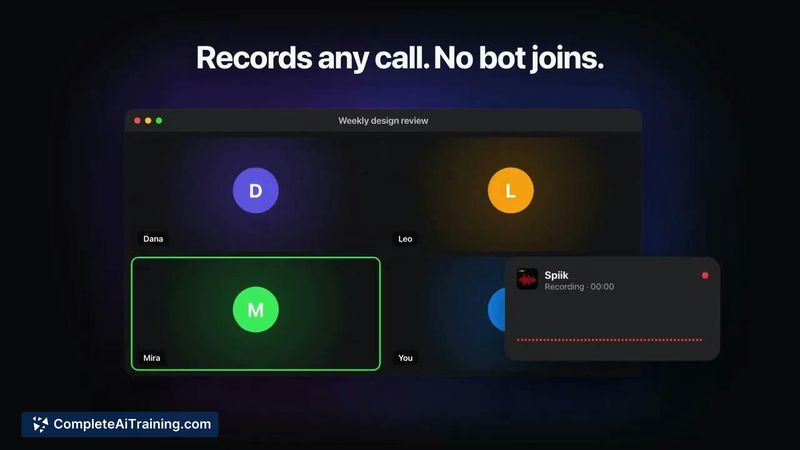
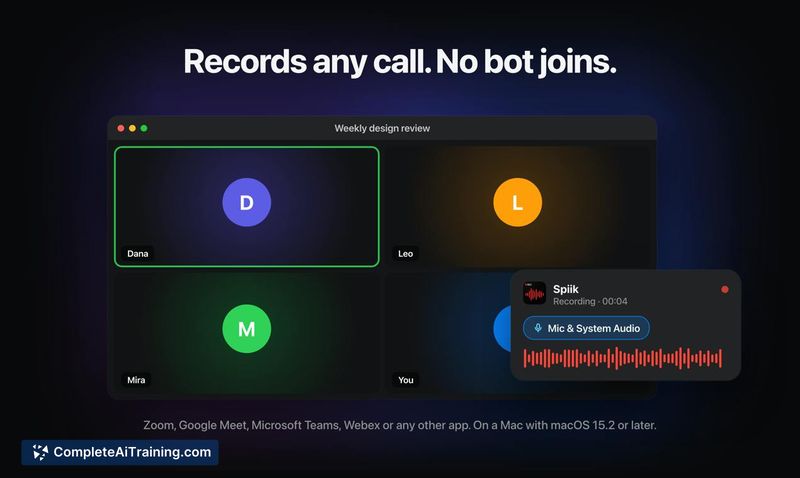
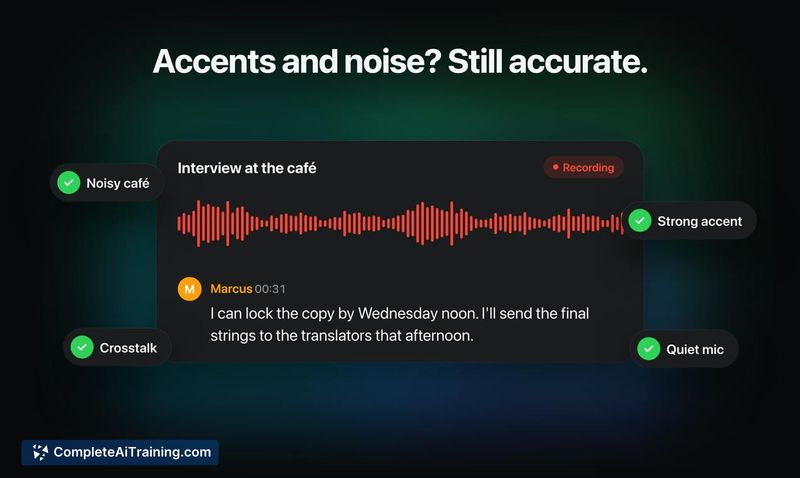
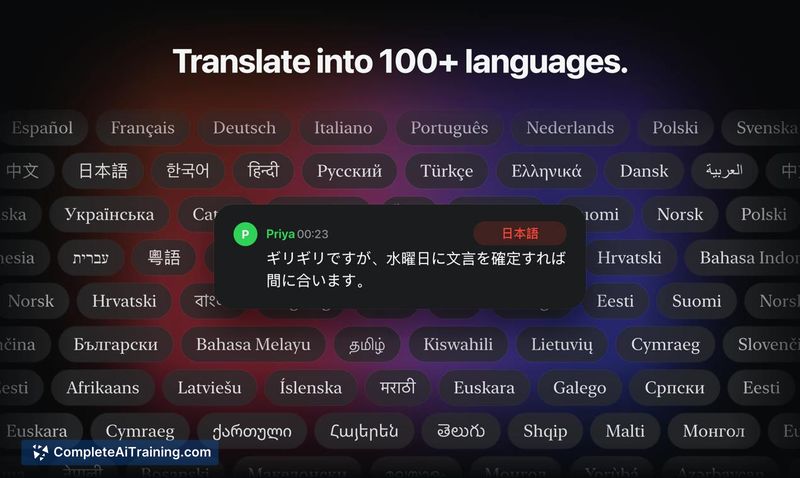
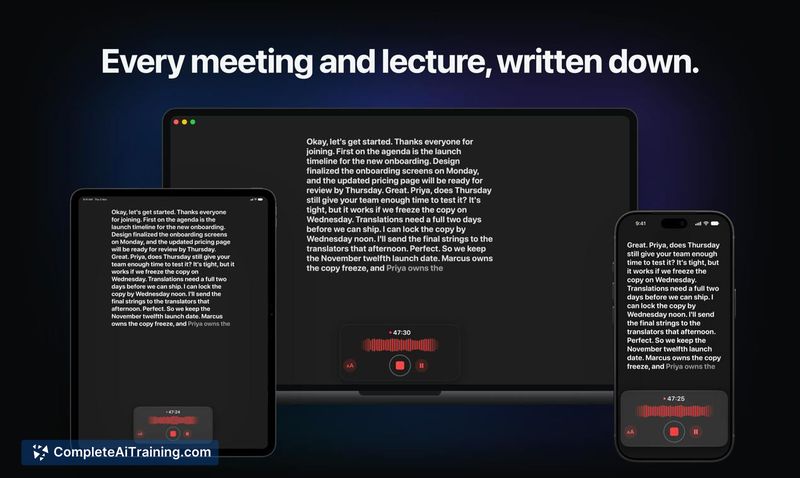
Spiik is an AI note-taking tool for meetings, lectures, interviews, and calls. It records audio and produces a transcript with speaker labels, handles accents and noisy environments, and translates across 100+ languages. On a Mac, it captures both sides of a conversation from apps like Zoom, Meet, and Teams without a bot joining the call.
Review
Spiik enters the note-taking space with a clear focus on local recording and post-session processing. The Mac implementation, which grabs system audio and microphone as separate tracks, sidesteps the common friction of bot participants. This review examines what the tool does today, what's on the roadmap, and where it fits for different kinds of users.
Key Features
- Records meetings, lectures, interviews, and calls with no bot joining the call on Mac. The app captures system audio and mic input as separate tracks for Zoom, Meet, Teams, and other apps.
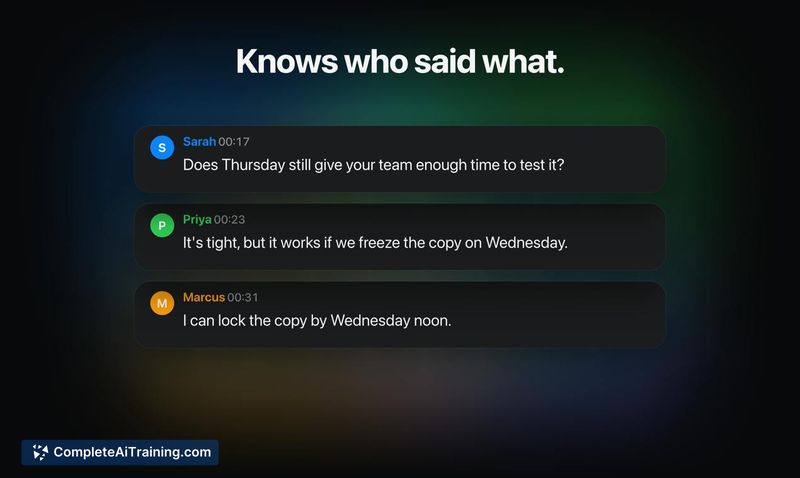
- Generates transcripts with speaker labels through speaker separation from the audio recording, not meeting metadata. The maker notes it holds up with five or more speakers in a room.
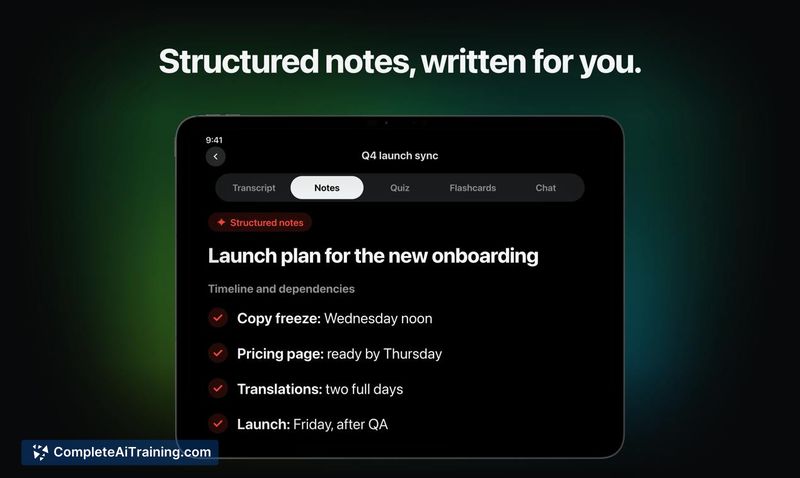
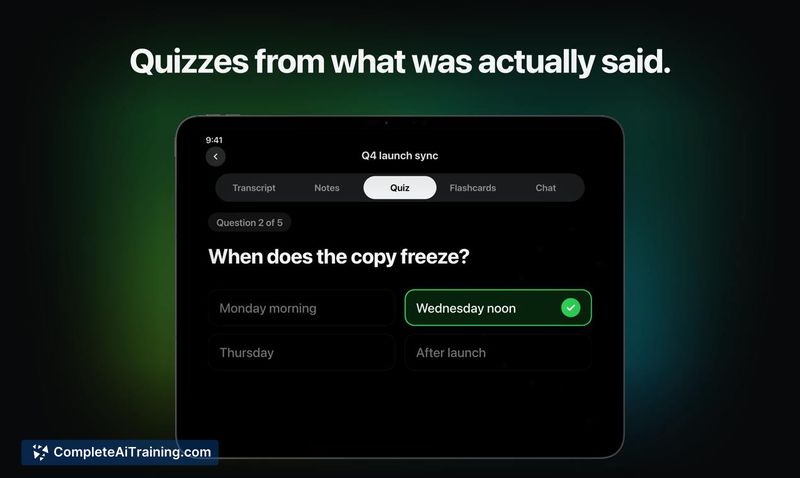
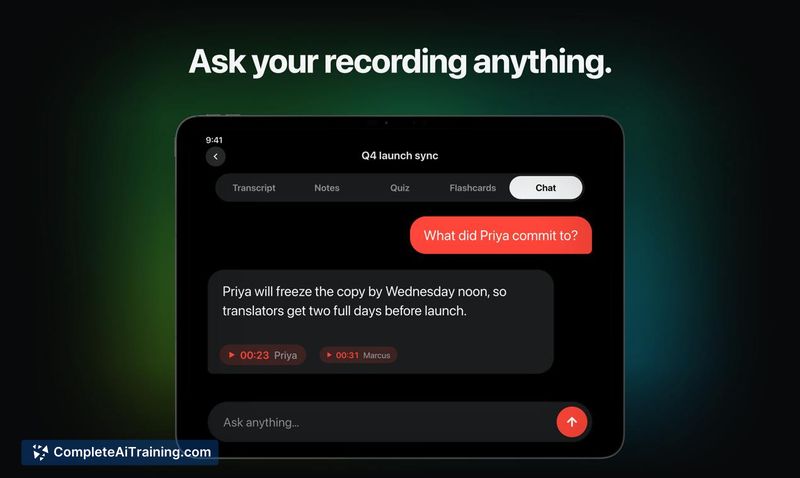
- Converts recordings into structured notes, summaries, quizzes, flashcards, and mind maps. Users can also ask questions about a recording.
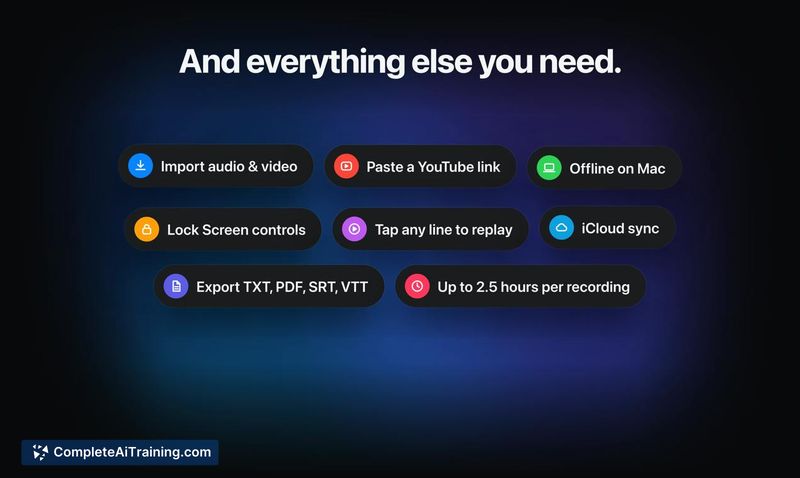
- Transcribes and translates audio in over 100 languages. Users can tap any line in the transcript to replay that moment of the original audio.
- Imports audio files, video files, and YouTube links. Exports to TXT, PDF, SRT, and VTT formats.
Pricing and Value
Spiik is free to download with no limit on recording time. Spiik Pro, which unlocks full transcripts and the AI tools (structured notes, summaries, quizzes, flashcards, mind maps, and Q&A), comes with a 7-day free trial. Exact Pro pricing is not yet defined in the available information. The app runs on iPhone, iPad, and Mac.
Pros
- No bot joins the call on Mac, which avoids permission hurdles in settings where external participants aren't welcome, such as university seminars or client meetings with strict security policies.
- Speaker separation works from the audio itself rather than relying on meeting software metadata. This matters when you're recording a room with multiple people through a single laptop microphone.
- On-device transcription is available as a setting, keeping recordings local for users who work with sensitive material.
- The tap-to-replay function connects every transcript line back to the original audio, which helps when reviewing sections where the transcription might struggle, like tonal languages or heavy accents.
- Multiple output formats (TXT, PDF, SRT, VTT) make the transcripts usable in video editing workflows and subtitle creation without extra conversion steps.
Cons
- Cross-recording Q&A isn't currently available. You can ask questions about a single recording, but querying across multiple recordings-like checking what a client said over several calls-is not yet possible.
- The tool is not well suited for teams that need real-time collaborative transcription or live shared notes during a meeting. Spiik processes everything after the session ends.
- Flashcard generation runs on full audio without requiring transcript editing, but the quality of auto-generated study materials from long, unstructured recordings can vary depending on how focused the original conversation was.
Spiik makes the most sense for students recording lectures, journalists capturing interviews, and professionals who attend calls solo and want a record without inviting a bot. It fits scenarios where post-session review matters more than live collaboration. People who need real-time shared notes or cross-meeting search should check whether those capabilities appear on the roadmap before committing.