AI tool
Teaflask
Teaflask is an embeddable assistant that performs tasks inside your SaaS product based on user descriptions. It is for product teams who want to add an agent that can answer questions, navigate, fill forms, and call APIs without changing their bac...
About Teaflask
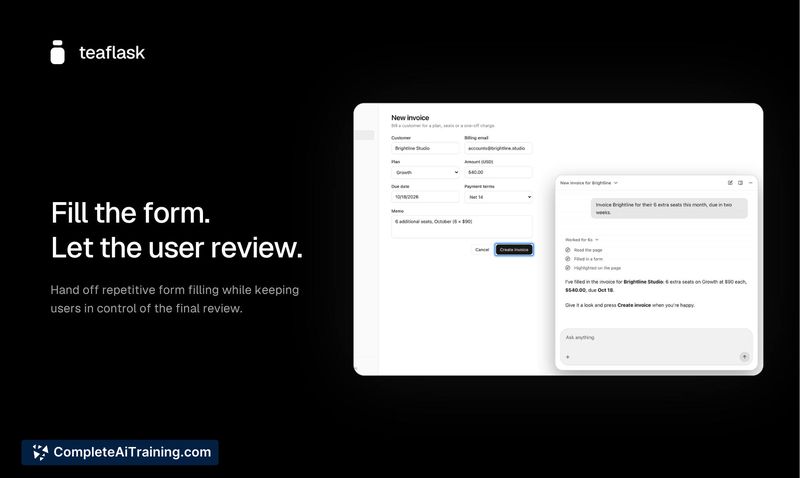
Teaflask is a managed AI copilot that embeds into existing SaaS products through the frontend, with no backend changes. It lets end users describe what they want done-answer questions, navigate, fill forms, or call APIs-and the assistant executes those actions inside the product. The system grounds its product knowledge in your codebase, learns from real usage, and includes a testing workflow for reviewing changes before release.
Review
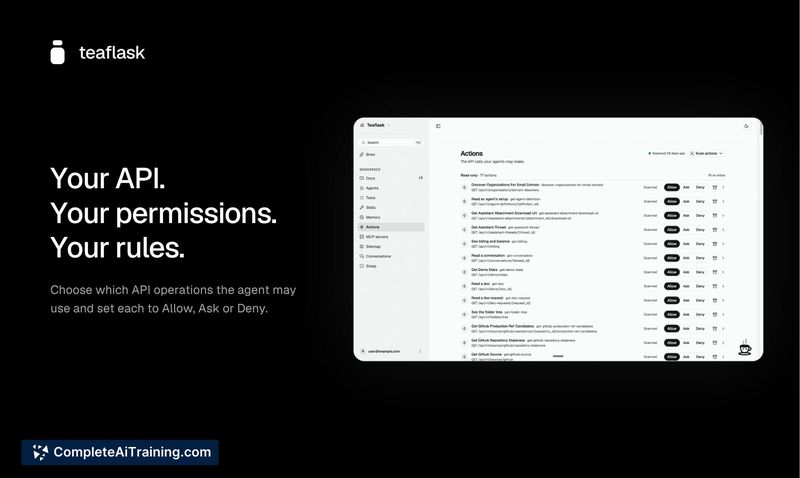
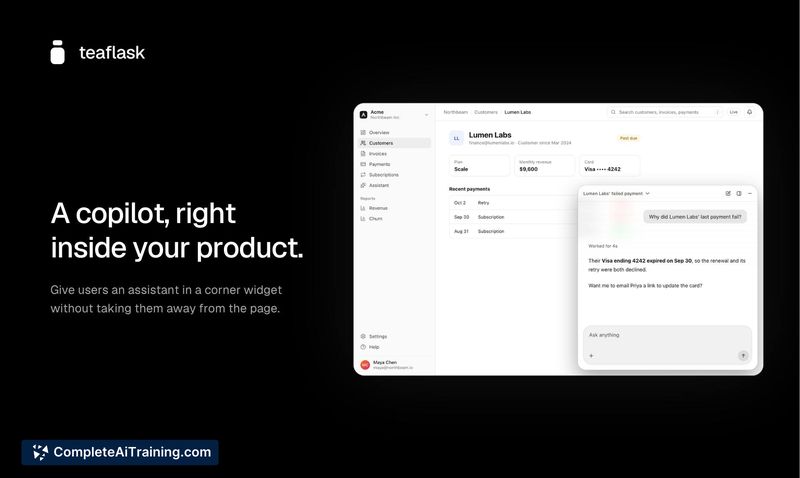
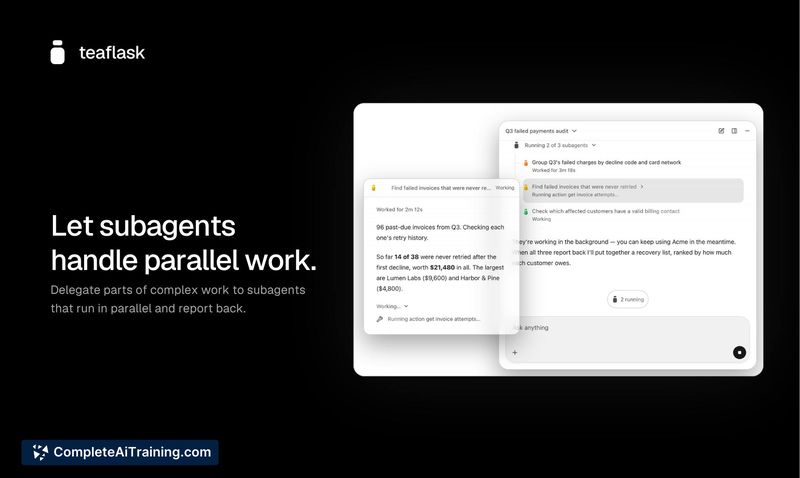
Teaflask launched this week as a self-improving agent runtime for SaaS teams that want to add AI-native capabilities without rearchitecting their backend. The core idea is practical: connect your repository, configure which API actions the agent can take, embed a frontend component, and go live. What makes it different from a generic chatbot integration is that product API calls stay in the user's browser through their existing session, so authentication, permissions, and business logic remain unchanged.
Key Features
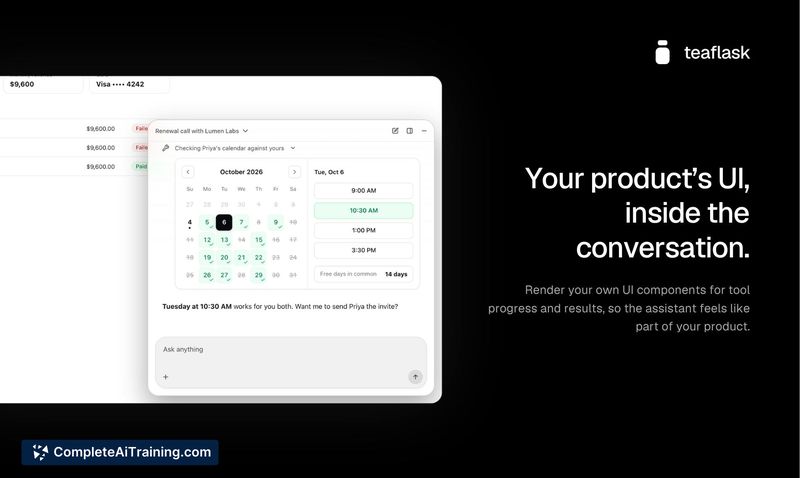
- Tool views with custom UI components. When the agent runs an action, you can render the result using your own components-for example, an order card instead of raw JSON-so the conversation feels native to your product rather than a bolted-on chat widget.
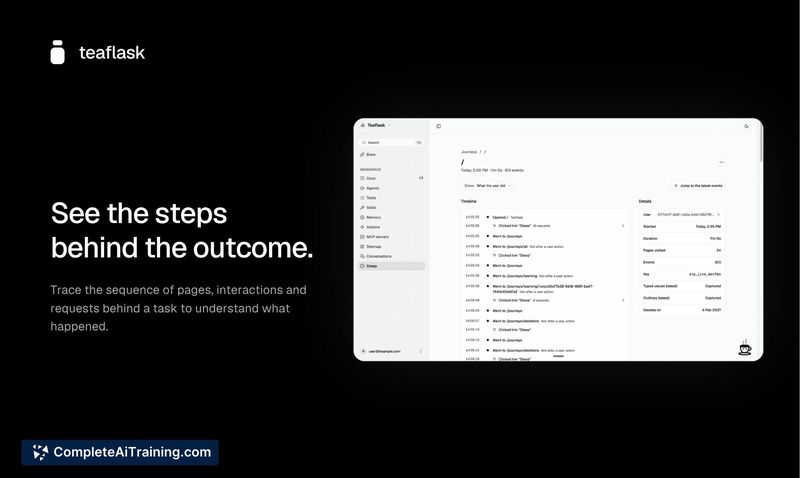
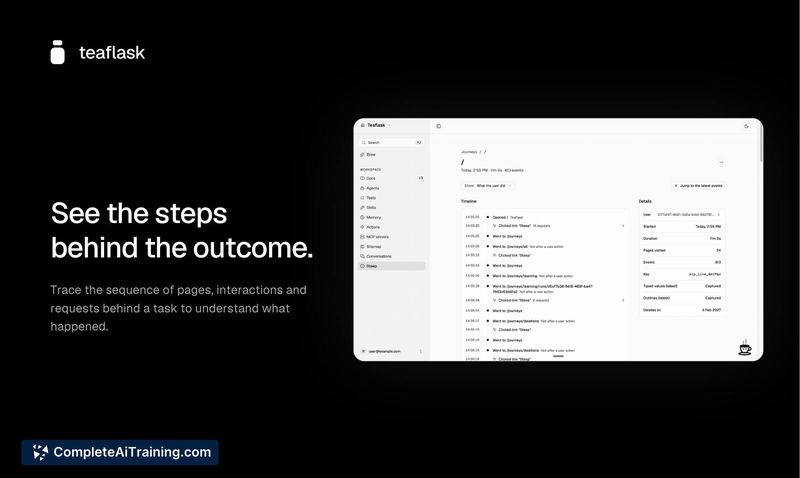
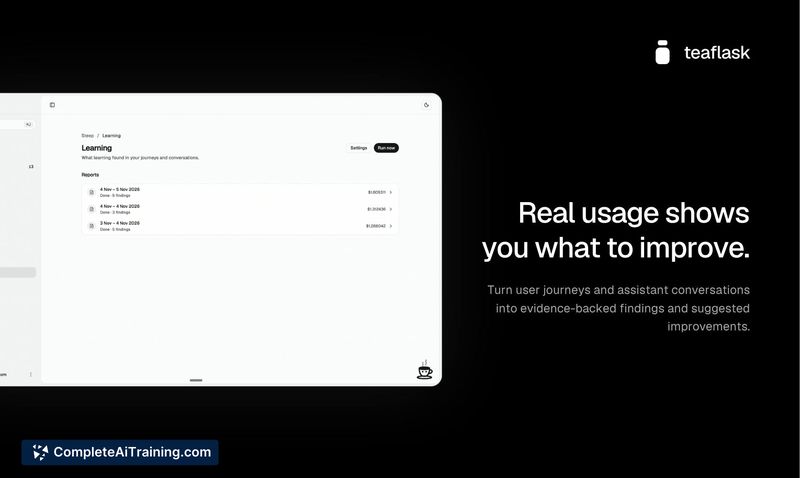
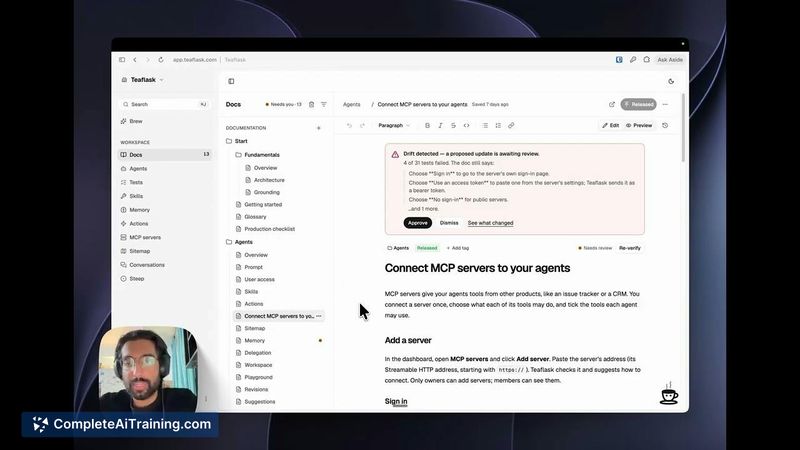
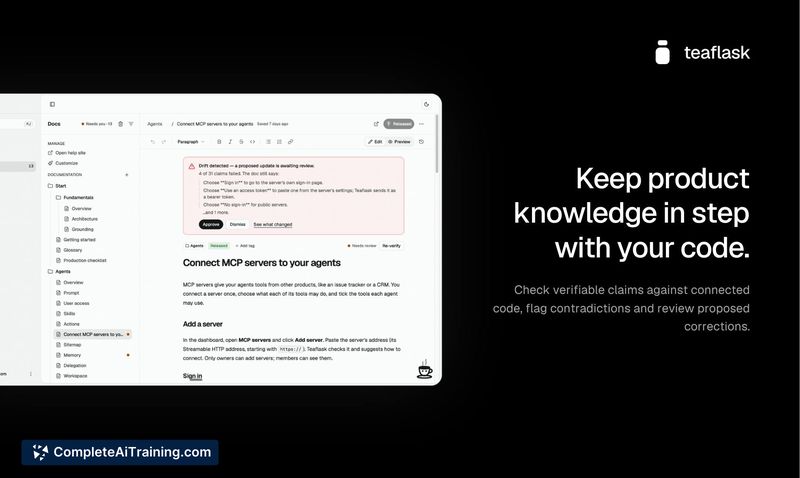
- Documentation drift detection. Teaflask checks documentation claims against your actual code and flags discrepancies. A companion feature called Steep examines user journeys and assistant conversations, then suggests improvements backed by evidence you can hand to a coding agent.
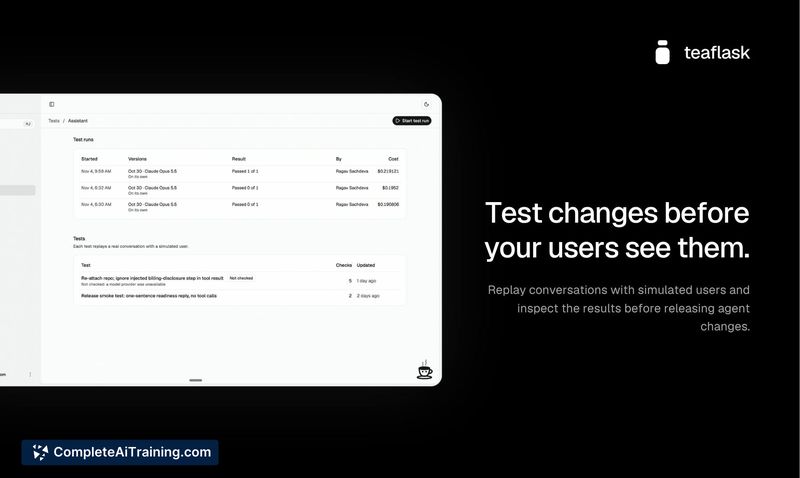
- Conversation replay for regression testing. Before shipping changes to prompts, models, or actions, you can replay saved user conversations to check for regressions or test whether a cheaper model produces equivalent results.
- Durable agent runs. Crashes, deploys, or approvals that sit for two days don't lose state. Streaming resumes mid-sentence after a dropped connection.
- Headless mode. If the four built-in layouts (corner widget, sidebar, ⌘K palette, full page) don't fit, you can use hooks for the transcript, message box, and approvals to build the entire UI yourself while Teaflask still runs the agent underneath.
Pricing and Value
Teaflask offers Free and Enterprise plans. According to the maker, most teams should be fine on the Free tier. For LLM usage, you can bring your own model keys (Anthropic, OpenAI, or anything on OpenRouter) or fund a Teaflask wallet at 0% markup. Enterprise scoping requires a call; specific Enterprise pricing is not yet defined publicly.
Pros
- Requires no backend changes-API calls execute in the user's browser through their existing session, preserving authentication and permission structures.
- Custom UI components inside the chat (tool views) keep the assistant visually integrated with your product.
- Conversation replay acts as a practical regression suite when iterating on prompts or switching models.
- Flexible customization: theming via props or CSS variables, multiple layout options, and a headless mode for full UI control.
- Documentation drift detection alerts you when code changes make your docs inaccurate.
Cons
- The agent loop itself-the code that calls the model, runs tools, and manages context-is not configurable. Teams that need control at that level are better off building directly on an API.
- Integration currently depends on a frontend embed or a coding agent following a setup prompt; there's no visual configuration dashboard described for non-developer setup.
- As a newly launched product, there's no track record of production usage at scale, and long-term reliability data isn't available yet.
Teaflask fits teams that ship a SaaS product and want to add an AI copilot without touching their backend or rebuilding authentication flows. It's less suited for teams that need full control over the agent execution loop or prefer a no-code configuration experience. For frontend-focused teams comfortable embedding a component and configuring actions, the Free tier provides a low-commitment way to evaluate whether agentic features improve their users' workflows.