AI tool
UI Verify
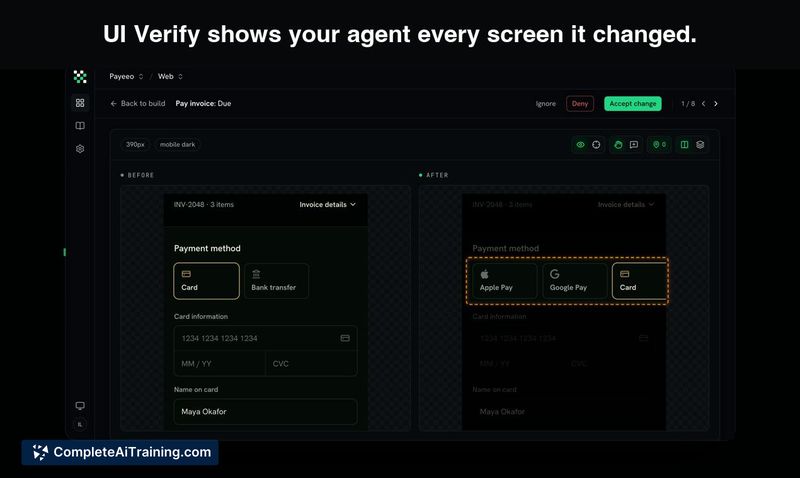
UI Verify catches visual regressions that coding agents miss by showing them every screen their code changes touched. It is built for teams using AI coding agents who want to prevent UI bugs before they reach production.
About UI Verify
UI Verify is a visual testing tool that captures screenshots of every screen affected by a code change and presents them to a coding agent. The agent can then detect and fix its own UI regressions before they reach production. It integrates with Playwright, Storybook, Vitest, Bun, and supports iOS and Android apps.
Review
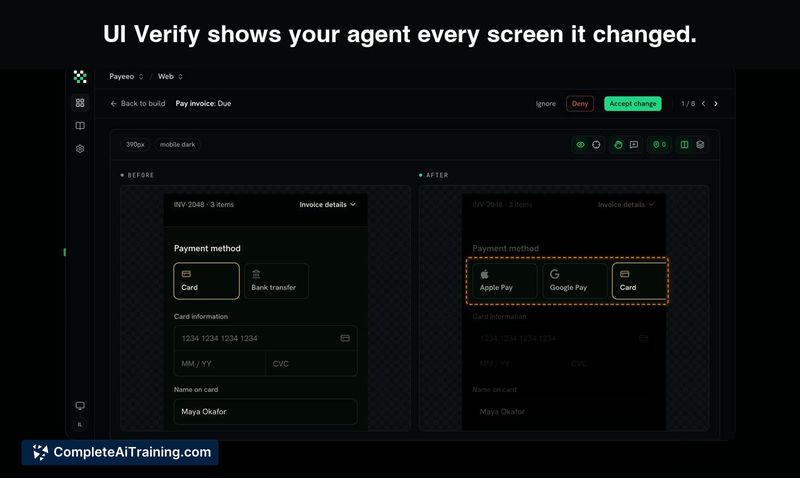
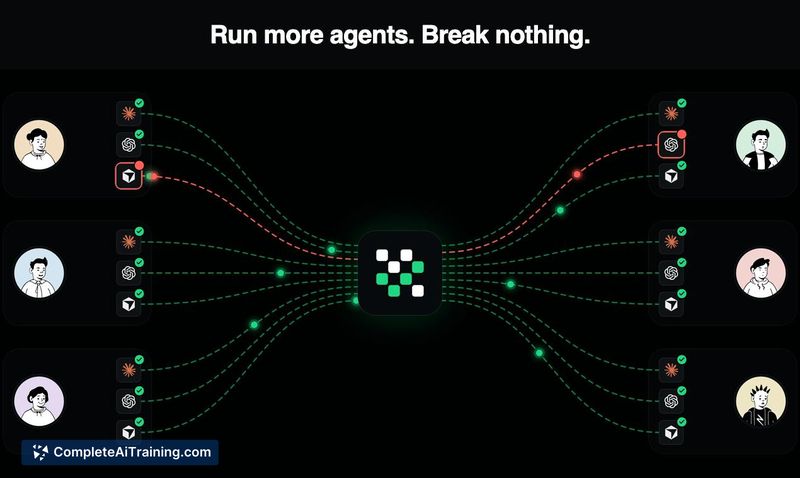

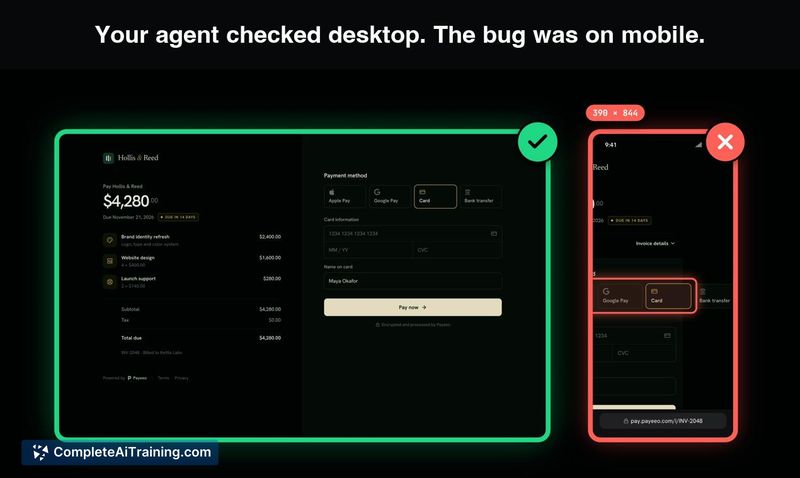
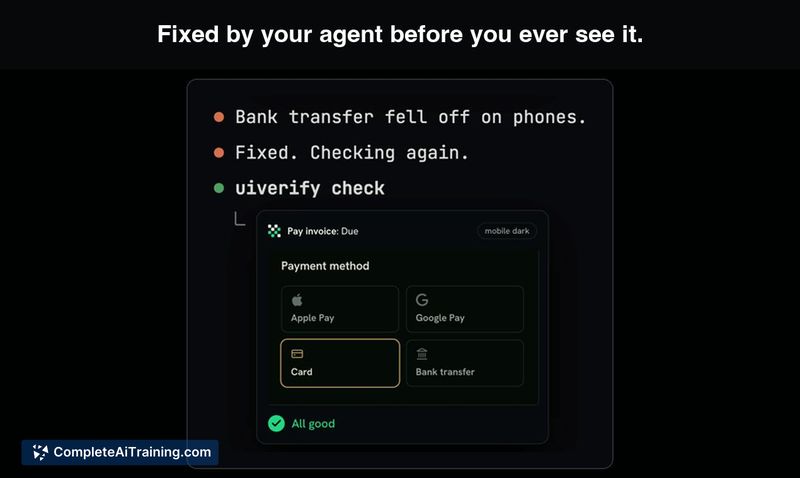
UI Verify addresses a specific gap in agent-driven development: coding agents typically only inspect the page they modified, leaving other dependent screens unchecked. The tool automates the before-and-after snapshot comparison across all impacted views. Teams at JetBrains, Cura, and Metica are listed as current users.
Key Features
- Cross-screen diffing for coding agents. When a change touches a shared component, UI Verify captures and displays every screen that uses that component, not just the one the agent edited.
- Self-healing loop. The agent reviews the visual diffs, decides which regressions are accidental, and fixes them autonomously. Intentional changes can be flagged for human approval.
- Multi-framework and mobile support. The tool accepts custom screenshots from any source. It works with Playwright, Storybook, Vitest, Bun, and native iOS/Android apps, including Flutter builds.
- Incremental snapshotting. Instead of re-running the full suite, UI Verify diffs only the stories or screens affected by the change. A Storybook of roughly 1,000 stories reportedly runs in 2-3 minutes for affected stories, versus 10-12 minutes for a complete run.
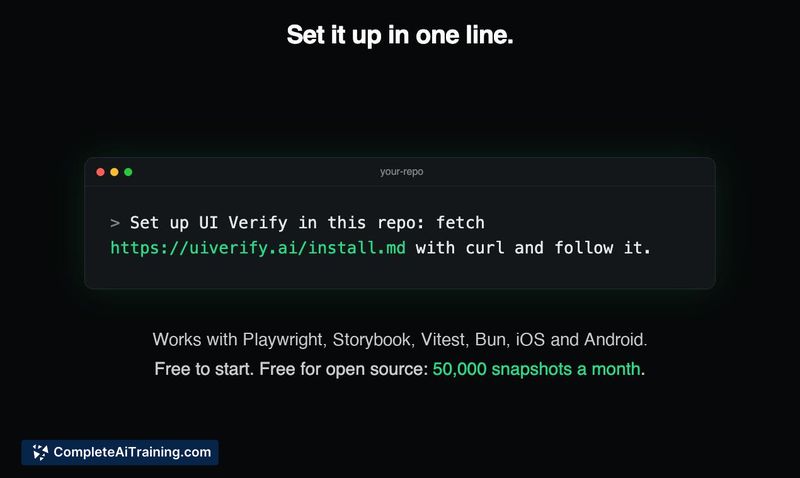
- Single-line setup. A curl command fetching an install script from the UI Verify site bootstraps the integration in a repository.
Pricing and Value
UI Verify is free to start and free for open-source projects, with an allowance of 50,000 snapshots per month. Pricing tiers beyond the free tier are not yet defined in the available information.
Pros
- Catches visual regressions on screens the developer didn't manually check, reducing the need for human screenshot review.
- Works with mobile apps and Flutter, not just web-based component libraries.
- Setup is a single curl command, which fits into agent-driven workflows without lengthy configuration.
- The incremental diffing keeps run times low on pull requests, even for large Storybooks.
- Gives the agent enough context to fix clear regressions independently while surfacing ambiguous changes for a human decision.
Cons
- Teams without a coding agent in their workflow won't benefit from the self-healing loop; the tool assumes an agent is making the changes and consuming the diffs.
- The handling of intentional visual changes still requires human oversight to avoid agents incorrectly "fixing" deliberate updates.
- Pricing details beyond the free tier are not yet published, which makes cost projection difficult for larger commercial teams.
UI Verify fits teams that already rely on coding agents and want to prevent visual regressions from leaking into production. It's less relevant for shops that don't use agent-based development or that have a fully manual QA pipeline. The free tier and open-source allowance make it practical to trial in a real repository before committing.