AI tool
VocaScript
VocaScript converts audio from voice notes, podcasts, and long streams into searchable transcripts with speaker labels and timestamps. It includes a quality report that flags potential errors for review and correction. This tool is for anyone who ...
About VocaScript
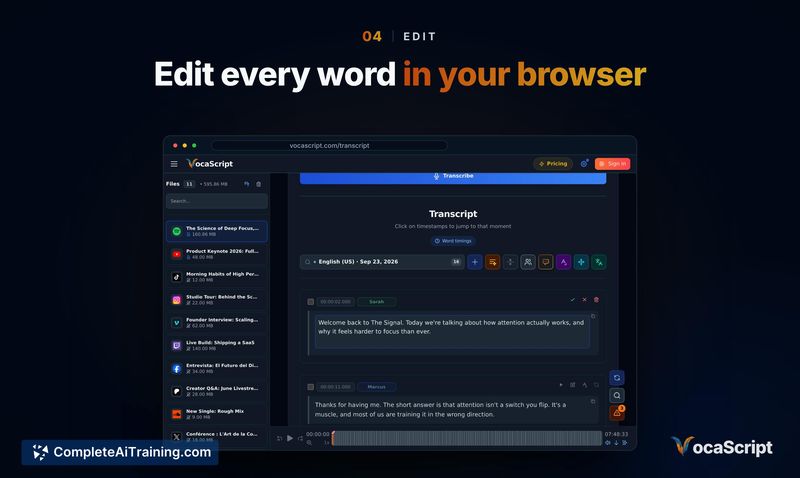
VocaScript is a transcription tool built to handle long audio and video recordings without splitting them. It outputs timestamped, speaker-labeled text in over 100 languages and can process multi-speaker, multi-language files in a single pass. A quality report identifies potential issues in the transcript, and users can retranscribe specific passages or merge speaker labels by voice.
Review
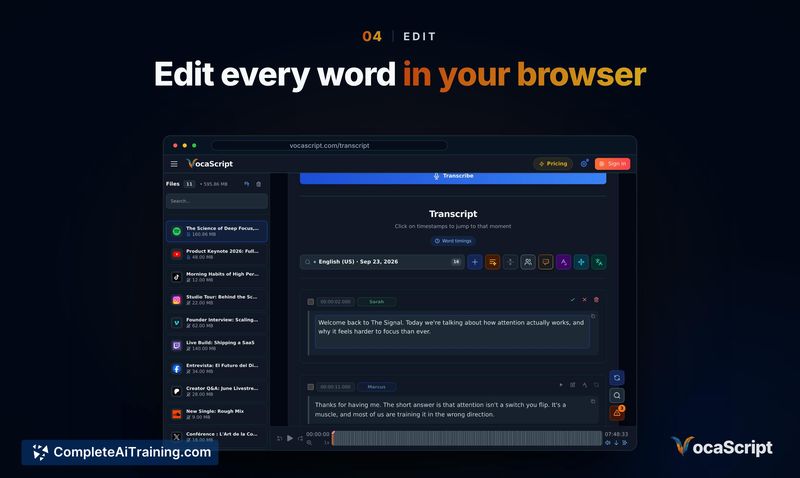
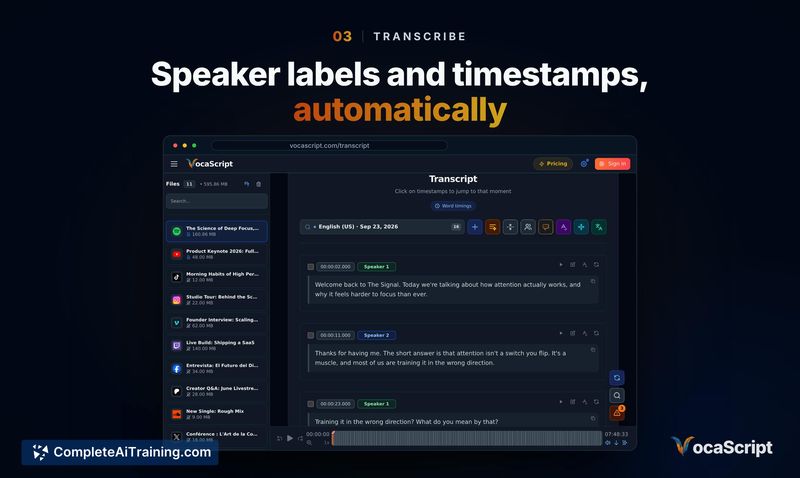
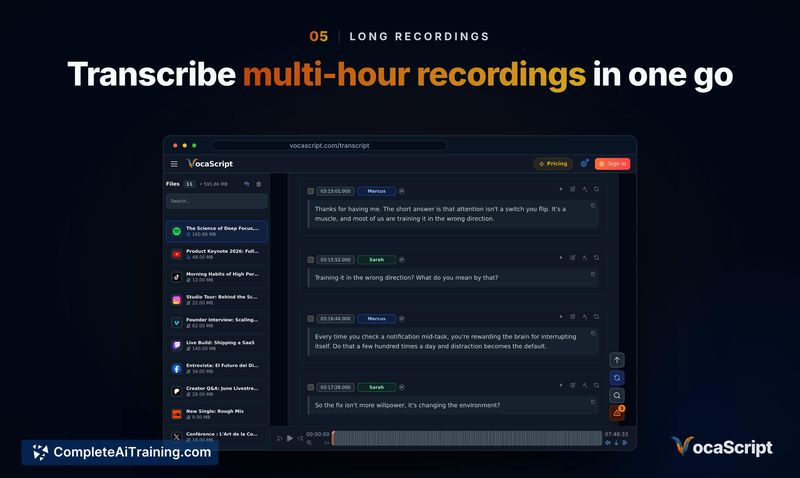
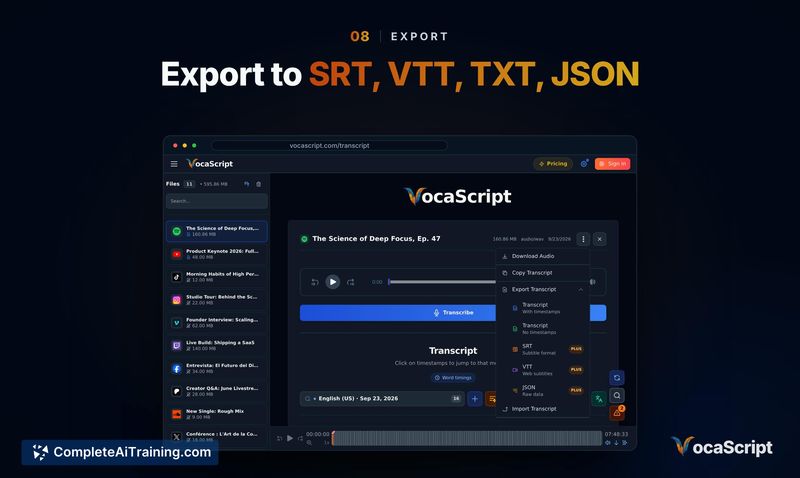
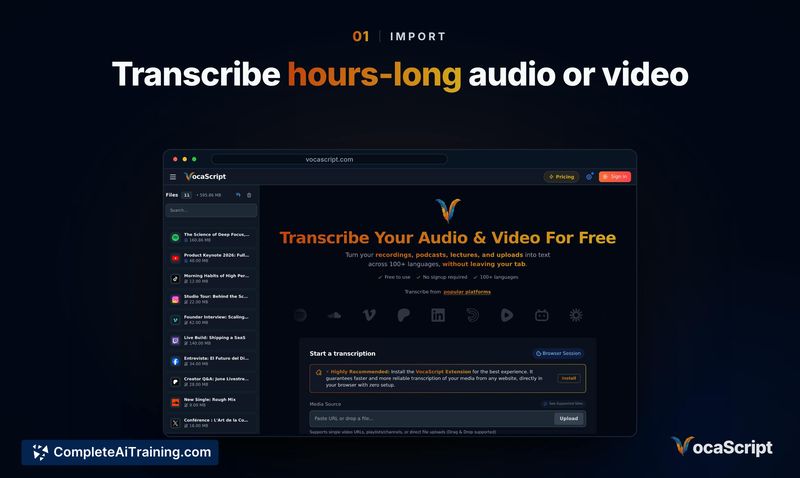
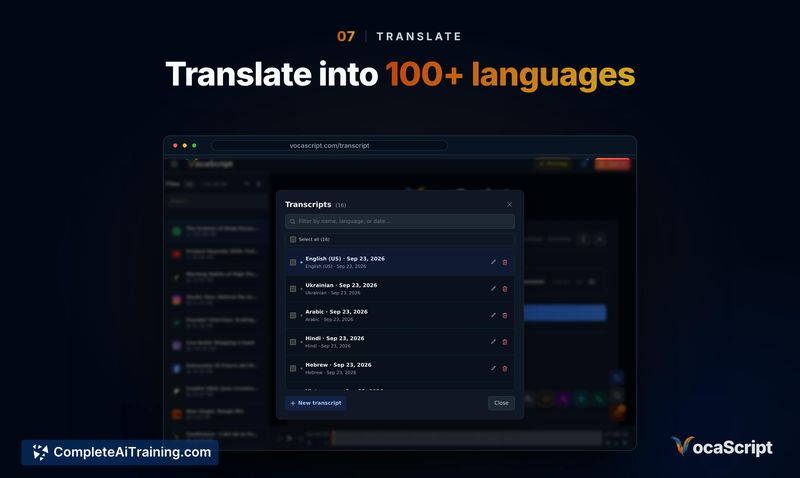
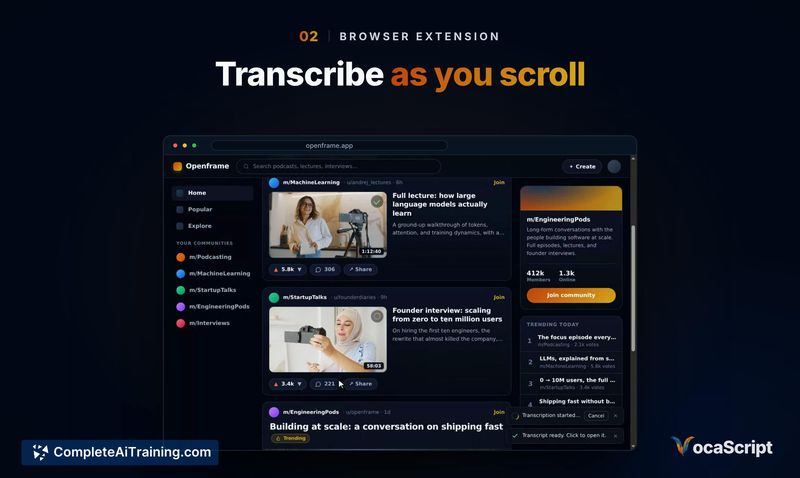
VocaScript targets a specific problem: transcribing recordings that are hours long, contain multiple speakers, or mix languages. The tool does not require file splitting and includes a browser extension that generates captions directly on the page you're browsing. This review looks at what the tool does today and where it still has gaps.
Key Features
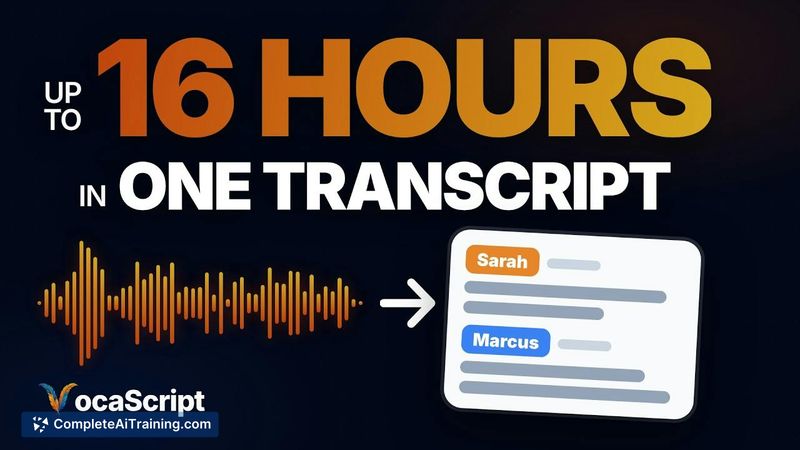
- Transcribes recordings of 4, 8, or 16 hours (depending on plan) in a single run, with the free tier allowing 25-minute runs that can be resumed on the same file up to 2 hours per month.
- Generates speaker-labeled transcripts and can merge labels by voice within a single recording. A speaker list lets you listen to short clips and rename or merge speakers manually.
- Produces a quality report that flags missing stretches, repeated lines, or timestamp drift. You tick the issues you want fixed and the tool removes or corrects them.
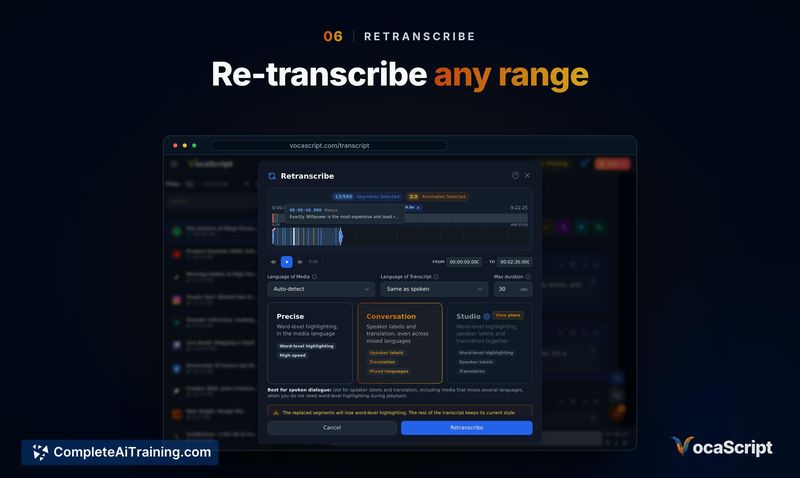
- Supports surgical retranscription-if a passage sounds wrong, you can retranscribe just that segment instead of the whole file.
- Includes a browser extension that transcribes audio as you browse and displays captions overlaid on the page.
Pricing and Value
A no-signup trial gives 5 minutes per file. A free account (no credit card required) allows 25-minute runs, resumable on the same file, with a 2-hour monthly cap. Paid plans start at $10 per month and support recordings of 4, 8, or 16 hours, with higher limits across the board. The billing system runs on Polar, chosen by the maker to handle sales tax as a merchant of record. Exact feature limits per paid tier are not detailed on the current page.
Pros
- Handles very long recordings without requiring you to split the file-a 10-hour, 5-speaker file is a stated use case.
- Quality report and surgical retranscription let you fix specific problems without redoing the entire transcript.
- Speaker merging by voice works inside a recording, and the speaker list gives you short audio clips to verify labels yourself.
- Browser extension overlays captions on the page you're browsing, which keeps you from switching between tabs.
- Free tier is usable without a credit card, and paid plans scale from 4 to 16 hours per file.
Cons
- Speaker voice matching does not carry over across separate files-if the same three people appear on weekly calls, you have to rename them each time.
- The tool is not well suited for users who need cross-file speaker memory or an API for automated workflows (an API is not yet available, though the maker may consider it if demand is strong).
- Long-file transcription accuracy can still break down in edge cases, and the maker actively asks for examples where the tool goes wrong.
VocaScript fits users who regularly work with multi-hour recordings, multi-speaker panels, or multi-language audio and want a single tool that surfaces transcript problems instead of hiding them. It makes less sense for teams that need speaker continuity across a library of files or programmatic access. The quality report and surgical retranscription give you a direct path from problem detection to correction, which is where much of the post-transcript time is usually spent.