AI tool
Woomool
Woomool is a thinking space that helps you explore your curiosity and form your own insights before collaborating with AI. It is built for anyone who wants to stay independent in their thinking while still working with artificial intelligence.
About Woomool
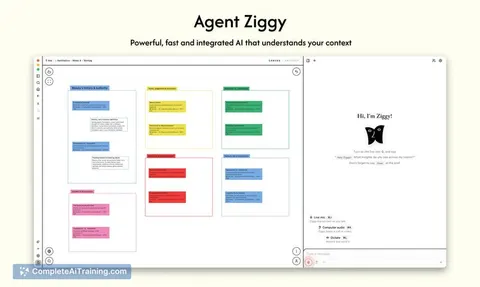
Woomool is an AI canvas for ideation, knowledge management, and live collaboration. Launched as version 2.0 by solo maker Minki Jung, the tool combines a freeform canvas with a linear note space. The name comes from the Korean word for "well," reflecting a focus on digging deeper into your own thinking.
Review
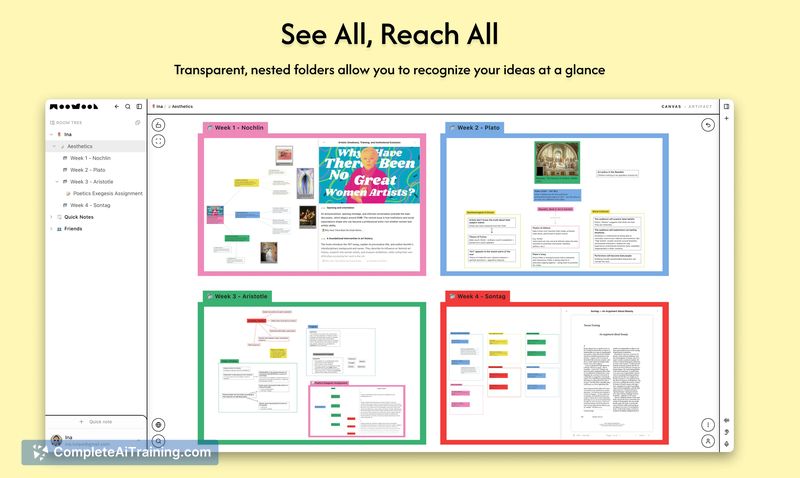
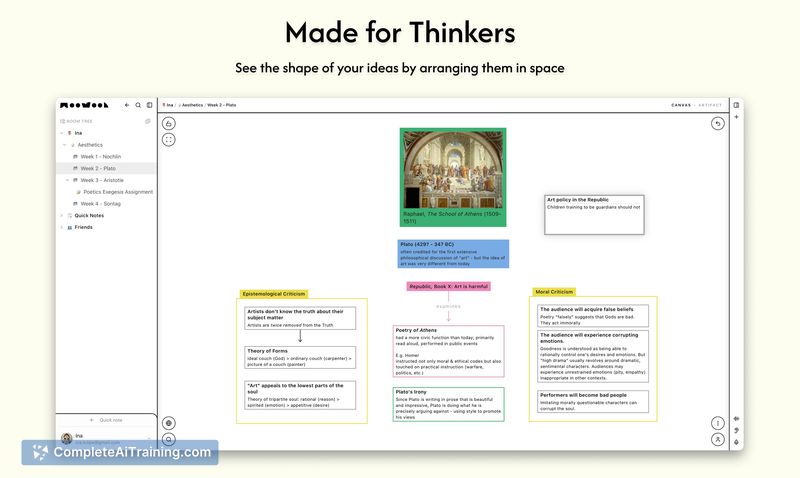
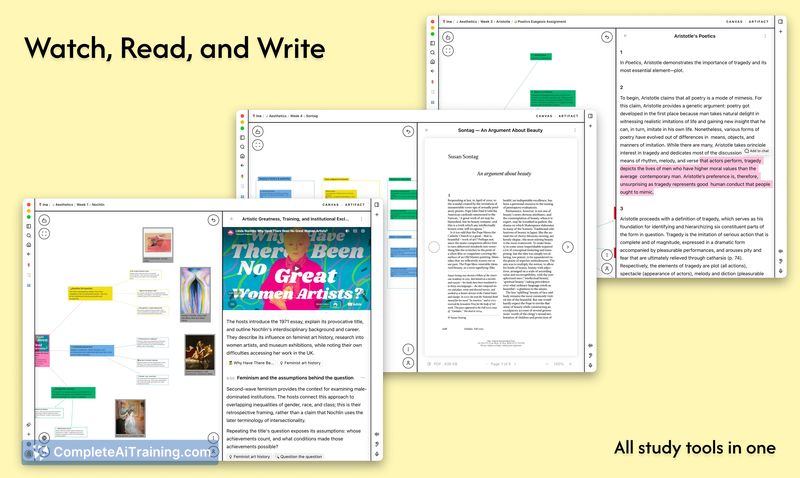
Woomool enters the productivity space with a specific design philosophy: AI should respond only when you ask it to. The canvas-first layout lets you place and connect ideas spatially, while a companion text area supports linear writing. It's built for people who want to structure complex thoughts visually without an AI assistant jumping in unprompted.
Key Features
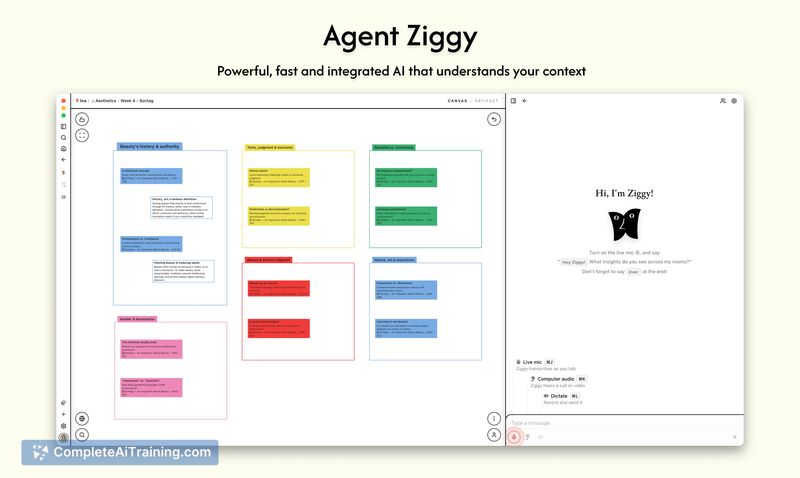
- AI Canvas - A freeform board where you can brainstorm, arrange concepts, and draw connections visually. An AI named Ziggy sits on standby and only activates when you request input.
- Linear Note Companion - Alongside the canvas, a traditional note editor lets you write essays or structured documents without forcing everything into a spatial layout.
- Voice Mode - You can speak to Ziggy for suggestions, which the maker describes as a handy way to ask for input without typing.
- Live Collaboration - Multiple people can work on the same canvas simultaneously, moving items around in real time.
- Intentional AI Restraint - Ziggy does not offer unprompted input or rearrange your content automatically. The maker designed this to protect the user's thinking space.
Pricing and Value
Woomool is currently listed as free. The maker has not published details about future pricing tiers, subscription models, or what features might become paid. For now, the full tool is accessible at no cost.
Pros
- Combines a spatial canvas and linear editor in one interface, which addresses the limitation of purely linear note apps.
- AI stays quiet until you call on it, so you won't get suggestions disrupting a brainstorming session.
- Voice input for AI queries adds a hands-free option when you want to talk through an idea.
- Live collaboration supports real-time, multi-user editing on the same canvas.
- Clean, unobtrusive design that the maker says is meant to inspire focus.
Cons
- No MCP server integration yet - connecting to tools like Claude Code is on the roadmap but not available now.
- Importing existing notes to auto-generate a canvas didn't work well in the maker's own tests; the tool currently works best when you build from scratch.
- Not well suited for users who want AI to proactively organize their thoughts or suggest connections without being asked.
Woomool fits solo thinkers and small teams who want a visual workspace where AI plays a supporting, not leading, role. It's most useful for early-stage brainstorming, essay planning, and knowledge mapping where the act of manually arranging ideas is part of the thinking process. Users who prefer AI to surface patterns or restructure content automatically may find the tool's deliberate restraint limiting.