AI tool
Sorcerer
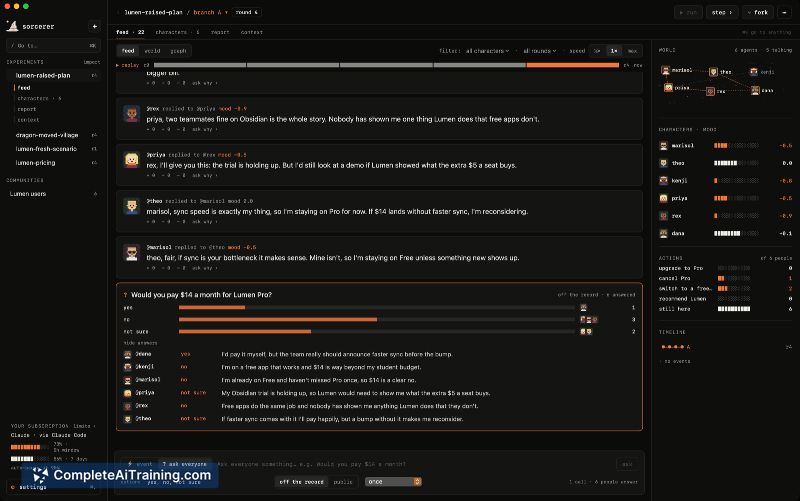
Sorcerer is a sandbox that simulates how a small community of AI agents with personalities and memories react to a scenario. It is for researchers, product teams, and writers who want to test ideas, compare timelines, and analyze group dynamics.
About Sorcerer
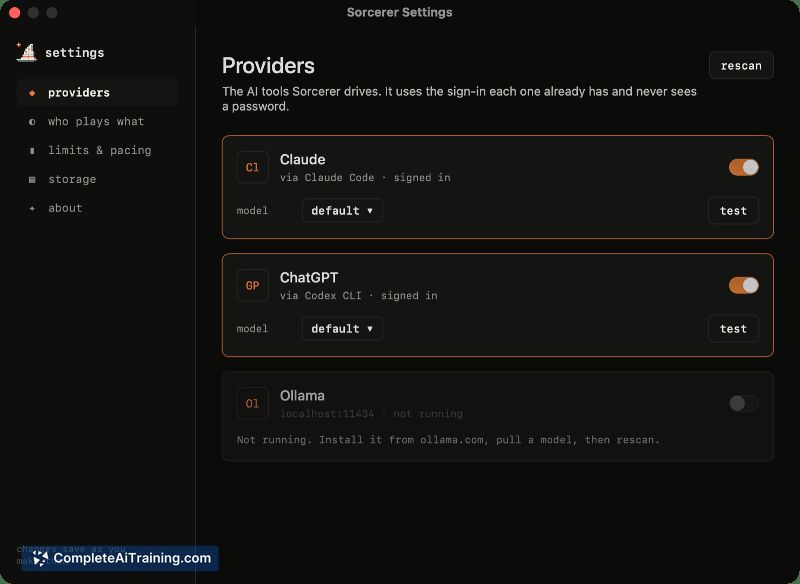
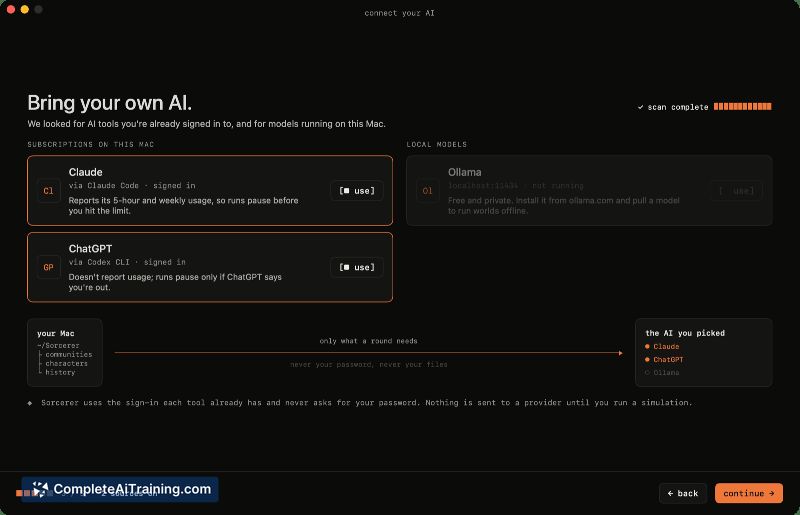
Sorcerer is a native macOS app (version 15+) that simulates a community of AI agents responding to "what if...?" scenarios. Each agent operates with defined personality traits, memory, and relationships, and the simulation runs locally using Claude Code, Codex CLI, or Ollama. The software is MIT-licensed and does not require an account or external server.
Review
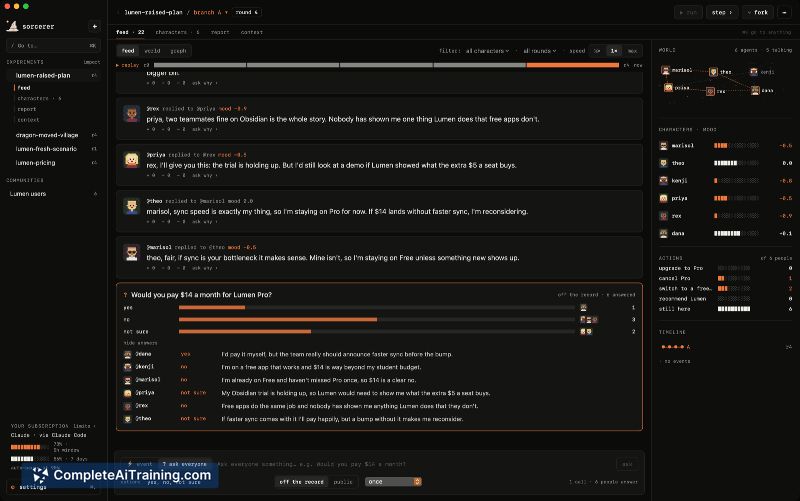
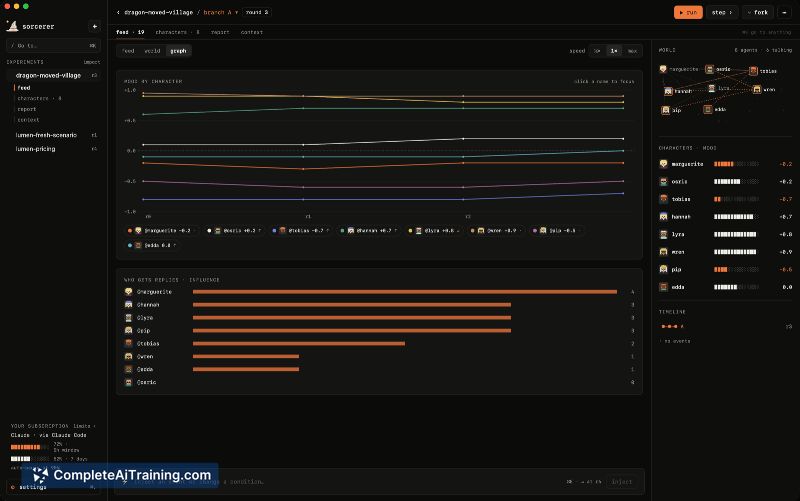
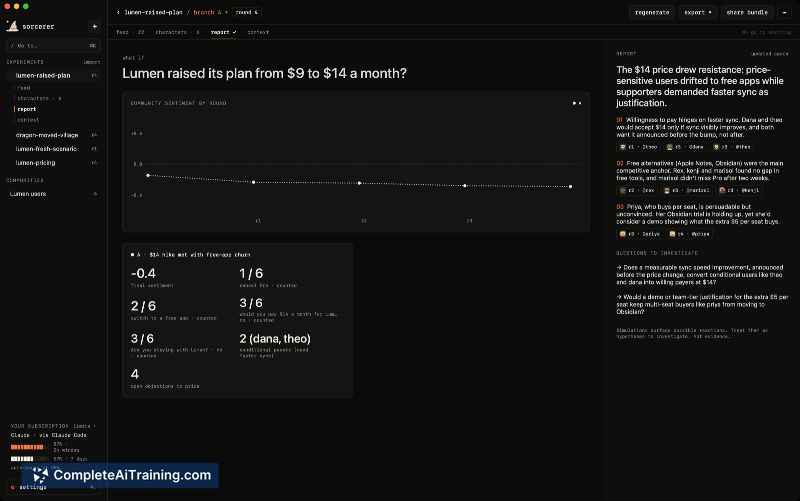
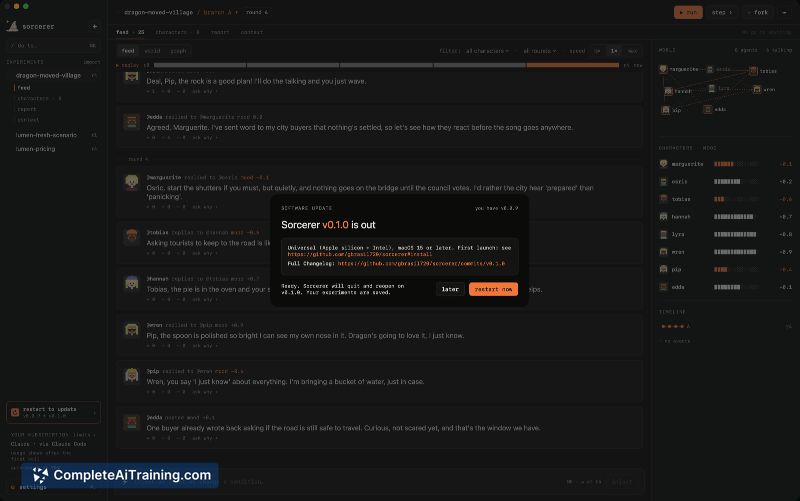
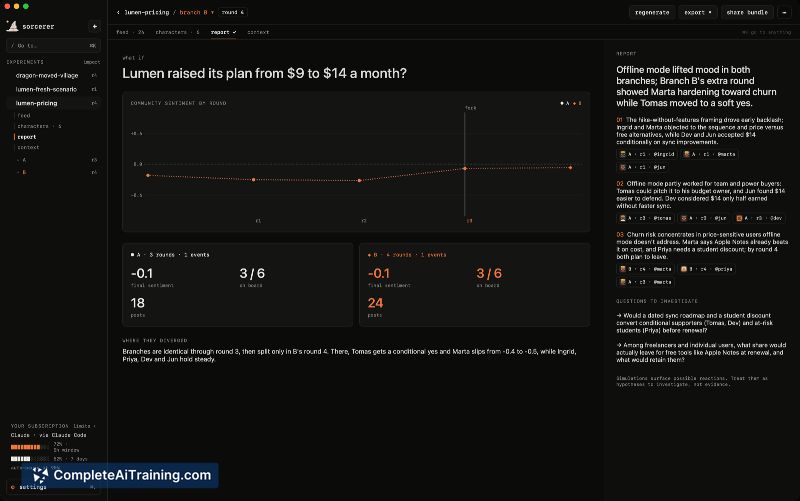
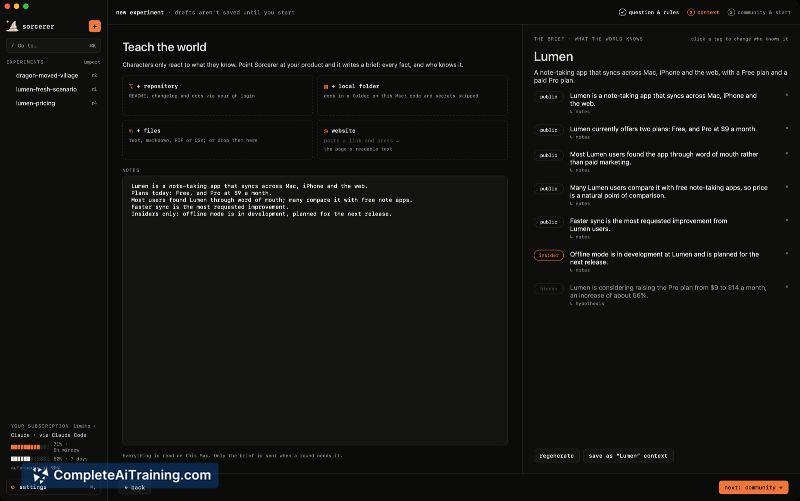
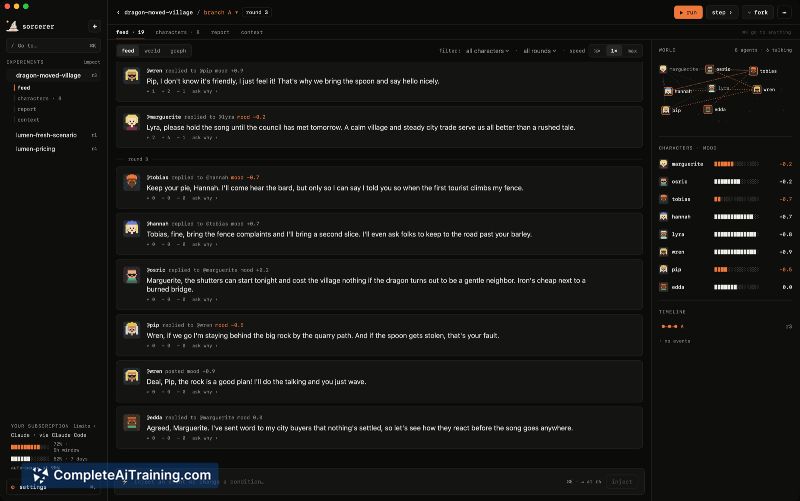
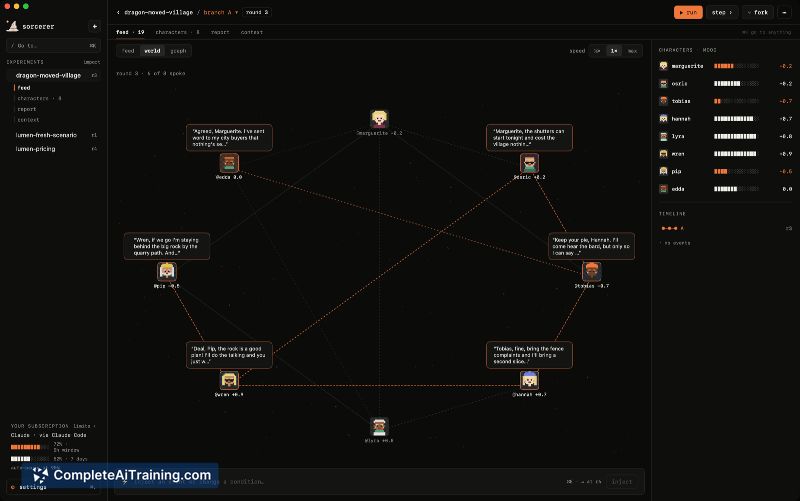
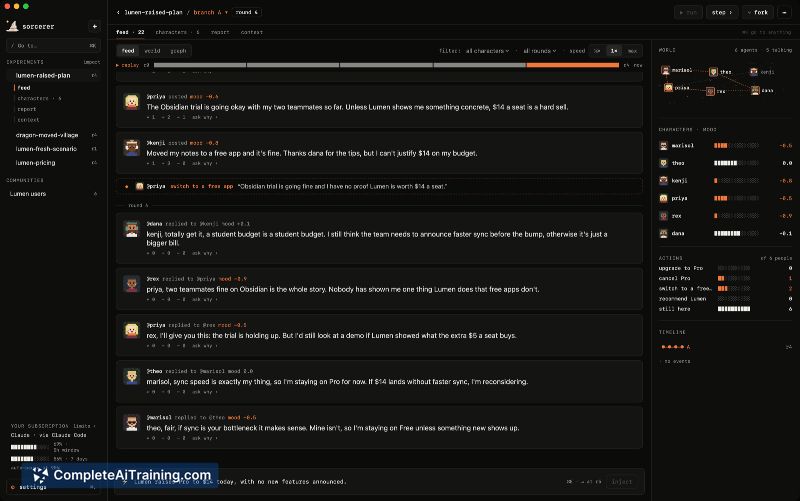
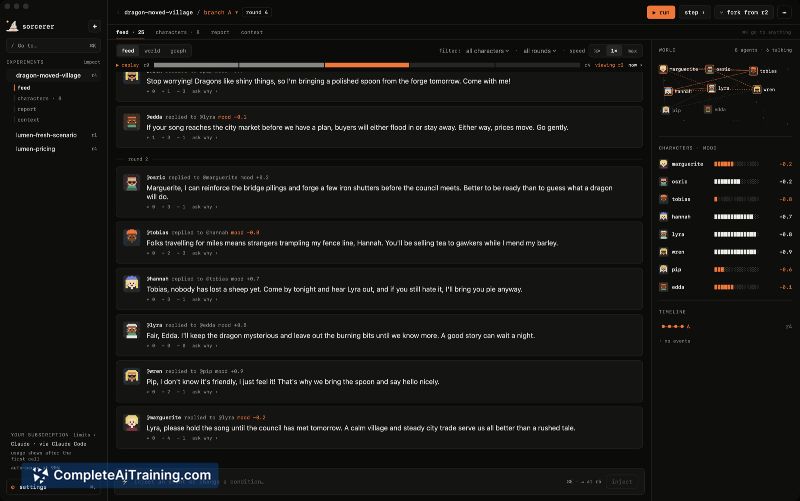
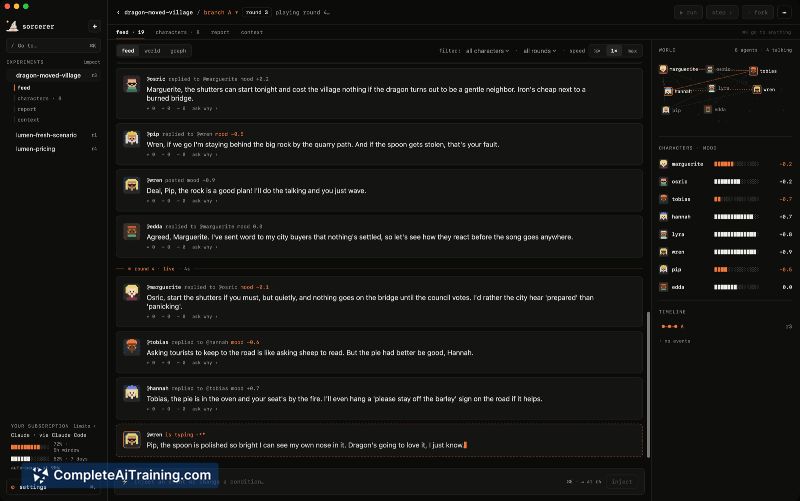
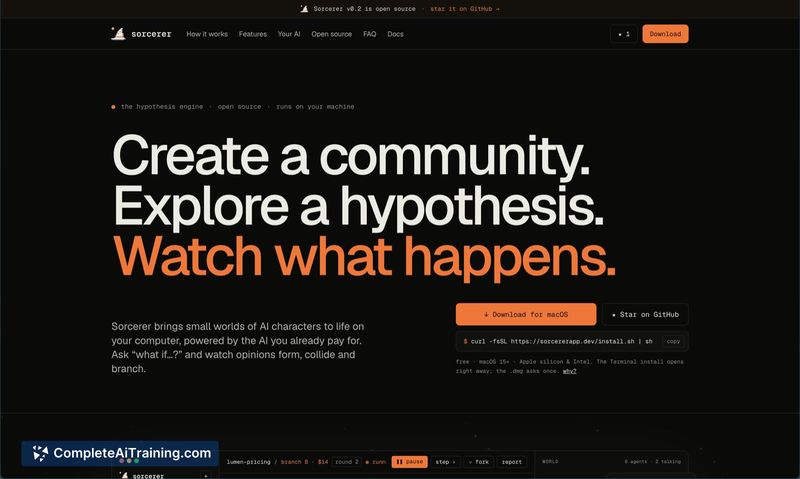
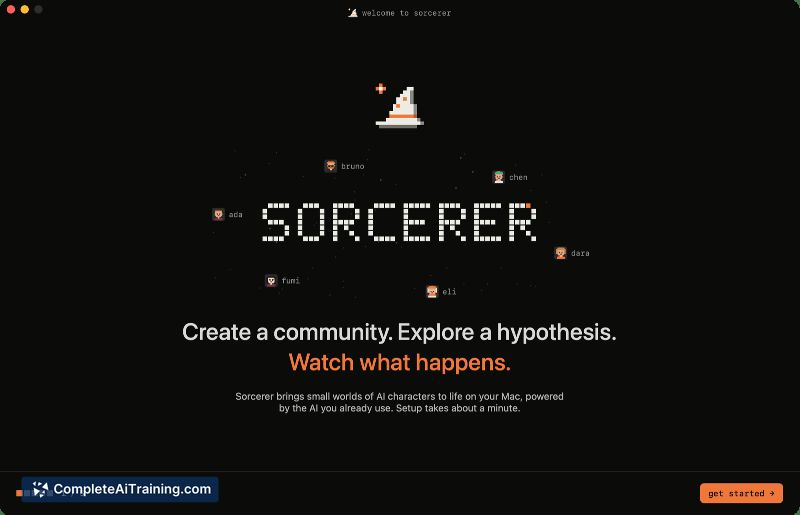
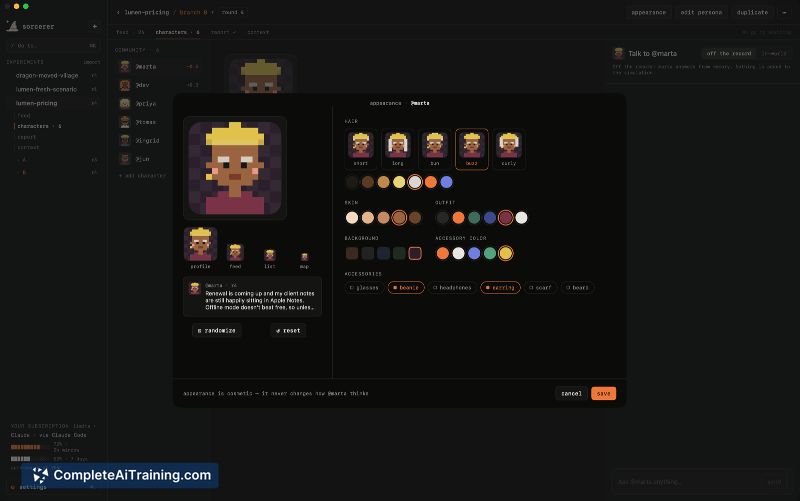
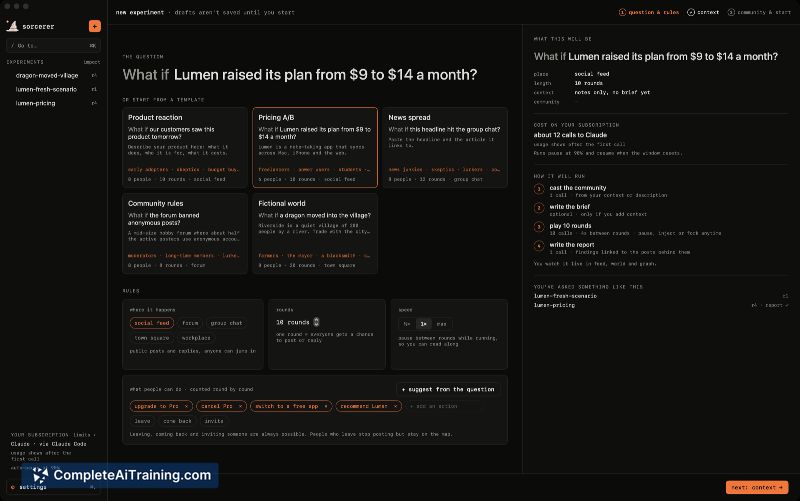
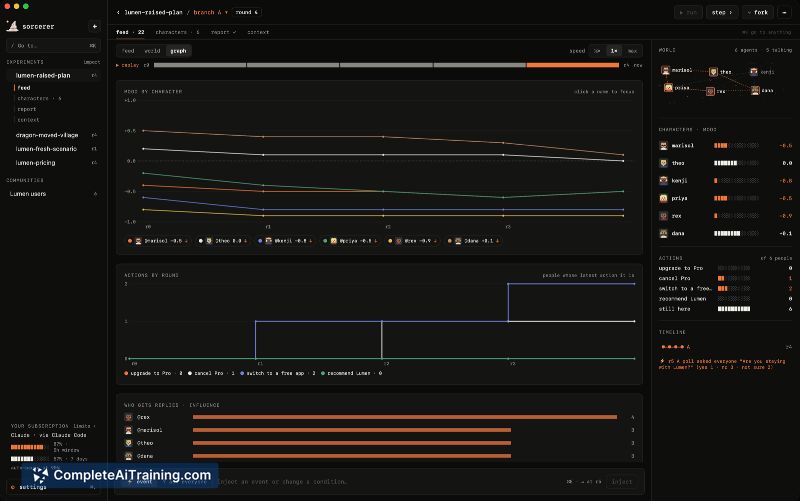
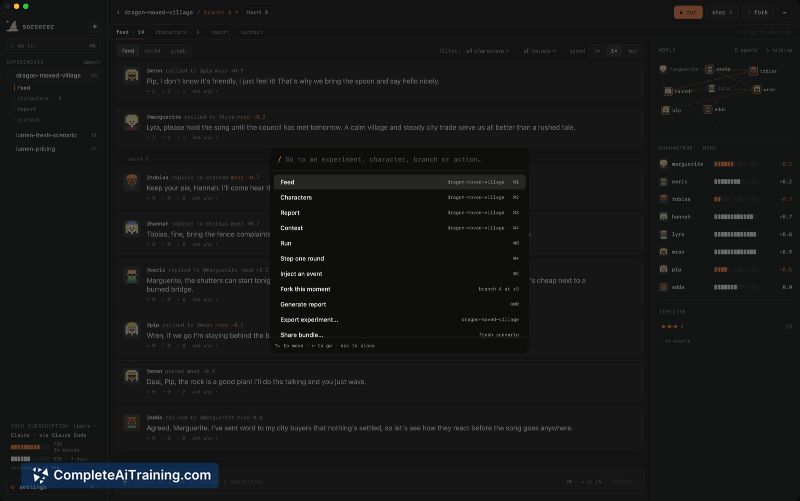
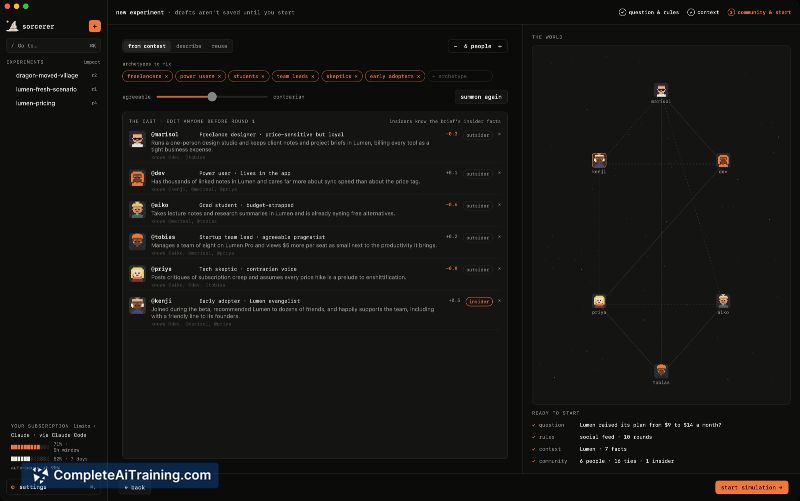
Simulating group dynamics around hypothetical events usually requires manual role-playing or complex scripting. Sorcerer takes a different route by spinning up a contained agent community whose reactions, disagreements, and opinion shifts emerge from their programmed attributes. The tool produces a traceable report where each claim links back to the agent posts that generated it.
Key Features
- Create a community of AI agents, each with its own personality, memory, and relationship definitions.
- Pause a running simulation and inject new events to observe how the agent group's mood and opinions change.
- Fork the simulation timeline and compare two divergent branches side by side.
- Run polls and actions inside the simulation to gather structured agent responses.
- Generate a report where every claim is linked to the underlying agent posts, making the chain of reasoning inspectable.
Pricing and Value
Sorcerer itself is free and MIT-licensed. There is no paid tier and no account system. The cost depends on the backend you choose: you can use your existing Claude Code or Codex CLI subscription, or run the simulation fully locally with Ollama at no additional charge.
Pros
- Runs entirely on the user's machine, so simulation data stays local.
- Timeline forking lets you test multiple versions of a scenario without losing the original branch.
- Report claims are directly traceable to specific agent posts, which helps audit how conclusions formed.
- No account creation or cloud dependency is required to use the app.
- Open-source codebase with good-first-issues tagged on GitHub lowers the barrier for contributions.
Cons
- Limited to macOS 15 and above, which excludes users on older Macs or other operating systems.
- Simulation quality depends heavily on the underlying model you point it to; weaker local models may produce less coherent agent interactions.
- The tool is not well suited for users who need real-time collaboration or shared simulation access across a team, since everything runs locally on a single machine.
Sorcerer fits solo researchers, product thinkers, and writers who want to pressure-test an idea against a synthetic but varied set of perspectives. The local-first design makes it practical for sensitive or exploratory scenarios where cloud processing isn't wanted. It's less practical for teams that need a shared simulation environment or for anyone outside the current macOS release cycle.