AI tool
ZUS
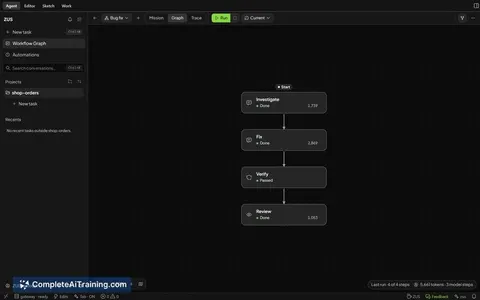
ZUS is an IDE that combines an AI coding agent, diff viewer, terminal, and team inspector into a single window. It is for developers who want to review every change the agent makes and keep their project index local.
About ZUS
ZUS is a desktop IDE that integrates an AI coding agent directly into the editor. The agent reads your codebase, plans changes, edits files, and runs terminal commands within permissions you set. It runs on Windows, macOS (Apple Silicon), and Linux, built on Tauri 2 and Rust with a roughly 20 MB Windows installer.
Review
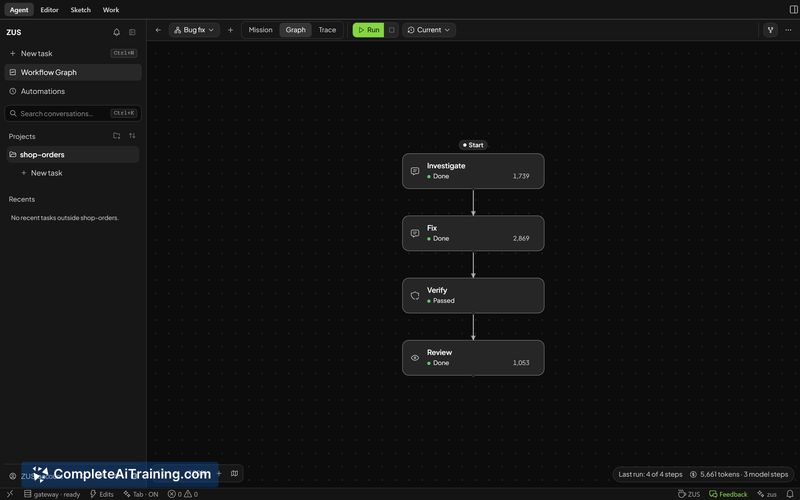
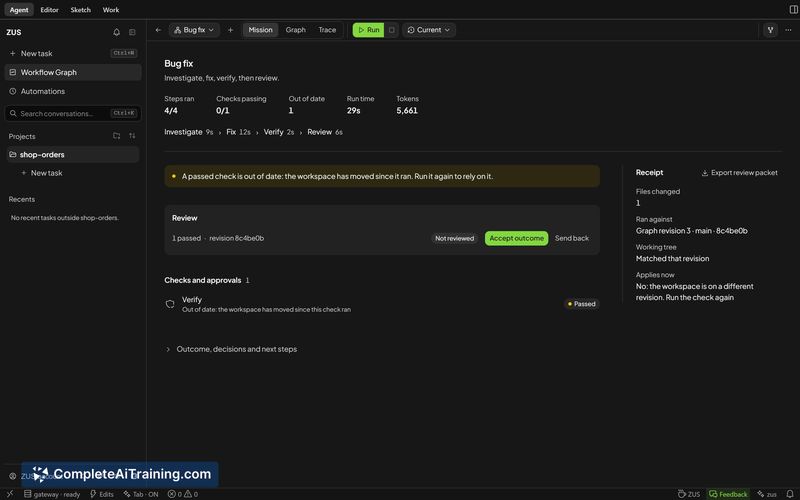
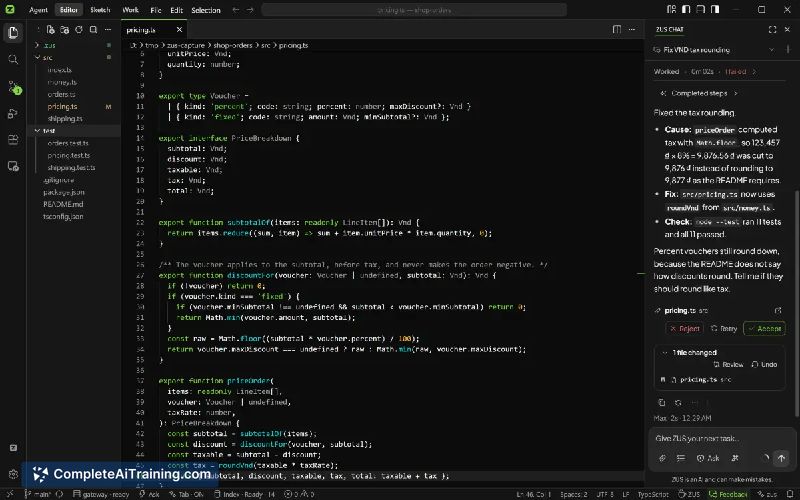
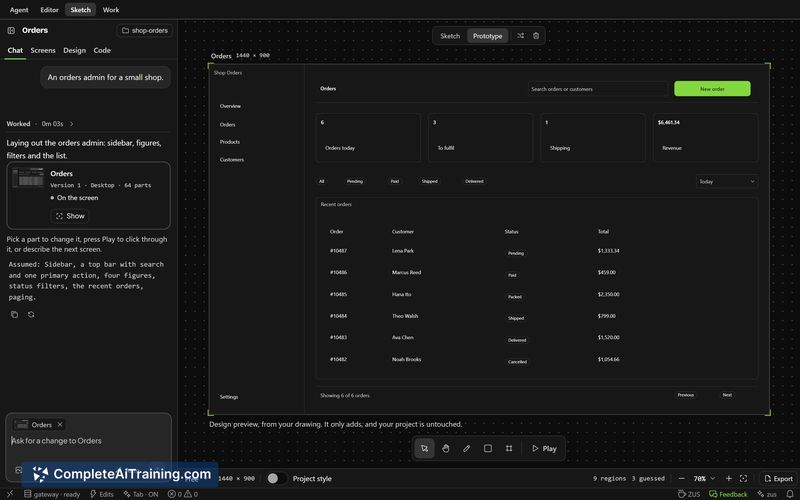
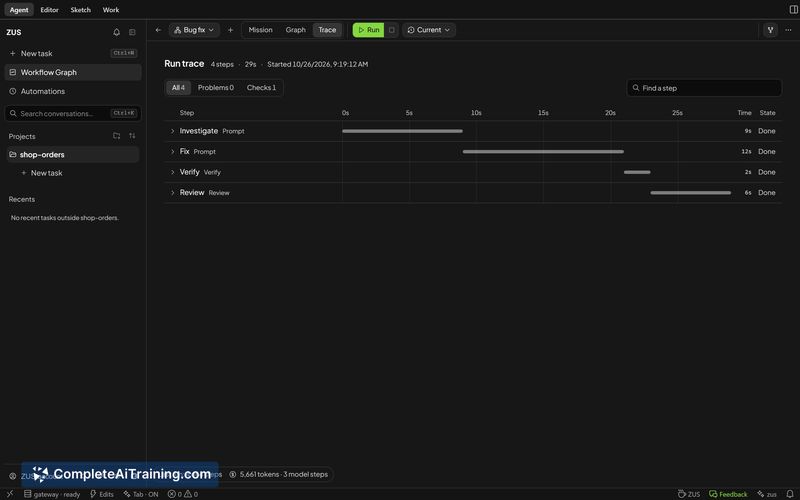
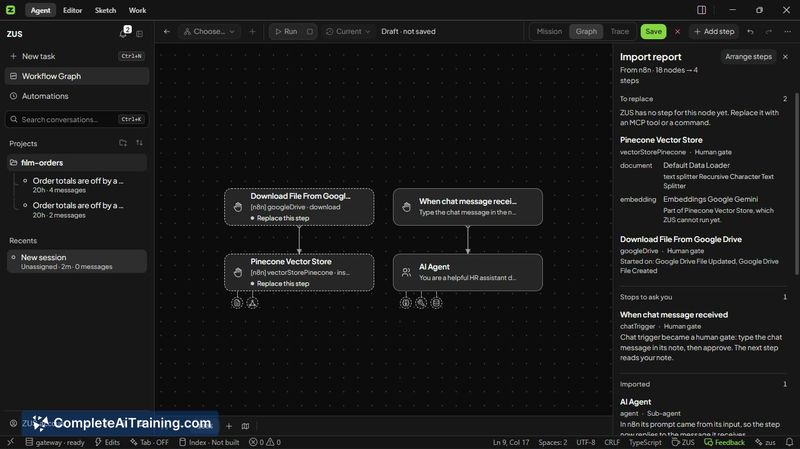

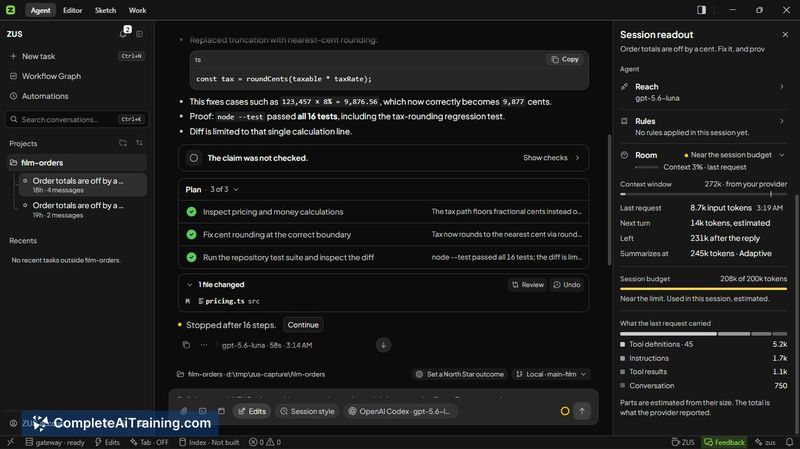
ZUS puts the core agent-coding loop-plan, edit, review, undo-inside a single window instead of splitting it across an editor, chat pane, terminal, and Git client. The local-first approach means your project index and context stay on your machine, and you connect your own AI provider rather than routing through an intermediary. This review covers what ships today, not what's on the roadmap.
Key Features
- Agent with permission boundaries. The agent reads the codebase, proposes edits, and runs commands. It only operates within the permissions you grant, and every change appears as a diff you can keep or undo with a click.
- Team Inspector. A panel that logs which subagent called which tool and what's still running. You can trace the agent's tool calls without digging through terminal output.
- Local project index. ZUS builds and stores the codebase index on your own disk. Syntax parsing works for Rust, TypeScript/JavaScript, Python, and Go. Other languages get a simpler text-based index, so retrieval precision varies.
- Bring-your-own-provider. You supply your own AI provider connection. The agent talks directly to that provider; ZUS doesn't proxy your code through its own servers.
- Cross-platform desktop app. Ships on Windows, macOS (Apple Silicon only), and Linux. The installer is about 20 MB on Windows, thanks to the Tauri 2 and Rust stack.
Pricing and Value
ZUS is currently listed as free. The makers haven't published a pricing page or announced future plans for paid tiers, so the long-term model isn't yet defined. Because you connect your own AI provider, your costs are limited to whatever that provider charges for API usage-ZUS itself doesn't add a usage markup at this stage.
Pros
- Diffs appear inline for every agent edit. You review and approve or undo each change individually, which keeps the human in the loop without switching tools.
- Team Inspector surfaces the agent's tool calls in a structured log. You see what ran, what's still running, and which subagent triggered it.
- The local index and bring-your-own-provider model mean your codebase isn't uploaded to a third-party indexing service.
- Small installer footprint (about 20 MB on Windows) and native desktop performance via Tauri 2 and Rust.
- Runs on three platforms with the same interface, which helps if your team mixes Windows, macOS, and Linux machines.
Cons
- Swift/Xcode support is limited. The index uses a text heuristic for Swift files rather than a dedicated parser, and the agent doesn't understand .xcodeproj structure. This tool isn't well suited for developers working primarily in Apple-native ecosystems.
- The agent's codebase understanding skews toward JavaScript/TypeScript, Rust, Python, and Go. For other languages, retrieval from the index is less precise, which can lead to less relevant agent output.
- Large-scale refactors may overwhelm the diff-review workflow. As one early commenter noted, reviewing every diff works for small changes, but on big refactors people might approve without reading-and the tool doesn't yet offer batch-review or summary modes for those situations.
ZUS fits teams that want an AI coding agent with local indexing and their own provider, especially those working in Rust, TypeScript, Python, or Go. It's less practical for macOS-centric developers who depend on Xcode project awareness and Swift-level parsing. If your workflow already involves frequent diff review and you're comfortable managing your own AI provider credentials, the tool slots into that pattern without adding a new service layer.