AI tool
Zerg Client
Zerg Client is a terminal-native coding agent combining a TypeScript planner with a Rust renderer and its own multiplexer, zmux. It lets developers run multiple AI agents in parallel panes to write, test, and review code from the command line, des...
About Zerg Client
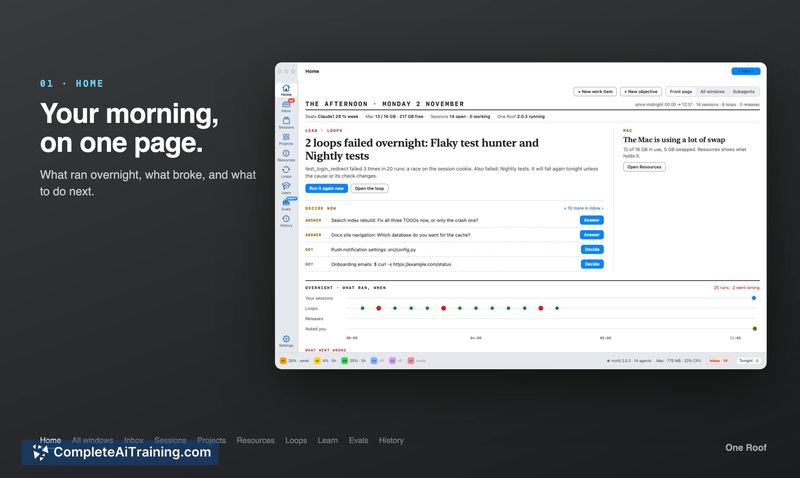
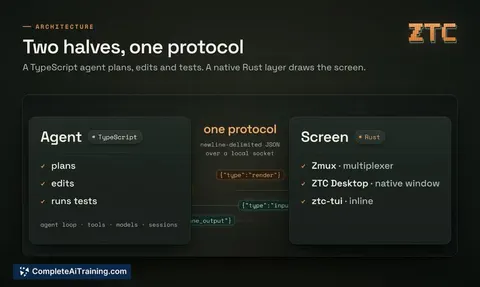
Zerg Client is a coding harness built from scratch by Zerg AI, currently in evaluation beta. It combines a TypeScript agent that plans, edits, and tests code with a native Rust layer that draws the screen. The tool runs on Mac with Apple chips for its interactive and desktop modes, while headless operation also supports Linux and Windows.
Review
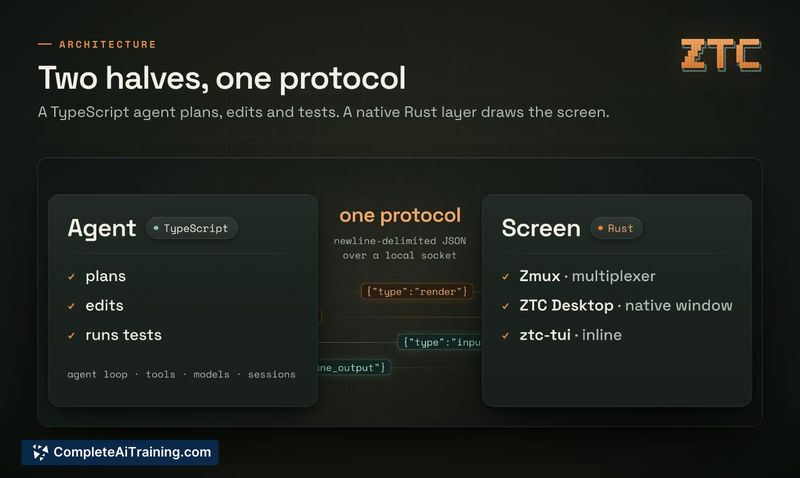
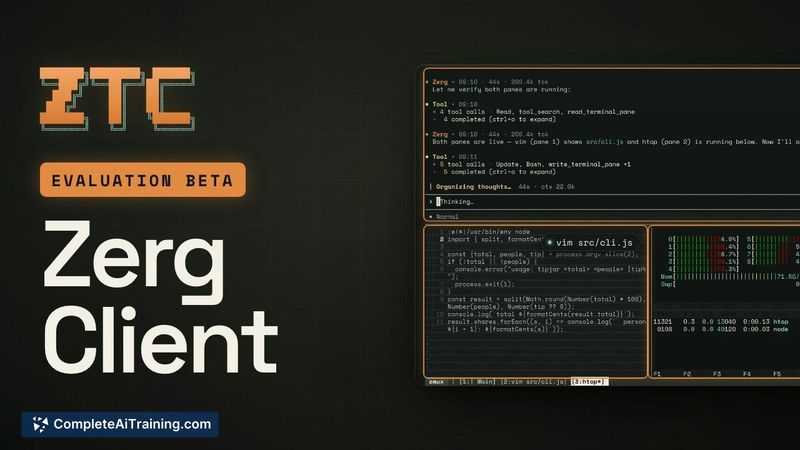
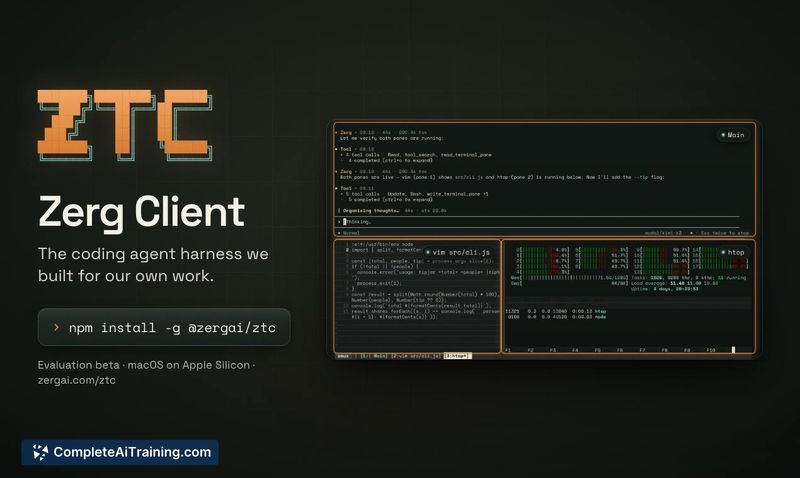
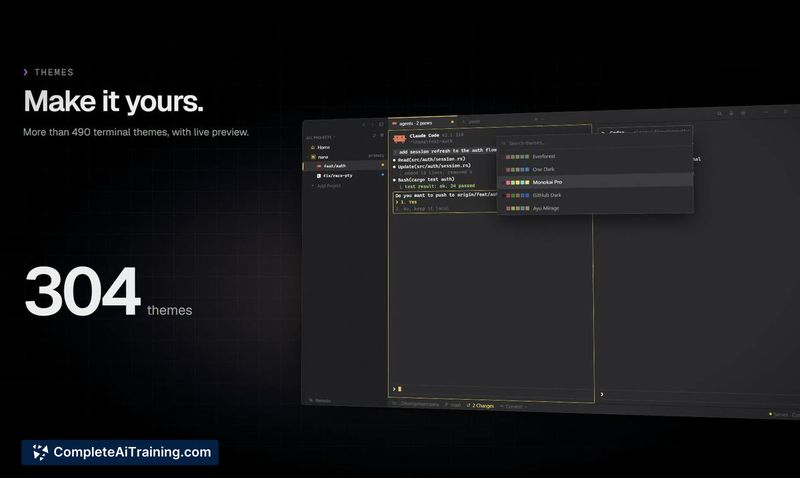
Zerg Client takes an unusual approach to the coding agent category by controlling its own terminal panes rather than operating through a standard terminal emulator. The agent can open Vim, htop, or other terminal tools in panes beside itself, read their output, and type into them. This design means you can watch multiple agents work in parallel, each on a different model, within a single session.
Key Features
- Built-in multiplexer called zmux that lets the agent open and control terminal panes-asking for Vim or htop causes the agent to open them in adjacent panes where it can read and type.
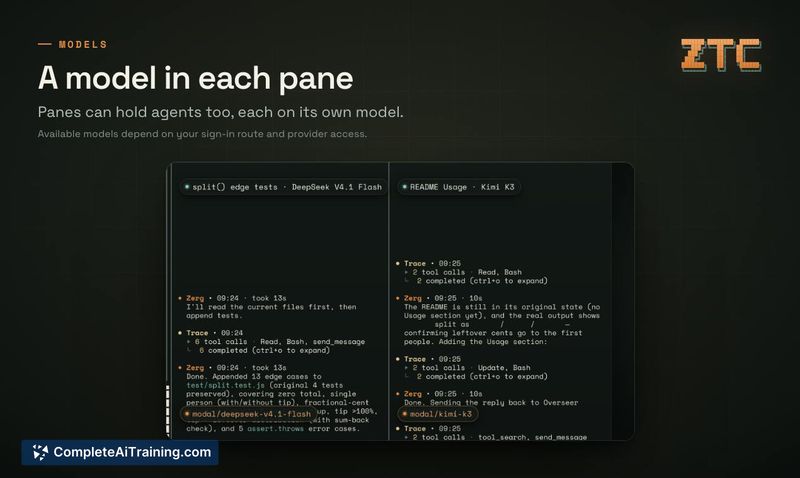
- Multiple agents can run simultaneously in separate panes, each assigned to a different model. For example, one agent writes tests while another drafts documentation.
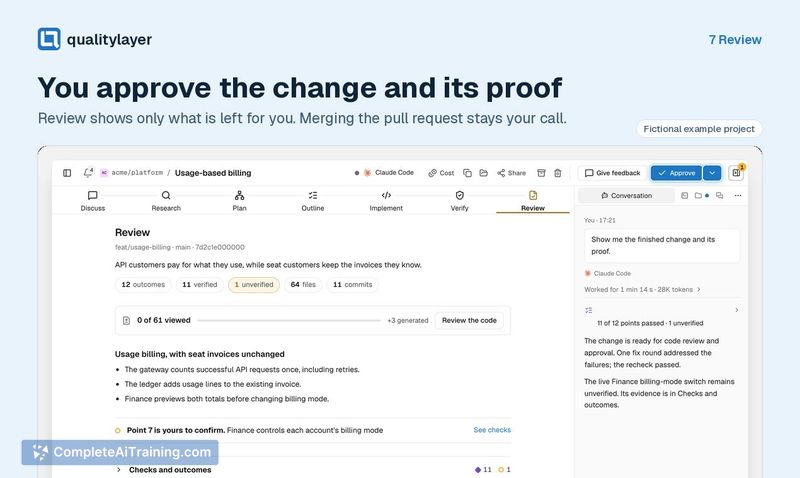
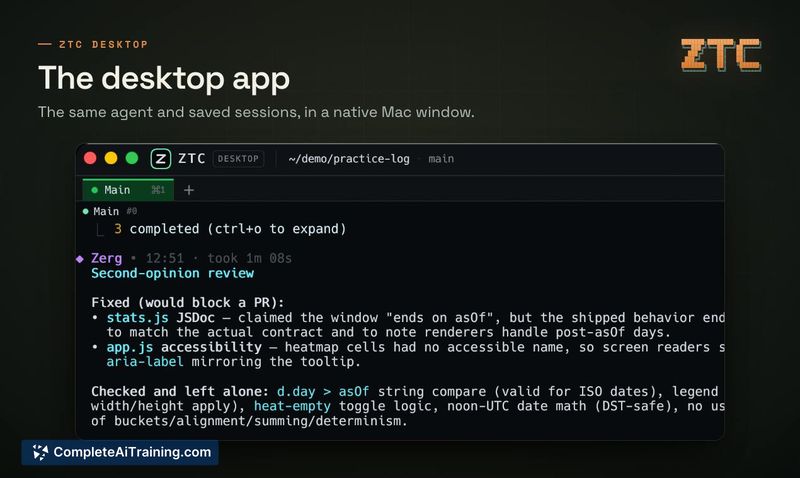
- Model switching within the same session is supported. A recorded session shows a feature built with DeepSeek V4.1 Flash, then reviewed by Kimi K3, which identified two issues it would block a PR on and fixed them.
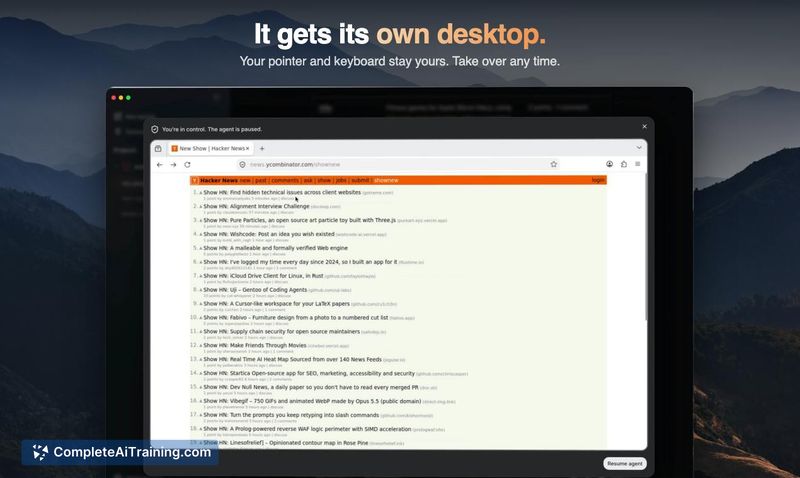
- The agent can take mouse and keyboard control when permitted, and run simulations where each agent plays a defined role.
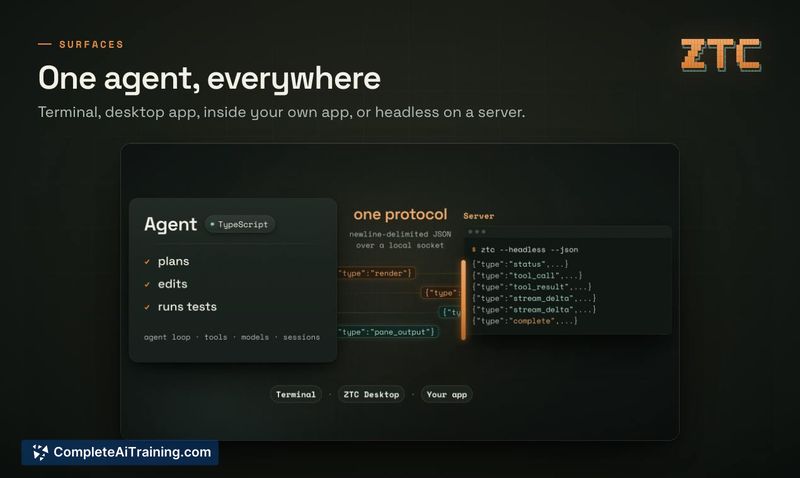
- Zerg Client runs in a terminal, in the desktop app, embedded in another application, or headless on a server. Cloud pools of headless instances are used internally to build agentic products.
Pricing and Value
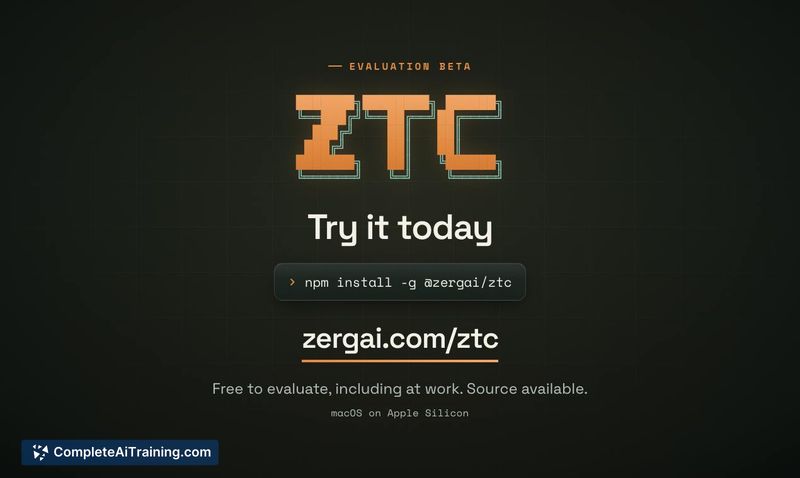
Evaluation is free, including workplace use. Ongoing commercial use requires a separate signed license, available by contacting licensing@zergai.com. The tool is distributed under the Zerg Source Available License 1.0 and is not open source. Model access depends on the sign-in route-users can sign in through Zerg Router or bring their own OpenAI or DeepSeek keys, with available models varying by provider access.
Pros
- Agents visibly operate in their own panes, so you can watch what each one types and reads in real time.
- Parallel agent execution with per-pane model selection allows different parts of a task to run concurrently on different LLMs.
- Runs headless on macOS, Linux, and Windows, which suits CI pipelines and server-side automation.
- The same client works across terminal, desktop app, embedded contexts, and cloud deployments without modification.
Cons
- The interactive terminal client and desktop app require a Mac with Apple chips, excluding Intel Mac and ARM Linux desktop users from the full experience.
- This tool is not well suited for developers who prefer standard terminal multiplexers like tmux or screen and want agents to integrate into their existing workflow rather than replace it.
- Licensing terms for ongoing commercial use are not publicly defined-you must contact the company for a signed agreement.
Zerg Client fits teams that want visible, multi-agent coding sessions where each agent's terminal activity is exposed in panes. It may also suit developers building agentic products who need a harness that runs headless in cloud pools. Those who rely on existing terminal setups or need clear public pricing for commercial deployment will likely find the current evaluation beta incomplete for their needs.