AI app for customer support · no coding needed
Review Reply Engine
Learns the owner's exact voice from their own past replies and holds sensitive complaints for human approval, combining personalisation with safety.
Made for: Owners and office managers at local service businesses
What it does for you
The problem
New reviews pile up unanswered or get rushed, defensive replies.
What it gives you
Auto-posted personalised replies, held drafts for approval, and a weekly complaint theme summary
What you give it
Google Business Profile accessup to two other review platform APIsten example replies the owner is proud of
How it works, step by step
- Connect review platforms and import new reviews
- Score sentiment and flag keywords
- Draft replies in the owner's voice
- Hold replies below a sentiment threshold
- Notify via Slack or email for approvals
- Generate a weekly complaint theme summary
What you see on screen
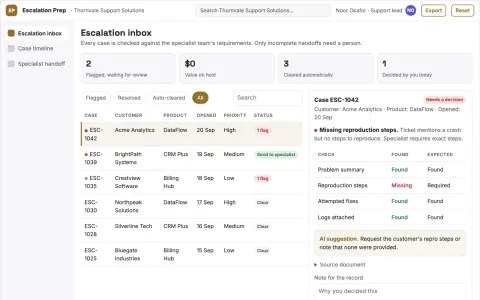
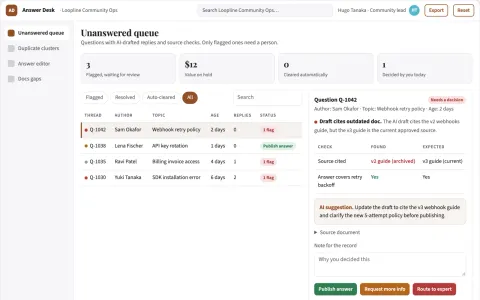
- Review inbox
- reply composer
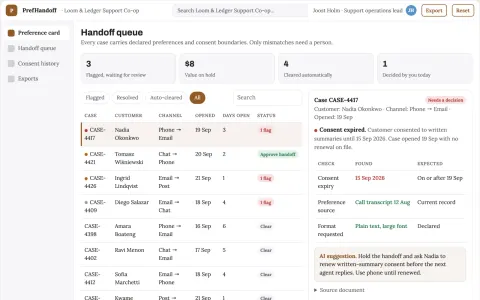
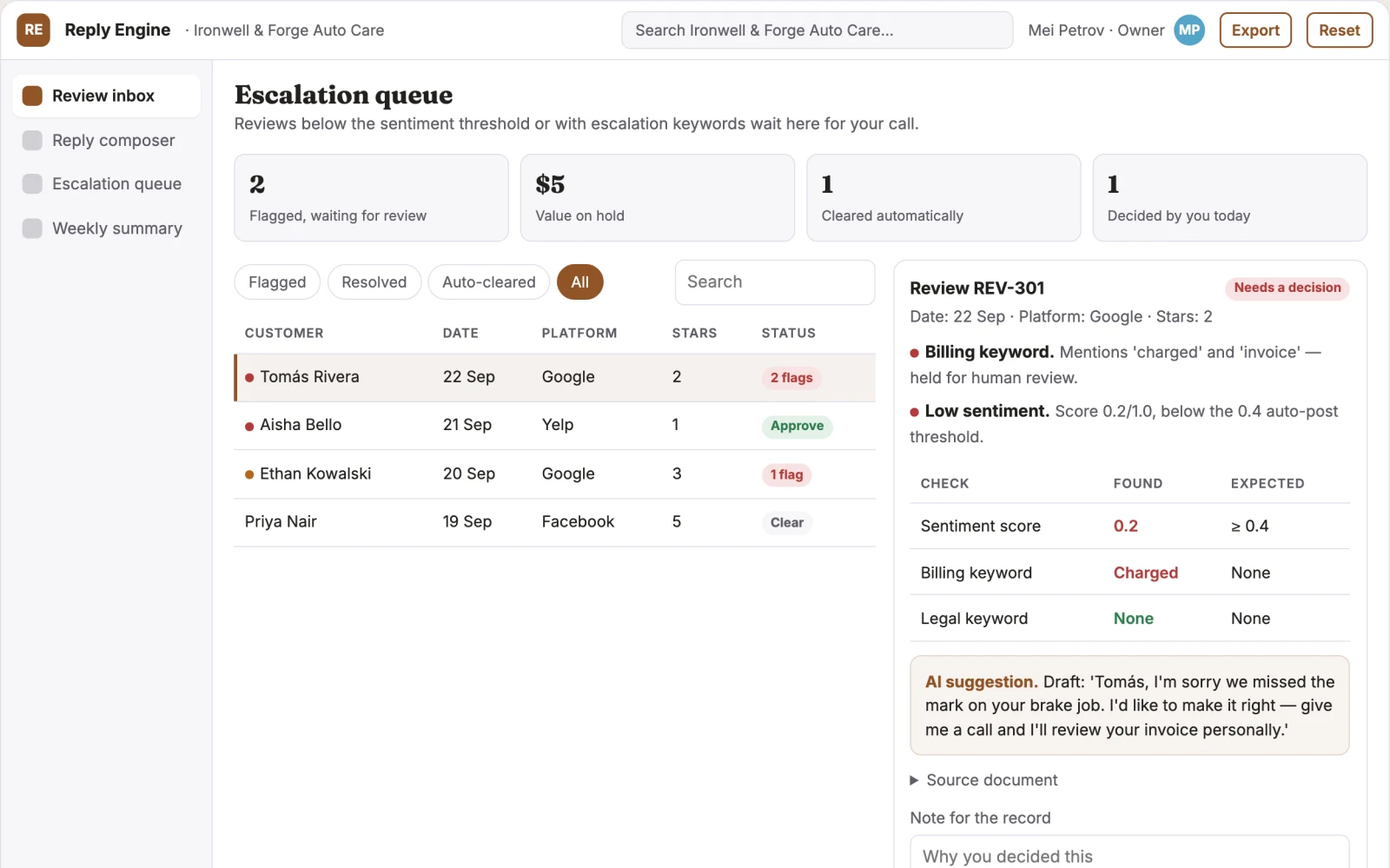
- escalation queue
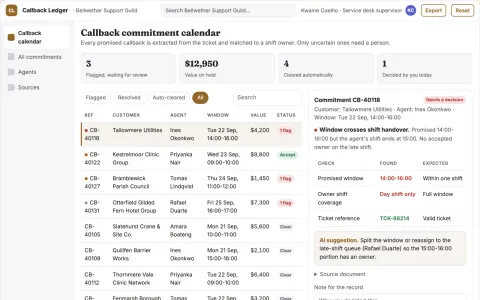
- weekly summary
Jobs this app suits
Our AI checked this app against 500 jobs; these get the most out of it. Each job links to its learning path.
Build it yourself with your AI system
Build this app yourself, no coding needed
Start with a quick version you can try in a few minutes. Like it? Then build the full app by copying and pasting our step-by-step instructions: everything is prepared for you.
Sign in to see how to build it yourself
Build a quick version to try, or get the full app pack for Review Reply Engine with the step-by-step building instructions. You don't need any technical skills: you copy, paste and answer a few questions. Both are included in the membership.
4 Have it built for you days to a few weeks
Rather not do it yourself, or want it fully tailored to your data, your way of working and your brand? Nexibeo builds Review Reply Engine with you.
What's in the app pack
Included in the Complete AI Training membership.
- The building instructions your AI follows, step by step
- The questions your AI will ask you about your business before it starts
- A clickable demo you can open in your browser, to see how it should work
- A detailed blueprint of the screens, the information it keeps and the checks it runs
Become a member to get the app packAlready a member? Sign in
The files, for the technically curious
- START-HERE.mdHow to build it with your own AI (read first)3 KB
- README.mdOverview and links1 KB
- questions.mdQuestions to answer before you build2 KB
- prompt-cloudflare.mdThe full build prompt, hosted on Cloudflare21 KB
- prompt-vps.mdThe same build on your own server (Docker)21 KB
- spec.jsonData model, API, AI pipeline, acceptance criteria11 KB
- demo/index.htmlThe working demo on sample data194 KB
Questions
Do I need to know how to code?
No. You copy and paste the prompts on this page into ChatGPT or Claude, and the AI does the building. When it asks you something, you answer in your own words.
What does it cost?
The quick version, the app pack and the step-by-step instructions are for members: you pay the membership price, not a price per app (see the plans). Building the full app uses your own ChatGPT or Claude subscription. Putting it online is often cheap or no cost at the start, and your AI tells you before anything costs money.
How long does it take?
The quick version: about two minutes. The real app: an afternoon for a first version you can use, longer if you want every feature.
Can I change it to fit my business?
Yes. Tell your AI what to change in plain words, like “add a column for the price” or “use our logo and colours”. Or have Nexibeo build and customise it for you.
More detailsHow the AI works, safeguards and what to build first
For owners and office managers at local service businesses, turn incoming reviews and past reply examples into personalised, on-brand responses plus a weekly complaint pattern summary. Address the recurring problem: new reviews pile up unanswered or get rushed, defensive replies. The value hypothesis is a faster, safer reply cadence with operational insight; the pilot must establish whether that benefit is real.
Connect review platforms, upload sample replies, set escalation keywords, review held replies for a week, switch to auto-post for approved categories, and receive weekly summaries. Start with review platform access and sample replies and finish with posted replies and a weekly complaint pattern summary.
How the AI works
Use language models to learn tone from sample replies and draft responses. Score sentiment and detect billing or legal keywords deterministically. A person reviews all held replies and approves or edits before posting; auto-post only applies to high-sentiment, non-escalated reviews.
Safeguards
Auto-post only for high-sentiment reviews, a mandatory human approval gate for low-sentiment or keyword-flagged replies, and a blocklist for legal or billing terms. It must not post replies without approval for any negative review or mention specific staff without confirmation.
What to build first
One buyer, Google reviews only, reply drafting and escalation queue modules, manual approval for all replies in the first week.
What it can connect to
Google Business Profile, Yelp, Facebook, Slack, email and a simple web dashboard.
The screens in detail
Use a central inbox listing new reviews with sentiment and suggested action. Show a composer with the AI draft, tone indicator and edit field. Display an escalation queue for held replies with review, draft and approve or discard buttons. Provide a weekly summary view grouping complaint themes. In this product, the first view is review inbox, followed by reply composer and escalation queue.