
Learning path
Learning AI as a Customer Service Manager
This path shows customer service managers how to bring AI into the daily work of running a support team. You start with setup, connect your AI, then practice prompts for briefings, escalations, coaching and metrics.

Your path
Everything in the Customer Service Manager AI kit, in the order that makes sense. Members tick off each step and see their progress.
Set up your AI
We guide you through each click.
Let skills do your everyday tasks
Connect your apps and pick your AI apps
Hand whole tasks to AI agents
Build your own tools
Keep growing
Everything for customer service managers
All the courses, certifications, AI tools, MCP servers and apps for customer service managers, most relevant first. Open any list to see more.
Take the prompt courses
A short framework course to learn how to ask, then 7 lessons with ready-to-use prompts for customer service managers.
Start with this framework: how to talk to AI
CARE fits your customer service manager role because one resolved ticket can become the standard for your whole team.
Then your prompt course for customer service managersWatch the video courses or add them to your Favorites for later
108 video courses our AI picked for customer service managers, most useful first. Save the ones you want to watch later with the heart.
Favorites are saved to your account: sign in or get your AI kit first.
Show all 108 video courses
Get certified, or add certifications to your Favorites
Every course ends in an exam and a certificate you can add to LinkedIn. Save the certifications you are aiming for with the heart.
Favorites are saved to your account: sign in or get your AI kit first.
More certifications for customer service managersShow all 24 certifications
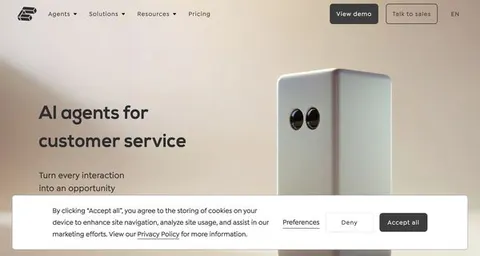
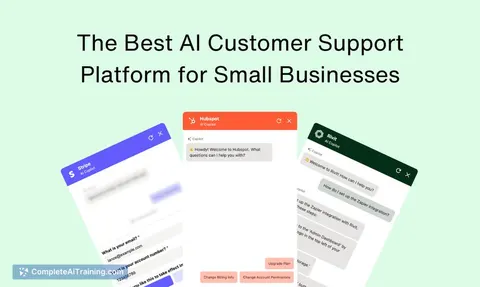
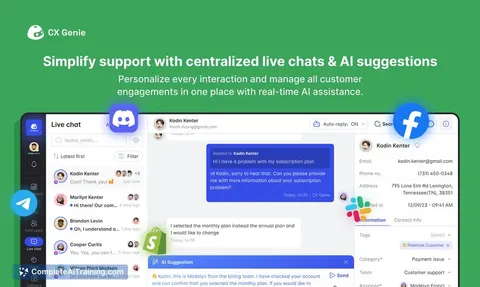
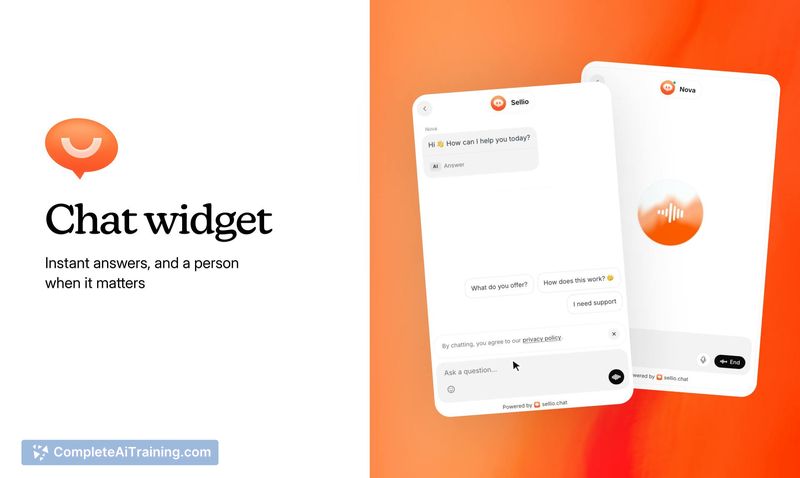
Try the AI tools for customer service managers
24 AI tools our AI matched to the work of customer service managers, best fit first. Each review shows what it does, its alternatives and the jobs it suits.
Favorites are saved to your account: sign in or get your AI kit first.
Show all 24 AI tools
Connect your AI to the apps customer service managers use
MCP servers let ChatGPT, Claude or Copilot look things up and get work done in other apps, like your email, calendar or bookkeeping software. These 12 fit the work of customer service managers best, well-known apps first.

Telegram MCP server
by chaindeadLets your AI read your Telegram chats, spot unread messages, and prepare draft replies for you.

Chatmaid WhatsApp MCP server
by chatmaidLet your AI send WhatsApp messages, read replies and check delivery for your business number.
Customer communication Official
Zendesk MCP server
by michaelriceLets your AI read, search, and update Zendesk tickets, comments, views, and macros for you.

Teamwork MCP server
by teamworkConnect your AI to Teamwork so it can look up projects, tasks, tickets, and messages for you.
Productivity Official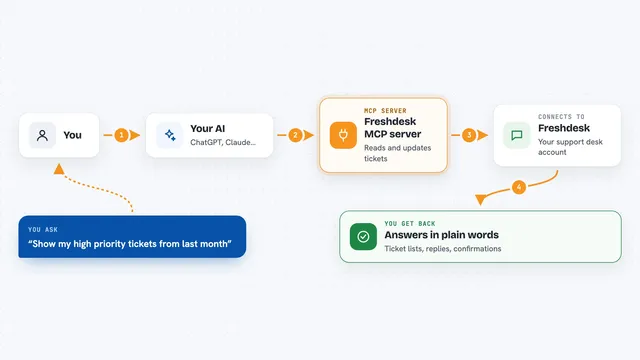
Freshdesk MCP server
by effytechLets your AI read, create, and update Freshdesk tickets, contacts, agents, and companies for you.

Slack MCP server
by korotovskyLets your AI read, search, and post in your Slack channels, threads, and DMs for you.
Show all 12 MCP servers

MCP Emails server
by AlbretsenLet your AI read, search, send and organize email in your own mailbox.
EmailNo install
PipesHub MCP server
by pipeshub-aiLets your AI search across your work apps like Google Workspace, Microsoft 365, Slack and Jira, and answer with the sources it found.
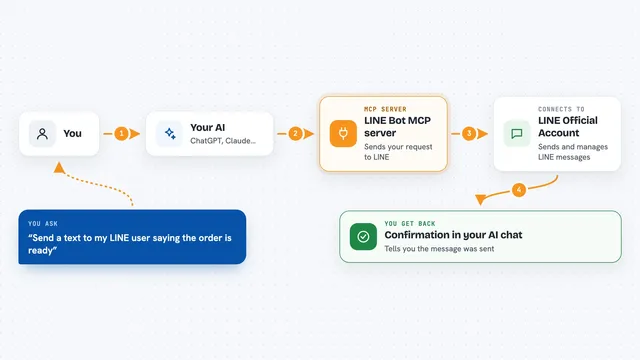
LINE Bot MCP server
by lineLet your AI send LINE messages and manage your LINE Official Account for you.
Customer communication Official
Gmail MCP server
by A1-x-TechLet your AI read, search, draft and send your Gmail, and keep labels and trash tidy, from the chat.

Google Chat MCP server
by A1-x-TechLets your AI read, search, and send messages in your Google Chat spaces and direct messages.

Mail MCP server
by tecnologicachileLets your AI read, search, send, reply to and forward email across several accounts for you.
Build your own AI apps for customer service managers
Apps you build yourself with your own AI, no coding needed and no monthly fee. Our AI picked the 12 that fit the work of customer service managers.
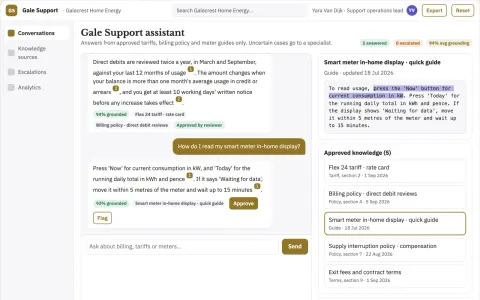
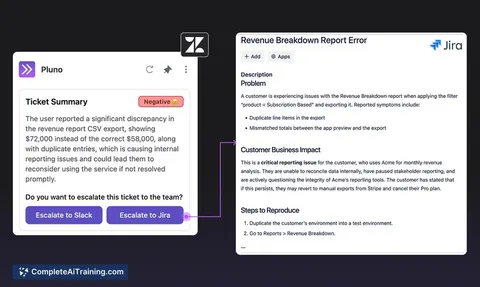
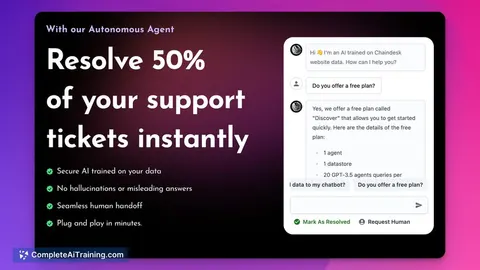
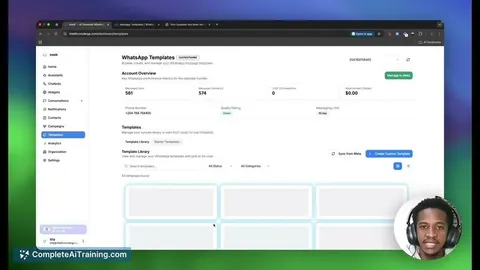
Source-linked support assistant and admin console
Reduce repeated customer questions and manual data tasks while keeping a human backup for uncertain cases.
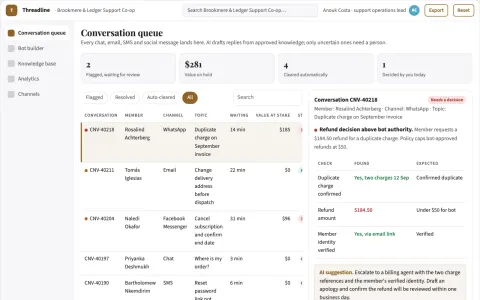
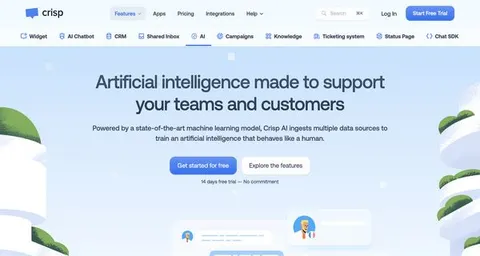
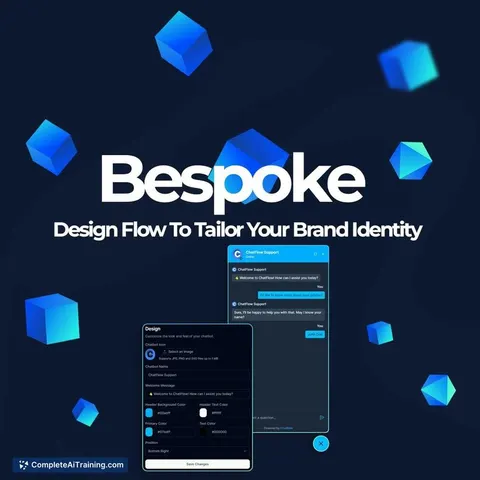
Unified AI customer conversation and support portal
Reduce tool sprawl and keep one conversation record while preserving human control of escalations.
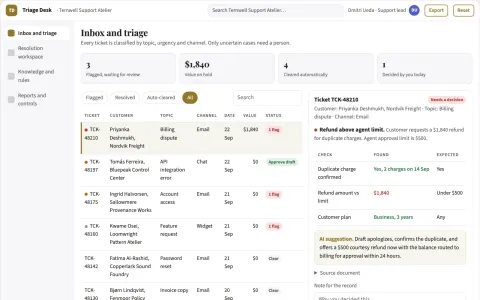
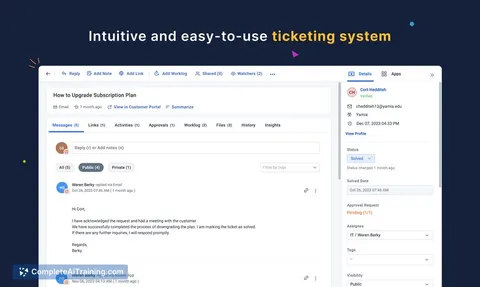
Customer support resolution coordination portal
Reduce rented tooling and manual triage while keeping every customer reply under team control.
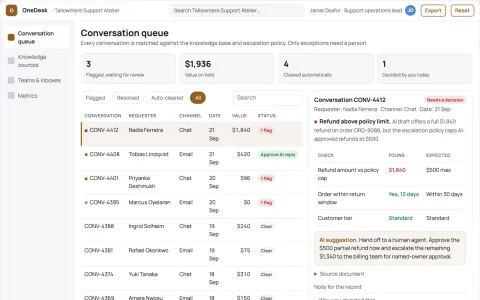
Multi-channel support conversation operations portal
Reduce repeated support subscriptions while keeping one owned conversation record.
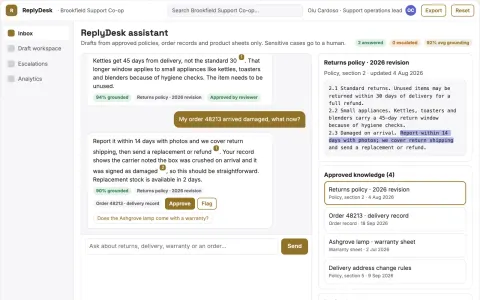
Source-linked customer support assistant and console
Reduce tool sprawl and keep customer context in one owned system.
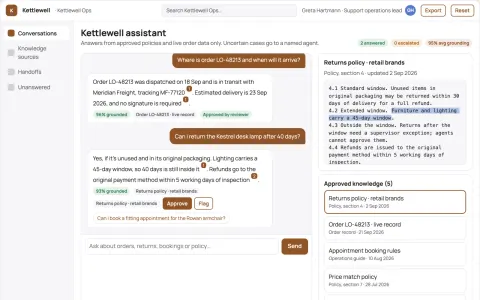
Source-linked multi-channel support assistant and console
Answer routine questions automatically across channels while keeping every reply tied to an approved source and a named human owner.
Show all 12 apps
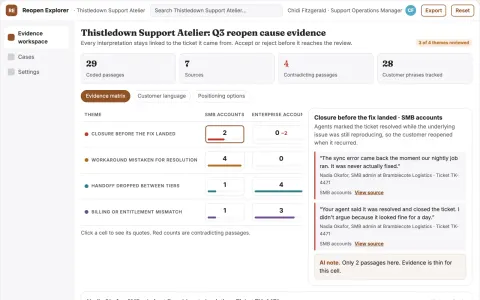
Support reopen cause explorer
Closure quality examined across repeat contacts.
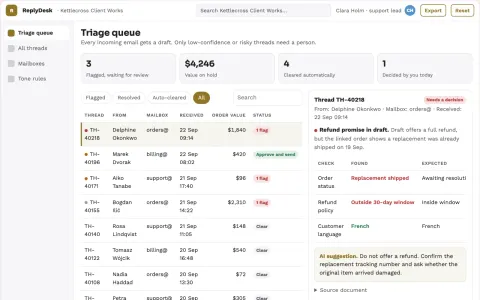
AI email reply drafting and escalation desk
Cut reply drafting time while keeping a named agent accountable for every send.
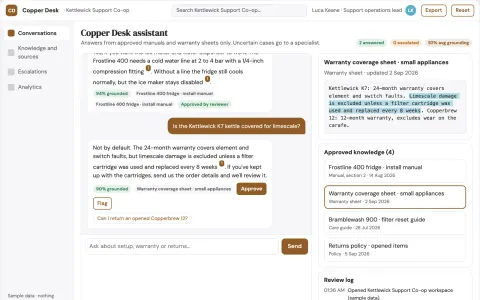
Source-linked support assistant and admin console
Reduce tool sprawl while keeping every answer tied to an approved source.
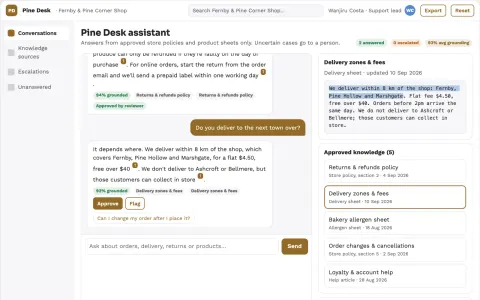
Source-linked support assistant and admin console
Reduce repetitive inquiry handling while keeping answers traceable to approved sources.
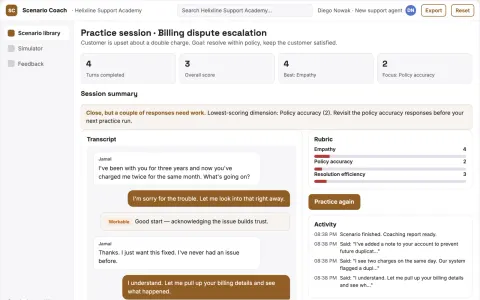
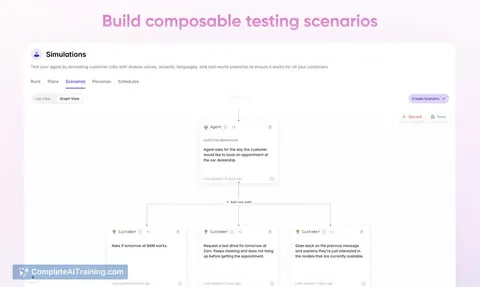
Support onboarding simulator
Practice scenarios generated from the team's actual support situations.
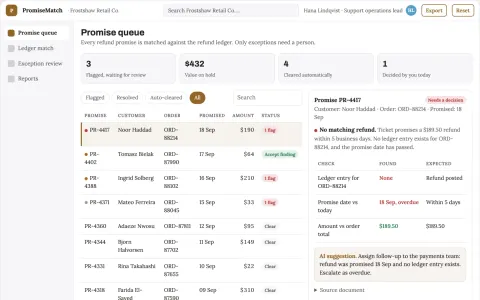
Refund promise reconciliation desk
Close the gap between support promises and actual refunds.





































































































About this learning path
7 topicsAI for Customer Service Managers: A Practical Path
Customer service managers carry a lot at once: a queue that never stops, a team that needs answers, and numbers that someone upstairs wants explained. AI will not run the team for you, but it can take the first pass at the writing and the sorting, which is where much of the day disappears.
This path is built for managers who are not technical. You will set up your AI tool, connect it to the way you already work, and practice prompts for the parts of the job you do every week.
Why this matters now
Customers now expect a reply in minutes, and they expect it to be right. At the same time, support teams are asked to handle more contacts without adding headcount.
Managers who can use AI well spend their time on judgment, coaching and decisions. Managers who cannot spend it on drafting, sorting and chasing.
What the path includes
The path starts with a few setup questions so we understand your team, your tools and your goals. Then it walks you through connecting your AI, whether that is ChatGPT, Claude or Gemini, and shows you the skills that matter for a support manager inside that tool.
From there you take this prompt course, which covers briefings, escalations, coaching, policies, metrics, staffing and quality. Alongside it, you get video courses chosen for your job, and each one lists the certifications you can earn when you finish.
How it saves you time
Most of the time you lose is not the hard part of the job. It is turning a messy queue into a clear morning plan, writing the same kind of reply for the tenth time, and pulling numbers into a shape you can explain.
AI handles those first drafts in seconds. You still read, adjust and decide, but you start from something instead of a blank page.
How it protects your career
Support leadership is changing. The managers who get promoted are the ones who can show how they improved response quality, kept the team steady and used new tools sensibly.
This path gives you those habits and a way to talk about them. You will be the person on your team who knows how to use AI well, not the person who avoided it.
How the pieces fit together
Setup questions come first, so the rest fits your situation. Then you connect your AI, learn the job-specific skills inside it, and work through the prompt course lesson by lesson.
Video courses sit alongside the prompts, picked for support managers, and each one names the certification you can earn. Nothing here is a book to read cover to cover. It is a set of tools you use as you work.
How to start
Pick one prompt from the course and use it tomorrow morning. The daily briefing prompt is a good first one, because you will see the value before your first meeting.
Give it two weeks. Use one prompt a day, keep the ones that work, and adjust the wording until it sounds like you.
Frequently asked questions
Do I need to be technical to follow this path?
No. Everything is written for managers who use a computer and a support tool, nothing more. If you can write an email, you can use these prompts.How much time does the path take?
Most managers work through it in a few short sittings, then keep the prompts open during the week. The lessons are short on purpose, so you can use one before a shift starts.Is it safe to put customer information into an AI tool?
The course covers this directly, including what to leave out and how to work with summaries instead of raw customer details. Follow your company rules first, and use the safety lesson as your guide.Which AI tool should I use?
ChatGPT, Claude and Gemini all work with these prompts. The path helps you connect the one you already have, and the lessons note where one tool handles something a little differently.