AI app for customer support · no coding needed
Always-On Call Assistant
A full call centre that costs less than a part-time receptionist, with your own knowledge as the source of truth and a two-line summary after every call.
Made for: Owner-operators at small repair shops, law firms and home services
What it does for you
The problem
Small teams lose afternoons to missed calls and voicemail ping-pong.
What it gives you
Resolved customer calls, text or email summaries, escalation transfers
What you give it
Phone numberFAQ pagesdocumentsSlack channelsorder system access
How it works, step by step
- Answer inbound calls with natural multi-turn speech
- Pull facts from connected knowledge sources
- Check order status or book appointments via existing tools
- Escalate to a human with a quiet whisper of context
- Send a two-line summary by text or email after each call
- Track call volume and resolution rates per line
What you see on screen
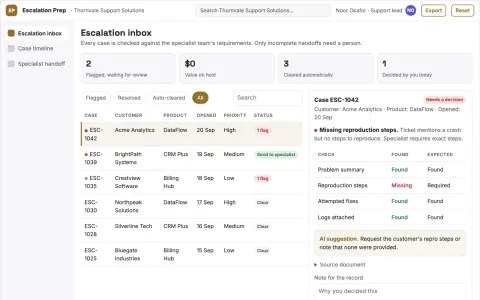
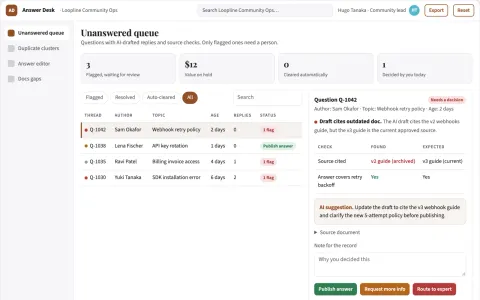
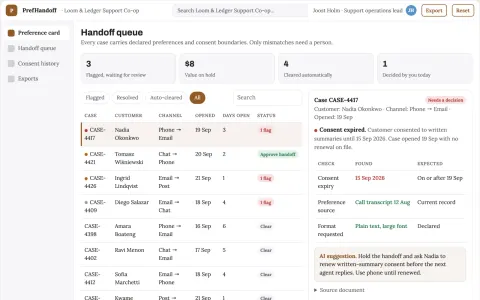
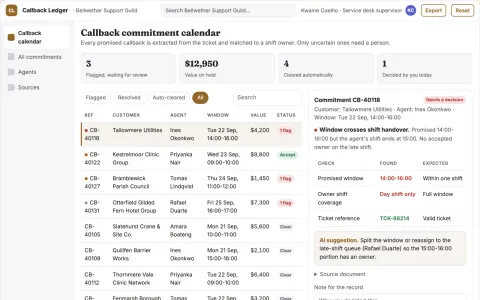
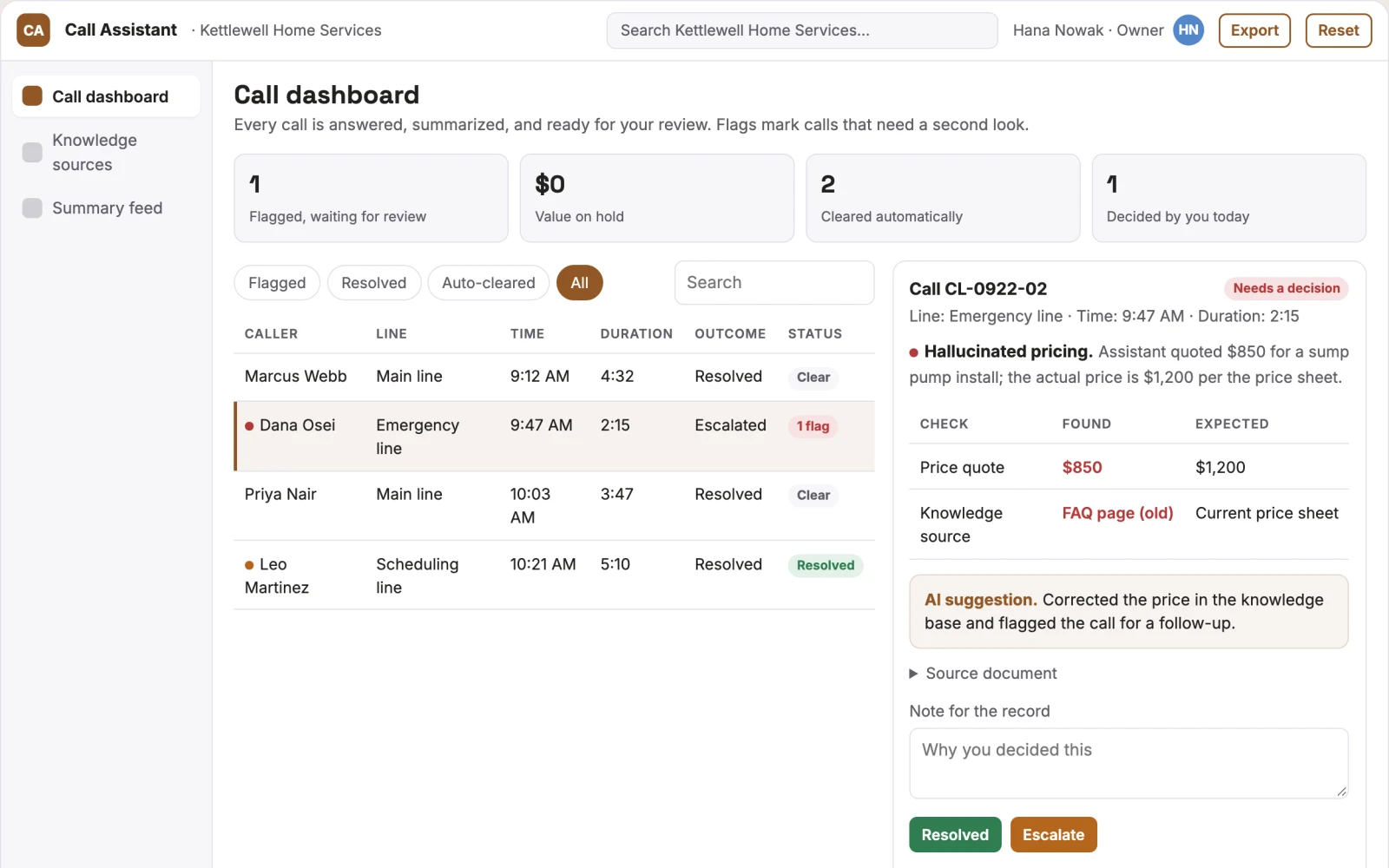
- Call dashboard
- knowledge source manager
- call summary feed
Jobs this app suits
Our AI checked this app against 500 jobs; these get the most out of it. Each job links to its learning path.
Build it yourself with your AI system
Build this app yourself, no coding needed
Start with a quick version you can try in a few minutes. Like it? Then build the full app by copying and pasting our step-by-step instructions: everything is prepared for you.
Sign in to see how to build it yourself
Build a quick version to try, or get the full app pack for Always-On Call Assistant with the step-by-step building instructions. You don't need any technical skills: you copy, paste and answer a few questions. Both are included in the membership.
4 Have it built for you days to a few weeks
Rather not do it yourself, or want it fully tailored to your data, your way of working and your brand? Nexibeo builds Always-On Call Assistant with you.
What's in the app pack
Included in the Complete AI Training membership.
- The building instructions your AI follows, step by step
- The questions your AI will ask you about your business before it starts
- A clickable demo you can open in your browser, to see how it should work
- A detailed blueprint of the screens, the information it keeps and the checks it runs
Become a member to get the app packAlready a member? Sign in
The files, for the technically curious
- START-HERE.mdHow to build it with your own AI (read first)3 KB
- README.mdOverview and links1 KB
- questions.mdQuestions to answer before you build2 KB
- prompt-cloudflare.mdThe full build prompt, hosted on Cloudflare22 KB
- prompt-vps.mdThe same build on your own server (Docker)22 KB
- spec.jsonData model, API, AI pipeline, acceptance criteria12 KB
- demo/index.htmlThe working demo on sample data193 KB
Questions
Do I need to know how to code?
No. You copy and paste the prompts on this page into ChatGPT or Claude, and the AI does the building. When it asks you something, you answer in your own words.
What does it cost?
The quick version, the app pack and the step-by-step instructions are for members: you pay the membership price, not a price per app (see the plans). Building the full app uses your own ChatGPT or Claude subscription. Putting it online is often cheap or no cost at the start, and your AI tells you before anything costs money.
How long does it take?
The quick version: about two minutes. The real app: an afternoon for a first version you can use, longer if you want every feature.
Can I change it to fit my business?
Yes. Tell your AI what to change in plain words, like “add a column for the price” or “use our logo and colours”. Or have Nexibeo build and customise it for you.
More detailsHow the AI works, safeguards and what to build first
For owner-operators at small repair shops, law firms and home services, turn your phone line, FAQ pages and order systems into a 24-hour call handling service that answers, triages and resolves customer calls. Address the recurring problem: customers who do not reach a human hang up and buy elsewhere. The value hypothesis is a full call centre that costs less than a part-time receptionist; the pilot must establish whether that benefit is real.
Connect a phone number, share knowledge sources, review the agent's answers, take a live test call, adjust responses, go live, and review daily summaries. Start with phone number, FAQ pages and order system access and finish with resolved calls and text summaries.
How the AI works
Use voice-to-voice models for natural conversation and retrieval-augmented generation to answer from your own knowledge base. Keep factual answers such as return policies and opening hours in structured fields. Validate call summaries through deterministic checks. A human owner reviews call transcripts and flags any hallucinated answers before the agent is trusted with more complex queries.
Safeguards
Limit the agent to approved knowledge sources only. Require human review of any new response before it is used. Never transfer calls without the caller's consent. Must not invent policies, share personal data, or make commitments outside the knowledge base. Audit all calls and keep transcripts for 90 days.
What to build first
One buyer, one use case: a single voice agent connected to a Twilio number, reading one FAQ page and answering the five most common questions. First two modules: call answering and SMS summary. Manual review of transcripts before any agent response is reused.
What it can connect to
Twilio for phone numbers, webhooks to order systems or booking tools, and email or SMS for summaries. Start with Twilio and a static FAQ page.
The screens in detail
Use a live call dashboard showing active and recent calls, a knowledge source manager to add or refresh FAQ pages and documents, and a summary feed with two-line text or email summaries per call. Let users mark calls as resolved or escalated. Display call duration, outcome and any transferred calls. In this product, the first view is call dashboard, followed by knowledge source manager and call summary feed.