
Learning path
Learning AI as a Virtual Assistant
Virtual assistants who use AI keep inboxes clear, calendars full, and details correct without working late. This path shows you how to use everyday tools for the tasks you already do.

Your path
Everything in the Virtual Assistant AI kit, in the order that makes sense. Members tick off each step and see their progress.
Set up your AI
We guide you through each click.
Let skills do your everyday tasks
Connect your apps and pick your AI apps
Hand whole tasks to AI agents
Build your own tools
Keep growing
Everything for virtual assistants
All the courses, certifications, AI tools, MCP servers and apps for virtual assistants, most relevant first. Open any list to see more.
Take the prompt courses
A short framework course to learn how to ask, then 8 lessons with ready-to-use prompts for virtual assistants.
Start with this framework: how to talk to AI
As a virtual assistant, reusable ICIO and CIDI templates let you sort client emails and extract meeting details daily.
Then your prompt course for virtual assistantsWatch the video courses or add them to your Favorites for later
132 video courses our AI picked for virtual assistants, most useful first. Save the ones you want to watch later with the heart.
Favorites are saved to your account: sign in or get your AI kit first.
Show all 132 video courses
Get certified, or add certifications to your Favorites
Every course ends in an exam and a certificate you can add to LinkedIn. Save the certifications you are aiming for with the heart.
Favorites are saved to your account: sign in or get your AI kit first.
More certifications for virtual assistantsShow all 24 certifications
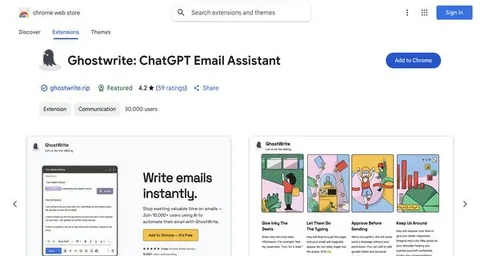
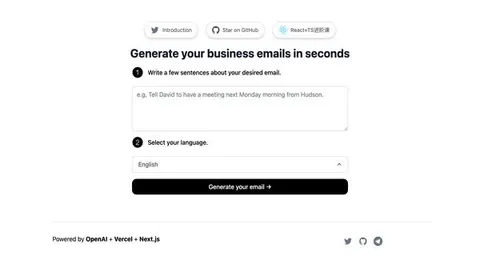
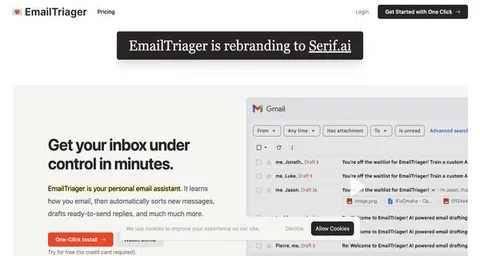
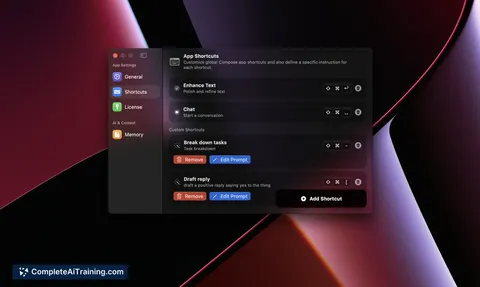
Try the AI tools for virtual assistants
24 AI tools our AI matched to the work of virtual assistants, best fit first. Each review shows what it does, its alternatives and the jobs it suits.
Favorites are saved to your account: sign in or get your AI kit first.
Show all 24 AI tools
Connect your AI to the apps virtual assistants use
MCP servers let ChatGPT, Claude or Copilot look things up and get work done in other apps, like your email, calendar or bookkeeping software. These 12 fit the work of virtual assistants best, well-known apps first.
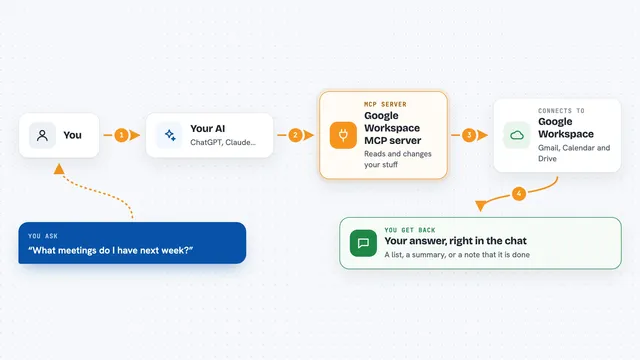
Google Workspace MCP server
by giuseppe-cocoLets your AI read and send Gmail, manage Calendar events, and work with Drive files for you.

Temporal Cortex MCP server
by temporal-cortexLet your AI check calendars, find free slots, and book meetings without double-booking.
ProductivityMeetingsNo install
Fluxmail MCP server
by churichardLet your AI read, search, draft, send and organize email across your mailboxes.
Email Official
MCP Emails server
by AlbretsenLet your AI read, search, send and organize email in your own mailbox.
EmailNo install
Mailwarden Gmail MCP server
by csitteLet your AI read, search, label, archive, trash and snooze your Gmail without opening a browser.

Gmail MCP server
by A1-x-TechLet your AI read, search, draft and send your Gmail, and keep labels and trash tidy, from the chat.
Show all 12 MCP servers

Microsoft 365 MCP server
by softeriaLets your AI read and send Outlook mail, check your calendar, and work with OneDrive and Excel files.

Outlook MCP server
by dockndevaiLets your AI read, search, draft and send Outlook email and browse your OneDrive files for you.

Mail MCP server
by tecnologicachileLets your AI read, search, send, reply to and forward email across several accounts for you.

Google Flights MCP server
by HasDataLets your AI search Google Flights for fares, times, stops and carbon emissions when you ask.
ResearchNo install
Email MCP server
by marlinjaiLets your AI read, search, send and tidy up your email across Gmail, Outlook and iCloud.

Zoho Mail MCP server
by SirGreed808Let your AI read, search and send email from your Zoho Mail account.
Build your own AI apps for virtual assistants
Apps you build yourself with your own AI, no coding needed and no monthly fee. Our AI picked the 12 that fit the work of virtual assistants.
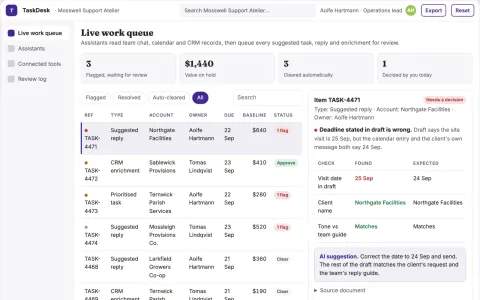
Team assistant operations coordination portal
Reduce manual coordination while keeping every automated action under named human review.
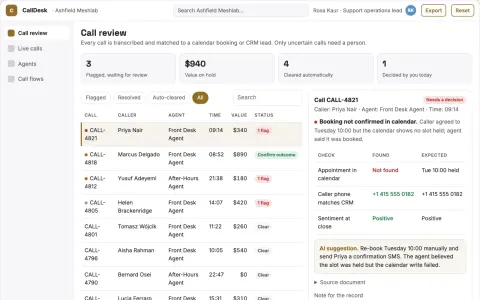
AI phone answering and call handling portal
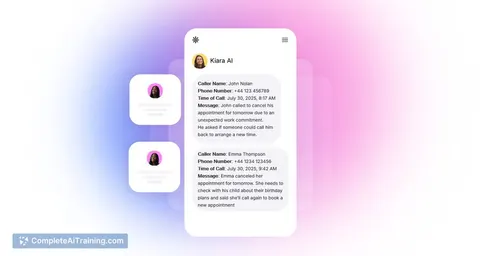
Answer every business call and turn it into a booked appointment, a qualified lead or a captured message.
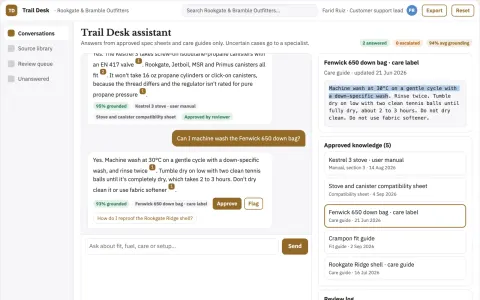
WhatsApp AI assistant and admin console
Reduce the number of tools a team rents while keeping one assistant inside the chat channel they already use.
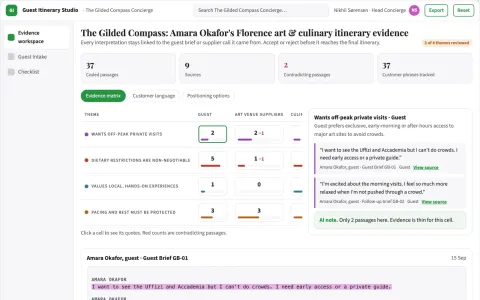
Guest itinerary business
Personalized plans with explicit verification dates and booking status.
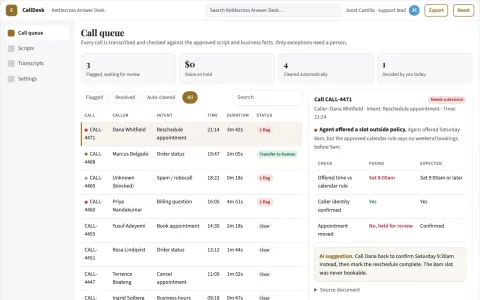
AI voice call handling and routing desk
Reduce missed calls and staff time on routine questions while keeping humans in control of exceptions.
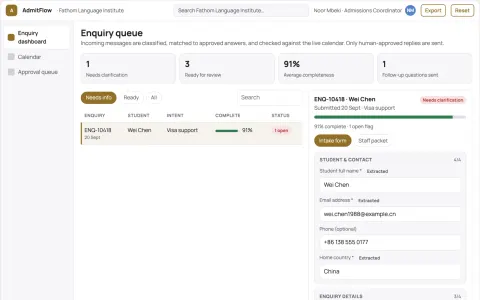
Automated Admissions Intake Queue
Every applicant gets a timely, personal follow-up, with staff approving anything that needs cultural nuance.
Show all 12 apps
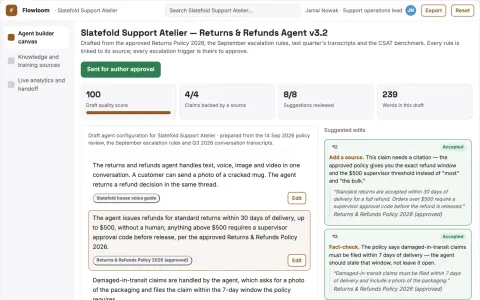
No-code multimodal agent delivery workspace
Reduce tool sprawl while keeping one owned agent workflow.
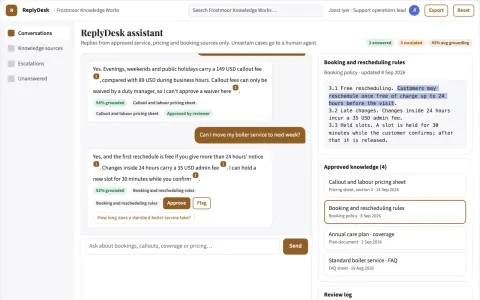
Source-linked multi-channel customer answer console
Answer customer calls and messages automatically across phone and chat channels from one owned console.
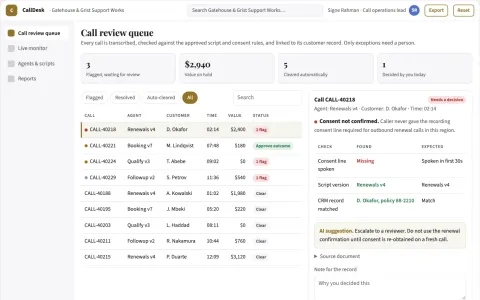
AI voice call operations portal
Handle more calls without adding staff while keeping every call reviewed and owned.
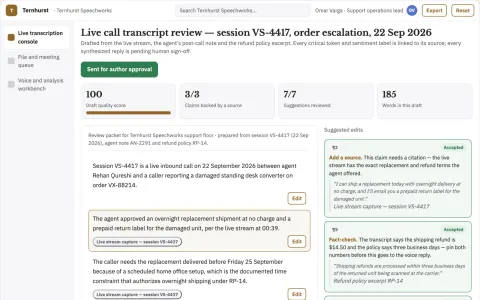
Real-time speech transcription and voice workspace
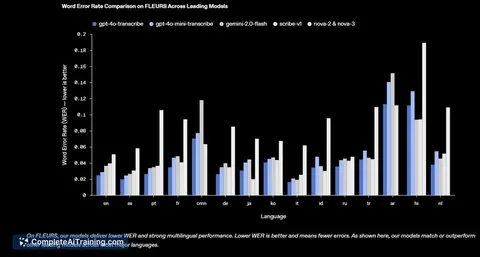
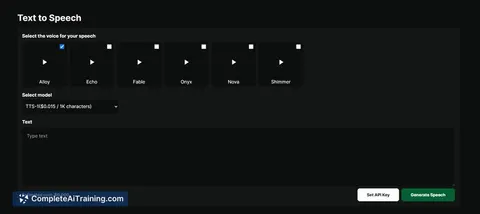
Reduce delay between speech and usable text while keeping transcripts, analysis and voice output in one owned workspace.
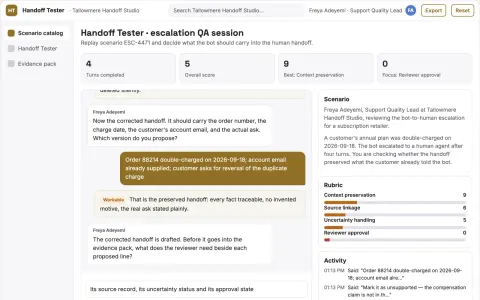
Support bot handoff context tester
Measure information preservation at escalation.
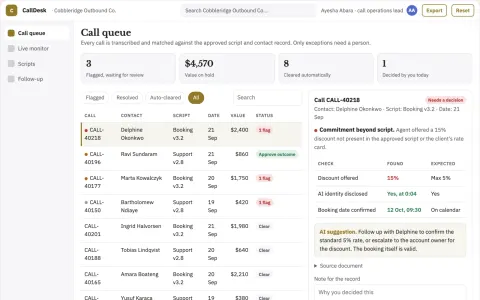
Outbound and inbound call operations desk
Reduce manual call handling while keeping every consequential action under named human approval.























































































































About this learning path
7 topicsAI Skills That Help Virtual Assistants Every Day
As a virtual assistant, your value comes from keeping many moving pieces straight. Clients trust you with their inbox, calendar, travel, expenses, and records. AI can help you do that work faster and more calmly.
This learning path starts with simple setup questions and connecting your AI tool. Then you practice prompts for the job, take this prompt course, and watch short video lessons chosen for virtual assistants. Each video course also shows which certification you can earn when you finish.
Why AI Matters for You
Clients ask virtual assistants to do more each year. They want you to manage inboxes, calendars, travel, expenses, and records without missing a detail. AI can help you draft, sort, and summarize so you spend your attention on judgment and relationship building.
You do not need to become a technical expert. You need to know which prompts to use, how to check the output, and when to keep your client's information private.
What This Path Includes
The path starts with setup questions that help you choose an AI tool and connect it to your work. You will also learn skills for the job inside your AI, such as how to keep client details organized and how to ask for a second draft.
Then you take this prompt course. After that, you watch short video courses chosen for virtual assistants. Each video course lists the certification you can earn, so you can show clients what you have learned.
Setting Up and Connecting
You will answer simple setup questions about your clients, the tasks you handle, and the tools you already use. Then you connect your AI tool, such as ChatGPT, Claude, or Gemini, and practice a few safe prompts.
If you use a client's system, ask which data can go into an AI tool. When in doubt, remove names and private details before you paste anything.
How It Saves You Time
AI helps you make a first draft in seconds. You can sort a long email thread, turn rough notes into a report, or compare travel options before you open a booking site.
The time you save goes back into your day. You can take on more clients, finish earlier, or use the quiet time for the work that needs your full attention.
How It Protects Your Career
Virtual assistants who use AI well become more valuable. You still bring judgment, trust, and follow through. AI just removes the blank page and the busywork.
The path also teaches safe habits. You learn to protect client information, check facts, and keep a human review before anything is sent.
How to Get Started
Start with the setup questions and the first lesson on inbox triage. Pick one client and one task. Run the prompt, edit the result, and notice what changes.
Then move through the rest of the course at your own pace. Finish one video course and claim its certification before you add another.
Frequently asked questions
Do I need technical skills to use AI as a virtual assistant?
No. If you can write an email and follow a checklist, you can use these prompts. The course explains each step in plain language and gives you examples to copy.Which AI tool should I use?
ChatGPT, Claude, and Gemini all work well for virtual assistant tasks. The prompts in this course are written so you can use them in any of these tools. Pick the one your client approves or the one you find easiest to use.How long does the learning path take?
Most people move through the path in a few short sessions. You can start with one lesson, practice it during your workday, and come back for the next. The video courses are short and can fit around client work.Will AI replace virtual assistants?
AI changes how the work gets done, but clients still need a trusted person to make decisions and keep details straight. Your role becomes more about judgment, communication, and oversight. The path helps you build those habits with AI as a helper.