AI app for sales · no coding needed
Live Blog Avatar
The avatar answers only from approved, cited blog content, so sales teams trust it as a live expert rather than a generic chatbot.
Made for: Sales teams at B2B SaaS companies with a content library
What it does for you
The problem
A blog sits on your site doing nothing for the sales team on a call.
What it gives you
Live interactive avatar room, cited answers, question analytics
What you give it
Blog postschartsbrand voice guideoptional 30-second video for likeness
How it works, step by step
- Ingest blog posts into a locked knowledge graph
- Generate a script in the author's voice
- Render a photorealistic avatar with slides
- Host a live interactive video room
- Answer questions using retrieval augmented generation
- Log analytics on questions and engagement
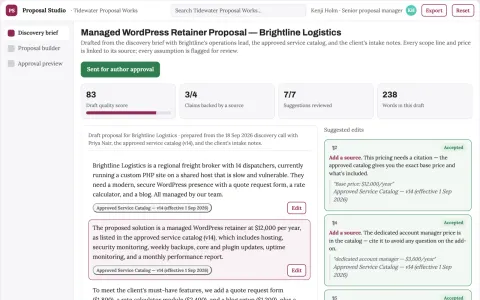
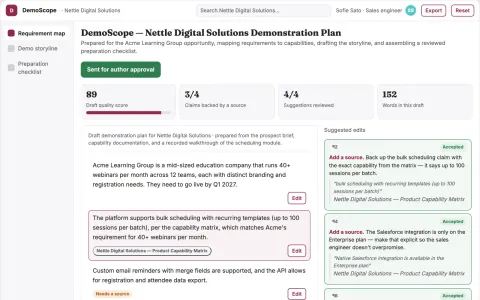
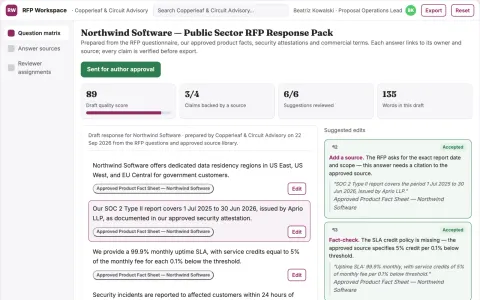
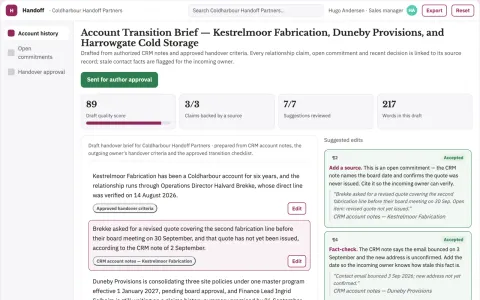
What you see on screen
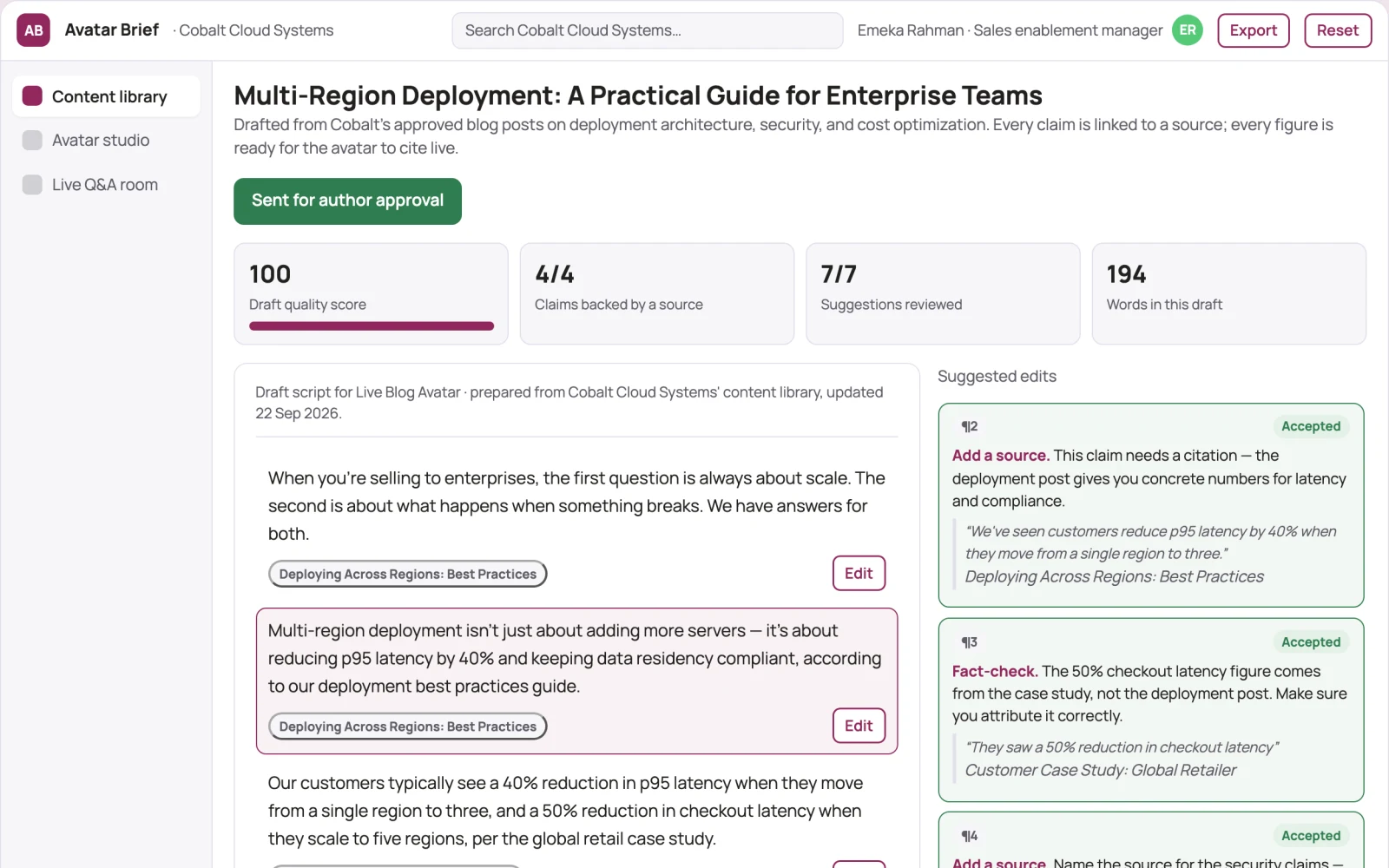
- Content library
- avatar studio
- live Q&A room
Jobs this app suits
Our AI checked this app against 500 jobs; these get the most out of it. Each job links to its learning path.
Build it yourself with your AI system
Build this app yourself, no coding needed
Start with a quick version you can try in a few minutes. Like it? Then build the full app by copying and pasting our step-by-step instructions: everything is prepared for you.
Sign in to see how to build it yourself
Build a quick version to try, or get the full app pack for Live Blog Avatar with the step-by-step building instructions. You don't need any technical skills: you copy, paste and answer a few questions. Both are included in the membership.
4 Have it built for you days to a few weeks
Rather not do it yourself, or want it fully tailored to your data, your way of working and your brand? Nexibeo builds Live Blog Avatar with you.
What's in the app pack
Included in the Complete AI Training membership.
- The building instructions your AI follows, step by step
- The questions your AI will ask you about your business before it starts
- A clickable demo you can open in your browser, to see how it should work
- A detailed blueprint of the screens, the information it keeps and the checks it runs
Become a member to get the app packAlready a member? Sign in
The files, for the technically curious
- START-HERE.mdHow to build it with your own AI (read first)3 KB
- README.mdOverview and links1 KB
- questions.mdQuestions to answer before you build2 KB
- prompt-cloudflare.mdThe full build prompt, hosted on Cloudflare20 KB
- prompt-vps.mdThe same build on your own server (Docker)20 KB
- spec.jsonData model, API, AI pipeline, acceptance criteria11 KB
- demo/index.htmlThe working demo on sample data199 KB
Questions
Do I need to know how to code?
No. You copy and paste the prompts on this page into ChatGPT or Claude, and the AI does the building. When it asks you something, you answer in your own words.
What does it cost?
The quick version, the app pack and the step-by-step instructions are for members: you pay the membership price, not a price per app (see the plans). Building the full app uses your own ChatGPT or Claude subscription. Putting it online is often cheap or no cost at the start, and your AI tells you before anything costs money.
How long does it take?
The quick version: about two minutes. The real app: an afternoon for a first version you can use, longer if you want every feature.
Can I change it to fit my business?
Yes. Tell your AI what to change in plain words, like “add a column for the price” or “use our logo and colours”. Or have Nexibeo build and customise it for you.
More detailsHow the AI works, safeguards and what to build first
For sales teams at B2B SaaS companies with a content library, turn approved blog posts, charts and brand voice into a live interactive avatar that answers prospect questions during calls. Address the recurring problem: the right content exists but is never used at the right moment. The value hypothesis is shorter sales cycles and fewer fumbled answers; the pilot must establish whether prospects actually engage with the avatar.
Connect blog, ingest posts, select or clone avatar, generate video, review for accuracy, share live link, and monitor Q&A analytics. Start with blog posts, charts and brand voice and finish with a live interactive avatar room with cited answers.
How the AI works
Use language models to build the knowledge graph, generate scripts and answer questions via retrieval augmented generation locked to approved posts. Use text to speech and video generation for the avatar. A human editor reviews the script and avatar output for factual accuracy and brand tone before any link goes live.
Safeguards
Restrict answers to approved posts only, require human review of generated scripts, lock knowledge base to specific content versions, and block any answer outside the source material. It must not generate opinions or unapproved claims.
What to build first
One buyer: sales team at a B2B SaaS company. One use case: one blog post turned into an interactive video with one default avatar. First two modules: content ingestion and basic Q&A player. Manual review of script and answers before sharing.
What it can connect to
Start with a blog RSS feed or URL import, then add CRM systems like Salesforce and HubSpot for session logging.
The screens in detail
Use a searchable list of ingested posts, a studio for selecting avatar and generating the video, and a live room with video player, question input and citation panel. Let users preview the avatar before sharing. Display source-linked answers with timestamps. Provide analytics on asked questions. In this product, the first view is content library, followed by avatar studio and live Q&A room.