
Learning path
Learning AI as a Chief Revenue Officer
This path helps a Chief Revenue Officer use AI for revenue analysis, forecasts, pricing, and team alignment. It includes setup, connecting your AI, job skills, prompts, and video courses with certifications.

Your path
Everything in the Chief Revenue Officer AI kit, in the order that makes sense. Members tick off each step and see their progress.
Set up your AI
We guide you through each click.
Let skills do your everyday tasks
Connect your apps and pick your AI apps
Hand whole tasks to AI agents
Build your own tools
Keep growing
Everything for chief revenue officers
All the courses, certifications, AI tools, MCP servers and apps for chief revenue officers, most relevant first. Open any list to see more.
Take the prompt courses
A short framework course to learn how to ask, then 8 lessons with ready-to-use prompts for chief revenue officers.
Start with this framework: how to talk to AI
As CRO, use Before, After, Bridge to turn a board revenue update from missed targets into predictable growth by showing the path.
Then your prompt course for chief revenue officersWatch the video courses or add them to your Favorites for later
124 video courses our AI picked for chief revenue officers, most useful first. Save the ones you want to watch later with the heart.
Favorites are saved to your account: sign in or get your AI kit first.
Show all 124 video courses
Get certified, or add certifications to your Favorites
Every course ends in an exam and a certificate you can add to LinkedIn. Save the certifications you are aiming for with the heart.
Favorites are saved to your account: sign in or get your AI kit first.
More certifications for chief revenue officersShow all 24 certifications
Try the AI tools for chief revenue officers
24 AI tools our AI matched to the work of chief revenue officers, best fit first. Each review shows what it does, its alternatives and the jobs it suits.
Favorites are saved to your account: sign in or get your AI kit first.
Show all 24 AI tools
Connect your AI to the apps chief revenue officers use
MCP servers let ChatGPT, Claude or Copilot look things up and get work done in other apps, like your email, calendar or bookkeeping software. These 12 fit the work of chief revenue officers best, well-known apps first.

Odoo Pulse MCP server
by minhhq-a1Ask your AI for a plain-English business report from your Odoo data, with a verdict on how things are going.
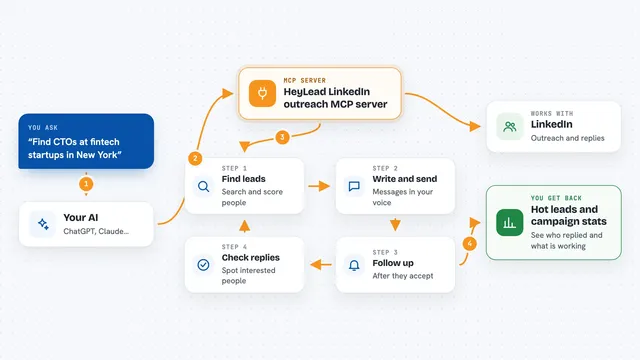
HeyLead LinkedIn outreach MCP server
by D4umakLet your AI find LinkedIn leads, write messages in your voice, follow up, and handle replies for you.
Customer communicationSocial media Official
Box MCP server
by boxLet your AI search your Box files, answer questions about them, and pull out details for you.
Productivity Official
Gmail MCP server
by A1-x-TechLet your AI read, search, draft and send your Gmail, and keep labels and trash tidy, from the chat.

MCP Analytics server
by embeddedlayersAsk your AI to run real statistical analysis on your data and get back a chart-filled report you can cite.
AnalyticsNo install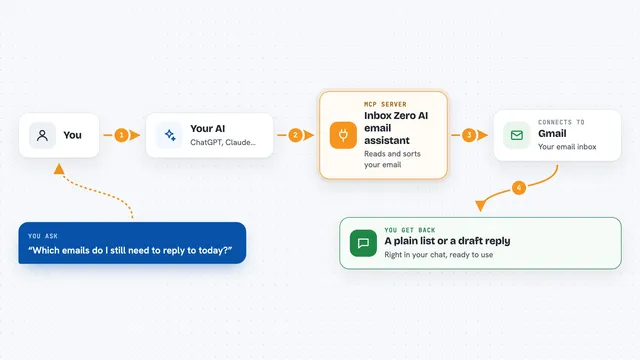
Inbox Zero AI email assistant
by elie222Let your AI tidy your Gmail, draft replies, track follow-ups, and give you meeting briefs.
Show all 12 MCP servers

Open Sales Stack MCP servers
by ekas-ioLets your AI research companies and people using public web data, from websites, job ads, LinkedIn and more.

Outlook Assistant MCP server
by littlebearappsLets your AI read, search, send, and organise your Outlook email, calendar, and contacts from the chat.

PipesHub MCP server
by pipeshub-aiLets your AI search across your work apps like Google Workspace, Microsoft 365, Slack and Jira, and answer with the sources it found.

LinkedIn MCP server
by devag7Lets your AI read LinkedIn profiles, jobs, feed and messages, and with your OK, send connects and posts.
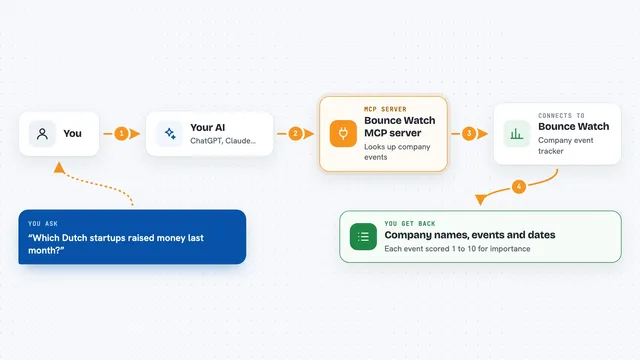
Bounce Watch MCP server
by bouncewatchAsk your AI what changed at a company, and when, using dated signals from Bounce Watch.
Research Official
Pearch.ai MCP server
by Pearch-aiLet your AI search for people and companies in plain words and pull up their profiles.
Research OfficialBuild your own AI apps for chief revenue officers
Apps you build yourself with your own AI, no coding needed and no monthly fee. Our AI picked the 12 that fit the work of chief revenue officers.
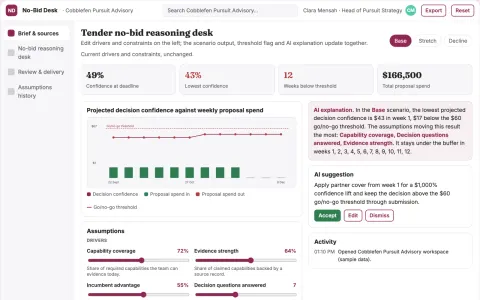
Tender no-bid reasoning desk
Document reasons to pursue or decline before proposal spend.
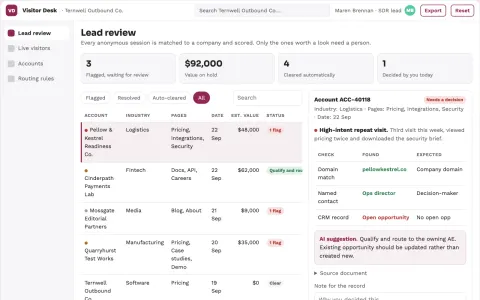
Anonymous visitor to qualified lead workbench
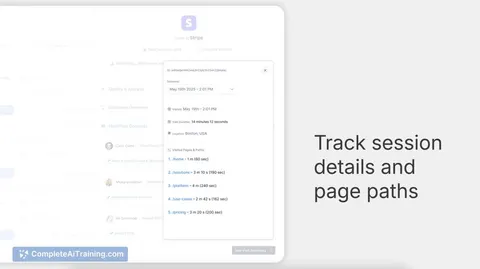
Reduce manual visitor research while giving sales a reviewed, prioritized lead list.
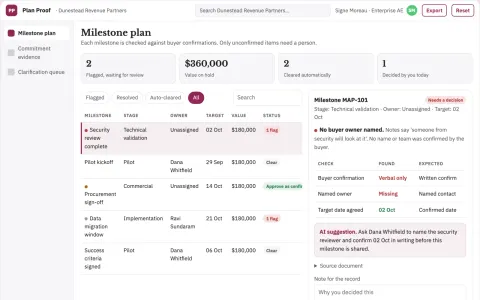
Mutual action plan evidence desk
Separate confirmed buyer commitments from seller assumptions.
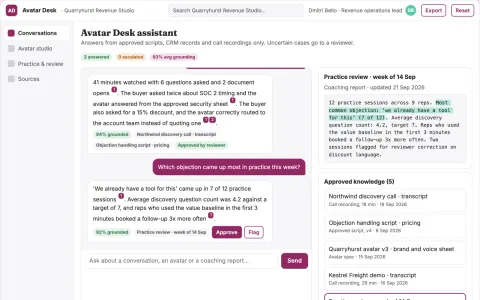
Real-time interactive video avatar sales assistant
Reduce tool sprawl while keeping sales conversations grounded and measurable.
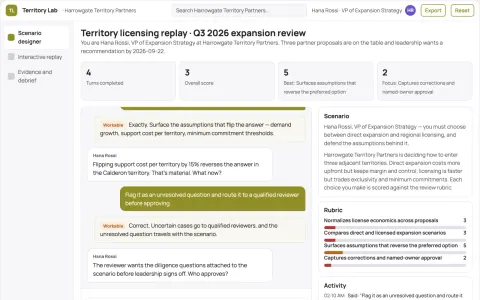
Territory licensing economics sandbox
Make expansion tradeoffs explicit before committing an exclusive territory.
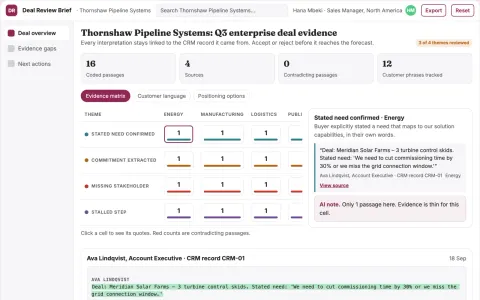
Deal review briefing
Deal narratives separate verified buyer evidence from seller assumptions.
Show all 12 apps
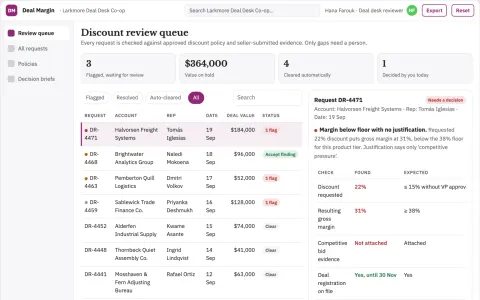
Sales discount rationale reviewer
Make discount justification reviewable before approval.
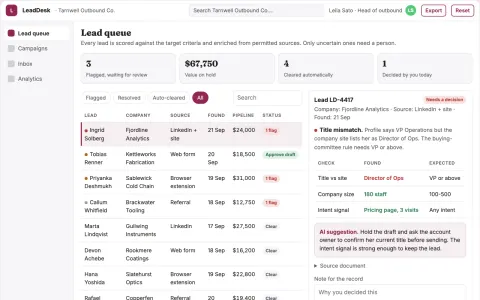
B2B outreach lead sourcing and follow-up portal
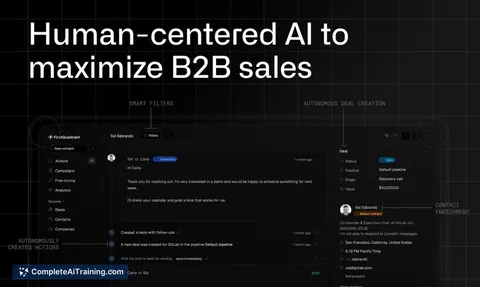
Run lead discovery, enrichment, outreach and follow-up in one owned portal.
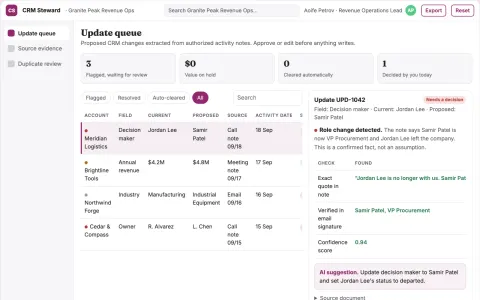
CRM maintenance service
Evidence-backed updates that separate confirmed facts from assumptions.
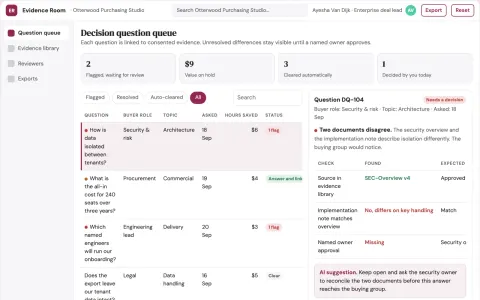
Sales stakeholder question coverage room
Help a buying group resolve evidence gaps without personal profiling.
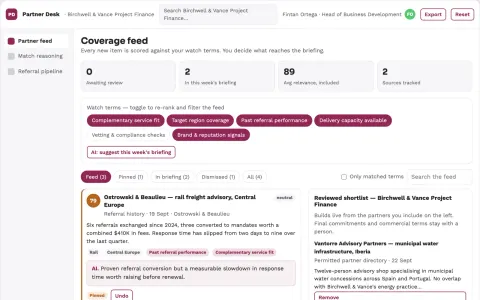
Transparent partner matching and referral workbench
Reduce manual partner research while keeping every match explainable and human-approved.
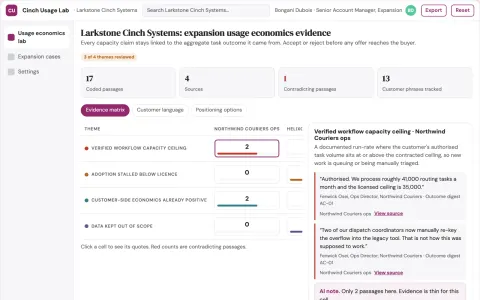
Contract expansion usage economics lab
Offer growth only where documented customer needs justify it.













































































































About this learning path
7 topicsAI for Chief Revenue Officers: A Practical Path
Revenue leadership is moving faster. Boards want clear answers, teams need alignment, and the data never stops. AI can help you keep up without working nights.
This learning path is built for Chief Revenue Officers who are not technical. You will set up your AI, learn the skills that matter for your job, practice with real prompts, and watch video courses picked for revenue leaders.
Why AI matters for this job now
Revenue leaders face more data, faster cycles, and higher expectations from the board and investors. AI helps you read the numbers, test scenarios, and explain decisions without adding hours to your day.
What the path includes
The path starts with setup questions and connecting your AI. Then you build job skills inside your AI, take this prompt course, and watch video courses picked for revenue leaders, each with a certification.
How the path saves time
You learn to turn reports, forecasts, and pricing work into clear drafts in minutes. The prompts are built for the tasks you already do, so you spend less time formatting and more time deciding.
How it protects your career
AI will not replace your judgment, but it changes what leaders expect. This path shows you how to use AI to support your decisions, so you stay ahead of the shift instead of catching up.
How to start the path
Begin with the setup questions and connect your AI tool. Then move through the prompt course in order, trying each lesson on a real task from your week.
Where the path leads
By the end you have a repeatable way to use AI for revenue analysis, forecasts, pricing, alignment, and communication. You also have a certificate that shows you can apply these skills on the job.
Frequently asked questions
Do I need technical skills to start?
No. The path assumes you are comfortable with email and spreadsheets. You will learn how to ask your AI tool for help in plain language.How long does the path take?
Most leaders move through the lessons over a few weeks, fitting them around meetings. You can go faster or slower depending on your schedule.Can I use my own revenue data?
Yes, but you should follow your company's privacy rules. The course shows you how to work with summaries and anonymized examples when needed.Will this replace my judgment?
No. AI helps you draft, compare, and explain, but you make the final call. The path is about giving you better material to decide with.