
Certification
Certification: AI Tools Practitioner
Earn the AI Tools Practitioner certification by demonstrating you can choose, prompt, and apply the right AI model across text, image, video, voice, and productivity tasks.
The exam
Take the certification exam
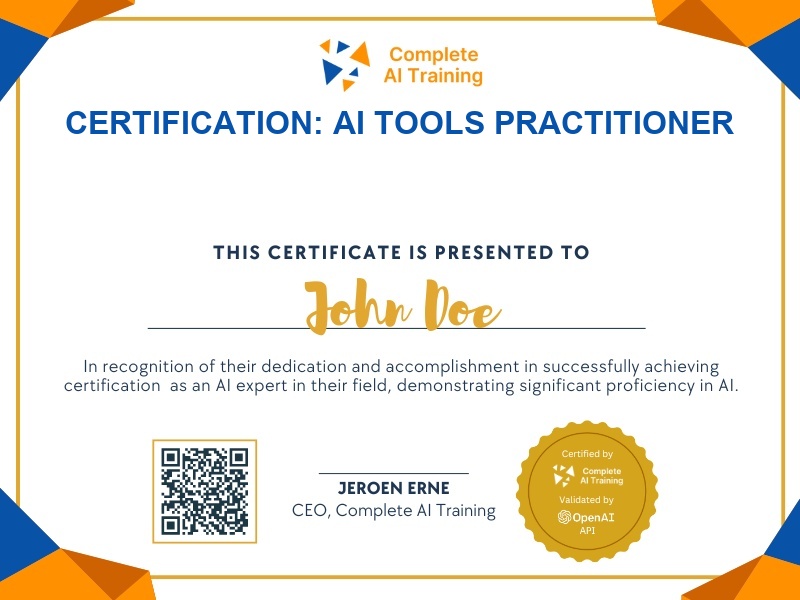
Multiple-choice questions about the course. Pass with 70% or more and your certificate is issued at once, with a public page and an "Add to LinkedIn" button.
What the exam covers
2 questions from each of the 24 chapters of the course
20 multiple-choice questions, drawn fresh for every attempt. Pass with 70% or more.
- 01How AI Works and Five Tool Categories5:05
- 02Language Models and Golden Prompting Rules4:16
- 03Image Generators and the Six-Part Prompt3:28
- 04Video, Voice and Music AI4:48
- 05Productivity AI and Three Common Mistakes4:21
- 06Testing Claude's Free Plan on Real Tasks5:35
- 07Usage Limits, Effort Levels and Model Choice5:00
- 08Opus 5.5 Tasks, Games and Benchmarks7:49
- 09Work Mode and the Three GPT-6 Models5:00
- 10Luna for Execution, Sol 6.1 for Judgment5:21
- 11Delegating Ambiguous Projects to Astra3:09
- 12Reasoning Settings and Prompting GPT-65:44
- 13Gemini Settings, Personal Intelligence and Navigation4:12
- 14Gemini Models, Extended Thinking and Plans3:19
- 15Gemini Tools, NotebookLM and Custom Gems6:11
- 16Image Editing, Video, Scheduled Actions and Mobile3:50
- 17Reference Consistency and Local Edits3:53
- 18Multi-Step Edits and Prompt Adherence4:38
- 19Posters and Ad Sets with GPT Image 2.54:32
- 20Dashboards, Vector Art and Where to Verify4:54
- 21Seedance 2.5 Inputs and Prompt Rules5:38
- 22Image to Video, Output Tiers and Motion Reference4:54
- 23Restyling, Many References and Long Scenes5:12
- 24Native Audio, Reference Stack and Model Comparison5:32
What it certifies
The AI Tools Practitioner certification validates your ability to select and prompt the right AI model for real work across text, image, video, voice, and productivity tasks. It confirms you understand how language, image, and video models generate output and can make hands-on comparisons of leading tools including Claude, ChatGPT, Gemini, GPT Image 2.5, and Seedance 2.5.
Skills you prove
- Explain how neural networks and language models generate answers
- Write detailed prompts with context, roleplay, and boundaries for any chatbot
- Choose the right model by task type, effort level, and output goal
- Generate consistent images and videos using reference-based prompting
- Apply AI tools to productivity workflows and avoid common mistakes
- Evaluate model outputs and usage limits across Claude, ChatGPT, Gemini, and Seedance
Who it is for
This certification is for professionals, creators, marketers, and operators who want to move beyond casual AI use and prove they can handle real tasks with the right model. It is designed for anyone who needs to decide between language models, image generators, video models, voice tools, and productivity AI in daily work.
How the exam works
The exam is multiple choice and questions are drawn from every lesson. You must complete all course modules and pass the final assessment to earn the certification.