
Video course · 24 chapters · 116 min · certificate
AI Tools Mastery: Pick and Prompt the Right Model
You practise choosing and prompting the right AI model for real work across text, image, video, voice and productivity tasks. The lessons cover how language, image and video models generate output, plus hands-on comparisons of Claude, ChatGPT, Gemini, GPT Image 2.5 and Seedance 2.5.
What you'll learn
- Explain how neural networks and language models generate their answers
- Write detailed prompts with context, roleplay and boundaries for any chatbot
- Choose between Sonnet, Opus and GPT-6 models by task type
- Set up Gemini personal intelligence, Gems and NotebookLM for daily work
- Edit and generate consistent images with GPT Image 2.5 prompts
- Direct Seedance 2.5 videos using references, camera moves and audio
Chapters
24 chapters · 116:21-
 5:05
01How AI Works and the Five Tool Types Members
How AI Works and Five Tool Categories
Jerry shows how neural networks learn patterns from data, then introduces the five types of AI tools so you can choose the right one for any task.
-
 4:16
02How AI Works and the Five Tool Types Members
Language Models and Golden Prompting Rules
Jerry shows how language models predict text, compares ChatGPT, Gemini, DeepSeek, Claude and Grok, and teaches three prompting rules that improve results in any model.
-
 3:28
03How AI Works and the Five Tool Types Members
Image Generators and the Six-Part Prompt
Jerry shows how diffusion image generators work, what makes Nano Banana Pro stand out, and how to write strong image prompts using six components.
-
 4:48
04How AI Works and the Five Tool Types Members
Video, Voice and Music AI
Jerry shows how to prompt video generators like Veo 3.1 and Kling 3.0, choose a voice four ways, and create original music with Suno.
-
 4:21
05How AI Works and the Five Tool Types Members
Productivity AI and Three Common Mistakes
Jerry shows how automation tools like Zapier and OpenClaw remove repetitive work, then explains three common AI mistakes and how to brief AI like a new hire.
-
 5:35
06Claude Sonnet and Opus in Practice Members
Testing Claude's Free Plan on Real Tasks
Jerry shows how to run Claude's free plan on a lease, card statements, a dense report and a job offer calculator, and how to verify each answer.
-
 5:00
07Claude Sonnet and Opus in Practice Members
Usage Limits, Effort Levels and Model Choice
-
 7:49
08Claude Sonnet and Opus in Practice Members
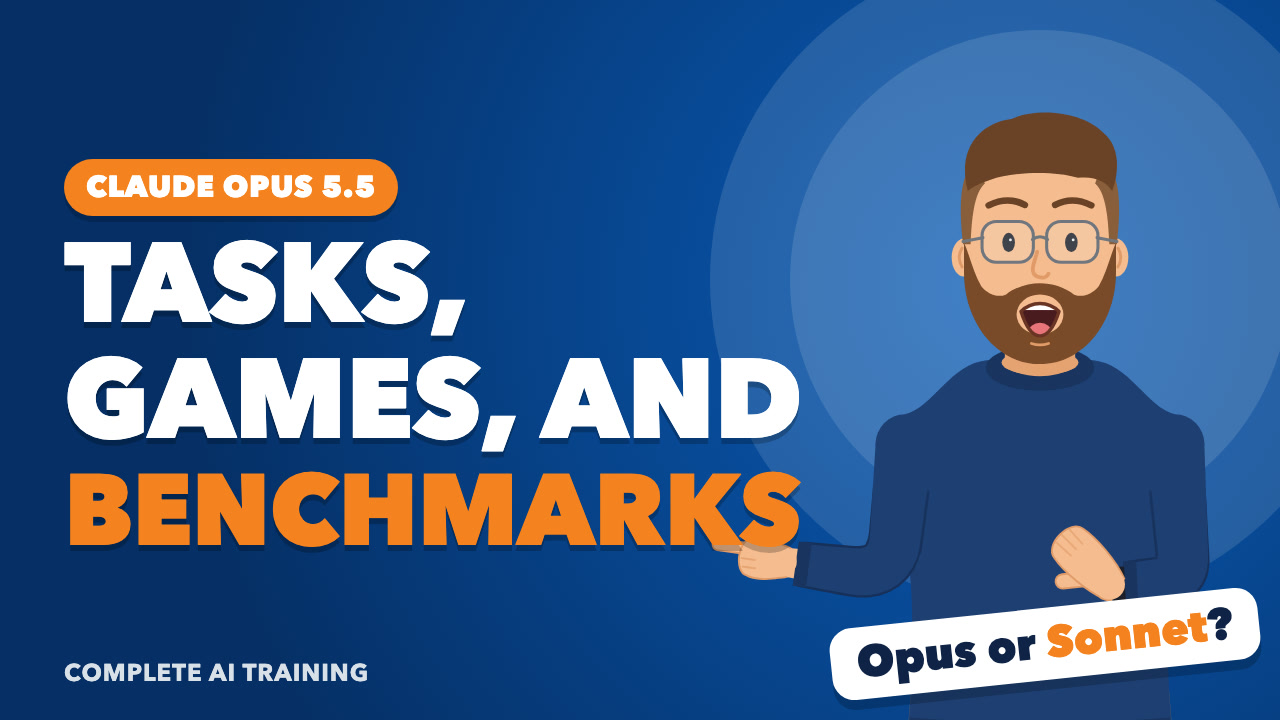
Opus 5.5 Tasks, Games and Benchmarks
Jerry shows how to test Claude Opus 5.5 on a research report and two games, read its launch benchmarks, and choose between Opus and Sonnet.
-
 5:00
09ChatGPT GPT-6: Work Mode and Models Members
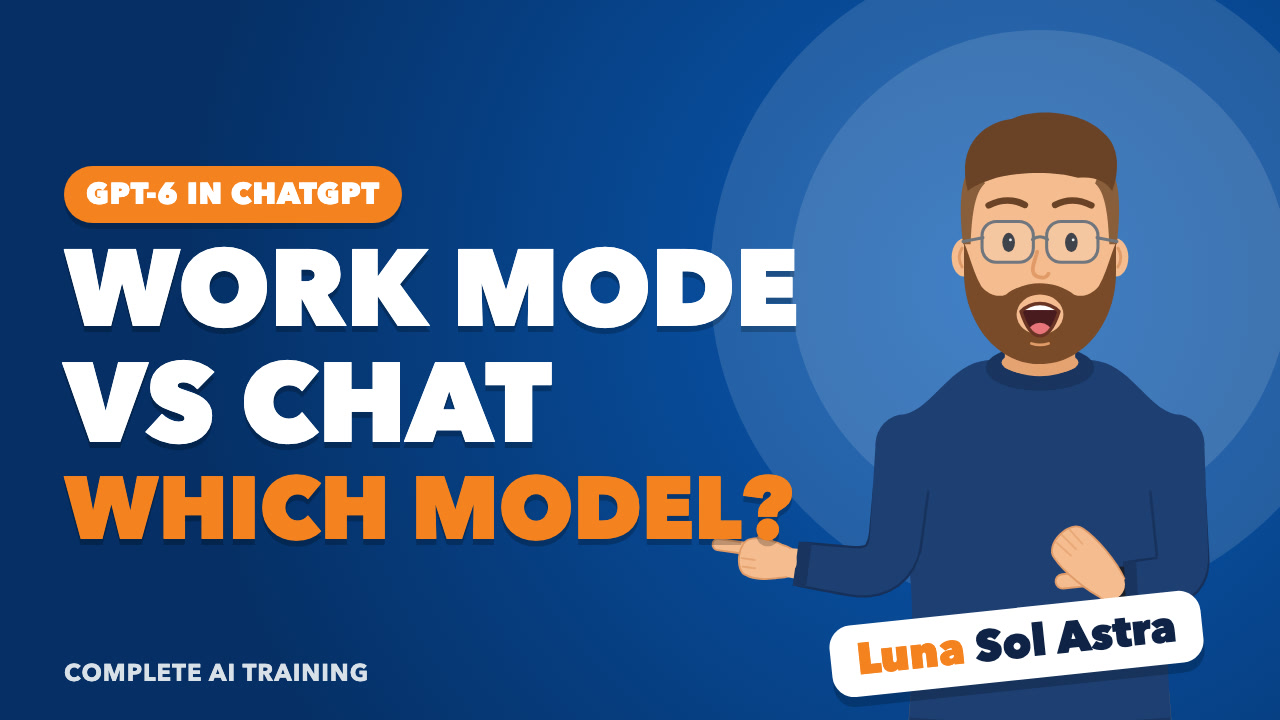
Work Mode and the Three GPT-6 Models
Jerry shows how to run the same job in chat and Work mode, then match Luna, Sol 6.1 and Astra to execution, judgment or delegation tasks.
-
 5:21
10ChatGPT GPT-6: Work Mode and Models Members
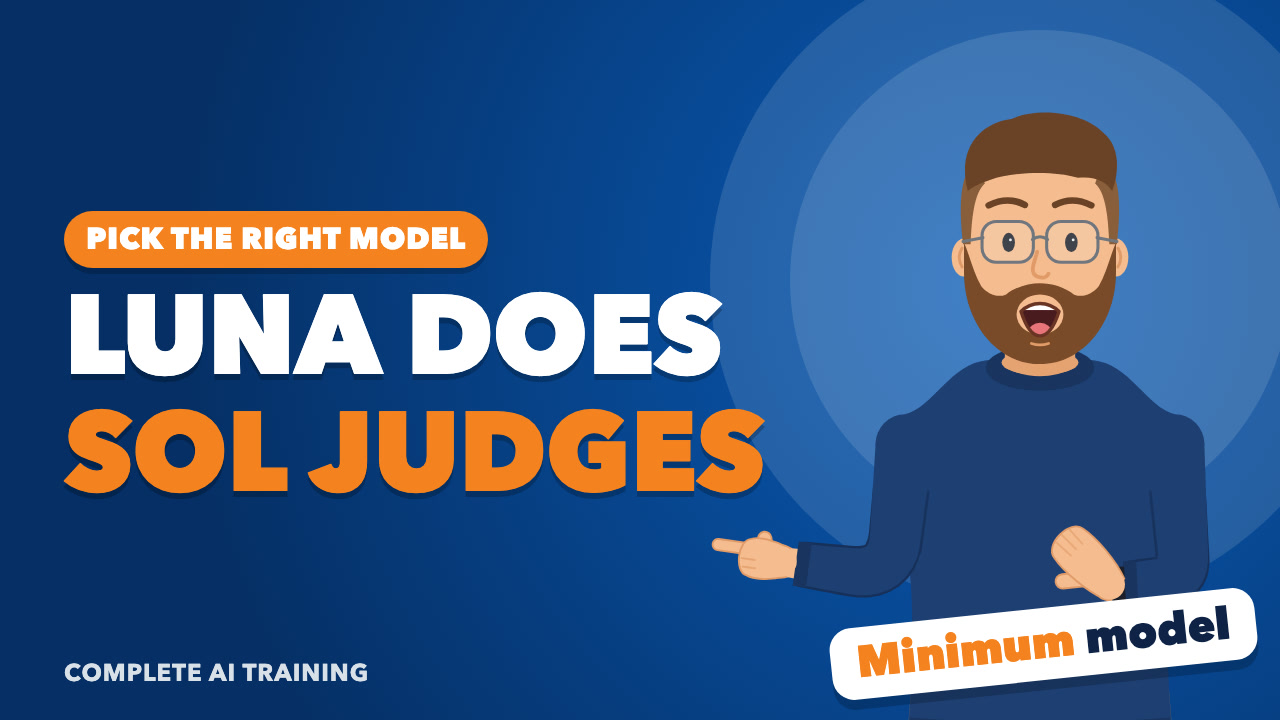
Luna for Execution, Sol 6.1 for Judgment
Jerry shows how to match a task to the minimum sufficient model, using Luna for clear, checkable work and Sol 6.1 when evidence must be interpreted.
-
 3:09
11ChatGPT GPT-6: Work Mode and Models Members
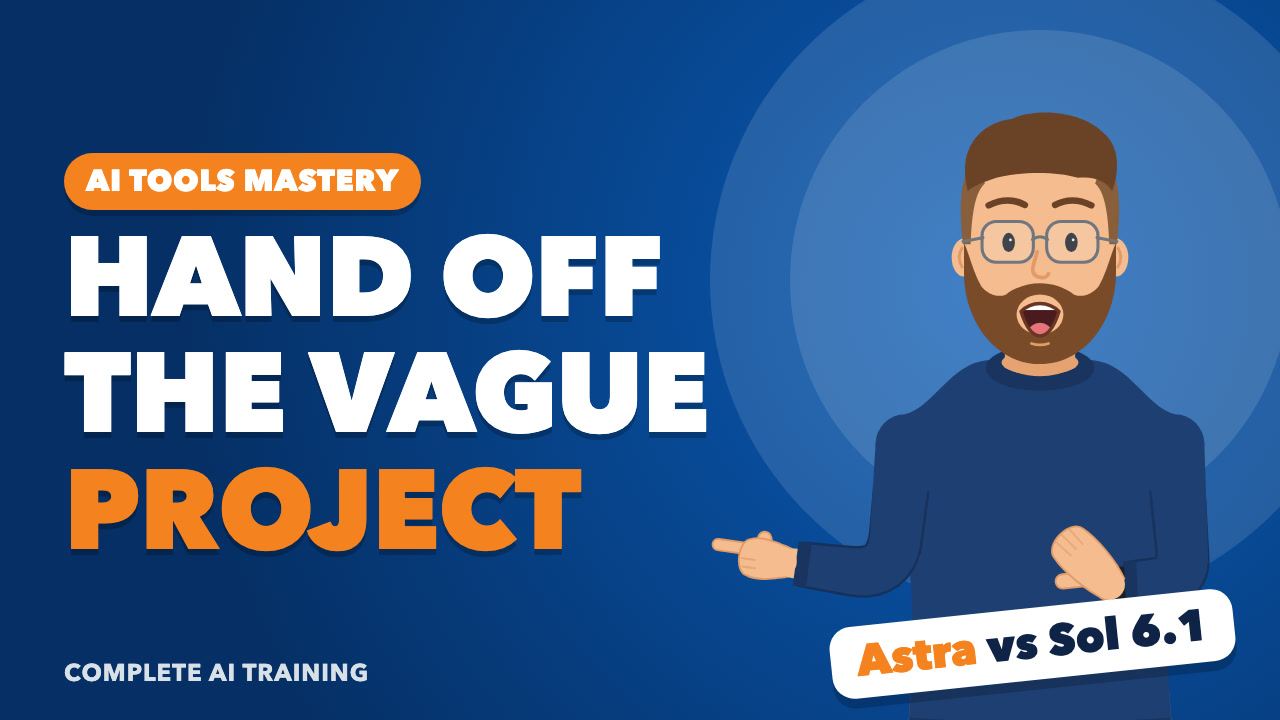
Delegating Ambiguous Projects to Astra
Jerry shows how to decide when a vague project belongs with Astra instead of Sol 6.1, and how to check its plan, evidence and recommendations.
-
 5:44
12ChatGPT GPT-6: Work Mode and Models Members
Reasoning Settings and Prompting GPT-6
Jerry shows how to A/B test reasoning settings fairly, judge when extra depth helps, write clear GPT-6 prompts, and choose between Luna, Sol 6.1 and Astra.
-
 4:12
13Gemini Setup, Tools and Mobile Members
Gemini Settings, Personal Intelligence and Navigation
Jerry shows how to set up Personal Intelligence with custom instructions and connected apps, then find your way around Gemini's menu, Temporary Chat and voice input.
-
 3:19
14Gemini Setup, Tools and Mobile Members
Gemini Models, Extended Thinking and Plans
Jerry shows how to choose between Flashlight, Flash and Pro, when to add Extended Thinking, and which plan is worth paying for.
-
 6:11
15Gemini Setup, Tools and Mobile Members
Gemini Tools, NotebookLM and Custom Gems
Jerry shows how to use Gemini's built-in tools, attach NotebookLM notebooks to chats, and build custom Gems with instructions, default tools and knowledge files.
-
 3:50
16Gemini Setup, Tools and Mobile Members
Image Editing, Video, Scheduled Actions and Mobile
Jerry shows how to edit photos in Gemini, make video within tight limits, set up Scheduled Actions by chat, and use the three mobile-only features.
-
 3:53
17GPT Image 2.5 Tested on Real Jobs Members
Reference Consistency and Local Edits
Jerry shows how to test GPT Image 2.5 against GPT Image 2 for face consistency and edits that change only one area.
-
 4:38
18GPT Image 2.5 Tested on Real Jobs Members
Multi-Step Edits and Prompt Adherence
Jerry shows how to test two image models on a six-step edit chain and an overloaded brief, checking drift, detail retention, and repeatability.
-
 4:32
19GPT Image 2.5 Tested on Real Jobs Members
Posters and Ad Sets with GPT Image 2.5
Jerry shows how to test GPT Image 2.5 on a conference poster and a three-format ad set, checking faces, text, layout space and product consistency.
-
 4:54
20GPT Image 2.5 Tested on Real Jobs Members
Dashboards, Vector Art and Where to Verify
Jerry shows how to test a text-only dashboard and a flat vector illustration with structural checks, and where GPT Image 2.5 still needs a human read.
-
 5:38
21Seedance 2.5 Video Production Members
Seedance 2.5 Inputs and Prompt Rules
Learn what the four Seedance 2.5 inputs each control, then apply prompt rules for action chains, specific nouns, and camera moves in one scene.
-
 4:54
22Seedance 2.5 Video Production Members
Image to Video, Output Tiers and Motion Reference
Jerry shows how to animate an approved still, choose between 4K, 1080p and 720p renders, and use R2V motion reference clips to control movement.
-
 5:12
23Seedance 2.5 Video Production Members
Restyling, Many References and Long Scenes
Jerry shows how to restyle existing footage, keep the reference count under the point where identity blurs, and chain 30-second segments into a consistent 90-second scene.
-
 5:32
24Seedance 2.5 Video Production Members
Native Audio, Reference Stack and Model Comparison
Jerry shows how to steer native audio with plain prompt lines, build a reference stack for one strong shot, and compare how four models fill gaps.