
Certification
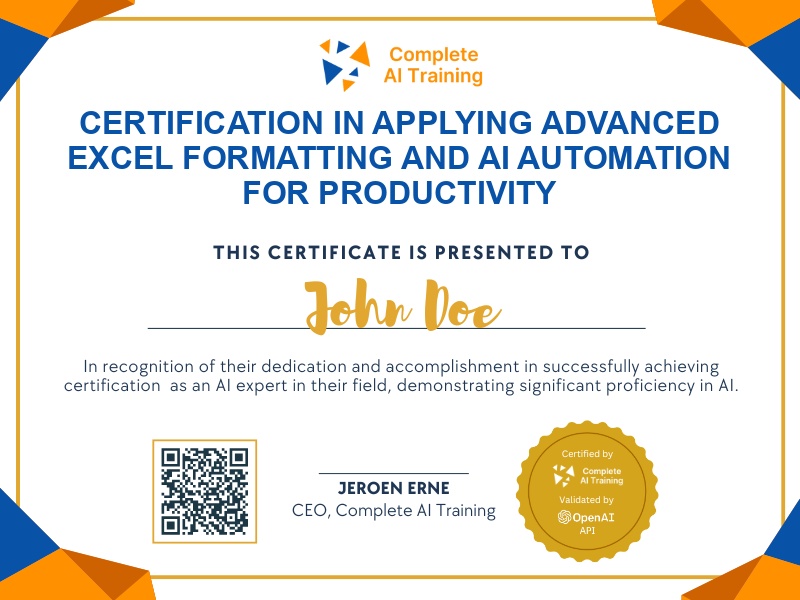
Certification in Applying Advanced Excel Formatting and AI Automation for Productivity
Become certified in Excel Formatting and AI Automation, demonstrating expertise in advanced formatting, automated reporting, and AI integration to deliver polished, efficient spreadsheets and actionable insights that enhance business productivity.
The exam
Take the certification exam
Multiple-choice questions about the course. Pass with 70% or more and your certificate is issued at once, with a public page and an "Add to LinkedIn" button.
What the exam covers
2 questions from each of the 15 chapters of the course
20 multiple-choice questions, drawn fresh for every attempt. Pass with 70% or more.
- 01Attendance and warm-up6:58
- 02Agenda and font face4:18
- 03Font style6:13
- 04Font colour2:47
- 05Number format6:31
- 06Merging cells6:59
- 07Borders and fills12:17
- 08Practical formatting11:42
- 09Row height3:09
- 10Course enrollment information5:26
- 11Career guidance2:25
- 12Class timings4:30
- 13ADF with Fabric and recordings3:44
- 14Prompts and next-word prediction2:15
- 15Experience discussion and conclusion4:09
Earn the "Excel Formatting and AI Automation: Boost Productivity with Advanced Techniques" certification to elevate your expertise in professional data presentation and automation. Gain valuable skills such as increased productivity, improved decision-making, and a future-proof career through advanced Excel formatting and real AI tool integration. Take the next step toward standing out in your field by enrolling in this comprehensive, practical video course.
This certification covers the following topics:
- Mastering Basic Formatting for Clear Data Presentation
- Cell Alignment and Text Orientation Techniques
- Wrap Text and Merge Cells for Enhanced Readability
- Applying Cell Styles and Themes for Consistency
- Advanced Number Formatting for Business Insights
- Using Cell Borders and Fill to Highlight Data
- Optimizing Row Height and Column Width
- Hiding and Unhiding Rows and Columns for Custom Views
- Employing Keyboard Shortcuts for Efficiency
- Utilizing the Format Cells Dialog Box for Precise Control
- Reporting Standards for Professional Outputs
- Integrating AI Tools for Advanced Automation in Excel
Jobs this certification suits
Our AI checked this certification against 500 jobs; these get the most out of it. Each job links to its learning path.