
Certification
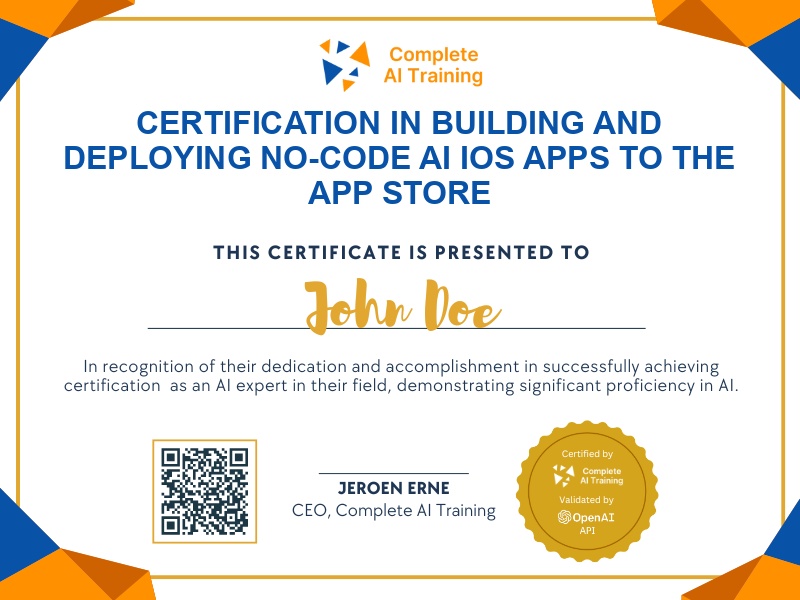
Certification in Building and Deploying No-Code AI iOS Apps to the App Store
Get certified in No-Code AI iOS App Development. Prove you can design prompts, build an AI scanner with OCR, signatures, and exports, assemble a production-ready app, and package, test, and publish to the App Store.
The exam
Take the certification exam
Multiple-choice questions about the course. Pass with 70% or more and your certificate is issued at once, with a public page and an "Add to LinkedIn" button.
What the exam covers
2 questions from each of the 15 chapters of the course
20 multiple-choice questions, drawn fresh for every attempt. Pass with 70% or more.
- 01The scanner app opportunity1:42
- 02Base44 + Despia and the dashboard2:10
- 03Upload and preview1:22
- 04AI text recognition (OCR)1:25
- 05Document editor1:58
- 06Digital signature pad1:40
- 07Camera and photo capture1:35
- 08Save, export and review prep1:40
- 09Packaging with Despia1:27
- 10Apple developer account and keys3:27
- 11Identifiers and app groups1:12
- 12OneSignal and App Clip targets1:59
- 13Share targets and widgets5:07
- 14App Store Connect container1:58
- 15Final submission6:01
Build a No-Code AI App and Publish to the iOS App Store: Beginner (Video Course) is a hands-on certification that guides you from idea to a shipped iOS app,no coding required,using vibe prompts to build a working AI scanner with OCR, signatures, and export features before packaging for the App Store. You'll boost productivity, gain a competitive advantage, and future-proof your career with practical skills that improve decision-making and can lead to higher income potential. Expect clear steps, real assets, and zero guesswork from start to submit,enroll now and ship your first app fast.
This certification covers the following topics:
- The Vibe Coding Mindset: How to "talk" apps into existence
- Prompt Engineering for Builders: Cleaner, more consistent AI output
- Front-End Foundation and Navigation
- Image Capture, Upload, and Preview Flows
- AI Integration with OCR (Text Recognition)
- Digital Signatures and Document Management
- Exporting and Saving: PDFs, shares, and backups
- Data Storage Choices: Simple and safe options
- Quality Assurance: Test like a user and fix fast
- Packaging and Publishing to the App Store: Setup, identifiers, App Store Connect, and review
- Monetization, Security & Privacy, and Post-Launch Improvements
Jobs this certification suits
Our AI checked this certification against 500 jobs; these get the most out of it. Each job links to its learning path.