
Learning path
Learning AI as a No-Code Developer
This path helps no-code developers use AI to plan apps, design databases, build workflows, and keep clients in the loop. It starts with setup and connects your AI, then moves through prompts and short video courses chosen for your job.

Your path
Everything in the No-Code Developer AI kit, in the order that makes sense. Members tick off each step and see their progress.
Set up your AI
We guide you through each click.
Let skills do your everyday tasks
Connect your apps and pick your AI apps
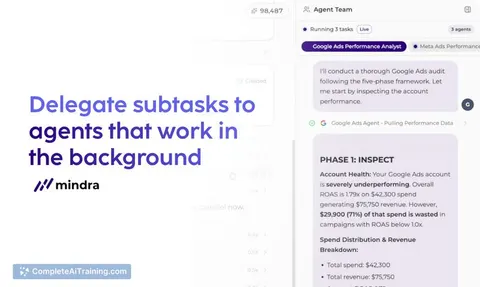
Hand whole tasks to AI agents
Build your own tools
Keep growing
Everything for no-code developers
All the courses, certifications, AI tools, MCP servers and apps for no-code developers, most relevant first. Open any list to see more.
Take the prompt courses
A short framework course to learn how to ask, then 9 lessons with ready-to-use prompts for no-code developers.
Start with this framework: how to talk to AI
This framework fits your no-code work by structuring context for agents, like a support assistant routing Zapier form submissions to Slack.
Then your prompt course for no-code developers- 1Planning App Features3 prompts
- 2Designing Database Schemas3 prompts
- 3Building App Interfaces3 prompts
- 4Setting Up Automation Workflows3 prompts
- 5Integrating External APIs3 prompts
- 6Testing App Functionality2 prompts
- 7Troubleshooting Logic Errors2 prompts
- 8Deploying & Versioning Apps2 prompts
- 9Documenting & Client Communication3 prompts
Watch the video courses or add them to your Favorites for later
185 video courses our AI picked for no-code developers, most useful first. Save the ones you want to watch later with the heart.
Favorites are saved to your account: sign in or get your AI kit first.
Show all 185 video courses
Get certified, or add certifications to your Favorites
Every course ends in an exam and a certificate you can add to LinkedIn. Save the certifications you are aiming for with the heart.
Favorites are saved to your account: sign in or get your AI kit first.
More certifications for no-code developersShow all 24 certifications
Try the AI tools for no-code developers
24 AI tools our AI matched to the work of no-code developers, best fit first. Each review shows what it does, its alternatives and the jobs it suits.
Favorites are saved to your account: sign in or get your AI kit first.
Show all 24 AI tools
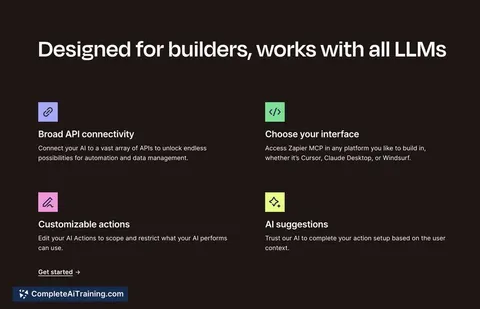
Connect your AI to the apps no-code developers use
MCP servers let ChatGPT, Claude or Copilot look things up and get work done in other apps, like your email, calendar or bookkeeping software. These 12 fit the work of no-code developers best, well-known apps first.

Airtable MCP server
by rashidazarangLet your AI read, add, update and delete records in your Airtable bases for you.
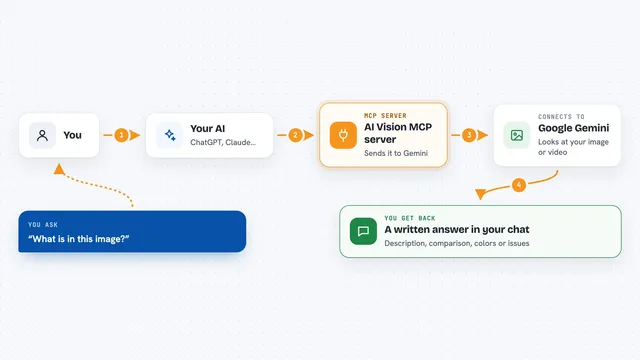
AI Vision MCP server
by tan-yong-shengLets your AI look at images and videos, describe them, compare them, and check design quality.

Domain Suite MCP server
by oso95Let your AI check, register and manage domain names, DNS records, SSL and email settings for you.

PageBolt MCP server
by Custodia-AdminLet your AI take screenshots, make PDFs, build social images, and record demo videos of web pages.

NightMarquee MCP server
by ant-dev-labYour AI can look up art-directed website prompts and turn them into ready-to-use designs for your project.
Design tools Official
Imagcon MCP server
by Explorer-64Your AI can create full app icon sets and splash screens from a simple text description.
Show all 12 MCP servers

IcoGenie MCP server
by albertnahasLet your AI create ready-to-use SVG icons from simple text descriptions.

Baserow MCP server
by bram2wLet your AI search your Baserow tables and add, change, or remove rows for you.

SiteAudit MCP server
by vdalhambraLets your AI check any website for SEO, speed, security and broken links, then explain what to fix.
AnalyticsNo install
Snapshot Site MCP server
by snapshot-siteLet your AI take screenshots of web pages, compare before and after versions, and summarize what a page says.
Browser automationNo install
OpenGraph.io MCP server
by securecodersLet your AI pull link previews, screenshots, page text, and images from any website you point it at.
ResearchNo install
Real Browser MCP server
by ofershapLets your AI see and click around in the Chrome browser you already have open, with your logins.
Build your own AI apps for no-code developers
Apps you build yourself with your own AI, no coding needed and no monthly fee. Our AI picked the 6 that fit the work of no-code developers.
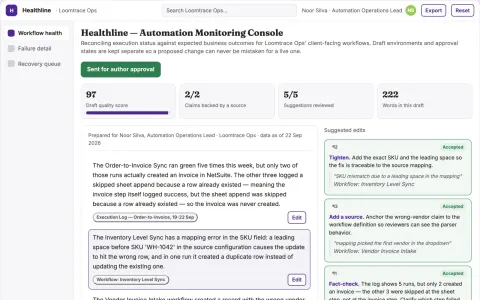
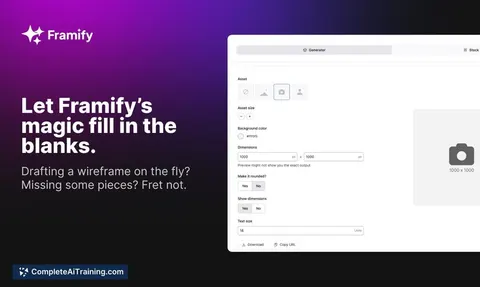
Automation monitoring subscription
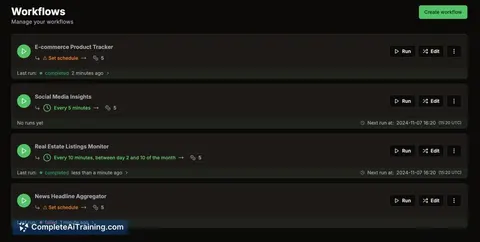
Checks business outcomes as well as technical execution status.
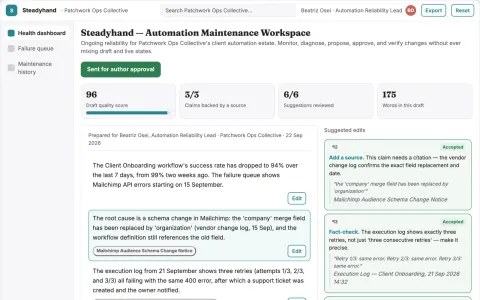
Small-business automation maintenance
Ongoing operational reliability across a defined automation estate.
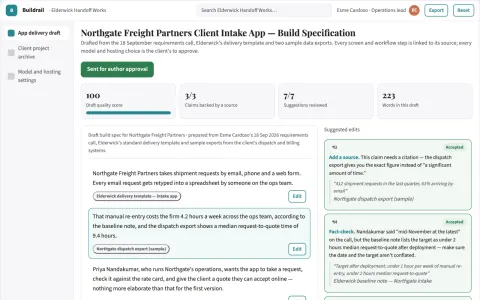
No-code AI app delivery workspace
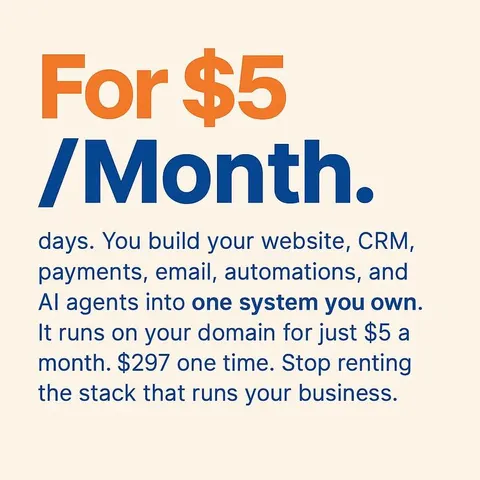
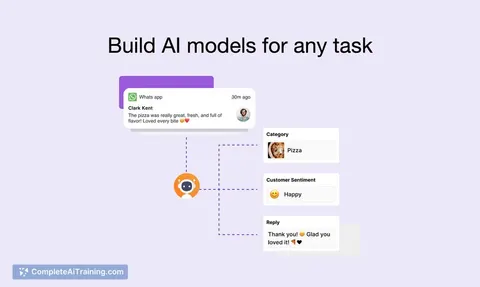
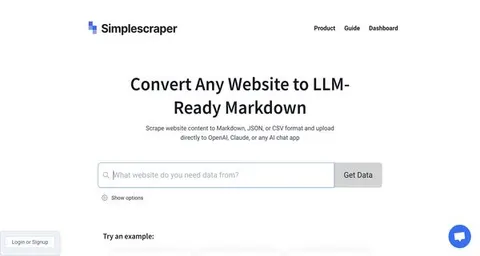
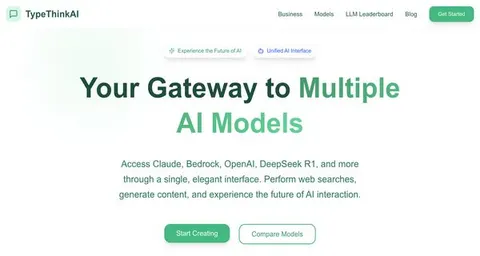
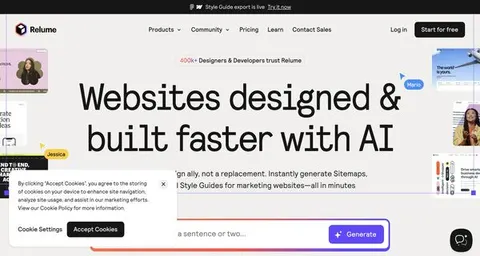
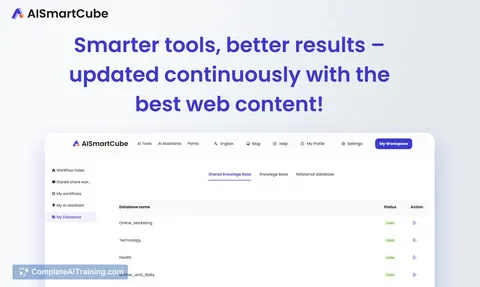
Replace several rented AI app builders with one owned workspace that covers building, data, users, monetization and deployment.
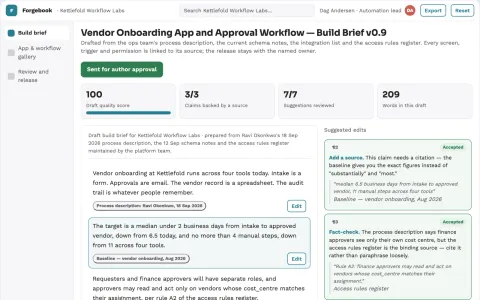
Custom business app build and automation workspace
Build and run custom business apps and automated workflows in one owned workspace.
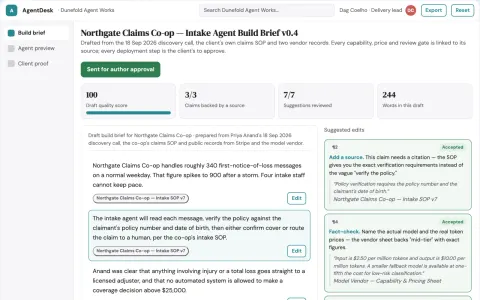
No-code AI app and agent delivery workspace
Reduce the number of separate tools and handoffs needed to launch an AI app or agent.
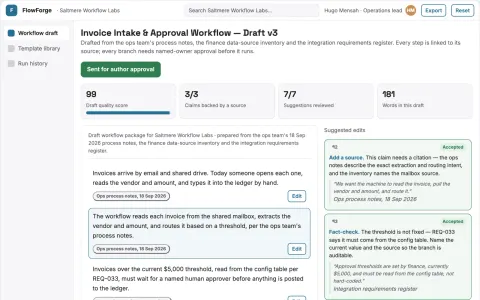
No-code AI workflow and app delivery workspace
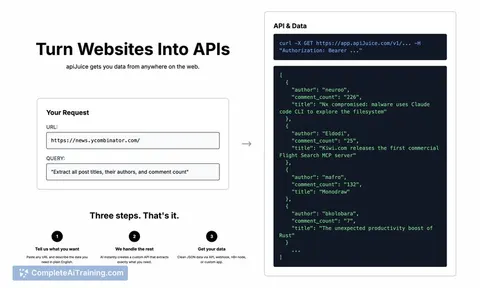
Consolidate the build, run and deployment of AI workflows and apps into one owned workspace.






































































































































About this learning path
6 topicsAI Skills for No-Code Developers Who Build Apps
You already build useful things with visual tools. AI can help you think through the tricky parts faster, from feature lists to workflow errors.
This path shows you where to start and how to fit AI into your daily work. It keeps the focus on your job, not on technical theory.
Why AI matters now
Clients ask for more apps, more integrations, and faster changes. AI helps you plan, build, test, and explain your work without learning a programming language. It also gives you a calm way to handle the parts that used to slow you down.
What the path includes
You begin with setup questions and connecting your AI, so it knows your tools and your projects. Then you build skills for the job inside your AI, take this prompt course, and watch short video courses picked for no-code work. Each video course comes with a certificate you can add to your profile.
How it saves you time
Prompts help you turn a rough brief into a feature list, a database plan, or a test checklist. You spend less time staring at a blank screen and more time making decisions. Small automations and clear client updates also move faster.
How it protects your career
No-code platforms keep changing, and clients expect more. Learning to work with AI makes you the person who can scope, debug, and explain a project. That kind of judgment is hard to replace.
How to start
Start with the setup questions, then connect one AI tool you already use. Try one prompt from the course on a real task this week. Add a short video course when you want a certificate or a deeper skill.
Frequently asked questions
Do I need to know how to code?
No. This path is built for people who work with visual platforms like Bubble, Airtable, and Zapier. You will learn how to describe what you want in plain language and check the result.Which AI tools will I use?
You can use ChatGPT, Claude, Gemini, or another assistant you prefer. The prompts are written to work across tools, and you can switch if one gives you a better answer.How long does the path take?
You can move at your own pace. Many people start with the setup and prompt course, then add video courses as their project schedule allows.Will AI replace no-code developers?
AI can suggest structures and spot errors, but it still needs someone who understands the client, the workflow, and the platform limits. Your role shifts toward reviewing, deciding, and communicating.