
Certification
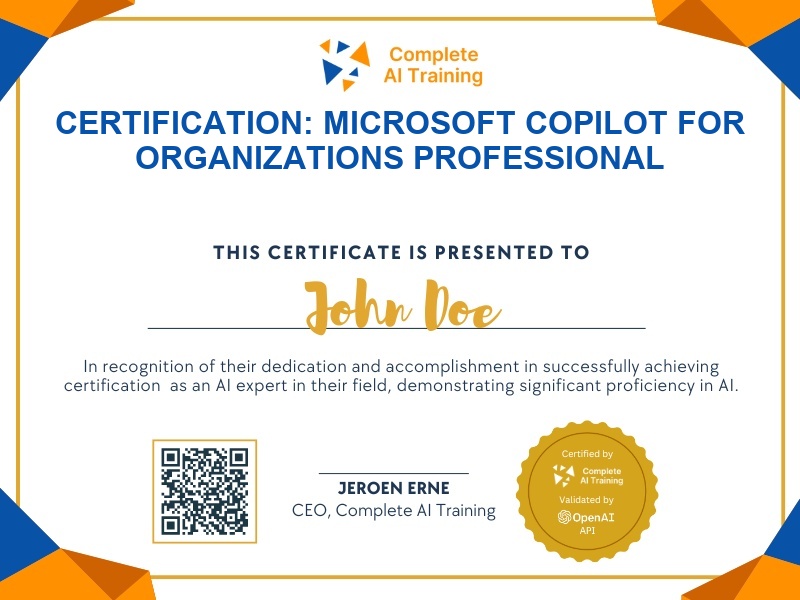
Certification: Microsoft Copilot for Organizations Professional
Prove your ability to deploy and use Microsoft Copilot securely across Microsoft 365 apps for organizational productivity.
The exam
Take the certification exam
Multiple-choice questions about the course. Pass with 70% or more and your certificate is issued at once, with a public page and an "Add to LinkedIn" button.
What the exam covers
2 questions from each of the 14 chapters of the course
20 multiple-choice questions, drawn fresh for every attempt. Pass with 70% or more.
- 01Identify Your Copilot Subscription4:45
- 02Master Copilot Chat7:10
- 03Use Copilot with Work Data6:04
- 04Analyze Documents and Source Material4:04
- 05Create Drafts, Documents, and Pictures6:48
- 06Copilot Pages and Notebooks8:19
- 07Schedule Prompts2:15
- 08Write Better Prompts5:44
- 09Use Copilot Apps6:50
- 10Copilot in Microsoft Word5:59
- 11Copilot in Excel5:59
- 12Copilot in PowerPoint4:54
- 13Copilot in Outlook7:09
- 14Copilot in Microsoft Teams7:13
What it certifies
This certification validates that you can use Microsoft Copilot effectively and securely within an organizational context, including Copilot Chat, work data integration, document analysis, and Copilot features across Word, Excel, PowerPoint, Outlook, and Teams.
Skills you prove
- Select the correct Copilot subscription tier and apply organizational security practices
- Use Copilot Chat with work data, follow-up questions, and effective prompt structures
- Analyze documents and source material with Copilot for actionable insights
- Apply Copilot capabilities across Microsoft 365 apps including Word, Excel, PowerPoint, Outlook, and Teams
- Schedule recurring Copilot prompts to automate workflows and save time
- Create drafts, documents, pictures, pages, and notebooks using Copilot
Who it is for
Business professionals, team leaders, operations managers, and Microsoft 365 users who want to use Copilot to improve productivity, automate repetitive tasks, and collaborate more effectively within a secure organizational environment.
How the exam works
The exam is a multiple-choice assessment drawn from each lesson in the course. You will answer questions covering subscription identification, Copilot Chat, work data use, document analysis, prompt writing, scheduling, Copilot apps, and app-specific features in Word, Excel, PowerPoint, Outlook, and Teams. Questions are delivered per lesson, and you must demonstrate understanding across all 14 lessons to earn the certification.