
Video course · 14 chapters · 83 min · certificate
Microsoft Copilot for Organizations: Complete AI Training
Kevin Stratvert teaches how to use Microsoft Copilot securely within your organization. The course covers Copilot Chat, work data integration, document analysis, and Copilot features across Word, Excel, PowerPoint, Outlook, and Teams.
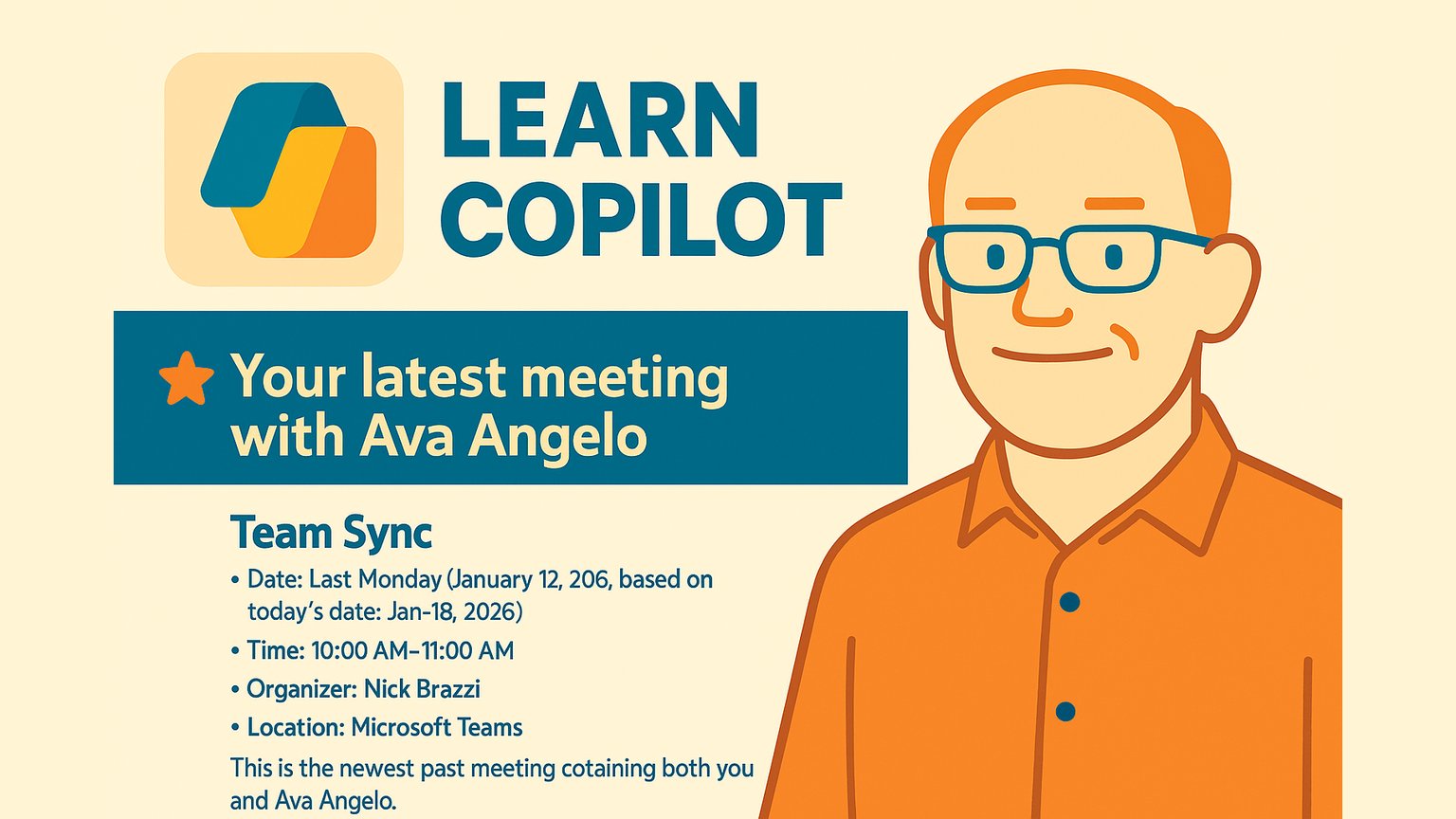
What you'll learn
- Identify the correct Copilot subscription tier for organizational use
- Use Copilot Chat effectively with work data and follow-up questions
- Analyze documents and source material with Copilot
- Write better prompts using goal, context, and format components
- Apply Copilot features across Microsoft 365 apps like Word, Excel, and PowerPoint
- Schedule recurring Copilot prompts for automated workflows
Chapters
14 chapters · 83:13-
4:45
01Subscription Types Free preview
Identify Your Copilot Subscription
Understand the difference between free Copilot and the enterprise Copilot for Microsoft 365.
-
7:10
02Chat Basics Members
Master Copilot Chat
Learn how to have ongoing conversations with Copilot and get cited answers.
-
6:04
03Work Data Members
Use Copilot with Work Data
Access your organization's emails, meetings, and files securely through Copilot.
-
4:04
04Document Analysis Members
Analyze Documents and Source Material
Upload files to Copilot to get summaries, comparisons, and insights.
-
6:48
05Content Creation Members
Create Drafts, Documents, and Pictures
Use Copilot to draft text, documents, and generate images from descriptions.
-
8:19
06Pages & Notebooks Members
Copilot Pages and Notebooks
Save Copilot responses to editable pages and organize research in notebooks.
-
2:15
07Scheduled Prompts Members
Schedule Prompts
Set Copilot prompts to run automatically at scheduled times.
-
5:44
08Prompt Engineering Members
Write Better Prompts
Learn key components to write effective prompts: goal, context, and format.
-
6:50
09Copilot Apps Members
Use Copilot Apps
Access Copilot on mobile and in Microsoft Edge for work on the go.
-
5:59
10Word Integration Members
Copilot in Microsoft Word
Use Copilot inside Word to draft, revise, and summarize documents.
-
5:59
11Excel Integration Members
Copilot in Excel
Use Copilot in Excel to analyze data, add formulas, and create insights.
-
4:54
12PowerPoint Integration Members
Copilot in PowerPoint
Create presentations faster with Copilot in PowerPoint.
-
7:09
13Outlook Integration Members
Copilot in Outlook
Use Copilot in Outlook to draft emails, summarize threads, and manage messages.
-
7:13
14Teams Integration Members
Copilot in Microsoft Teams
Use Copilot in Teams to summarize meetings, chat, and collaborate.
Jobs this course suits
Our AI checked this course against 500 jobs; these get the most out of it. Each job links to its learning path.