
Video course · 13 chapters · 30 min · certificate
AI Agents for Beginners: From Chatbots to Autonomous Tools
AI Master teaches what separates agents from chatbots and how to connect them to tools, files, and apps. The course covers a hands-on demo, six agent tools, permission control, prompt contracts, and project memory.
What you'll learn
- Understand the difference between a chatbot and an AI agent.
- Identify the parts of an agent: model, tools, memory, and goal.
- Connect agents to tools using MCP servers.
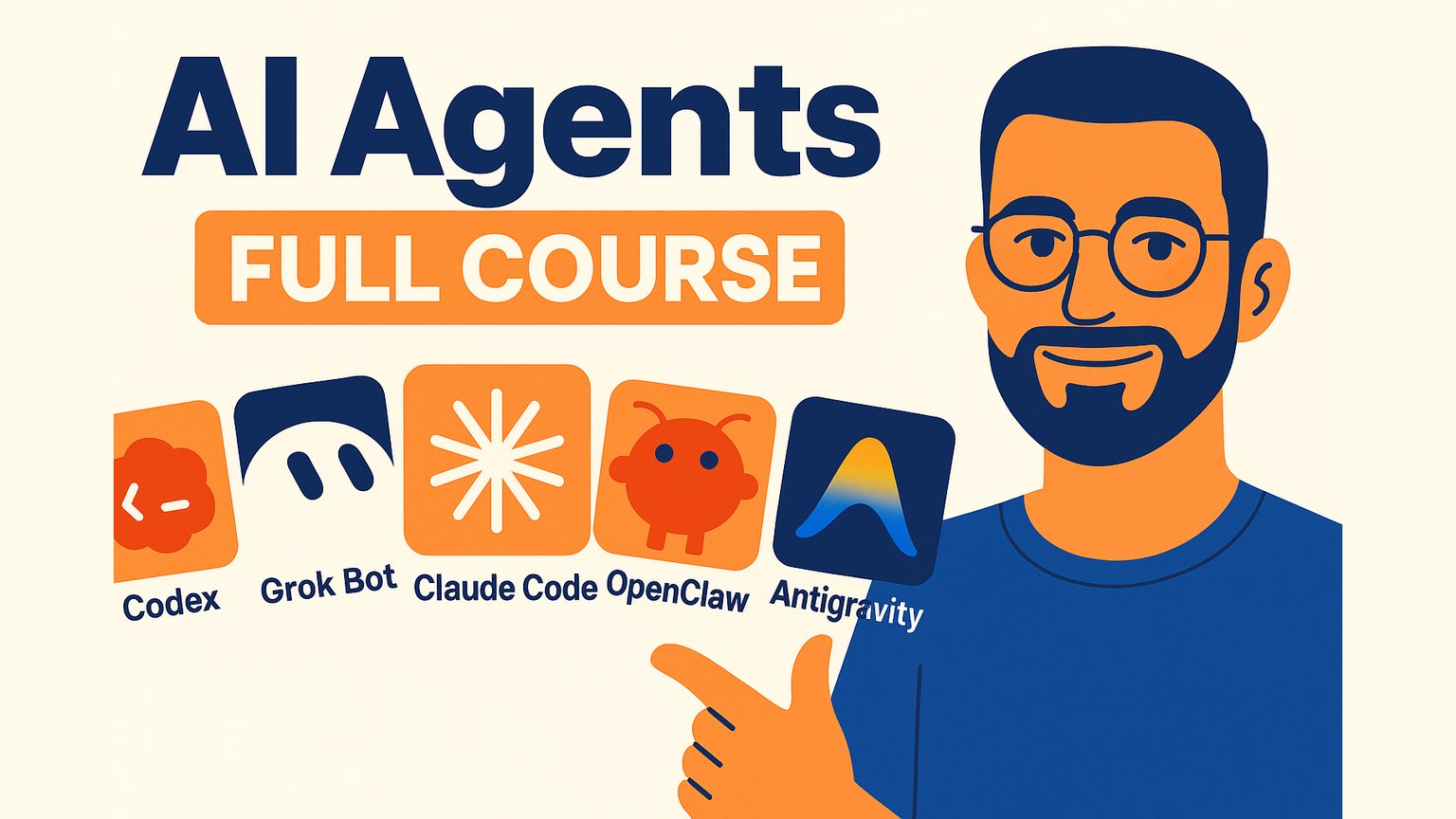
- Compare agent tools like Claude Code, Codex, Antigravity, Grok Bot, Hermes Agent, and OpenClaw.
- Set permission rules based on risk and reversibility.
- Write a short prompt contract with boundaries and a done condition.
Chapters
13 chapters · 30:18-
1:54
01Intro Free preview
AI Agents Course Overview and Dinosaur Folder Demo
Watch an agent turn a messy dinosaur folder into sorted, named, usable files.
-
3:36
02Foundations Members
What AI Agents Are
An agent is a model plus tools, memory, and a goal running in a loop.
-
2:56
03Tool protocol Members
MCP: Giving Agents Tools
MCP is a standard connector that lets one agent use many tools through small servers.
-
1:34
04Coding agent Members
Claude Code
Claude Code is a local agent that writes code, edits files, and tracks long work on your machine.
-
1:24
05Sandbox agent Members
Codex
Codex works in an isolated sandbox copy, so a bad run does not touch your original folder.
-
2:09
06Visual agent Members
Antigravity
Antigravity is a Gemini-built agent with visible task lists, browser control, and editor extensions.
-
1:57
07Bot fleet Members
Grok Bot
Grok Bot gives always-on bots on a dedicated machine that can share work and approvals.
-
1:51
08Async agent Members
Hermes Agent
Hermes Agent runs in the background, checks triggers, and reports to chat before making changes.
-
1:22
09Self-hosted Members
OpenClaw
OpenClaw is a self-hosted agent you control, from model choice to tools and behavior.
-
1:26
10Decision guide Members
Choosing the Right Agent
Start where the work lives, then match the agent to the job type.
-
1:41
11Permissions Members
How Much Control to Give
Match agent permissions to how easy an action is to reverse.
-
5:18
12Prompting Members
The Prompt Contract
Give agents a clear contract: goal, boundaries, input, output, and a done condition.
-
3:10
13Memory Members
Agent Memory and Final Thoughts
Use project memory to make agents better over time, and keep the file short.
Jobs this course suits
Our AI checked this course against 500 jobs; these get the most out of it. Each job links to its learning path.