
Prompt course · 9 lessons · 26 prompts · 1 hour · Beginner
AI for Customer Onboarding Specialists
This prompt course walks through practical lessons built for customer onboarding work. You will draft welcomes, plan sessions, explain features, guide setup, and handle early issues with calm, clear prompts.
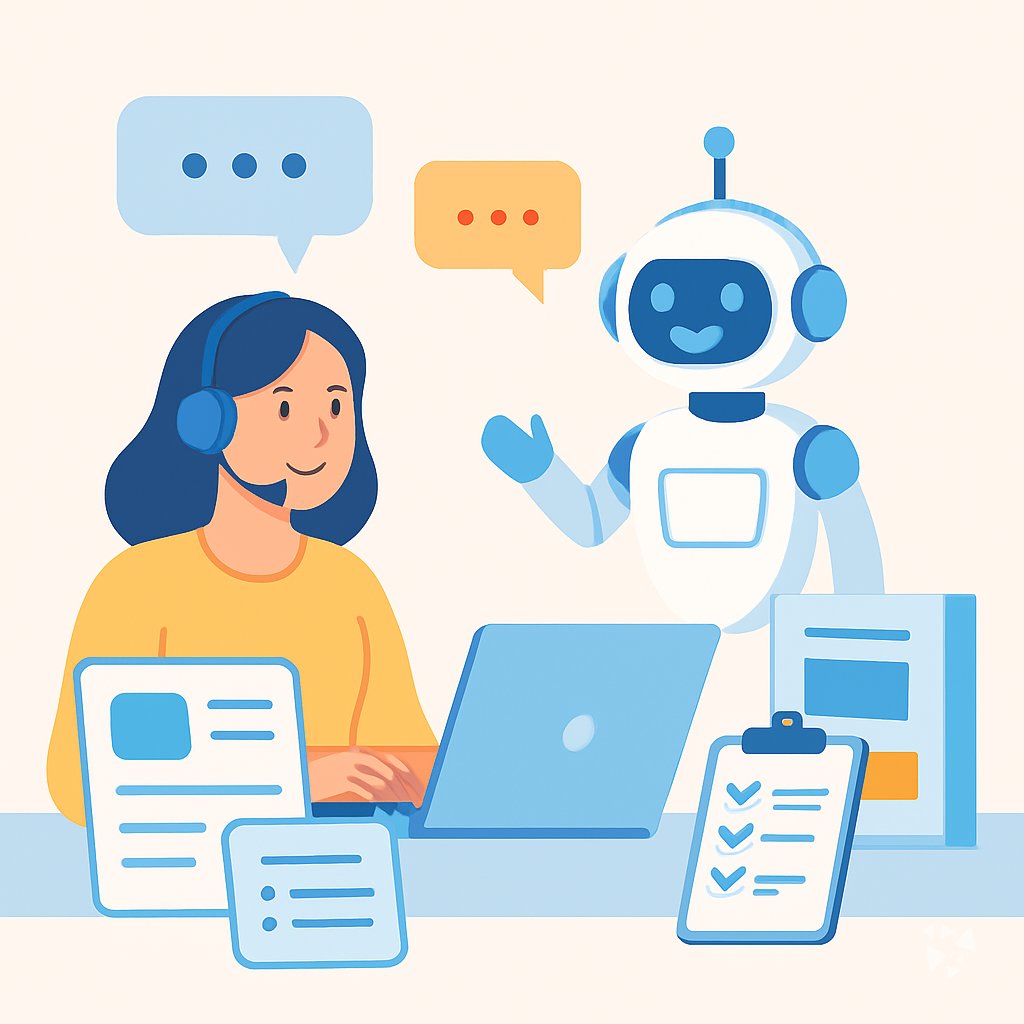
What you'll learn
- Welcome Messages: Use AI to draft warm welcome notes and kickoff agendas for each new customer.
- Session Plans: Design onboarding sessions with clear goals, talking points, and questions to ask before the call.
- Feature Explanations: Turn complex product details into simple explanations customers can follow.
- Account Setup: Guide customers through setup steps and suggest sensible settings from the start.
- Early Issue Replies: Troubleshoot common onboarding problems and write helpful, calm responses.
- Onboarding Materials: Create guides, FAQs, and walkthrough scripts that save you repeating yourself.
- Adoption Check-ins: Draft milestone messages that turn adoption data into encouraging updates.
- Feedback and Handoff: Build feedback surveys, summarize responses, and prepare clear internal handoffs.
What's inside
9 lessons · 26 prompts- Before you start · framework course CARE Prompt Framework: Context, Action, Result, ExampleCARE fits your onboarding work because one complete example, like a new client setup ticket, sets the standard for every similar case.
- Start here Priya's Thursday, two waysA day in the life of a Customer Onboarding Specialist, before and after these prompts.
- 01 Lesson 1 · 3 prompts Welcome New Customers
- 02 Lesson 2 · 3 prompts Plan Onboarding Sessions
- 03 Lesson 3 · 3 prompts Explain Product Features
- 04 Lesson 4 · 3 prompts Guide Account Setup
- 05 Lesson 5 · 3 prompts Resolve Early Issues
- 06 Lesson 6 · 3 prompts Create Onboarding Materials
- 07 Lesson 7 · 2 prompts Track Adoption Milestones
- 08 Lesson 8 · 4 prompts Collect Onboarding Feedback
- 09 Lesson 9 · 2 prompts Admin & Handoff
About this course
7 topicsPractical Prompts for Customer Onboarding Specialists
This course teaches you how to use AI in your onboarding work without losing the personal touch. Each lesson gives you a prompt, an example, and a simple way to adjust it for your product and your customers.
You will move from welcoming new customers to handing off accounts neatly. Along the way, you will practice with ChatGPT, Claude, or Gemini so the prompts feel natural in your day.
The lessons
- Welcome New Customers: Use AI to draft personalized welcome messages and kickoff agendas that make new customers feel valued from day one.
- Plan Onboarding Sessions: Use AI to design effective onboarding sessions with clear objectives, talking points, and pre-session questions.
- Explain Product Features: Use AI to translate complex product features into simple, customer-friendly explanations and guides.
- Guide Account Setup: Use AI to walk customers through account setup steps and provide best-practice configuration advice.
- Resolve Early Issues: Use AI to troubleshoot common onboarding problems from customer descriptions and craft helpful responses.
- Create Onboarding Materials: Use AI to produce onboarding guides, FAQs, and walkthrough scripts that scale your training efforts.
- Track Adoption Milestones: Use AI to draft milestone check-ins and turn adoption data into clear, encouraging customer updates.
- Collect Onboarding Feedback: Use AI to design feedback surveys and distill customer responses into actionable insights.
- Admin & Handoff: Use AI to streamline internal handoffs and create clear onboarding status reports for your team.
What This Course Covers
The course covers the main moments in onboarding, from welcoming a new customer to handing off an account to your team. Each lesson gives you a prompt that fits a common onboarding moment, plus examples of how to shape it.
You will work with ChatGPT, Claude, or Gemini, so you can see how the same prompt behaves in the tool you use.
How the Lessons Connect
The lessons follow the customer journey. You start with a welcome, plan the first session, explain features, guide setup, and resolve early issues.
Later lessons help you create materials, track milestones, collect feedback, and prepare a clean handoff. Together they form a repeatable rhythm you can use for every account.
How to Use Prompts Well
Good prompts include the customer's name, their goal, your product, and the tone you want. The course shows you how to add those details without writing a long essay.
Always read the draft before you send it. Change anything that sounds off, and keep the parts that make the customer feel seen.
Who This Course Is For
This course is for customer onboarding specialists, implementation coordinators, and support teams who guide new clients. It is also useful for anyone who wants to make onboarding smoother without adding more meetings.
You do not need to be a writer or a technical expert. You need a willingness to try a prompt, edit it, and learn from what works.
Safety and Privacy for Onboarding
Onboarding often involves customer names, account details, and business plans. Before you paste anything into an AI tool, follow your company's rules about private information.
Leave out passwords, payment details, and sensitive data. Use placeholders like 'the client' or 'their main location' when you can, and keep final decisions with a person.
Your Next Step
Pick one lesson that matches your week, such as welcoming a new customer or planning a kickoff. Run the prompt with a real account, then save your edited version for next time.
When you finish the course, you will have a set of prompts you can reuse, adjust, and share with your team.