
Learning path
Learning AI as a Customer Onboarding Specialist
AI can help customer onboarding specialists draft welcomes, plan sessions, and answer early questions with care. This path shows you how to use it step by step, without adding extra work.

Your path
Everything in the Customer Onboarding Specialist AI kit, in the order that makes sense. Members tick off each step and see their progress.
Set up your AI
We guide you through each click.
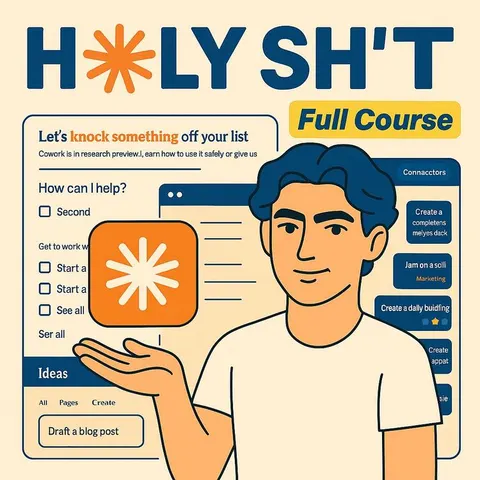
Let skills do your everyday tasks
Connect your apps and pick your AI apps
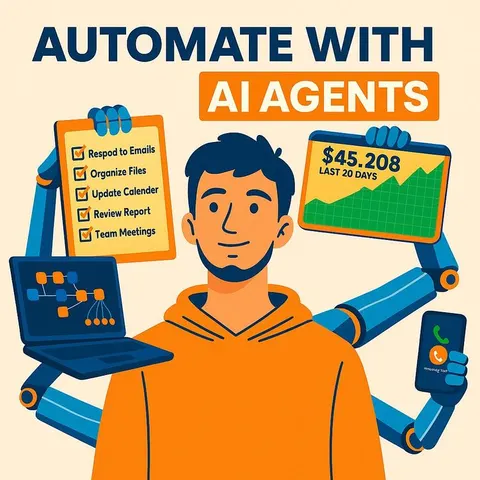
Hand whole tasks to AI agents
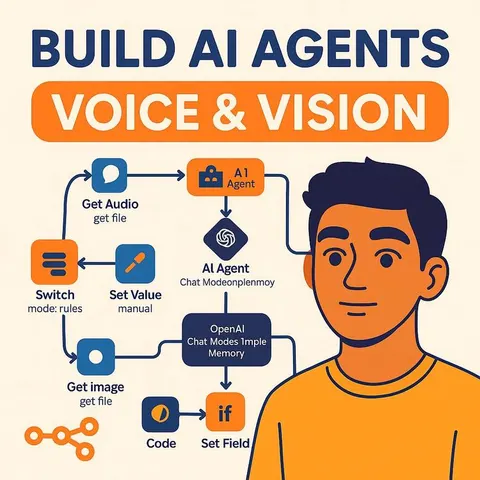
Build your own tools
Keep growing
Everything for customer onboarding specialists
All the courses, certifications, AI tools, MCP servers and apps for customer onboarding specialists, most relevant first. Open any list to see more.
Take the prompt courses
A short framework course to learn how to ask, then 9 lessons with ready-to-use prompts for customer onboarding specialists.
Start with this framework: how to talk to AI
CARE fits your onboarding work because one complete example, like a new client setup ticket, sets the standard for every similar case.
Then your prompt course for customer onboarding specialistsWatch the video courses or add them to your Favorites for later
121 video courses our AI picked for customer onboarding specialists, most useful first. Save the ones you want to watch later with the heart.
Favorites are saved to your account: sign in or get your AI kit first.
Show all 121 video courses
Get certified, or add certifications to your Favorites
Every course ends in an exam and a certificate you can add to LinkedIn. Save the certifications you are aiming for with the heart.
Favorites are saved to your account: sign in or get your AI kit first.
More certifications for customer onboarding specialistsShow all 24 certifications
Try the AI tools for customer onboarding specialists
24 AI tools our AI matched to the work of customer onboarding specialists, best fit first. Each review shows what it does, its alternatives and the jobs it suits.
Favorites are saved to your account: sign in or get your AI kit first.
Show all 24 AI tools
Connect your AI to the apps customer onboarding specialists use
MCP servers let ChatGPT, Claude or Copilot look things up and get work done in other apps, like your email, calendar or bookkeeping software. These 12 fit the work of customer onboarding specialists best, well-known apps first.

Confluence MCP server
by aashariLets your AI read, search, and update your Confluence pages and spaces for you.

PipesHub MCP server
by pipeshub-aiLets your AI search across your work apps like Google Workspace, Microsoft 365, Slack and Jira, and answer with the sources it found.

Teamwork MCP server
by teamworkConnect your AI to Teamwork so it can look up projects, tasks, tickets, and messages for you.
Productivity Official
Gmail MCP server
by A1-x-TechLet your AI read, search, draft and send your Gmail, and keep labels and trash tidy, from the chat.

Google Chat MCP server
by A1-x-TechLets your AI read, search, and send messages in your Google Chat spaces and direct messages.

Slack MCP server
by korotovskyLets your AI read, search, and post in your Slack channels, threads, and DMs for you.
Show all 12 MCP servers

Google Workspace MCP server
by taylorwilsdonLets your AI read and write your Gmail, Calendar, Drive, Docs, Sheets and more, all from one chat.

Odoo 19 MCP server
by twtrubiksLet your AI look up, add, and update records in your Odoo 19 company system for you.

Dataverse MCP server
by codeuraliLets your AI read and change records in Microsoft Dataverse for you, safely.

Ragie MCP server
by ragieaiLet your AI search your Ragie knowledge base and pull back the right passages when you ask a question.

Box MCP server
by boxLet your AI search your Box files, answer questions about them, and pull out details for you.
Productivity Official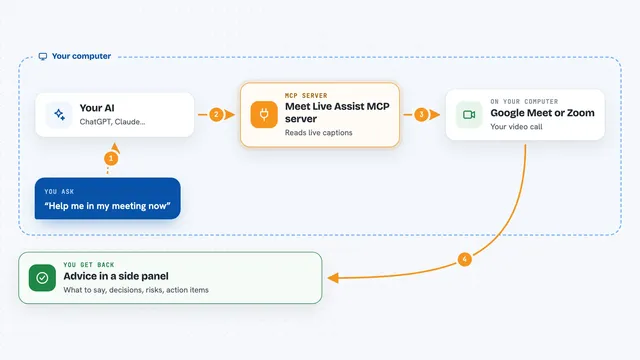
Meet Live Assist MCP server
by krystiangwGet live advice during Google Meet or Zoom calls, based on the captions as they happen.
Build your own AI apps for customer onboarding specialists
Apps you build yourself with your own AI, no coding needed and no monthly fee. Our AI picked the 6 that fit the work of customer onboarding specialists.
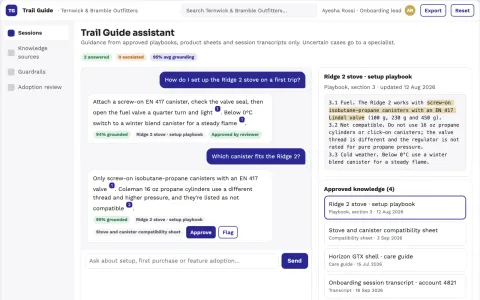
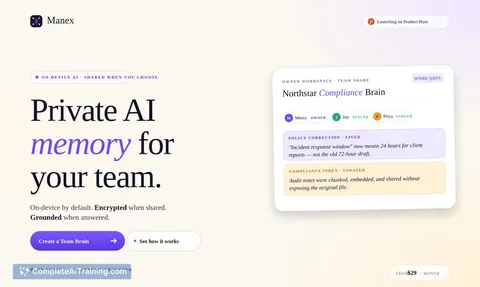
Source-linked onboarding and feature adoption assistant
Guide users through product onboarding and feature adoption with one owned assistant instead of several rented subscriptions.
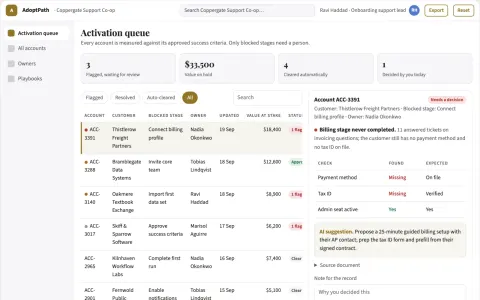
Support-driven product adoption rescue
Convert support effort into completed customer tasks.
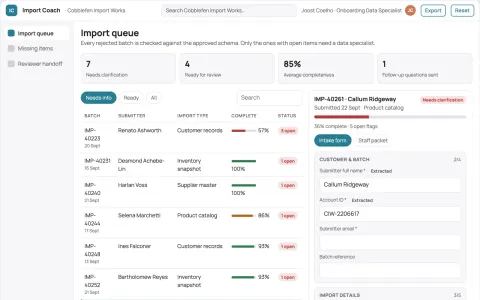
Software import error repair coach
Understandable fixes before importing data.
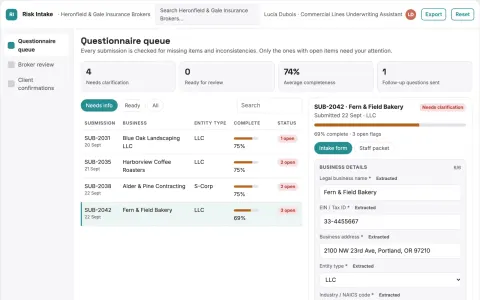
Client risk questionnaire assistant
Helps clients answer accurately without inventing or inferring exposures.
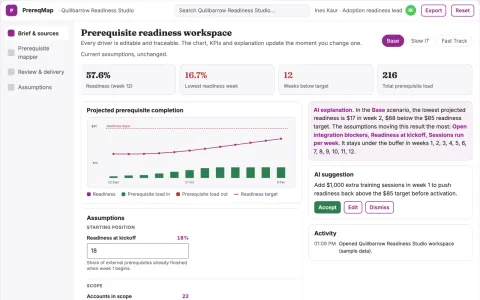
Product adoption prerequisite mapper
Explain adoption dependencies beyond interface design.
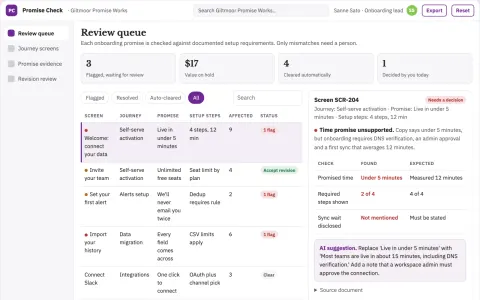
Product onboarding promise checker
Align onboarding expectations with real product prerequisites.












































































































About this learning path
6 topicsUse AI in Customer Onboarding Every Day
This learning path is built for customer onboarding specialists who want practical help with welcomes, kickoff calls, setup guidance, and follow ups. It starts with a few setup questions, then helps you connect your AI tool in a way that fits your work.
You will learn the skills for your job inside your AI, take this prompt course, and watch video courses chosen for onboarding specialists. Each video course includes its certification, so you can show what you have learned.
Why AI Matters for Onboarding
New customers decide quickly whether they feel supported. AI helps you prepare welcome notes, session plans, and clear answers without rushing, so you can give each person a steady start.
It also helps you keep track of small details across many accounts, which is where onboarding often gets messy.
What This Path Includes
The path begins with setup questions and a short guide to connecting your AI. Then you move into the skills you use daily: welcoming customers, planning sessions, explaining features, guiding setup, and handling early issues.
You also get this prompt course and video courses picked for customer onboarding work. The video courses list the certifications you can earn as you finish them.
How AI Saves You Time
You can turn a rough idea into a welcome message, an agenda, or a help reply in a few minutes. That means less time staring at a blank page and more time listening to customers.
The prompts are made for real onboarding tasks, so you are not learning generic AI tricks. You are learning how to get useful drafts you can edit and send.
How It Protects Your Career
AI is becoming a normal part of customer facing work. Specialists who can use it well will be able to take on more accounts and focus on the conversations that need a human.
This path helps you stay current without pretending AI does everything. You keep your judgment, your relationships, and your knowledge of the product.
How to Start This Path
Answer the setup questions, connect your AI tool, and begin with the welcome lesson. Try each prompt on a real account, then adjust the words until they sound like you.
Move at your own pace. A few short sessions each week are enough to build a habit that helps you every day.
Frequently asked questions
Do I need technical skills to start?
No. The path assumes you are comfortable with email and basic software, but you do not need to code or understand AI models. The prompts are written in plain language and you can copy them into your AI tool.Which AI tool should I use?
You can use ChatGPT, Claude, Gemini, or another assistant your company allows. The lessons explain how to adapt the prompts, so the tool matters less than the details you give it.How long does the path take?
Most people move through the lessons over a few weeks while working. You can go faster or slower depending on your schedule, and you can return to any lesson when a new account needs it.Will AI replace my role?
AI can draft and organize, but it cannot build trust with a nervous new customer. Your role becomes more focused on listening, solving problems, and guiding people through change.