
Prompt course · 8 lessons · 25 prompts · 1 hour · Beginner
AI for Music Teachers
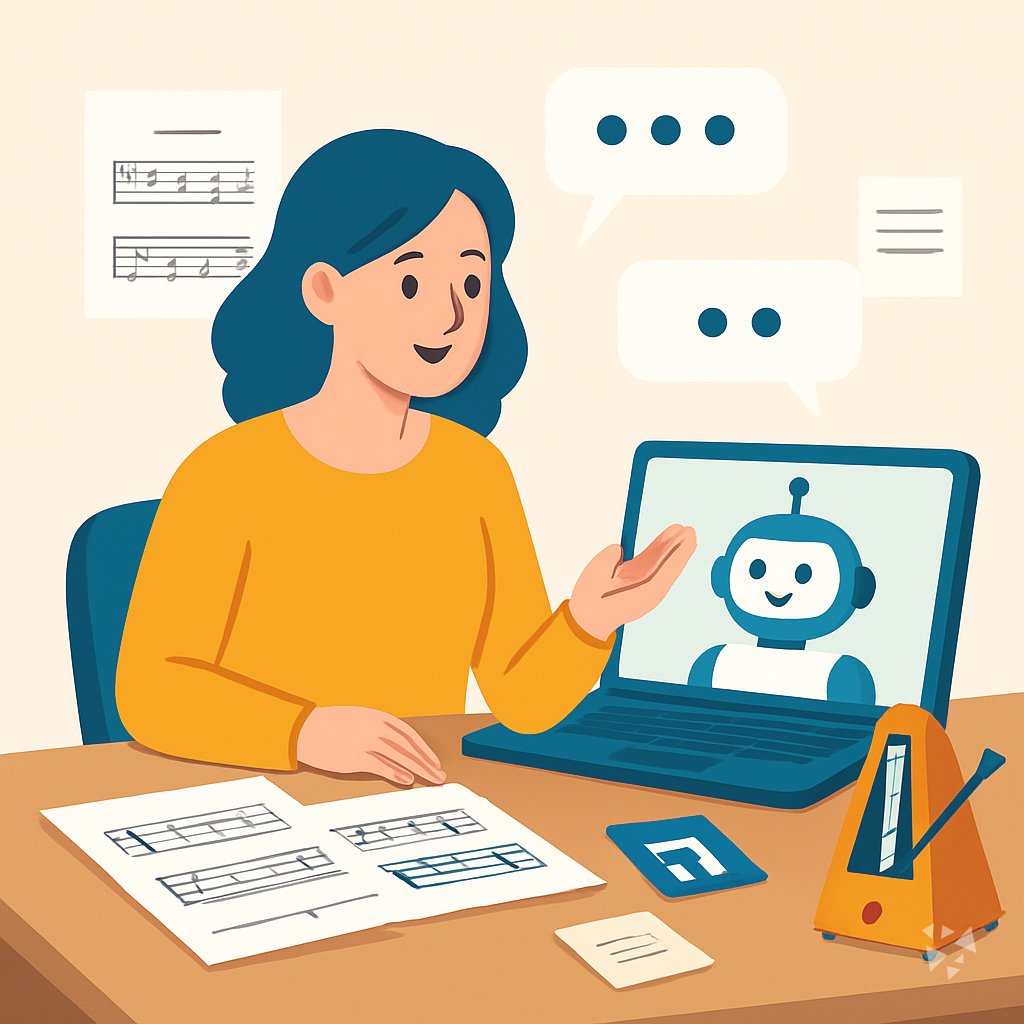
This prompt course gives music teachers ready-to-use prompts for lesson plans, theory explanations, practice assignments, progress notes, recitals, and parent updates. You stay in charge of the musical choices while AI handles the first draft.
What you'll learn
- Lesson Planning Basics: Draft warm-ups, goals, and activities for private or classroom music lessons.
- Explaining Music Theory: Turn scales, intervals, and rhythm into simple examples and quick checks.
- Instrument Technique Cues: Find verbal cues and practice drills for bowing, breath, or finger placement.
- Practice Assignments: Build realistic weekly practice plans and trackers students can follow at home.
- Assessing Student Progress: Shape your observations into clear notes, rubrics, and helpful feedback.
- Recital and Exam Prep: Plan pieces, study schedules, and audition lists for performances and graded exams.
- Parent Communication: Write friendly updates and prepare for talks about practice or behavior.
- Studio Admin and Policies: Create policies, invoices, and schedules that keep your teaching business tidy.
What's inside
8 lessons · 25 prompts- Before you start · framework course CRAFT Prompt Framework: Context, Role, Action, Format, ToneCRAFT fits your teaching because it sets context and tone for lesson plans or parent notes, like explaining a student's recital progress.
- Start here Marcus's Monday, Two WaysA day in the life of a Music Teacher, before and after these prompts.
- 01 Lesson 1 · 3 prompts Lesson Planning Basics
- 02 Lesson 2 · 3 prompts Explaining Music Theory
- 03 Lesson 3 · 3 prompts Instrument Technique Cues
- 04 Lesson 4 · 3 prompts Practice Assignments
- 05 Lesson 5 · 4 prompts Assessing Student Progress
- 06 Lesson 6 · 3 prompts Recital and Exam Prep
- 07 Lesson 7 · 3 prompts Parent Communication
- 08 Lesson 8 · 3 prompts Studio Admin and Policies
About this course
7 topicsPrompts That Fit a Music Teacher's Week
This course is built for music teachers who want useful AI prompts without learning technical skills. Each lesson takes one real task from your week, such as lesson planning, theory, practice, assessment, recital prep, parent communication, or studio admin.
Every prompt is a starting point. You add the student's instrument, level, and goal, then edit the result until it sounds like your teaching. The aim is not to replace your voice. It is to give you a faster first draft.
The lessons
- Lesson Planning Basics: Create clear, level-appropriate lesson plans and warm-ups for private or classroom music students.
- Explaining Music Theory: Turn music theory concepts into simple explanations, examples, and quick checks for students.
- Instrument Technique Cues: Find verbal cues and practice drills to help students improve technique without physical demonstration.
- Practice Assignments: Design structured, realistic practice plans and trackers that students can follow between lessons.
- Assessing Student Progress: Turn your observations into clear progress notes, rubrics, and constructive feedback.
- Recital and Exam Prep: Plan repertoire, study schedules, and audition lists for performances and graded exams.
- Parent Communication: Write clear, friendly updates and handle practice or behavior conversations with parents.
- Studio Admin and Policies: Create studio policies, invoices, and schedules that keep your teaching business organized.
What the Course Covers
The course follows eight lessons in order. You begin with planning and theory, then move to technique, practice, assessment, recital prep, parent communication, and studio admin.
Each lesson gives you prompts you can copy, paste, and adapt. You can use them in ChatGPT, Claude, Gemini, or another AI helper you trust.
How the Lessons Connect
Lesson one helps you plan. Lesson two helps you explain. Lessons three and four help students improve between lessons. Lesson five helps you notice and record progress.
Lessons six through eight help you manage the moments around teaching: recitals, exams, parents, and business details. You can work in order or jump to the task that is pressing this week.
How to Use the Prompts Well
Give the AI clear details: instrument, level, age range, piece, and what you want the student to improve. Ask for a short draft, not a long essay.
Read the result with your teacher's ear. Fix wrong musical terms, add your own encouragement, and keep the language warm. The best prompt is the one you edit into your own voice.
Who This Course Is For
This course is for private music teachers, classroom music teachers, vocal coaches, and teaching assistants. It works for any instrument and any age group.
You do not need to be technical. You only need a willingness to try one prompt, see what happens, and adjust.
Safety and Privacy for Music Teachers
Protect student privacy by leaving out full names, addresses, and sensitive records. Use initials or general details such as grade level and instrument.
Follow your school, studio, or employer rules about AI tools. When in doubt, ask before you paste. You can always describe the situation without sharing private facts.
Your Next Step
Open the first lesson and choose one task you will teach tomorrow. Copy the prompt, add your details, and try it once.
Keep what works, change what does not, and move to the next lesson when you have a spare ten minutes. Small steps add up to a calmer teaching week.