
Learning path
Learning AI as a Music Teacher
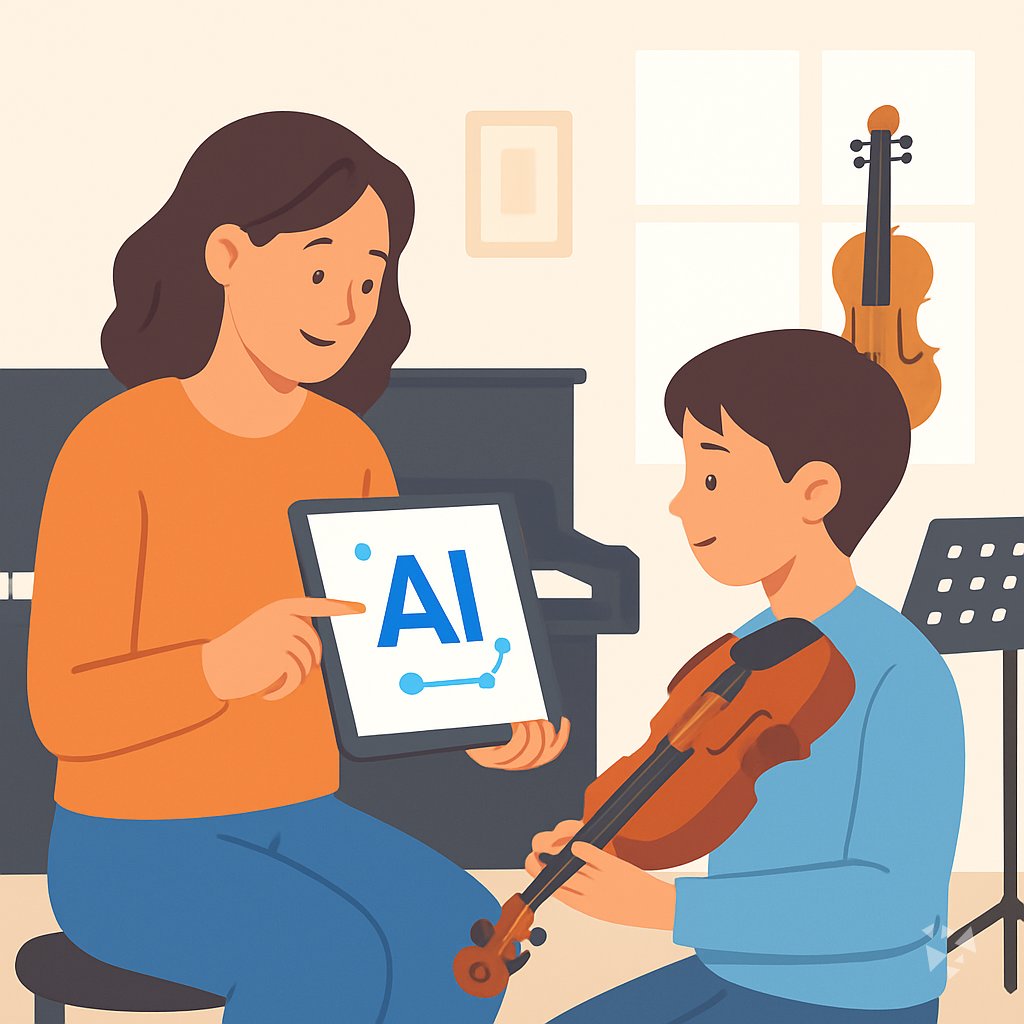
This path shows music teachers how to use AI helpers for lesson plans, theory explanations, practice plans, and parent notes. It keeps your teaching voice at the center while saving time on the paperwork around it.
Your path
Everything in the Music Teacher AI kit, in the order that makes sense. Members tick off each step and see their progress.
Set up your AI
We guide you through each click.
Let skills do your everyday tasks
Connect your apps and pick your AI apps
Hand whole tasks to AI agents
Build your own tools
Keep growing
Everything for music teachers
All the courses, certifications, AI tools, MCP servers and apps for music teachers, most relevant first. Open any list to see more.
Take the prompt courses
A short framework course to learn how to ask, then 8 lessons with ready-to-use prompts for music teachers.
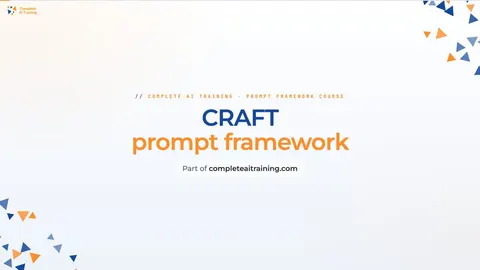
Start with this framework: how to talk to AI
CRAFT fits your teaching because it sets context and tone for lesson plans or parent notes, like explaining a student's recital progress.
Then your prompt course for music teachersWatch the video courses or add them to your Favorites for later
88 video courses our AI picked for music teachers, most useful first. Save the ones you want to watch later with the heart.
Favorites are saved to your account: sign in or get your AI kit first.
Show all 88 video courses
Get certified, or add certifications to your Favorites
Every course ends in an exam and a certificate you can add to LinkedIn. Save the certifications you are aiming for with the heart.
Favorites are saved to your account: sign in or get your AI kit first.
More certifications for music teachersShow all 24 certifications
Try the AI tools for music teachers
24 AI tools our AI matched to the work of music teachers, best fit first. Each review shows what it does, its alternatives and the jobs it suits.
Favorites are saved to your account: sign in or get your AI kit first.
Show all 24 AI tools
Connect your AI to the apps music teachers use
MCP servers let ChatGPT, Claude or Copilot look things up and get work done in other apps, like your email, calendar or bookkeeping software. These 12 fit the work of music teachers best, well-known apps first.

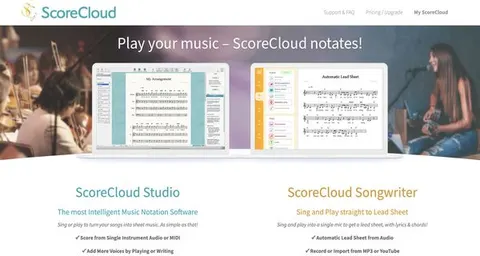
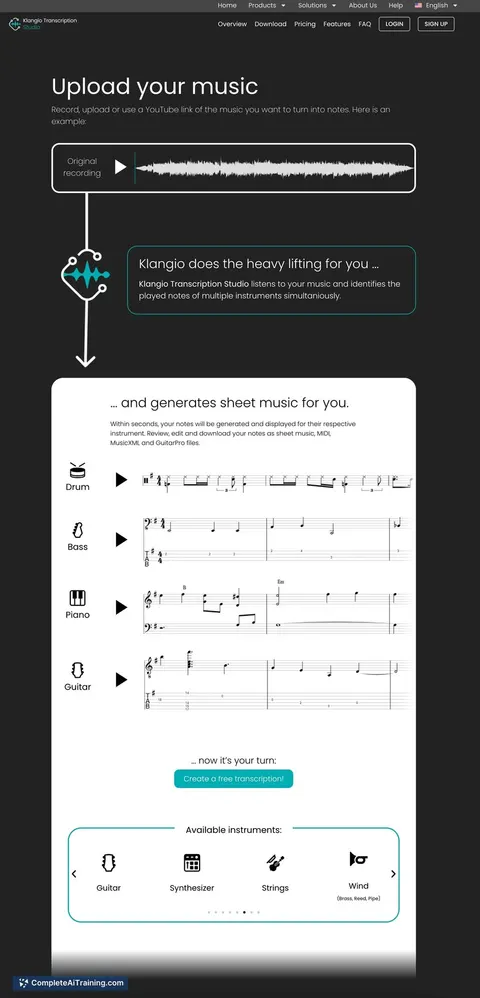
Gradus Notation MCP server
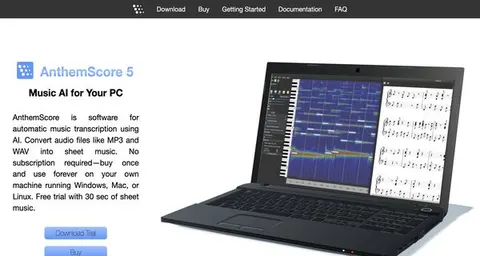
by delmas41Turn a plain music score into sheet music, MIDI and theory answers right inside your AI chat.

Google Calendar MCP server
by takumi0706Lets your AI read, create, change, and delete events in your Google Calendar for you.

IMSLP MCP server
by smeet666Let your AI search the free Petrucci sheet music library for works, composers and editions.

Temporal Cortex MCP server
by temporal-cortexLet your AI check calendars, find free slots, and book meetings without double-booking.
ProductivityMeetingsNo install
THIRI Chord Intelligence MCP server
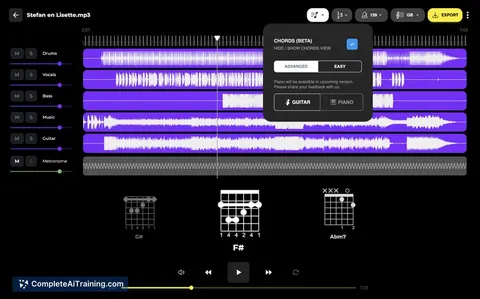
by BluesPrinceYour AI can analyze chords, name roman numerals, build voicings, and reharmonize progressions correctly.
MusicNo install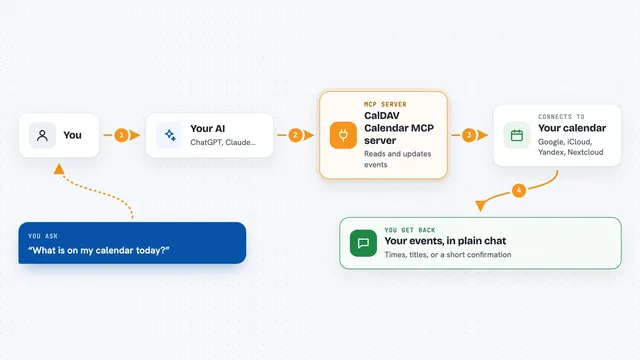
CalDAV Calendar MCP server
by madbonezLet your AI read and create calendar events on Yandex, Google, Nextcloud, iCloud and other CalDAV calendars.
Show all 12 MCP servers

Google Drive MCP server
by A1-x-TechLet your AI search, organize, upload, download, export and share your Google Drive files for you.

CalDAV / CardDAV MCP server
by PhilflowIOLet your AI read and change your calendars, contacts and tasks on Nextcloud, Baikal, Radicale or iCloud.

Google Tasks MCP server
by A1-x-TechLets your AI read and manage your Google Tasks lists, tasks, due dates and subtasks for you.

Notion MCP server
by ankitmalik84Let your AI search, read, and write in your Notion pages and databases for you.

Presentations.AI MCP server
by slidecraft-inLet your AI build and edit slide decks for you, then export them as PPTX, PDF, images or a share link.
Productivity Official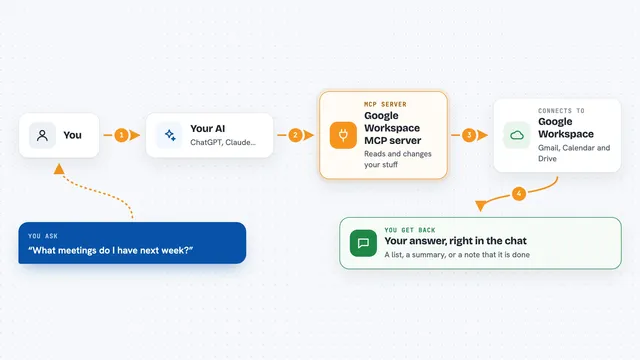
Google Workspace MCP server
by giuseppe-cocoLets your AI read and send Gmail, manage Calendar events, and work with Drive files for you.
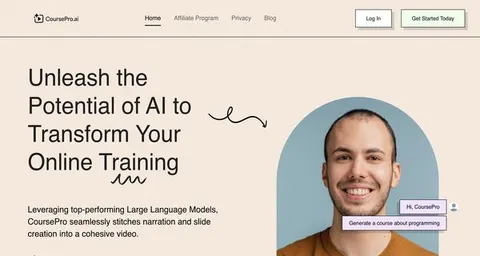
Build your own AI apps for music teachers
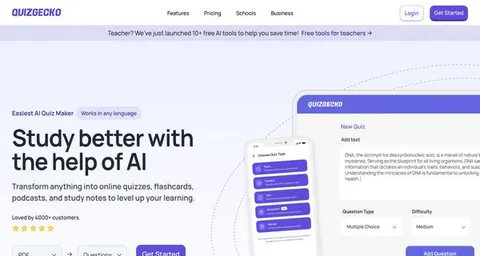
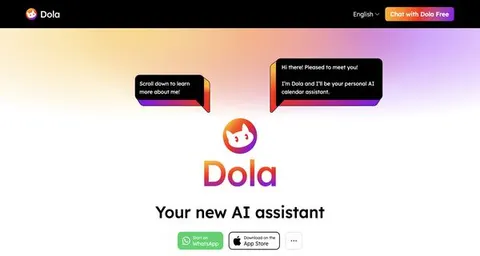
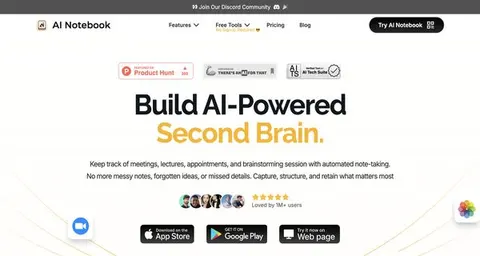
Apps you build yourself with your own AI, no coding needed and no monthly fee. Our AI picked the 2 that fit the work of music teachers.












































































About this learning path
6 topicsAI Help for Music Teachers, Not a Replacement
Music teachers carry a lot in one week: lesson plans, warm-ups, theory explanations, practice plans, progress notes, recital details, and parent messages. AI can help you make a strong first draft for each of these, but your ear, your judgment, and your care for each student stay in charge.
This path is made for working music teachers who want practical help, not more technical confusion. You will learn how to choose a tool, set it up for music teaching, and use prompts that fit real lessons.
Why AI Matters for Music Teachers
Students learn best when you notice small things: a tight shoulder, a missed rest, a confident phrase. The work around those moments, like writing notes and planning practice steps, can pile up after teaching hours.
AI gives you a faster way to handle that pile. You can ask for a warm-up idea, a simpler theory example, or a polite parent note, then shape it to fit the student in front of you.
What This Path Includes
You start with setup questions that help you choose a tool and get it ready for music teaching. Then you connect your AI helper, learn the skills for the job inside your AI, and work through this prompt course lesson by lesson.
The path also points you to video courses picked for music teachers and shows which certifications come with them. You can move at your own pace and try each idea with your real students.
How the Path Saves Time
Instead of staring at a blank page for a lesson plan, you can ask for a draft based on the student's level, instrument, and goal. For theory, you can get a plain explanation and two quick check questions in seconds.
Practice assignments, progress notes, recital schedules, and parent updates can all start as drafts. You spend your time editing for tone and accuracy, not inventing every word from scratch.
How It Protects Your Career
AI does not hear pitch, watch posture, or build trust with a nervous student. Those are your strengths. The path helps you protect your reputation by keeping your studio organized and your communication clear.
When parents see steady updates and students get practice plans they can follow, your teaching looks as strong as it sounds. You become the teacher who uses helpful tools without losing the human part of music.
How to Start This Week
Pick one task that repeats every week, like a beginner warm-up or a parent email. Answer the setup questions, connect your AI tool, and try one prompt from the course.
Read the draft out loud. Change anything that does not sound like you. Keep the parts that save time, then try another lesson when you are ready.
Frequently asked questions
I am not good with technology. Can I still do this path?
Yes. The path starts with setup questions and simple steps, not code or confusing settings. If you can write an email or search the web, you can use these prompts.Will AI replace music teachers?
No. AI can draft a lesson plan or a parent note, but it cannot teach tone, rhythm, expression, or confidence. Your students need your ears, your feedback, and your encouragement.Can I use student names in ChatGPT or another AI tool?
It is safer to use first names only, initials, or general details like age and level. Avoid private information such as full names, addresses, or learning plans. Follow your school or studio rules about student data.How long does the learning path take?
Most people can move through the setup and first lessons in a few short sittings. The prompt course is designed to use lesson by lesson, so you can keep returning as your teaching week changes. There is no fixed deadline.