
Prompt course · 8 lessons · 24 prompts · 1 hour · Beginner
AI for Videographers
A prompt course built for videographers. Write shot lists, interview questions, gear fixes, edit plans, and client quotes with AI help that fits how you already work.
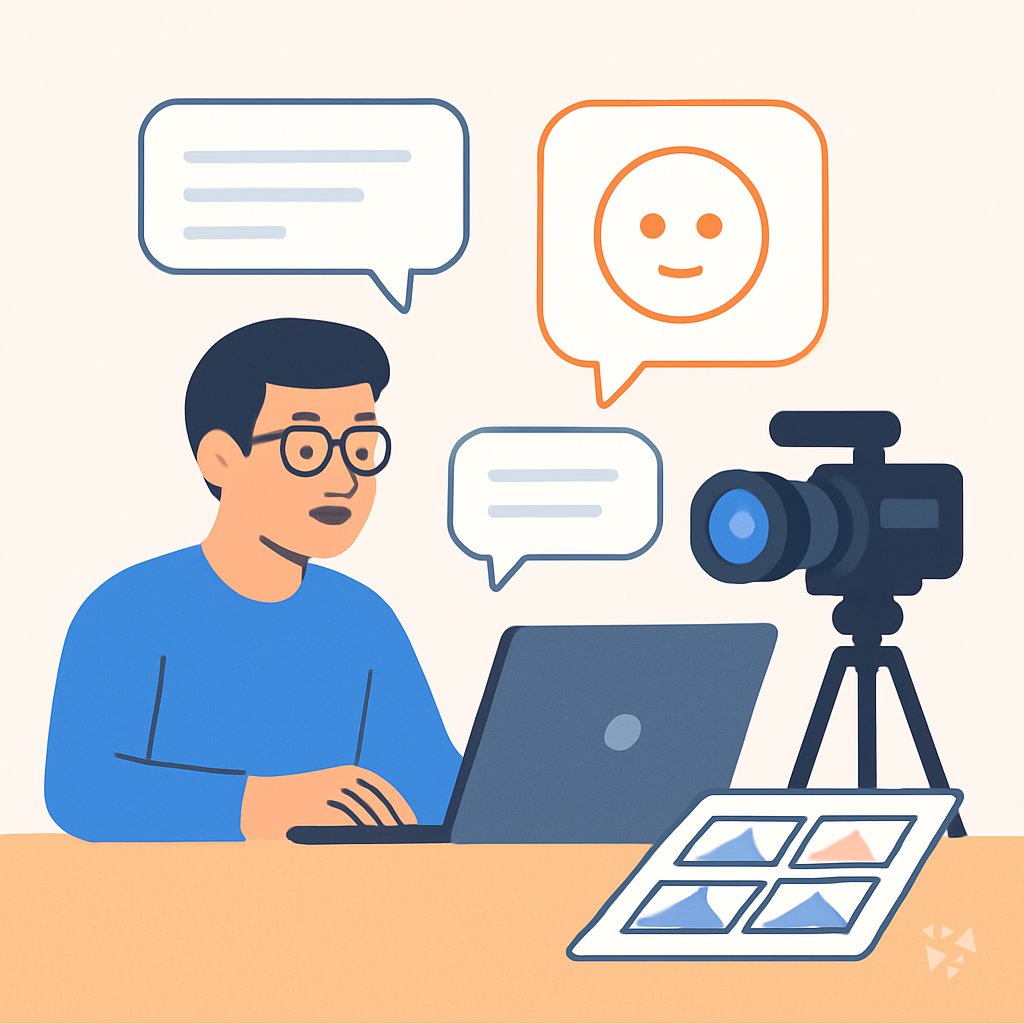
What you'll learn
- Plan Shoots: Turn a script or rough idea into a shot list, schedule, and storyboard you can actually follow.
- Interview Prep: Write questions and prep notes that help people relax and give you usable answers on camera.
- Gear Fixes: Describe a camera, lighting, or audio problem and get likely causes and fixes to try.
- Edit and Story: Shape raw footage into a clear edit plan, rough-cut order, and fresh B-roll ideas.
- Audio and Color: Plan a clean audio mix and a consistent color grade with notes you can hand to your editor.
- Keep Learning: Use AI as a patient tutor to understand a technique, compare tools, or build a learning plan.
- Client Briefs: Turn a client's brief into clear goals, smart questions, and a creative direction to pitch back.
- Quotes and Admin: Draft quotes, sort out licensing questions, and finish project paperwork without starting from scratch.
What's inside
8 lessons · 24 prompts- Before you start · framework course RACE Prompt Framework: Role, Action, Context, ExpectationVideographer, RACE fits by defining role, action, context, and quality, like editing a wedding reel to match a client's warm style.
- Start here Leila's Thursday, Two WaysA day in the life of a Videographer, before and after these prompts.
- 01 Lesson 1 · 3 prompts Plan Shoots And Shots
- 02 Lesson 2 · 3 prompts Prepare Interviews And Direction
- 03 Lesson 3 · 3 prompts Troubleshoot Gear And Lighting
- 04 Lesson 4 · 3 prompts Organize Edit And Story
- 05 Lesson 5 · 3 prompts Polish Audio And Color
- 06 Lesson 6 · 3 prompts Learn And Improve Craft
- 07 Lesson 7 · 3 prompts Decode Client Briefs
- 08 Lesson 8 · 3 prompts Price And Administer Projects
About this course
7 topicsThe Prompt Course for Working Videographers
This course is a set of prompts written for the jobs videographers do every week. You will not learn to code or build software. You will learn how to ask an AI assistant for help with a shot list, a nervous interview subject, a lighting problem, or a quote that needs to go out tonight.
Each lesson gives you a prompt you can copy, a short explanation of why it works, and a small example from real video work. You can use ChatGPT, Claude, or Gemini. The prompts are the same in all three, with tiny changes to wording.
The lessons
- Plan Shoots And Shots: Turn a script or concept into a practical shot list, schedule, and storyboard before the shoot.
- Prepare Interviews And Direction: Create interview questions, subject prep, and directing prompts to get better on-camera answers.
- Troubleshoot Gear And Lighting: Get likely causes and fixes for common camera, lighting, and audio problems from your description or a photo.
- Organize Edit And Story: Shape raw footage into a clear edit plan, rough-cut notes, and B-roll ideas.
- Polish Audio And Color: Plan a clean audio mix and consistent color grade with practical reference notes.
- Learn And Improve Craft: Use AI as a patient tutor to understand techniques, compare tools, and build a focused learning plan.
- Decode Client Briefs: Turn a client brief into clear goals, smart questions, and a creative direction you can pitch back.
- Price And Administer Projects: Draft quotes, handle licensing questions, and wrap up project paperwork without starting from scratch.
What This Course Covers
The eight lessons follow the arc of a real project. You plan the shoot, prepare the people, handle problems on the day, shape the edit, polish the sound and color, keep learning, decode what the client actually wants, and finish the paperwork.
Each lesson gives you one main prompt, a short explanation, and a small example. You can copy the prompt and change the details to match your own shoot.
How the Lessons Connect
The order matters. A clear shot list makes the interview easier to shoot. Clean audio and color notes make the edit faster. Knowing the client's real goal makes the quote more accurate.
You can jump to any lesson, but working through them in order gives you a full workflow you can repeat on every job.
Using the Prompts Well
A prompt is only as good as the details you give it. Say what you are shooting, who is in front of the camera, what gear you have, and what you want back. If the first answer is close but not right, tell the AI what to change.
Treat every answer as a draft. You are the one who knows the location, the client, and the light.
Who This Course Is For
This course is for videographers who shoot their own projects or work in small teams. It fits wedding and event shooters, brand and documentary freelancers, and in-house video people at companies or nonprofits.
You do not need any AI experience. You do need a real project or two in mind, because the prompts work best when you try them on actual work.
Safety and Privacy on Set
Client footage, interview notes, and release forms are sensitive. Keep private material out of public AI tools unless your client has agreed, and check your tool's settings for how it stores what you type.
For gear problems, a photo of a camera setting is usually fine. For anything with a person's face, voice, or personal story, use your judgment and get permission first.
Your Next Step
Open the first lesson and pick one job on your calendar this week. Run the shot list prompt with the real details and see what it gives you. Then keep the parts that help and change the rest.