
Learning path
Learning AI as a Videographer
A guided path for videographers who want to plan shoots faster, solve gear problems on set, and keep clients happy. Start with the basics, then build a workflow that fits your own projects.
Your path
Everything in the Videographer AI kit, in the order that makes sense. Members tick off each step and see their progress.
Set up your AI
We guide you through each click.
Let skills do your everyday tasks
Connect your apps and pick your AI apps
Hand whole tasks to AI agents
Build your own tools
Keep growing
Everything for videographers
All the courses, certifications, AI tools, MCP servers and apps for videographers, most relevant first. Open any list to see more.
Take the prompt courses
A short framework course to learn how to ask, then 8 lessons with ready-to-use prompts for videographers.
Start with this framework: how to talk to AI
Videographer, RACE fits by defining role, action, context, and quality, like editing a wedding reel to match a client's warm style.
Then your prompt course for videographersWatch the video courses or add them to your Favorites for later
88 video courses our AI picked for videographers, most useful first. Save the ones you want to watch later with the heart.
Favorites are saved to your account: sign in or get your AI kit first.
Show all 88 video courses
Get certified, or add certifications to your Favorites
Every course ends in an exam and a certificate you can add to LinkedIn. Save the certifications you are aiming for with the heart.
Favorites are saved to your account: sign in or get your AI kit first.
More certifications for videographersShow all 24 certifications
Try the AI tools for videographers
24 AI tools our AI matched to the work of videographers, best fit first. Each review shows what it does, its alternatives and the jobs it suits.
Favorites are saved to your account: sign in or get your AI kit first.
Show all 24 AI tools
Connect your AI to the apps videographers use
MCP servers let ChatGPT, Claude or Copilot look things up and get work done in other apps, like your email, calendar or bookkeeping software. These 12 fit the work of videographers best, well-known apps first.

Scout MCP server for Premiere Pro
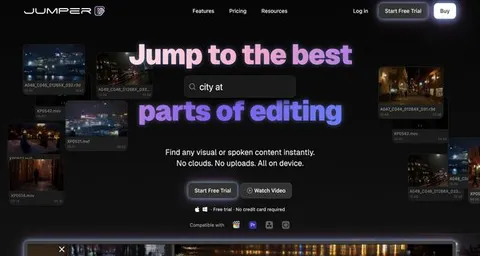
by tro2789Lets your AI search the Premiere transcript, place markers, cut clips, and manage your project timeline for you.

Fast Video Cataloger MCP server
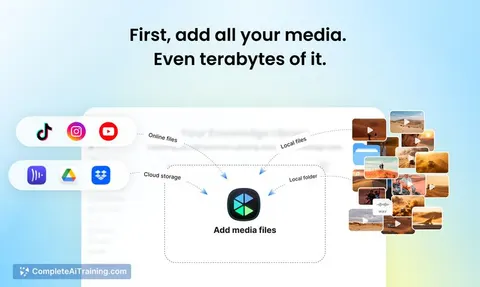
by freloLet your AI search, view and tag your local video library, with transcripts, scene thumbnails and keywords.
Productivity Official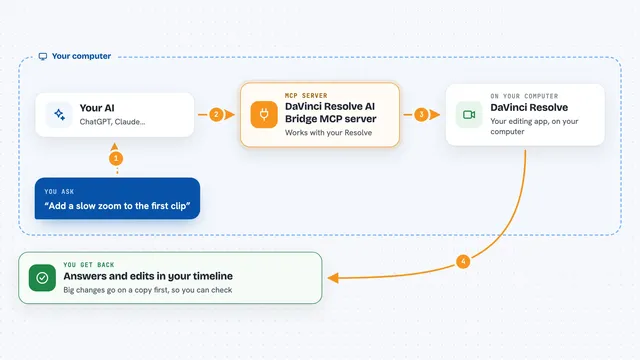
DaVinci Resolve AI Bridge MCP server
by flamexnrealLet your AI assistant inspect and edit the timeline open in DaVinci Resolve, on a duplicate first.

WeftCut MCP server
by WeftCutLet your AI trim, split, caption and export video right inside the WeftCut desktop editor.
Video editing Official
Final Cut Pro MCP server
by DareDev256Let your AI read, check and edit your Final Cut Pro timelines from a simple XML export.

Video Editing MCP server
by burningionLet your AI find moments inside your videos and turn them into ready-to-watch edits.
Show all 12 MCP servers
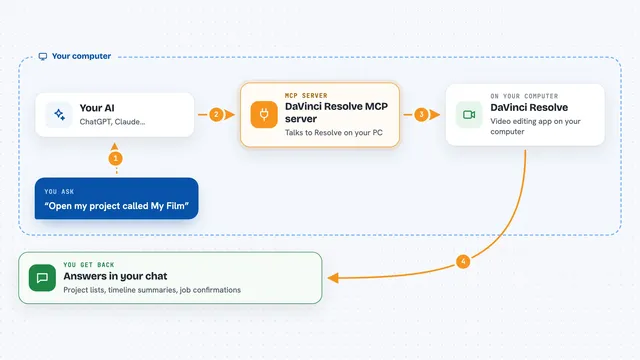
DaVinci Resolve MCP server
by samuelgurskyLet your AI assistant open projects, build timelines, set up renders and check your media inside DaVinci Resolve.

Kinocut MCP server
by KyaniteLabsLets your AI trim, caption, resize, and quality-check videos on your own computer.

Video Edit MCP server
by Aditya2755Lets your AI trim, merge, add effects and audio to videos, and download clips from YouTube for you.

Gaudio audio AI MCP server
by gaudiolab-jpLet your AI split songs into vocals, drums, bass and more, or line up lyrics with timestamps.

Loudcheck MCP server
by chaoz23Ask your AI whether an audio or video file meets broadcast loudness rules, and get a clear pass or fail.
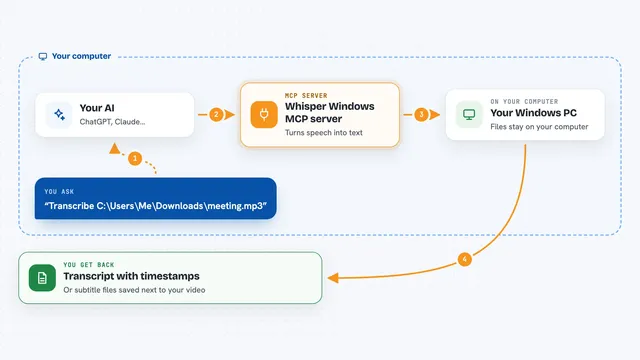
Whisper Windows MCP server
by eviscerationsTurn audio and video files into text on your own Windows PC, right from your AI chat.
Build your own AI apps for videographers
Apps you build yourself with your own AI, no coding needed and no monthly fee. Our AI picked the 12 that fit the work of videographers.
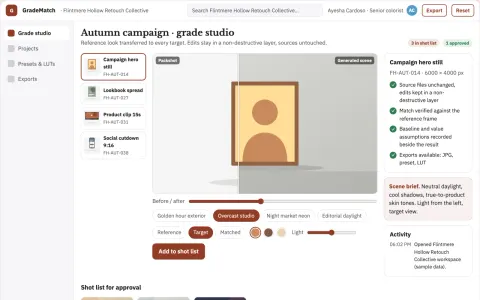
Reference-driven color transfer and grade export studio
Reduce manual grading time while keeping a consistent look across images and video.
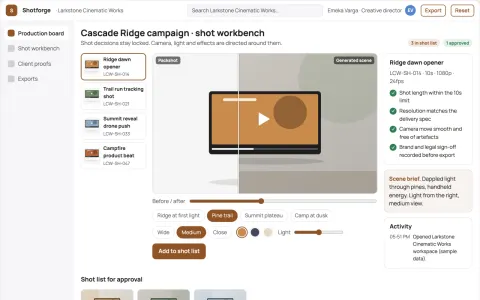
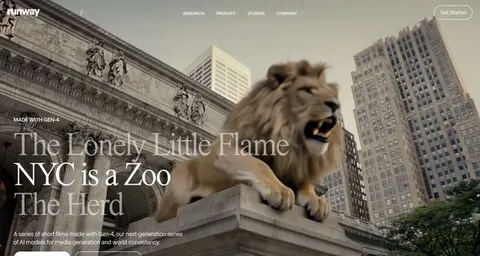
Cinematic AI video production and review workbench
Reduce tool sprawl and review cycles while keeping creative control.
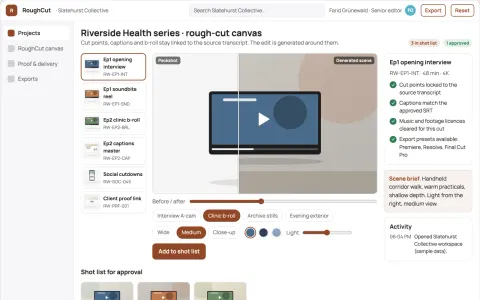
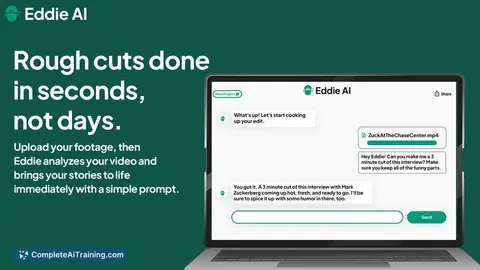
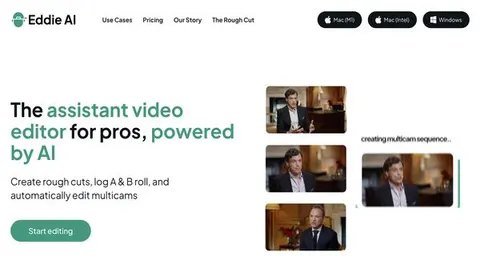
Interview footage rough-cut production workbench
Reduce manual assembly time while keeping editorial control of the cut.
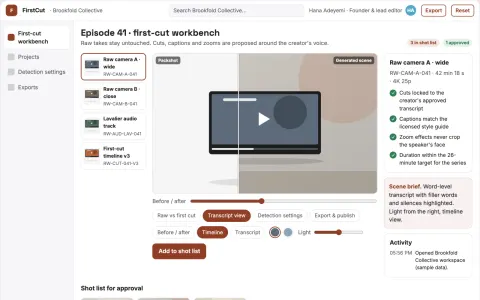
Talking-head first-cut editing workbench
Reduce manual cutting time while keeping the creator's voice and editorial control.
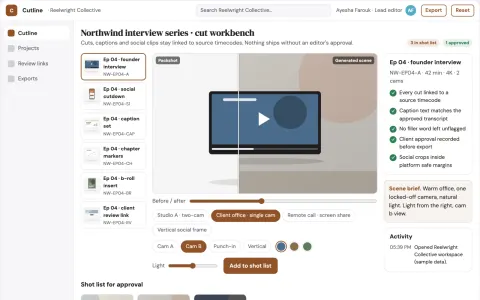
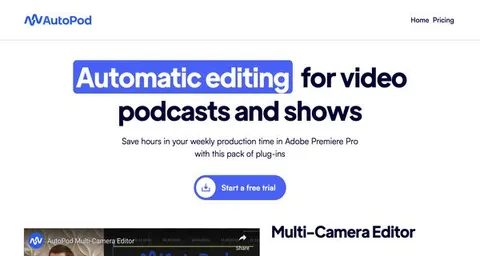
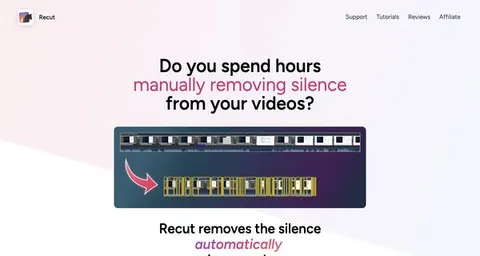
Automated video edit and caption workbench
Reduce repetitive editing hours while preserving the editor's creative control.
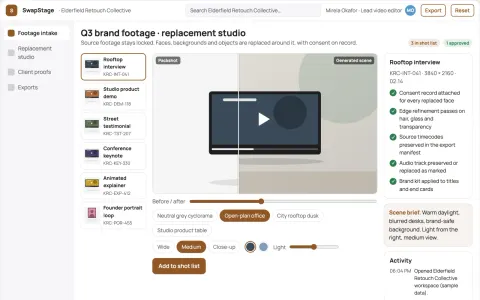
Video face and background replacement studio
Reduce tool switching and manual masking while keeping source footage and consent records under the client's control.
Show all 12 apps
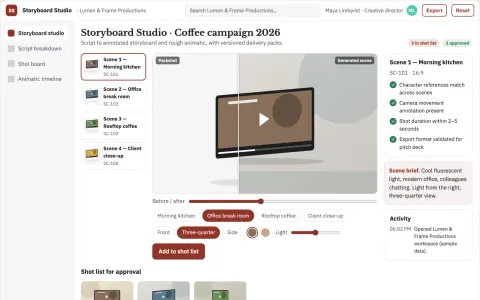
Storyboard subscription
Visual continuity and production annotations across successive script revisions.
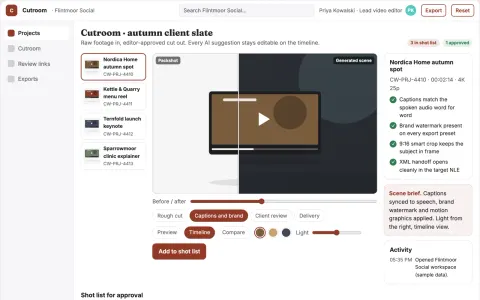
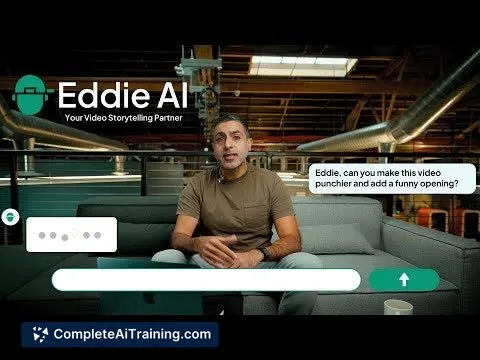
Conversational video edit and review workbench
Reduce manual editing passes while keeping editors in control of the final cut.
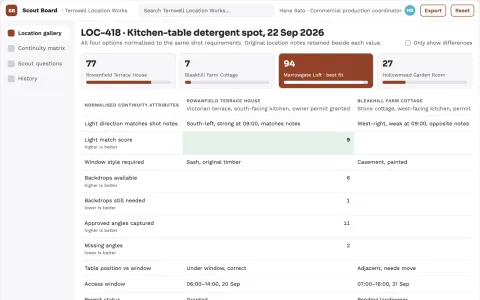
Location scout visual continuity board
Compare locations against visual continuity rather than attractive photos alone.
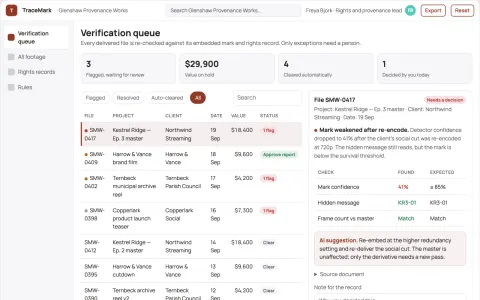
Invisible video watermark provenance workbench
Reduce ownership disputes and manual verification time while keeping footage usable.
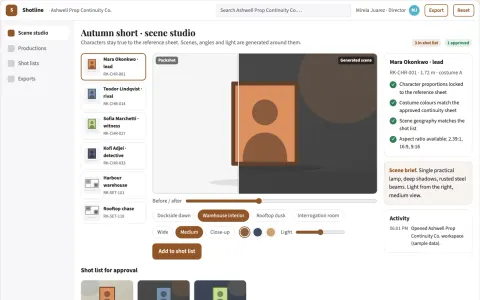
Storyboard planning and review workspace
Reduce planning handoffs while keeping the director's intent.
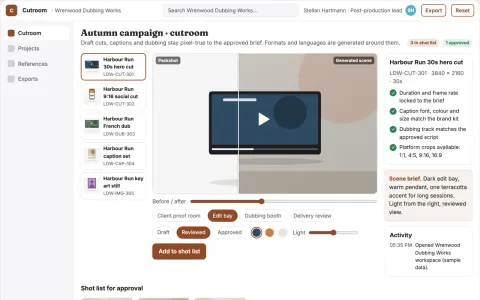
Managed AI video production and review platform
Reduce tool switching and review cycles while keeping one owned project record.
































































About this learning path
7 topicsAI for Videographers: Plan, Shoot, and Deliver
You already know how to tell a story with a camera. The hard part is often everything around it: a shot list that keeps changing, a client who needs a price today, a lighting problem twenty minutes before call time.
This path shows you how to use everyday AI tools for that surrounding work. You will set up an assistant, connect it to the tools you already use, and work through prompts made for videographers. Then you can pick video courses that match your projects and see which certificates come with them.
Why This Matters Now
Video work is getting faster on every side. Clients expect quick turnarounds, crews are smaller, and one person often handles planning, shooting, editing, and invoicing. AI tools can take the first pass at the paperwork and the planning so you can focus on the camera.
The videographers who use these tools well are not replacing their craft. They are spending less time on blank pages and more time on the parts only a person can do: direction, composition, and trust with a subject.
What the Path Includes
You start with short setup questions that help the path match your work, whether you shoot weddings, brand films, events, or online series. Then you connect your AI assistant and learn the skills for your job inside it.
The center of the path is this prompt course, with eight lessons that follow a real project from first idea to final invoice. Alongside it are video courses picked for videographers, and each one shows the certificate you can earn when you finish.
How It Saves You Time
A shot list that used to take an hour can be drafted in a few minutes and then shaped by you. Interview questions, gear troubleshooting, edit plans, and client quotes all get a faster first pass.
The time adds up across a week. You might use it to take on one more shoot, or to leave the edit chair before midnight.
How It Protects Your Career
AI will not replace a videographer who can walk into a room, read the light, and put a nervous person at ease. It will change how fast the other parts of the job move. Knowing how to use it keeps you in the room when budgets and timelines get tight.
The path also covers the habits that protect your reputation: checking facts, keeping client footage private, and staying honest about what you shot and what you did not.
How to Start This Week
Begin with the setup questions and connect your AI assistant. That takes about the length of a coffee break. Then open the first lesson and try one prompt on a real job you already have.
You do not need to finish everything at once. One lesson, one prompt, one small win is enough to see how it fits your day.
Video Courses and Certificates
The video courses in this path are chosen for the kind of work videographers actually do. They cover shooting, lighting, audio, editing, and client work, and each one lists the certification you earn at the end.
You can move through them in any order. If you already know lighting, skip ahead to the courses on editing or client management.
Frequently asked questions
Do I need to be technical to use this path?
No. Everything is written for people who use cameras and editing software, not code. You copy a prompt, change a few details to match your shoot, and use what comes back.Will AI make my videos look like everyone else's?
AI helps with planning and paperwork, not with your eye for a shot or your way of talking to a subject. The prompts are starting points you rewrite. Your framing, your lighting, and your direction stay yours.How much time does the path take?
You can move through the lessons at your own pace, often in a few sittings between shoots. The video courses are broken into short pieces, so you can pick one up when you have twenty minutes.What if I already use ChatGPT or another AI tool?
Then you can skip the setup and go straight to the videography prompts and courses. The lessons work with ChatGPT, Claude, or Gemini, whichever you already open.