
Video course · 15 chapters · 30 min · certificate
ComfyUI Course Ep 30: Game Design with AI and Photoshop
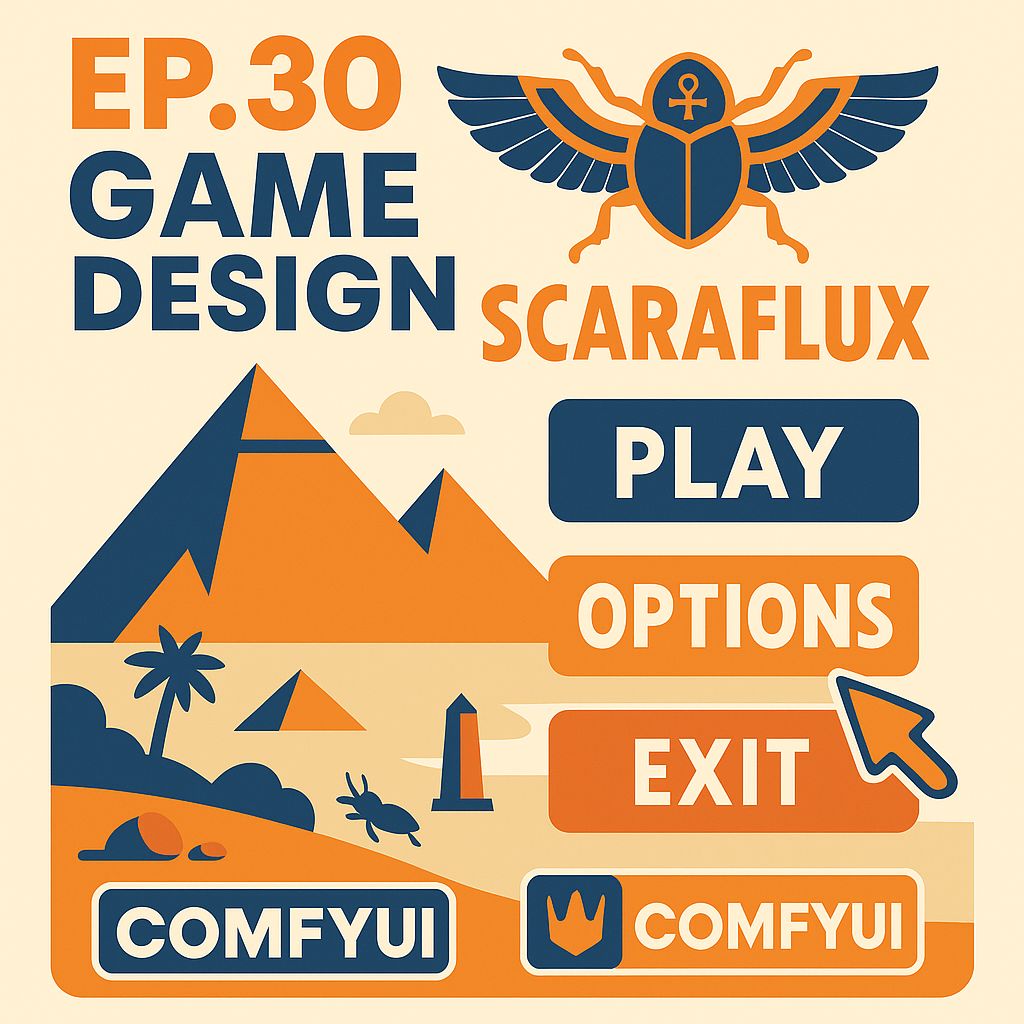
Design a complete game look with ComfyUI and Photoshop: planning and theme, fonts, icons with ControlNet and upscaling, retouching, the grid, backgrounds and colour correction, buttons, logo, animations, a cursor and assembling a video mockup.
What you'll learn
- Plan a game's theme and look
- Generate consistent icon sets
- Retouch and finalize assets
- Create grids, backgrounds, buttons and a logo
- Animate elements
- Assemble a video mockup
Chapters
15 chapters · 29:43-
 1:43
01Planning Members
Introduction and planning
Putting skills together for a game project.
1:43
01Planning Members
Introduction and planning
Putting skills together for a game project.
-
 1:47
02Planning Members
Theme and game elements
Choosing a theme with ChatGPT.
1:47
02Planning Members
Theme and game elements
Choosing a theme with ChatGPT.
-
 2:25
03Assets Members
Fonts and icons
Choosing fonts and generating icons.
2:25
03Assets Members
Fonts and icons
Choosing fonts and generating icons.
-
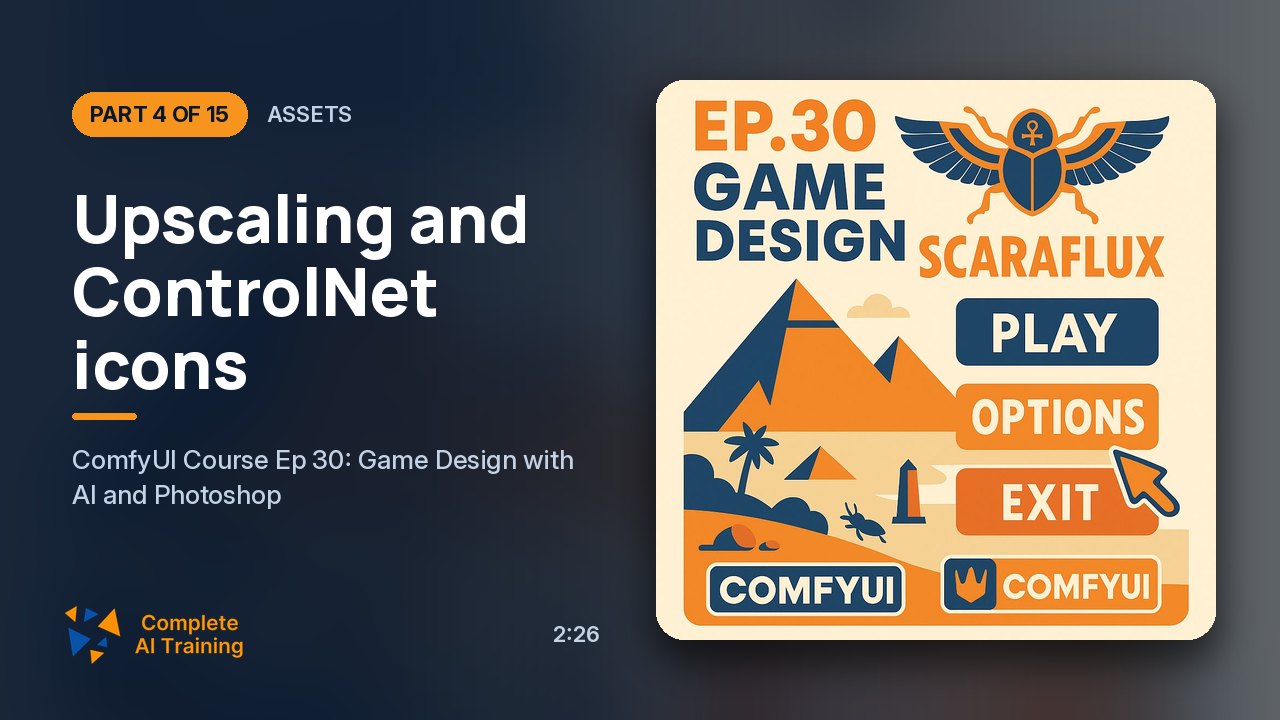 2:26
04Assets Members
Upscaling and ControlNet icons
Bigger icons and shape control.
2:26
04Assets Members
Upscaling and ControlNet icons
Bigger icons and shape control.
-
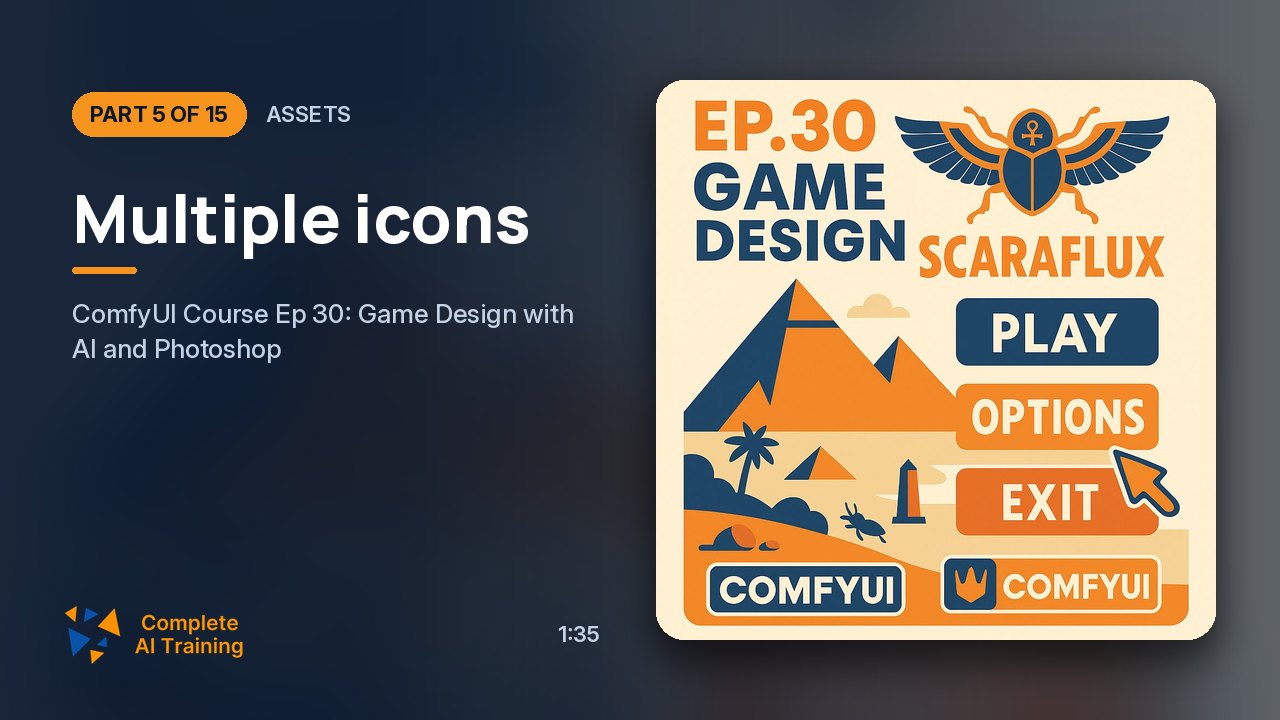 1:35
05Assets Members
Multiple icons
A workflow for six icons and refinement.
1:35
05Assets Members
Multiple icons
A workflow for six icons and refinement.
-
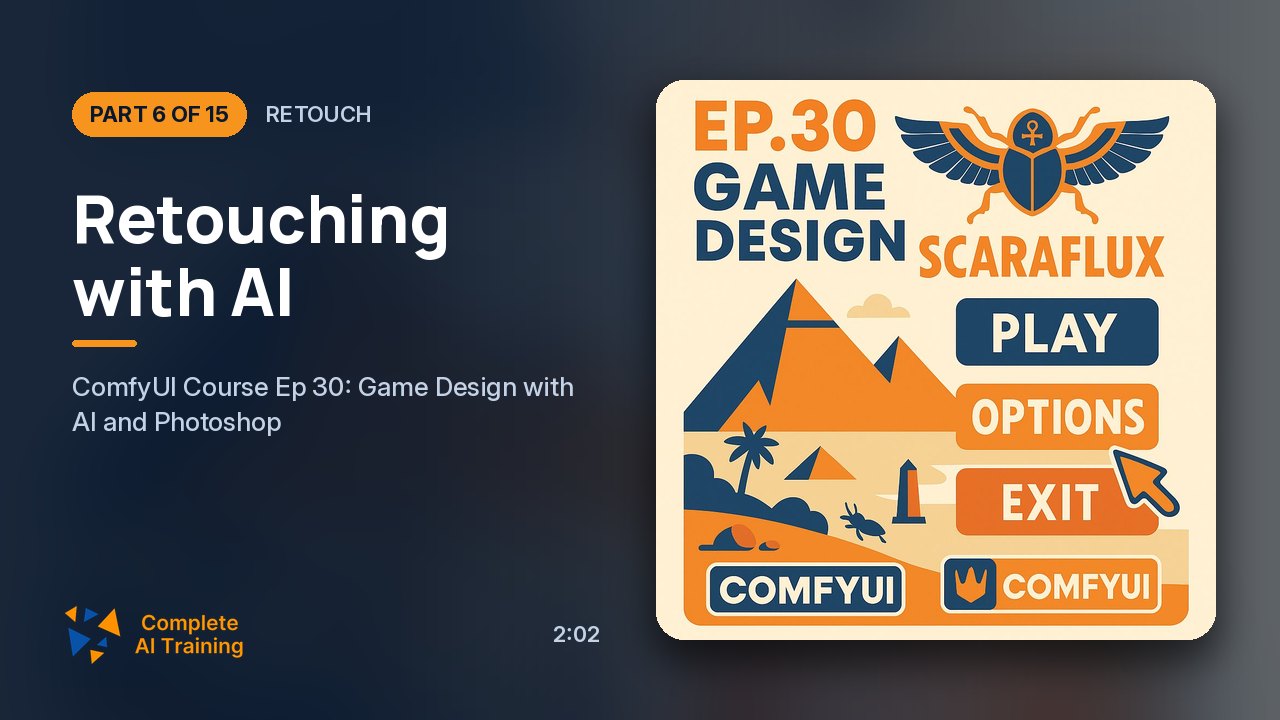 2:02
06Retouch Members
Retouching with AI
Image-to-image retouch workflow.
2:02
06Retouch Members
Retouching with AI
Image-to-image retouch workflow.
-
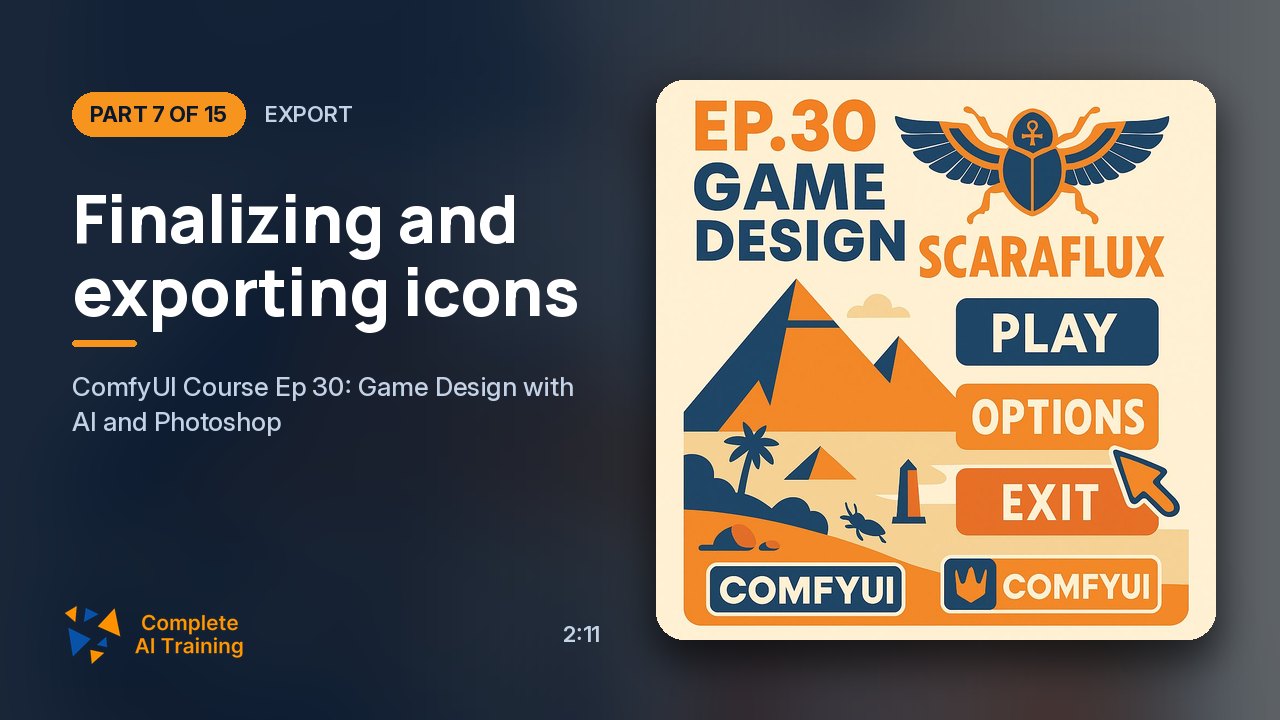 2:11
07Export Members
Finalizing and exporting icons
Picking favourites and exporting.
2:11
07Export Members
Finalizing and exporting icons
Picking favourites and exporting.
-
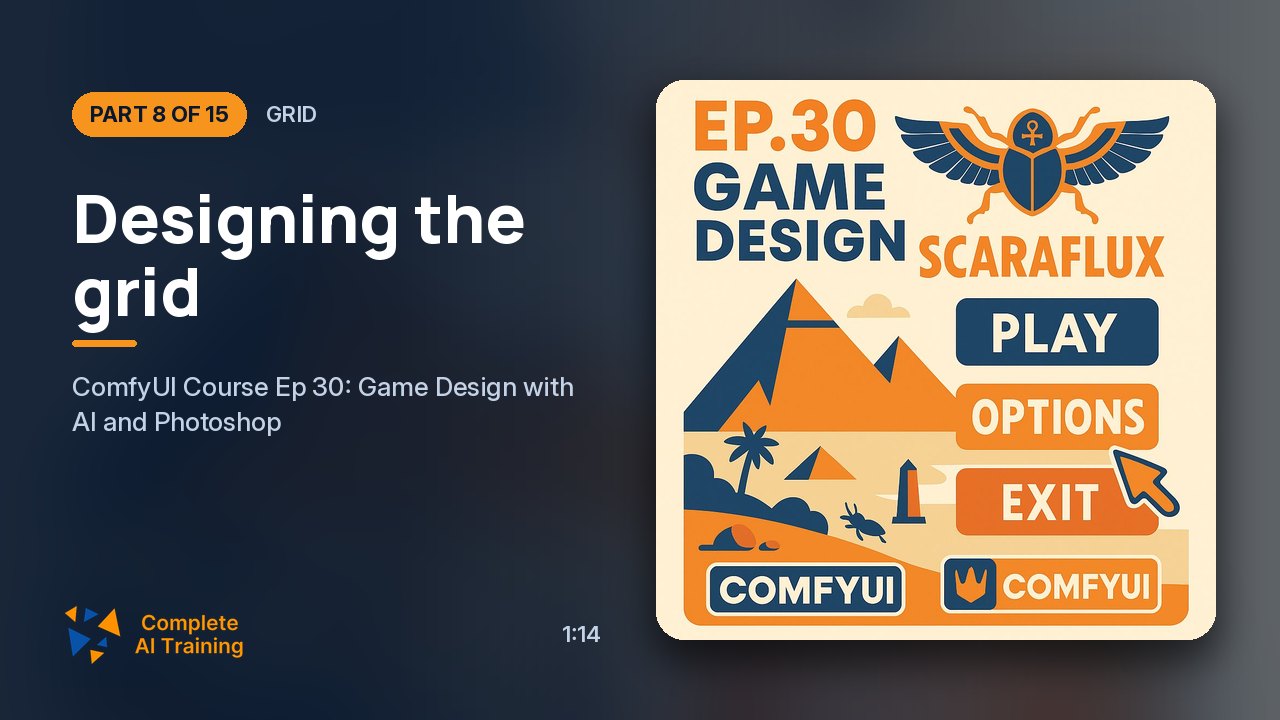 1:14
08Grid Members
Designing the grid
Creating the game grid.
1:14
08Grid Members
Designing the grid
Creating the game grid.
-
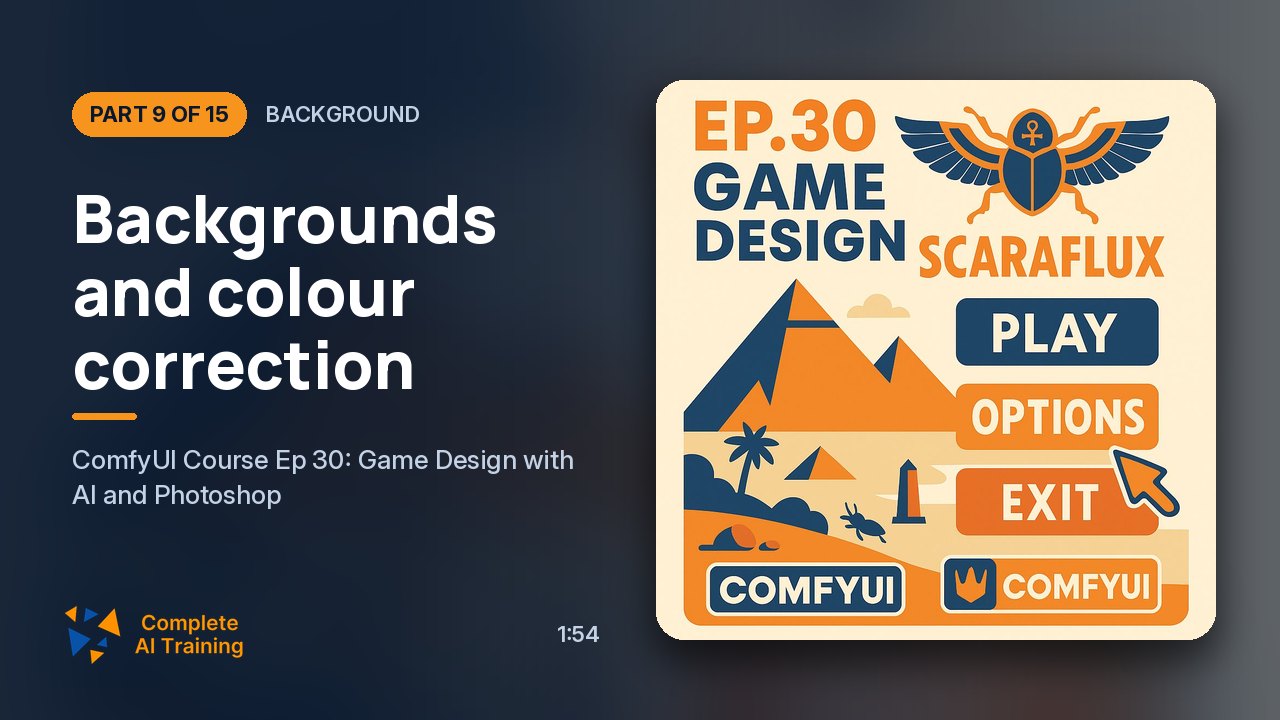 1:54
09Background Members
Backgrounds and colour correction
Scenes and colour matching.
1:54
09Background Members
Backgrounds and colour correction
Scenes and colour matching.
-
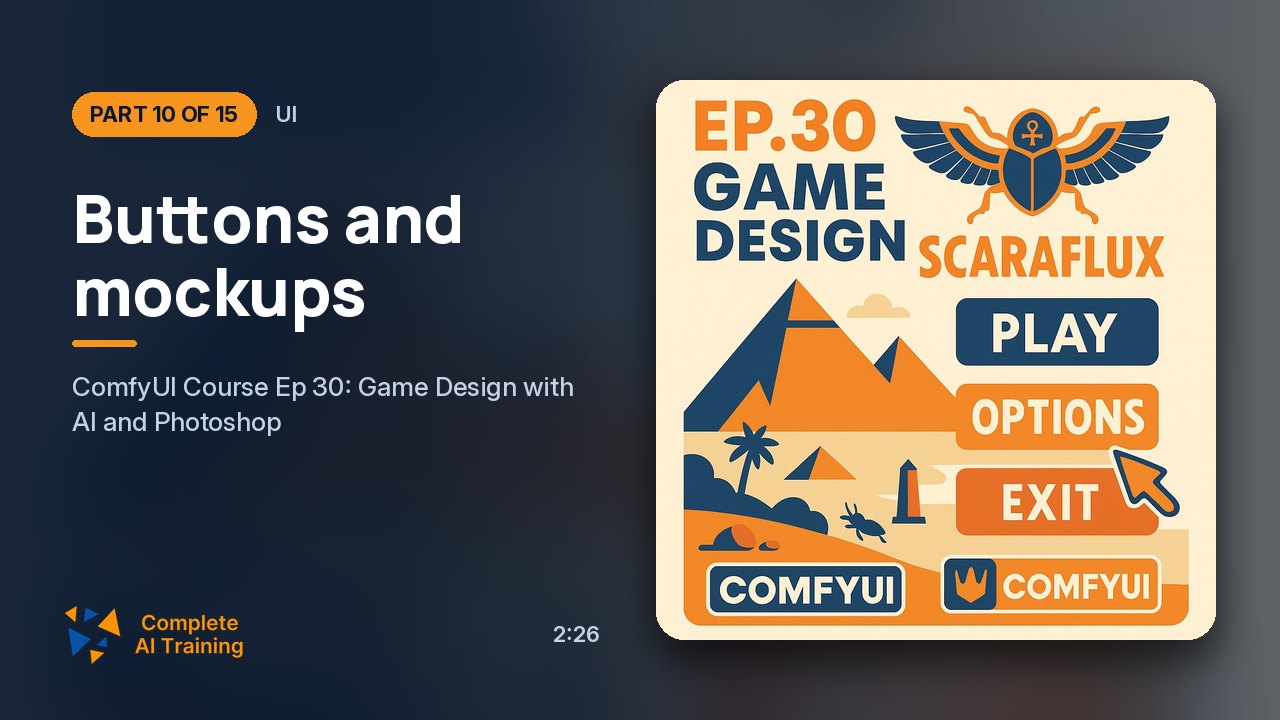 2:26
10UI Members
Buttons and mockups
Blank buttons and game mockups.
2:26
10UI Members
Buttons and mockups
Blank buttons and game mockups.
-
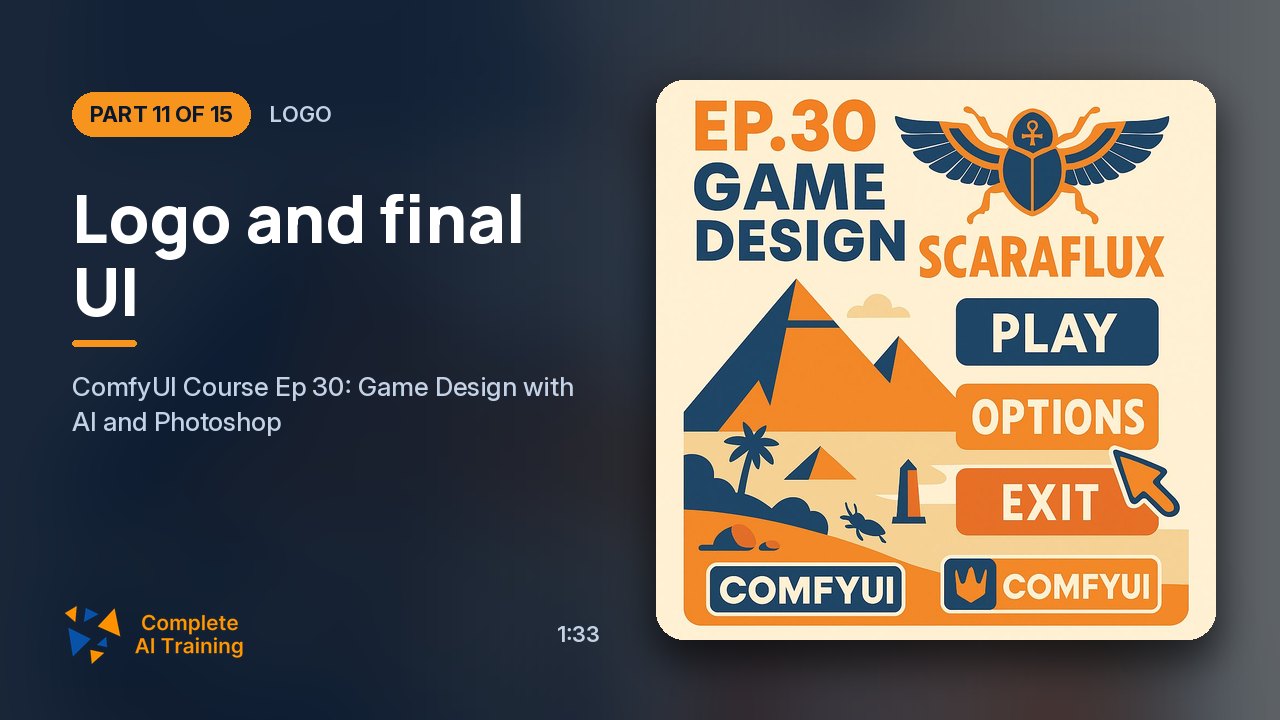 1:33
11Logo Members
Logo and final UI
Designing the logo and finishing UI.
1:33
11Logo Members
Logo and final UI
Designing the logo and finishing UI.
-
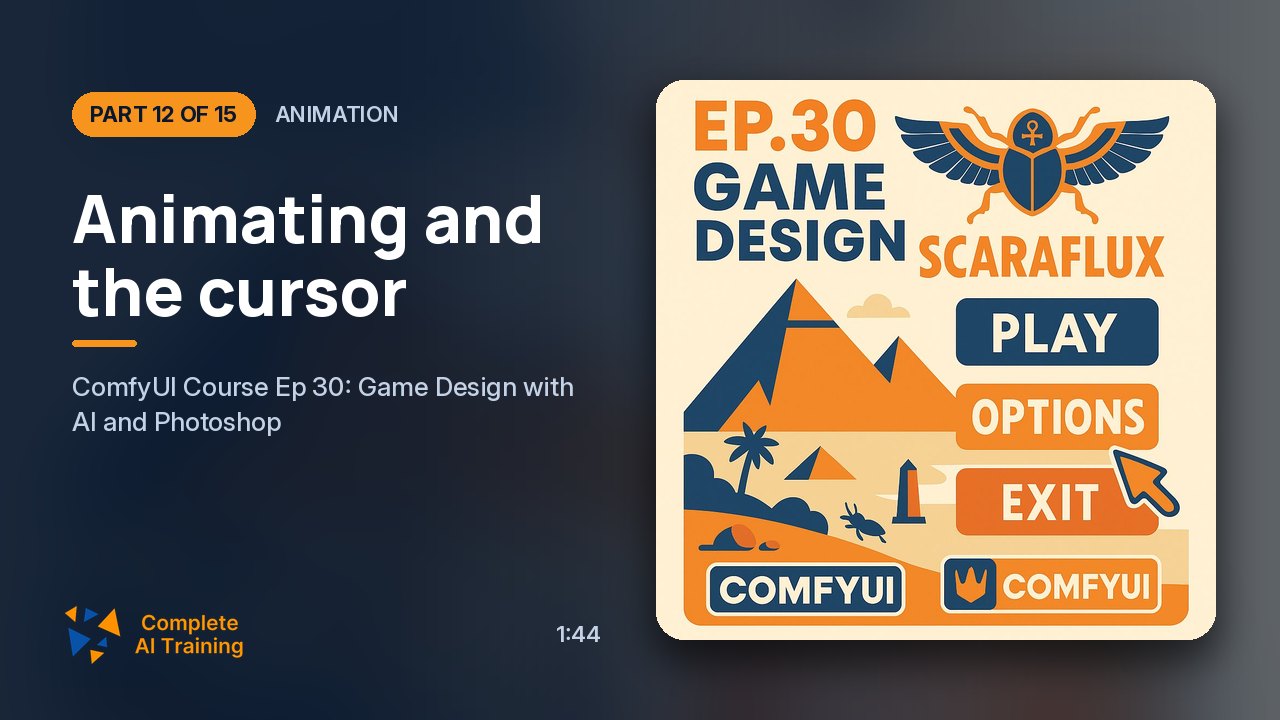 1:44
12Animation Members
Animating and the cursor
Image-to-video animation and a cursor.
1:44
12Animation Members
Animating and the cursor
Image-to-video animation and a cursor.
-
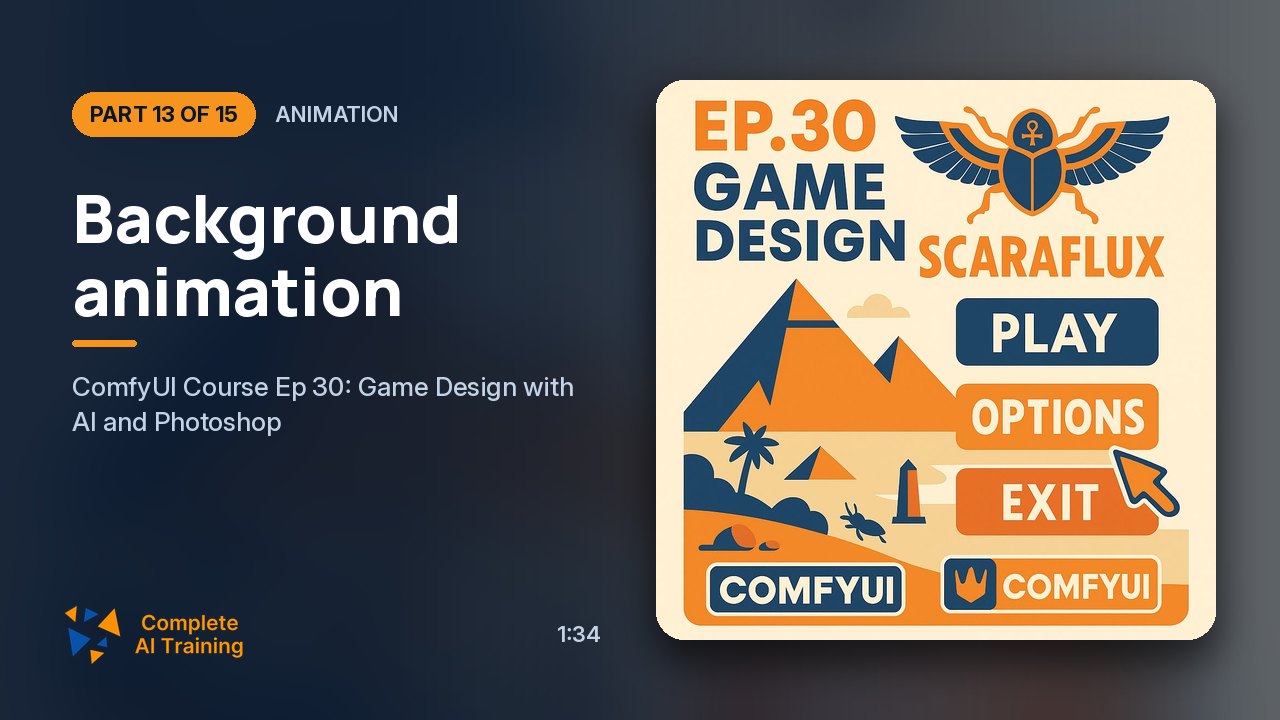 1:34
13Animation Members
Background animation
Animating background areas.
1:34
13Animation Members
Background animation
Animating background areas.
-
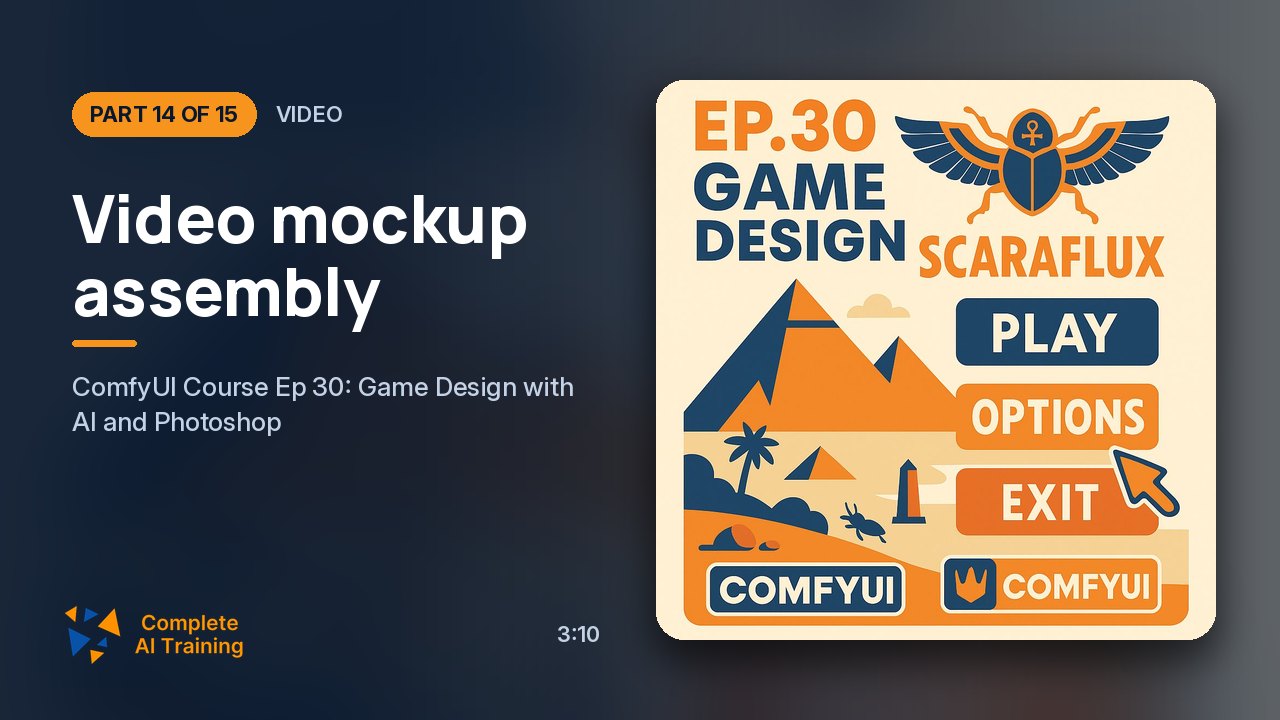 3:10
14Video Members
Video mockup assembly
Assembling in CapCut.
3:10
14Video Members
Video mockup assembly
Assembling in CapCut.
-
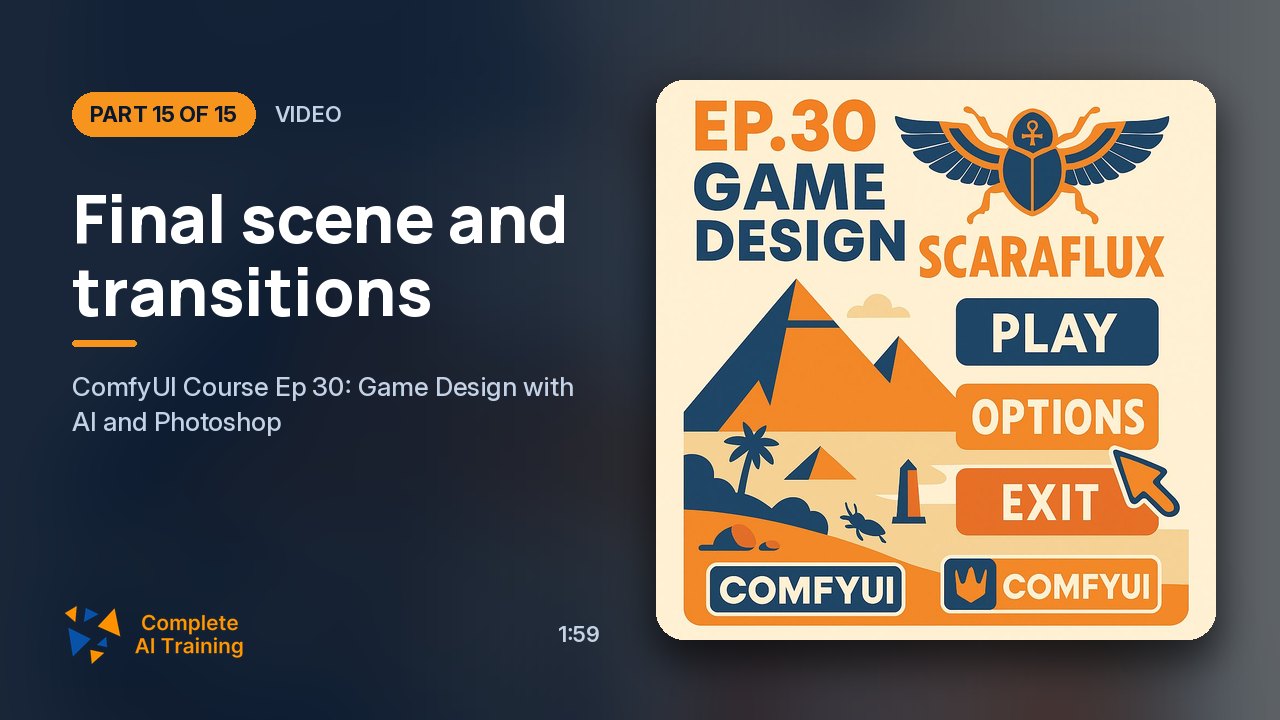 1:59
15Video Members
Final scene and transitions
Icon effects and transitions.
1:59
15Video Members
Final scene and transitions
Icon effects and transitions.
Jobs this course suits
Our AI checked this course against 500 jobs; these get the most out of it. Each job links to its learning path.