
Learning path
Learning AI as a Game Designer
This learning path helps game designers use AI to brainstorm mechanics, draft documents, and analyze feedback. It saves time on repetitive tasks so you can focus on making games feel good.
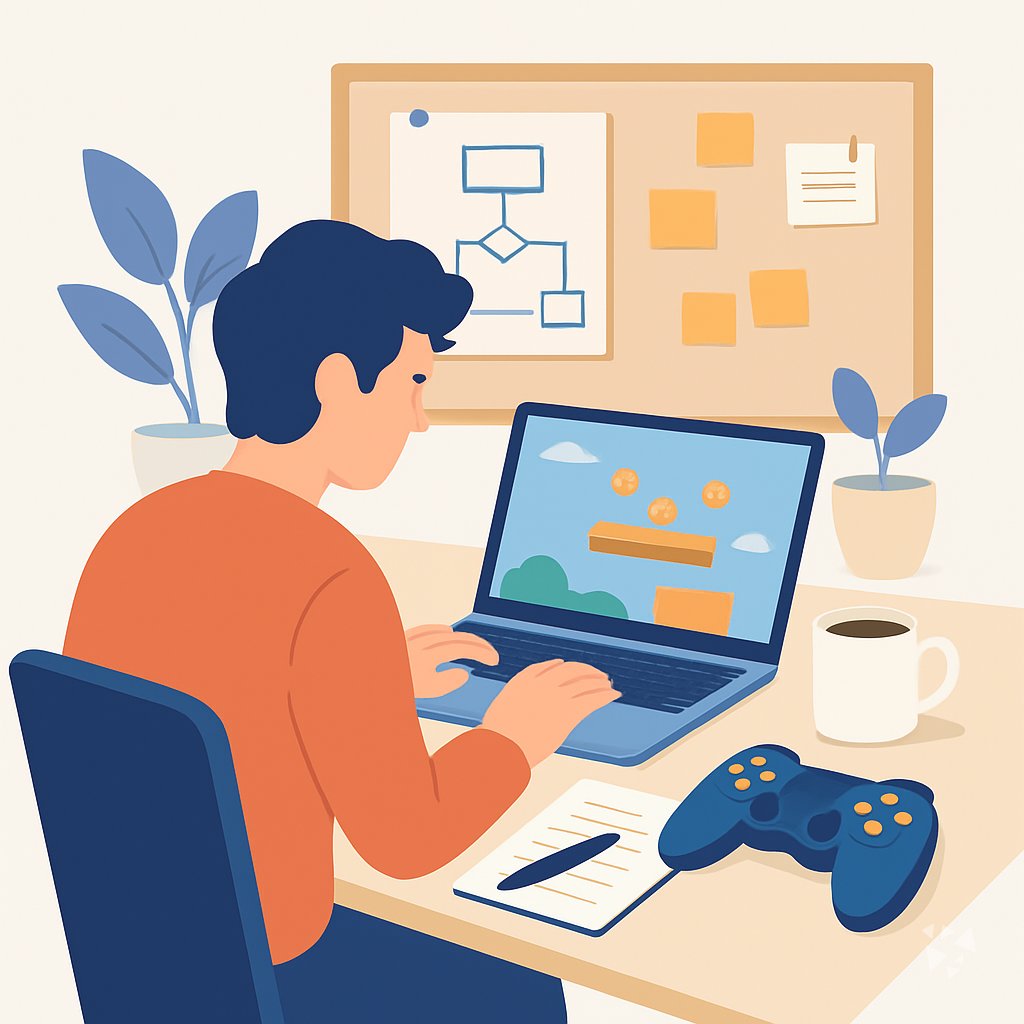
Your path
Everything in the Game Designer AI kit, in the order that makes sense. Members tick off each step and see their progress.
Set up your AI
We guide you through each click.
Let skills do your everyday tasks
Connect your apps and pick your AI apps
Hand whole tasks to AI agents
Build your own tools
Everything for game designers
All the courses, certifications, AI tools, MCP servers and apps for game designers, most relevant first. Open any list to see more.
Take the prompt courses
A short framework course to learn how to ask, then 8 lessons with ready-to-use prompts for game designers.
Start with this framework: how to talk to AI
This framework helps you design a boss fight by breaking it into phases, planning counters, and comparing multiple routes before finalizing.
Then your prompt course for game designersWatch the video courses or add them to your Favorites for later
74 video courses our AI picked for game designers, most useful first. Save the ones you want to watch later with the heart.
Favorites are saved to your account: sign in or get your AI kit first.
Show all 74 video courses
Get certified, or add certifications to your Favorites
Every course ends in an exam and a certificate you can add to LinkedIn. Save the certifications you are aiming for with the heart.
Favorites are saved to your account: sign in or get your AI kit first.
More certifications for game designersShow all 24 certifications
Try the AI tools for game designers
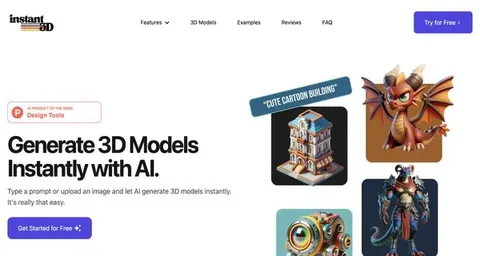
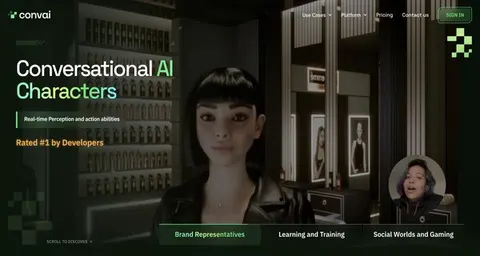
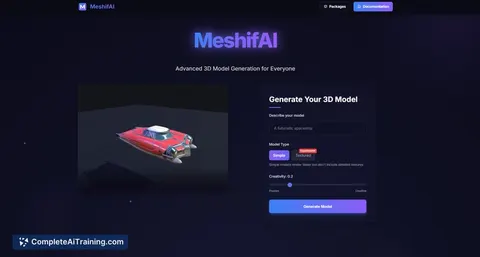
24 AI tools our AI matched to the work of game designers, best fit first. Each review shows what it does, its alternatives and the jobs it suits.
Favorites are saved to your account: sign in or get your AI kit first.
Show all 24 AI tools
Connect your AI to the apps game designers use
MCP servers let ChatGPT, Claude or Copilot look things up and get work done in other apps, like your email, calendar or bookkeeping software. These 12 fit the work of game designers best, well-known apps first.

Unreal AI Connection MCP server
by NAJEMWEHBELets your AI build and inspect Unreal Engine scenes and assets by talking to the open editor.

Unity Biome MCP server
by german-krasnikovLets your AI look at and change your Unity scenes, objects, and playtests for you.
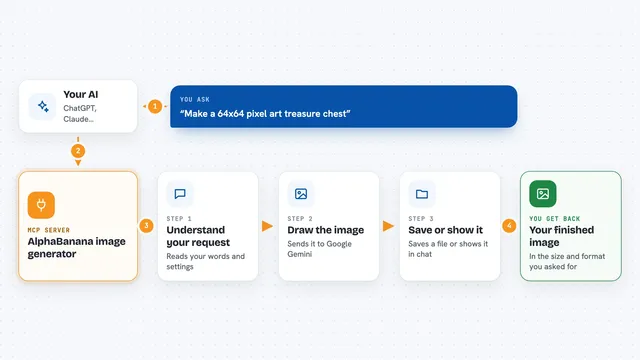
AlphaBanana image generator
by tasopenLet your AI create images with Google Gemini, including transparent PNGs and exact sizes.

Unity MCP server
by CoderGamesterLets your AI assistant look at and change things inside your Unity game project for you.
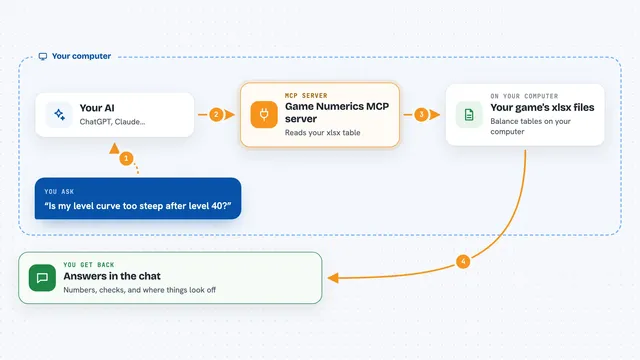
Game Numerics MCP server
by 26048608982lp-aiLet your AI read your game's xlsx balance tables, audit curves, and run battle or gacha simulations.

Patina Unity MCP server
by taygunsavasLets your AI look at and change your Unity project: scenes, objects, prefabs, scripts and console.
Show all 12 MCP servers

Unreal Engine 5 Automation MCP server
by miracle1814Let your AI read, build and edit Unreal Engine 5 Blueprints and check them in PIE.
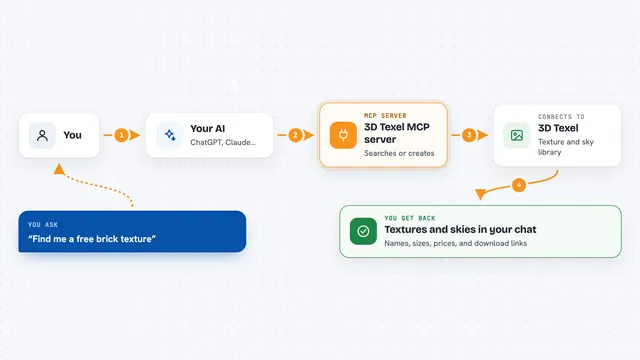
3D Texel MCP server
by GatyhLet your AI search, download, and generate 3D textures, HDRIs, and materials from 3D Texel for you.
Design tools Official
Tripo 3D model MCP server
by mordor-forgeLet your AI turn text or pictures into 3D models, then convert and clean them up for you.
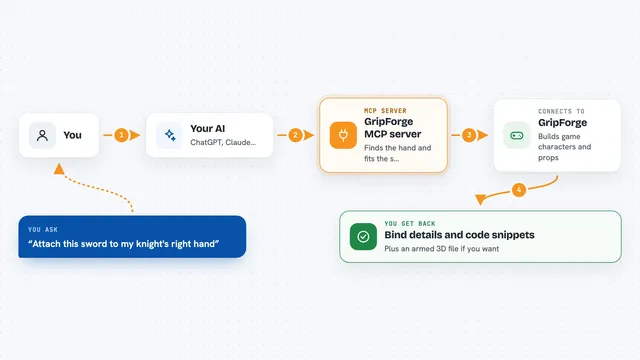
GripForge MCP server
by gripforgeaiLets your AI build game characters and attach weapons, props and textures for Unity, Godot or Three.js.
GamingDesign toolsNo install
WEPPY Roblox Studio MCP server
by hope1026Lets your AI build and change things inside a live Roblox Studio session, from scripts to terrain.

gen-image MCP server
by yuluo688Let your AI create and edit images using your own image API, saving files straight into your project folder.
Build your own AI apps for game designers
Apps you build yourself with your own AI, no coding needed and no monthly fee. Our AI picked the 3 that fit the work of game designers.
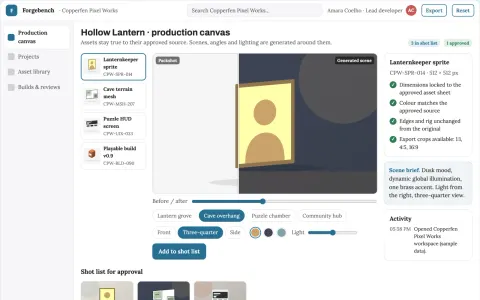
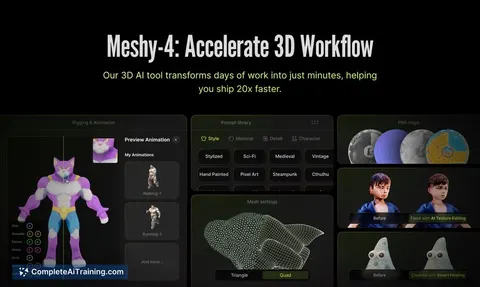
AI-assisted 2D and 3D game production workbench
Reduce tool switching and manual asset handling while keeping the studio's own project files and review history.
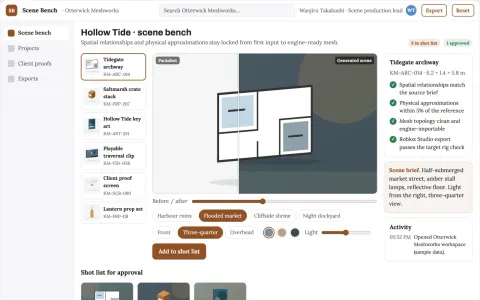
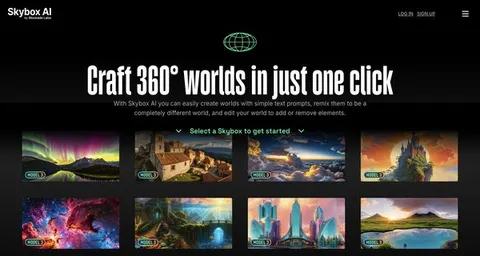
Interactive 3D scene production workbench
Reduce scene rebuild cycles while keeping spatial coherence from first input to engine-ready asset.
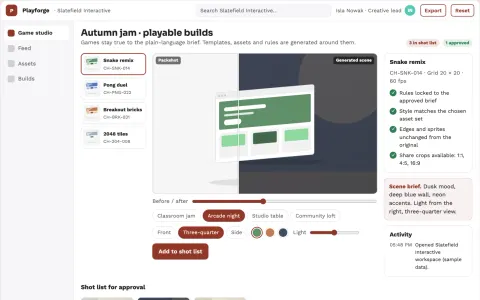
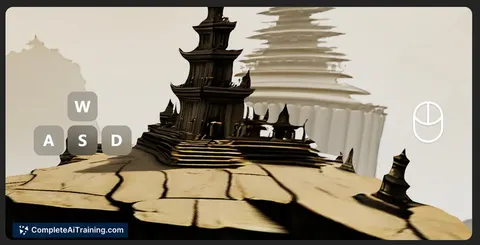
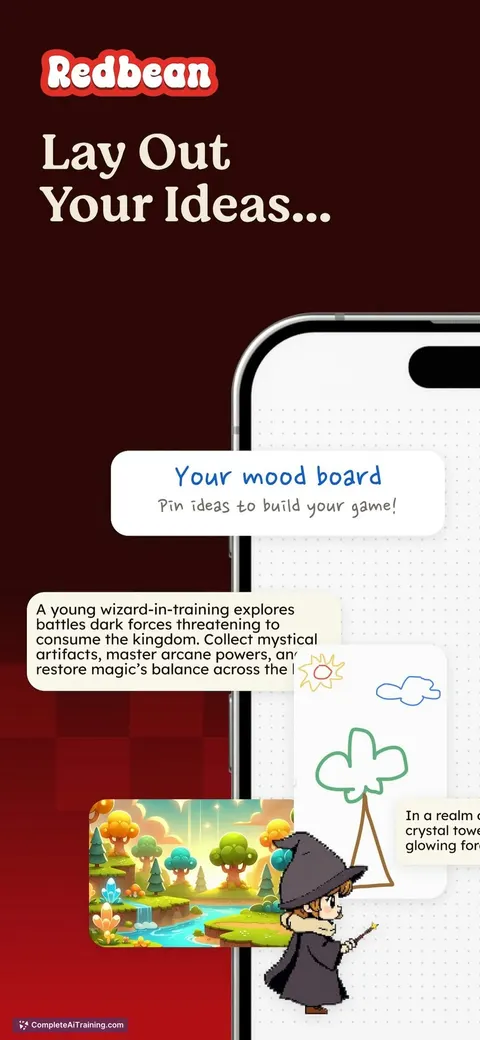
Text-to-game creation and remix studio
Reduce the number of separate tools and manual steps needed to go from a plain-language idea to a playable, shareable game.











































































About this learning path
6 topicsA Practical AI Path for Game Designers
AI is changing how games get made. Designers who can use it well will spend less time on busywork and more time on the parts only humans can do: making choices feel meaningful and fun.
This path brings together setup questions, connecting your AI, skills for the job inside your AI, a prompt course, and video courses picked for game design. You will also see the certifications that come with those courses.
Why AI Matters Now
Studios are using AI to speed up early ideas, test balance, and sort player feedback. As a designer, you already think in systems and rules. AI can help you explore more options before you commit to a prototype.
The designers who learn to work with AI will have more room to focus on creativity and player experience.
What The Path Includes
You start with setup questions to get your tools ready. Then you connect your AI, learn skills for the job inside your AI, and take the prompt course. Video courses chosen for game design give you deeper examples, and each course comes with a certification you can show.
How It Saves You Time
AI can draft design documents, generate level ideas, and cluster playtest notes in minutes. That means you spend less time on formatting and summarizing, and more time on the design decisions that matter.
How It Protects Your Career
When you can use AI to handle routine tasks, you become more valuable to your team. You also stay current as the tools change, which helps you keep working on the games you care about.
How To Get Started
Begin with the setup questions and connect your AI. Then work through the prompt course lesson by lesson. Try each prompt on a small part of your current project, and see what saves you the most time.
Frequently asked questions
Do I need to know how to code to use AI as a game designer?
No. The prompts in this path are written for designers, not programmers. You will learn to describe what you want in plain language and let the AI handle the rest.Will AI replace game designers?
AI is a tool, not a replacement. It can help with ideas, drafts, and analysis, but it cannot decide what makes a game fun. Your judgment and taste are still the most important part.How long does this learning path take?
You can go at your own pace. Most designers finish the prompt course in a few weeks if they practice a little each day. The video courses can be watched whenever you have time.Is it safe to use AI with my game's data?
You should always follow your studio's rules about sharing information. The course covers how to work with AI while protecting your project and your players' privacy.