
Video course · 6 chapters · 98 min · certificate
Full Gemini Course for Beginners in 2026: Become a Pro
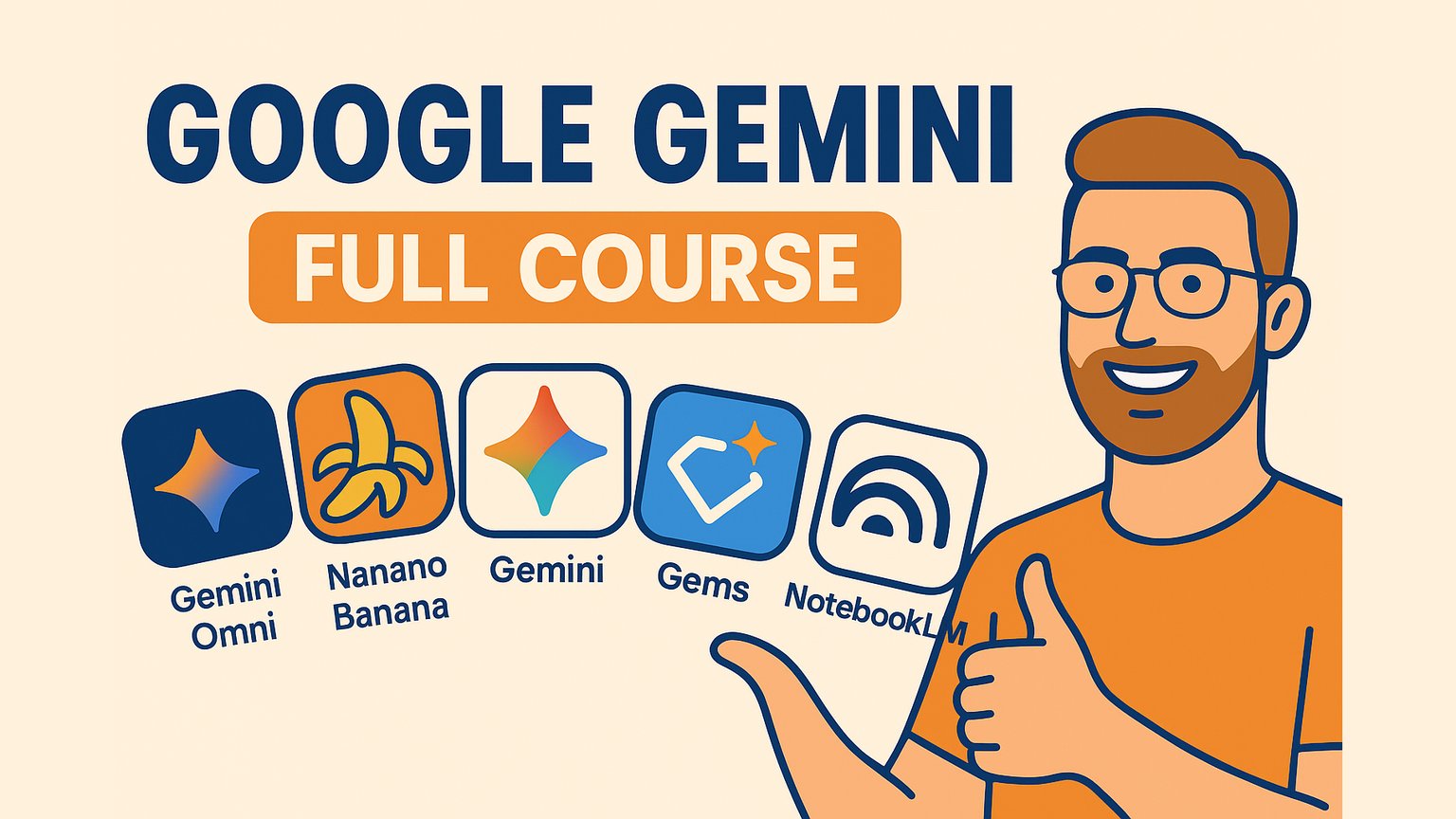
AI Master teaches the core Gemini tools for beginners and working professionals. The chapters cover Gemini chat, Canvas, Gems, Google AI Studio, Omni video generation, and Nano Banana Pro image editing.
What you'll learn
- Navigate Gemini plans, models, and daily usage options.
- Create and edit content with Gemini Canvas.
- Build custom Gems and use notebooks for structured research.
- Prototype AI apps in Google AI Studio 3.0.
- Generate and refine video clips with Gemini Omni.
- Produce consistent portraits, product shots, and book covers with Nano Banana Pro.
Chapters
6 chapters · 98:27-
19:24
01Core setup Free preview
Gemini Tutorial
Tour Gemini chat, plans, models, and prompt workflow.
-
15:47
02Editing workspace Members
Gemini Canvas
Use Canvas to edit drafts, preview pages, and build simple interactive apps.
-
13:09
03Custom assistants Members
Gemini Gems + Gemini Notebook
Create reusable Gems with clear personas and use notebooks for structured research.
-
13:11
04Prototyping Members
Google AI Studio 3.0
Use Google AI Studio 3.0 to test prompts, connect APIs, and ship AI app prototypes.
-
19:17
05Video generation Members
Gemini Omni
Generate multi-clip videos, keep visual references consistent, and edit scenes with Gemini Omni.
-
17:39
06Image generation Members
Nano Banana Pro
Generate and retouch portraits, product shots, and book covers with consistent style.
Jobs this course suits
Our AI checked this course against 500 jobs; these get the most out of it. Each job links to its learning path.