
Video course · 15 chapters · 75 min · certificate
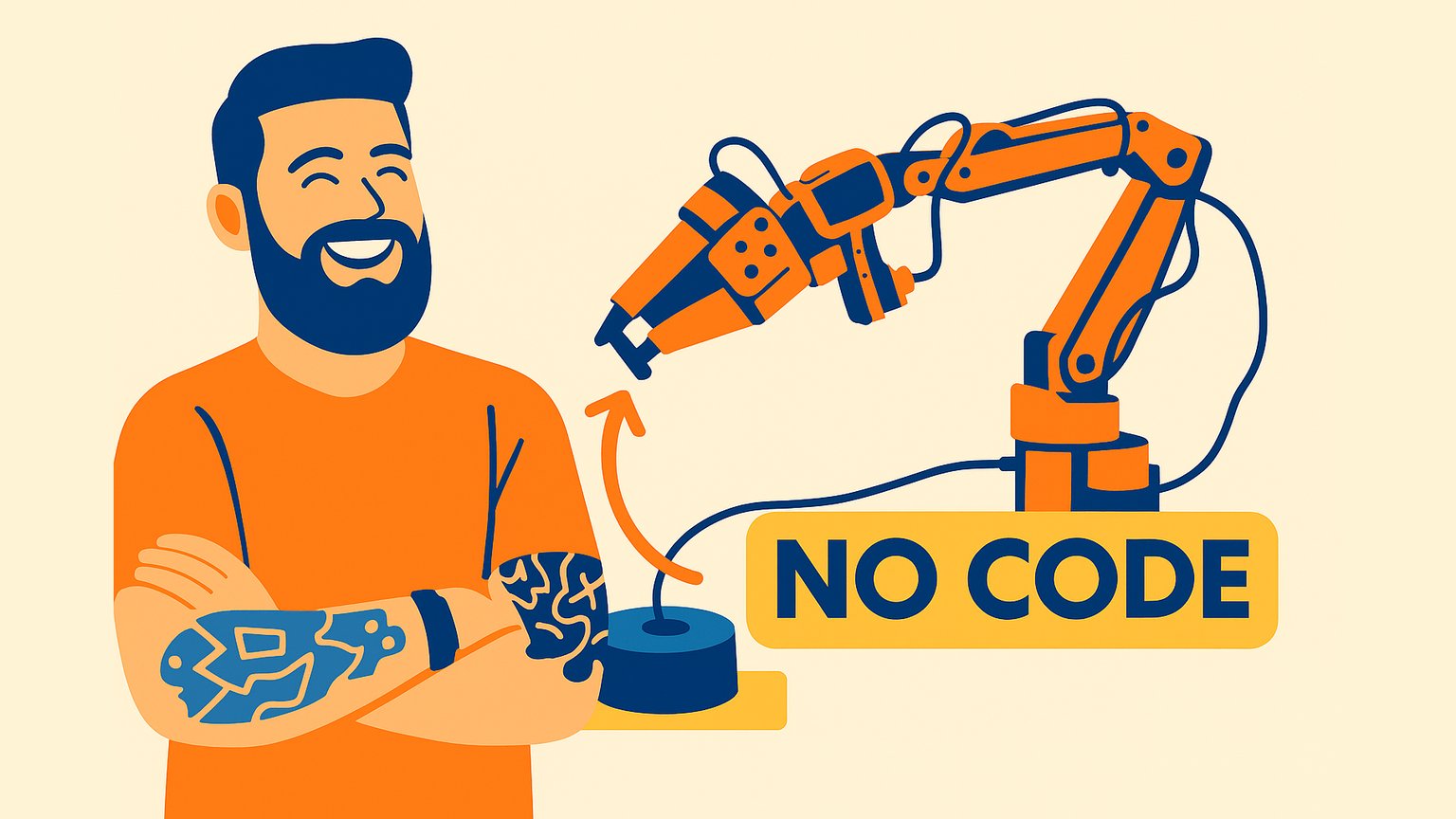
Train a No-Code AI Robotic Arm with LeRobot and SO-101
Brogan M. Pratt walks through assembling an SO-101 arm, installing Hugging Face LeRobot, recording teleoperation data, and training an ACT model. The chapters cover hardware setup, dataset creation, training, and testing the arm on a pick-and-place task.
What you'll learn
- Assemble an SO-101 robotic arm and set up a training environment
- Install LeRobot and calibrate leader and follower arms
- Record teleoperation episodes to create a visual dataset
- Train an ACT model on Hugging Face with no local GPU required
- Evaluate model checkpoints and avoid overfitting
- Run inference and test the arm on a pick-and-place task
Chapters
15 chapters · 75:22-
4:22
01Overview Free preview
Intro
What the course covers and what you will build.
-
6:46
02Hardware setup Members
Parts Needed / Arm Assembly / Required Computer Specs / Ideal Training Environment
Assemble the arm, check computer specs, and prepare the training space.
-
4:12
03Software install Members
Installing LeLab
Install LeRobot and its dependencies on your computer.
-
5:38
04Calibration Members
LeLab Interface / USB Port Identification / Arm & Joint Calibration
Use the LeRobot interface to identify USB ports and calibrate joints.
-
2:51
05Teleoperation Members
TeleOperation Test
Move the leader arm and watch the follower copy your movements.
-
5:18
06Camera setup Members
Camera Setup
Connect and configure cameras so the arm and object are visible.
-
5:10
07Model concept Members
ACT Model Explained
Understand how the ACT model learns from chunked action sequences.
-
4:24
08Dataset setup Members
Creating a Data Set / Hugging Face Login Local Authorization
Create a Hugging Face dataset and log in locally.
-
6:12
09Test dataset Members
Create a Test Data Set
Record a short test episode to verify the data pipeline.
-
3:59
10Verification Members
Data Set Verification / LeLab vs LeRobot
Check the uploaded dataset and understand the difference between LeLab and LeRobot.
-
6:43
11Real dataset Members
Data Set Best Practices / Real Data Set Creation / Training an ACT Model
Record a full dataset with varied positions and start training.
-
3:48
12Loss Members
Understanding Training Data / Understanding "Loss"
Understand how loss measures the difference between predicted and actual joint positions.
-
4:04
13Overfitting Members
Understanding "OverFitting" / Training Data Pt 2
Learn what overfitting is and how to avoid it.
-
5:45
14Inference Members
Running Your Model Pt 1 / Running A Fully Trained Model
Run a trained checkpoint and watch the arm attempt the task.
-
6:10
15Testing Members
Testing Your Model
Test the trained model on the pick-and-place task and evaluate results.