
AI news ·
Adobe brings Photoshop, Firefly, and Acrobat into Slack
Adobe placed over 70 creative tools directly inside Slack, letting teams generate images and edit video without leaving the workspace.
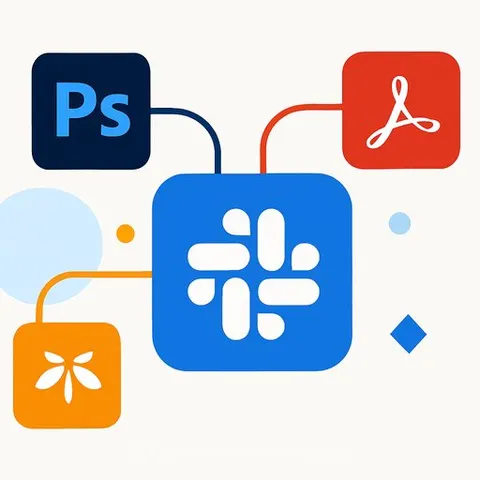
Adobe has placed more than 70 of its creative and productivity tools directly inside Slack, the company announced Wednesday. The integration means creative teams can generate images, edit videos, convert documents to PDFs, and pull assets from their Creative Cloud libraries without leaving the Slack workspace where project conversations happen.
The move follows similar deals Adobe has struck with ChatGPT, Claude, and Microsoft Copilot in recent months. It signals a strategic shift: instead of expecting users to come to its applications, Adobe is embedding its tools inside the platforms where creative work gets discussed and approved.
How the integration works
When a team installs Adobe for Slack, users can instruct Slackbot to perform creative tasks. The AI agent routes each request to the appropriate Adobe tool - Firefly for image generation, Express for quick design work, Acrobat for document conversion, Premiere for video tasks, and others. Slackbot can also pull context from Slack conversations, shared files, channels, and Canvases to make outputs more relevant to the project at hand.
For example, a team discussing a campaign in a Slack channel could ask the agent to convert that conversation into a formatted PDF, generate supporting visuals based on the discussion, or pull existing Creative Cloud assets into the workflow for further editing. The connection relies on MCP (Model Context Protocol), the open standard that links AI systems to external tools.
Jaime DeLanghe, Slack's chief product officer, called Adobe's app "a powerful example of how MCP apps in Slack can help teams turn conversation into action." The phrasing is precise: Salesforce built the connection layer and routing infrastructure, while Adobe supplied the tools. Salesforce gets a richer Slack ecosystem without building creative software itself, and Adobe gains distribution into Slack's enterprise customer base.
The Creative Cloud funnel
The app is free to use without an Adobe account, but signing in unlocks additional tools, generative AI capabilities, access to Creative Cloud files, and session continuity. That structure creates a natural handoff: teams can start with basic generation inside Slack, then move to full Creative Cloud applications when they need pixel-level control. It is a distribution play as much as a productivity feature.
Deepti Pradeep, Adobe's senior director for agentic AI, described the scope in a blog post: "Whether you're a marketer building campaign assets, a social media strategist refining creative for different channels, or a digital worker turning data and information into customer-ready documents, Adobe for Slack gives you new ways to create, collaborate, and keep your work moving, right where the conversations shaping it are happening."
Filling out the AI platform map
Adobe now has integrations with ChatGPT, Claude, Copilot, and Slack. The only major conversational AI platform missing is Google's Gemini, and given the pace of these announcements, that deal could arrive before Adobe's Max creative conference in November. At that point, Creative Cloud will have a presence inside every major AI chat interface used in workplaces.
Adobe for Slack is available globally starting today, exclusively for Slack Business+ and Enterprise+ customers. It works across desktop, web, and mobile.
Why this matters for creatives
The integration changes where creative work begins. Instead of switching to a dedicated Adobe application for every task, designers, marketers, and content producers can generate first drafts, convert formats, and retrieve assets inside the same Slack threads where briefs and feedback already live. That reduces context-switching and keeps early-stage creative work closer to the decision-makers who approve it. For AI for Creatives, the message is clear: Adobe is betting that the interface for creative work will increasingly be the chat window, not the application toolbar.