
AI news ·
ChatGPT now supports switching between multiple accounts on web and mobile
ChatGPT now supports staying signed in to two accounts at once on web, iOS, and Android, letting you switch without logging out. Each account keeps its own chats, memory, files, and subscriptions completely separate.
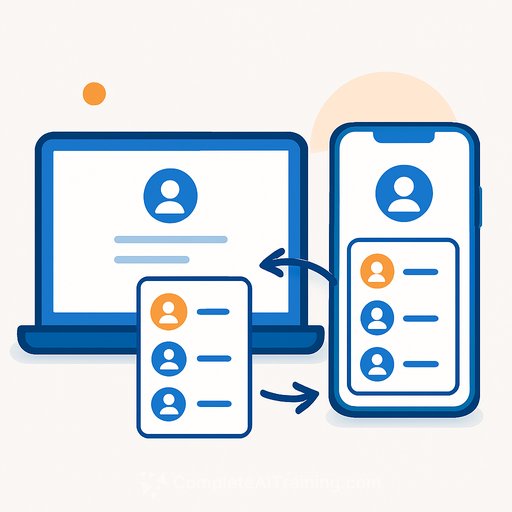
ChatGPT now lets you stay signed in to two accounts at once on web and mobile, switching between them without logging out each time. The feature is rolling out on iOS and Android, so some users may not see it yet. For professionals who manage separate accounts for work and personal use - or for different teams, clients, or projects - this removes a daily friction point.
How account switching works
You can remain signed in to up to two ChatGPT accounts simultaneously. Only one account is active at a time. When you switch, chats, memory, files, and settings immediately reflect the selected account. Workspaces, where available, stay scoped to that account. The feature is available on the web and in the ChatGPT iOS and Android apps. On the web, it works with all plan types, though organizations can disable it for managed workspaces.
Switching does not move chats between accounts, share memory or conversation history, combine billing or subscriptions, or merge workspaces. Each account remains fully separate.
Adding and switching accounts
On the web, open the account menu and select Add account. Sign in to an existing account or create a new one. If two accounts are already signed in, you will be prompted to log out of one before adding another. On iOS or Android, open Settings, select Switch account, then Add account. If the option is hidden, log out of one account to make it available again.
To switch, open the account menu on the web and select the other account. On mobile, go to Settings, tap Switch account, and choose the account you want. A checkmark identifies the active account. Check which account is active before starting a conversation or making a purchase - it is easy to forget.
Notifications and logging out
On mobile, you can receive notifications for both signed-in accounts, depending on each account's settings and your device permissions. Tapping a notification for the inactive account switches to that account and opens the relevant content.
Logging out removes an account from the switcher. On mobile, logging out of the active account opens the other signed-in account. Logging out of the last account returns you to the sign-in screen. On the web, open the account menu, select Log out, and confirm. On iOS or Android, open Settings, tap Switch account, open the more options menu for the account, and select Log out.
Subscriptions and workspace-managed accounts
Each account keeps its own plan. Switching does not transfer or share a subscription. If you paid for a plan but cannot access it, check which ChatGPT account owns it before buying again. A paid plan on a second account requires a separate subscription. OpenAI advises checking for existing subscriptions before purchasing to avoid duplicate charges.
If your organization manages your ChatGPT account, switching does not change which policies apply. Your administrator may access and manage data tied to that account, and data created in it is governed by your organization's policies. If you are unsure which account you are using, check the active account in the account menu.
Why this matters for creatives, support teams, and writers
Many professionals run separate ChatGPT accounts - one for personal experimentation, another tied to a company workspace, or distinct accounts for different clients. Account switching removes the friction of constant sign-ins and sign-outs. For customer support teams that share a departmental account while maintaining individual accounts, the feature keeps conversations and billing cleanly separated. Writers and marketers juggling freelance and in-house work can switch contexts in seconds without risking cross-contamination of chat history or uploaded files. The key discipline is checking the active account before you type - because the tool will not warn you if you are in the wrong one.