
AI news ·
Chrome warns of certificate mismatch for aws.amazon.com.cdn.amazon.com
Chrome blocked aws.amazon.com.cdn.amazon.com on September 18, 2026 after a TLS certificate name mismatch-the cert was valid only for aws.amazon.com, not the requested subdomain.
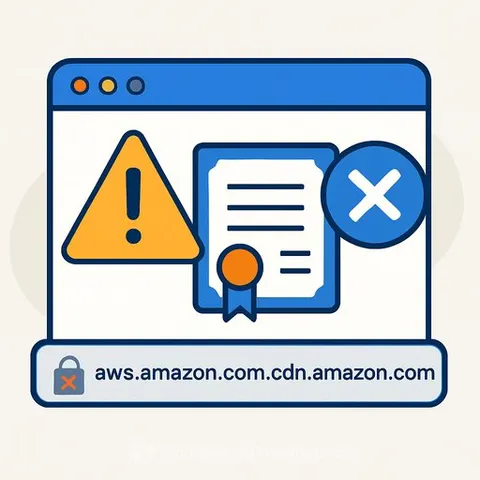
What the browser warning actually means
A browser security error flagged on September 18, 2026 prevented access to a site claiming to be aws.amazon.com.cdn.amazon.com. Chrome displayed the full-page "Your connection is not private" warning after detecting a certificate name mismatch - the server presented a TLS certificate valid only for aws.amazon.com, not the subdomain the user attempted to reach.
The certificate itself is legitimate. Issued by Amazon RSA 2048 M04, it covers aws.amazon.com and several verified Amazon domains including www.aws.amazon.com and regional endpoints. It expires March 5, 2027, meaning the cert was current and cryptographically valid at the time of the error. The problem lies entirely in the domain name discrepancy.
Certificate name mismatch explained
When a browser connects to a site over HTTPS, it checks that the domain in the address bar matches the domain listed in the site's certificate. In this case, the user navigated to aws.amazon.com.cdn.amazon.com, but the server returned a certificate issued to aws.amazon.com. Because the subdomain does not appear in the certificate's Subject Alternative Name (SAN) list, Chrome blocked the connection and displayed the error.
The SAN field on the certificate includes aws.amazon.com, www.aws.amazon.com, and several regional AWS endpoints - but not the cdn.amazon.com subdomain. This is typically a server configuration issue, not a certificate authority failure. The certificate transparency logs show three embedded Signed Certificate Timestamps from Cloudflare, Google, and Sectigo, all verified, confirming the cert was properly logged and issued through standard channels.
Why the warning matters for internal teams
Chrome's error message states plainly: "Attackers might be trying to steal your information." While the certificate chain traces back to the trusted Amazon Root CA 1, the name mismatch creates a scenario where a user cannot distinguish between a misconfigured server and a man-in-the-middle attack. The browser errs on the side of blocking the connection entirely.
The PEM-encoded chain reveals a three-tier hierarchy: the leaf certificate for aws.amazon.com, an intermediate signed by Amazon RSA 2048 M04, and a root anchored by Amazon Root CA 1. All cryptographic signatures validate. The issue is operational - someone configured a CDN endpoint to serve a certificate that does not cover the hostname being requested.
What support and HR teams should do
Employees encountering this error on internal tools or vendor portals should not click through to the unsafe site. The "Proceed to aws.amazon.com.cdn.amazon.com (unsafe)" link bypasses encryption checks and exposes traffic to potential interception. Instead, report the exact URL and a screenshot to your IT security team or service desk.
For HR departments managing onboarding or benefits platforms that rely on AWS-hosted resources, this type of error can block access to time-sensitive systems. A misconfigured CDN endpoint is a known failure pattern - it often resolves quickly once the operations team updates the certificate or corrects the DNS record. Escalate with the vendor or internal infrastructure team, referencing the specific subdomain and the "ERR_CERT_COMMON_NAME_INVALID" error code.
Why this matters for customer support and HR professionals
Support teams field calls from confused users who see this warning and assume their account has been compromised. Knowing the difference between a certificate expiration, a name mismatch, and an actual attack helps you triage tickets accurately. This specific error - a valid cert served on the wrong hostname - almost always points to a configuration mistake, not a breach. Communicate that clearly: "The security certificate is real, but it's being served from a domain it wasn't issued for. Our infrastructure team is fixing the mapping." That explanation reduces panic and prevents users from developing a habit of clicking past browser warnings, which remains one of the most common vectors for credential theft.