
AI news ·
From Sketch to Screen in Days: OpenAI's Storyboard, Sora, and Codex Put Artists in the Driver's Seat
Sora, ImageGen, Codex, and GPT-5 compress storyboarding to motion in days, with artists steering. Build focused tools to speed previs, lock looks, and keep continuity.
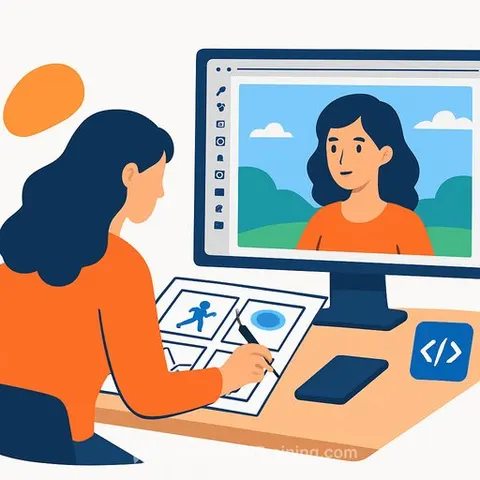
AI Video: Sora, ImageGen, and Codex Reimagine Creative Production
AI is changing how quickly creative ideas become real. At OpenAI DevDay, a clear message landed for filmmakers, animators, and brand teams: build project-specific tools, cut iteration time, and keep artists in control.
From generic tools to project-specific workflows
Chad Nelson described a shift from one-size-fits-all apps to tools built for a single production. The prompt was simple: what if your tool matched your exact workflow and didn't take months to ship?
That thinking led to Storyboard, a custom app built to streamline the animated film "Critterz," using OpenAI's latest models. The goal wasn't to replace artists-it was to let them steer the process with tighter loops and cleaner handoffs.
Human-led by design
The tool market changes every month. Hunting for the "right" app slows teams down. The approach here: keep artists in the driver's seat, and make AI follow their direction.
Partners like Native Foreign and Vertigo Films pushed for a human-led setup. Artists decide the look, sequence, and timing-AI handles the heavy lift inside their guardrails.
The stack: Sora, ImageGen, Codex, GPT-5
Olivia Morgan walked through how OpenAI's image and video APIs open up more control over style, motion, and transitions. Pairing Codex with GPT-5 shortened iteration cycles that used to take months.
Storyboard moves from rough sketch to high-fidelity frames, then to motion and sound. What used to be a long design phase now compresses into days.
What this means for creative teams
- Previs fast: generate boards, animatics, and alt takes in hours, not weeks.
- Look development with constraints: lock palettes, lenses, and framing as parameters.
- Cleaner versioning: iterate shots without breaking continuity across scenes.
- Client reviews with options: produce controlled variations that stay on-brand.
- Fewer handoffs: keep ideation, boards, and motion in one flow.
How to apply this week
- Pick one upcoming project (short film, ad spot, title sequence). Define two bottlenecks you can automate first.
- Write a simple spec: inputs (scripts, sketches), outputs (boards, tests), parameters (style, camera, rhythm).
- Prototype a thin tool: prompts, presets, and a single render pipeline. Add guardrails for brand and character consistency.
- Create a "prompt board" alongside your storyboard so your team can reproduce shots reliably.
- Set review intervals (daily or per scene). Save "approved looks" as templates and reuse them across shots.
Why this matters now
You don't need a massive pipeline to move faster. You need one focused tool that fits your project, plus a clear set of constraints that everyone follows.
That's the shift: fewer apps, more control, tighter feedback, final frames sooner.
Resources
OpenAI Sora for AI video generation insights
OpenAI API documentation to set up image/video workflows
Level up your workflow
If you want a curated path to build skills fast, see our picks for video-focused training: Video AI courses.