AI agent for treasury analysts
Bank KYC Refresh Agent
Every KYC request is answered completely before its deadline and acknowledged by the bank
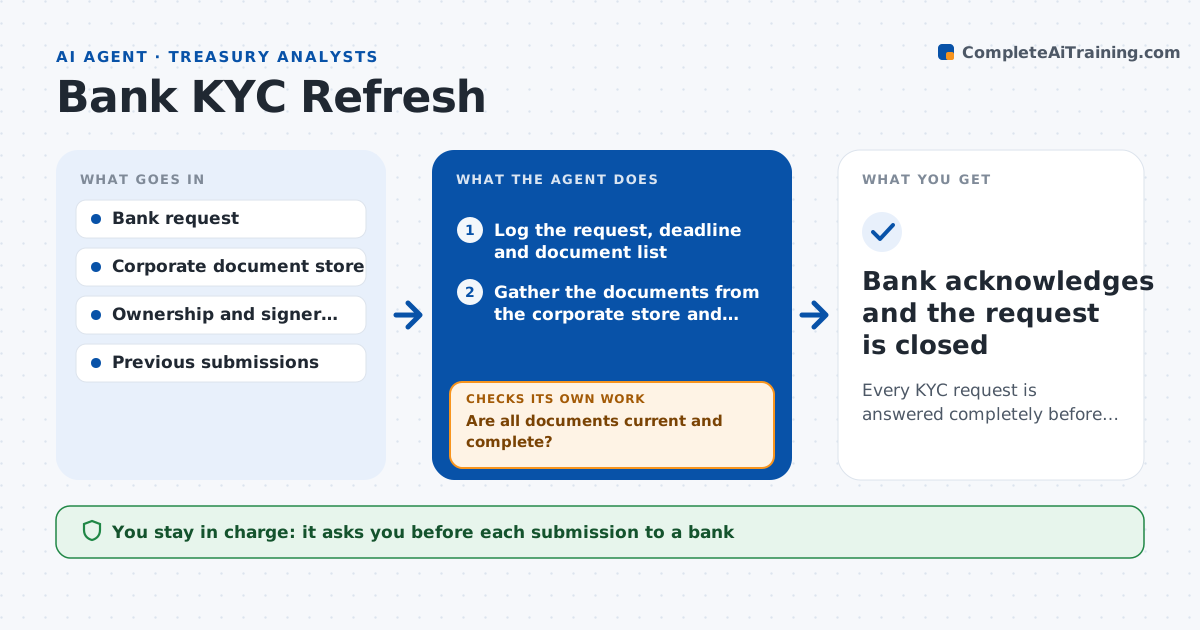
What it does
Banks periodically ask companies to refresh their know-your-customer documents: owners, signers, certificates and proof of address. If the request is missed, the bank can limit or freeze the account. Treasury gets the request by email from different banks in different formats, and the documents live in many places. This agent logs each request with the bank, the account, the deadline and the document list. It gathers the owner, signer and entity documents from the corporate records, checks each for completeness and dates, for example whether a certificate is under 90 days old and whether signer information is current, and assembles the package. If something is missing or expired, it asks the right person and rechecks. After submission, it follows the bank until it acknowledges the package. Treasury approves each submission. Edge case: a signer left the company, and the agent flags the change before submitting.
How it works
Follow the arrows from top to bottom. The orange dashed arrow is the loop: when a check fails, the agent goes back and tries again.
Read the steps as a list
- A bank KYC request is received
- Log the request, deadline and document list
- Gather the documents from the corporate store and legal records
- Check each document for date, completeness and match to the request
- Are all documents current and complete?If not: ask the owner of each missing or expired item and gather again. Back to step 3.
- Compare signer and ownership information with the current records
- Does the signer and owner data match the current records?If not: flag the difference, ask legal or HR for the update and recheck. Back to step 6.
- Assemble the package and a cover note
- Treasury approves the submissionThe agent waits here for your OK.
- Submit through the bank portal and track acknowledgment
- Bank acknowledges and the request is closed
How it decides
It marks a document ready only when it matches the request, is current and agrees with signer and ownership records, and it keeps chasing until the bank confirms receipt.
- Require certificates dated within 90 days
- Start chasing missing items 10 days before the deadline
- Check every signer against current HR records
- Follow up with the bank every 3 days until acknowledged
Make it yours
Every agent is a starting point. You choose these settings for your own situation.
- Document age limit (default 90 days)
- Chase schedule
- Banks covered
- Document store location
What keeps you in control
It always asks you first
- Each submission to a bank
Hard limits
- Never submits documents without approval
- Does not alter any document
- Restricts access to the document package
It stops when
- Done: bank confirms receipt and closes the request
- Stop: required documents cannot be produced
Set it up
We guide you through the set-up, step by step
Members get the full set-up guide for this agent. No technical skills needed: you copy, paste and upload.
- One set of instructions to paste into your AI, with the clicks for ChatGPT, Claude, Microsoft 365 Copilot, Gemini and Grok
- The agent then walks you through connecting your own data, one source at a time
- A downloadable copy with the flow chart, the rules and the full guide