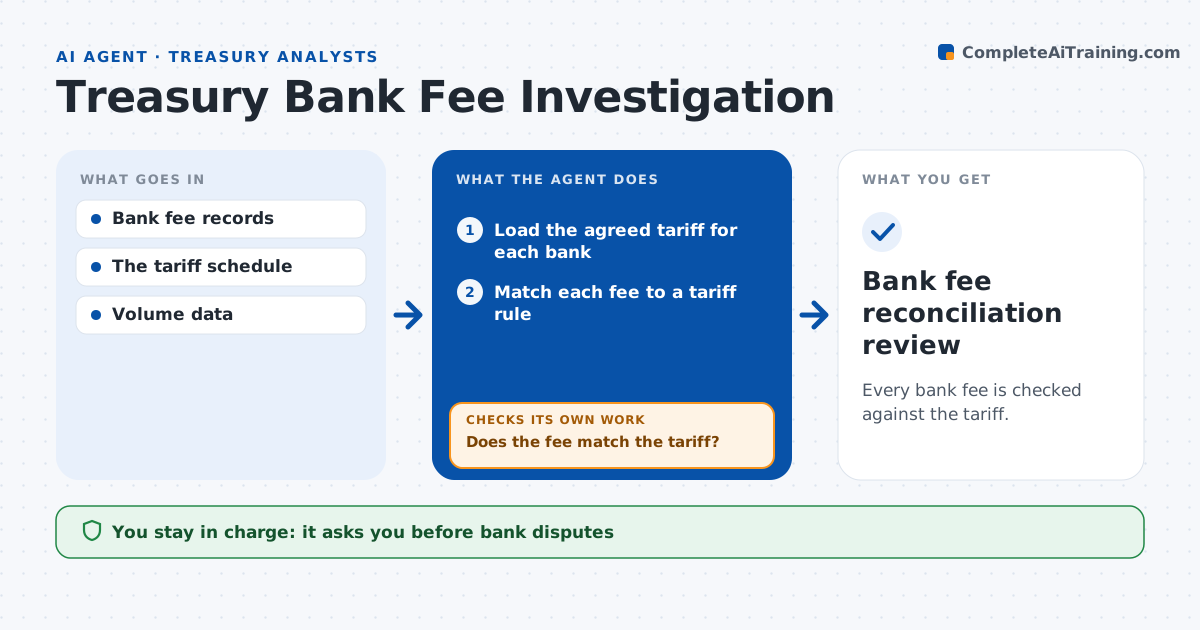
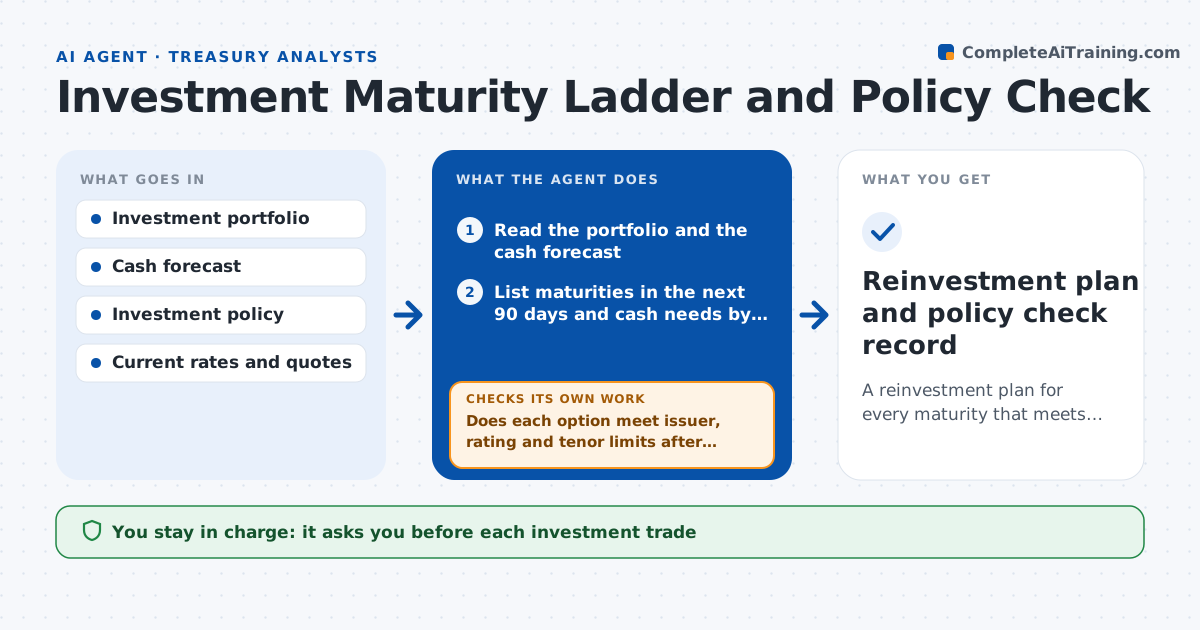
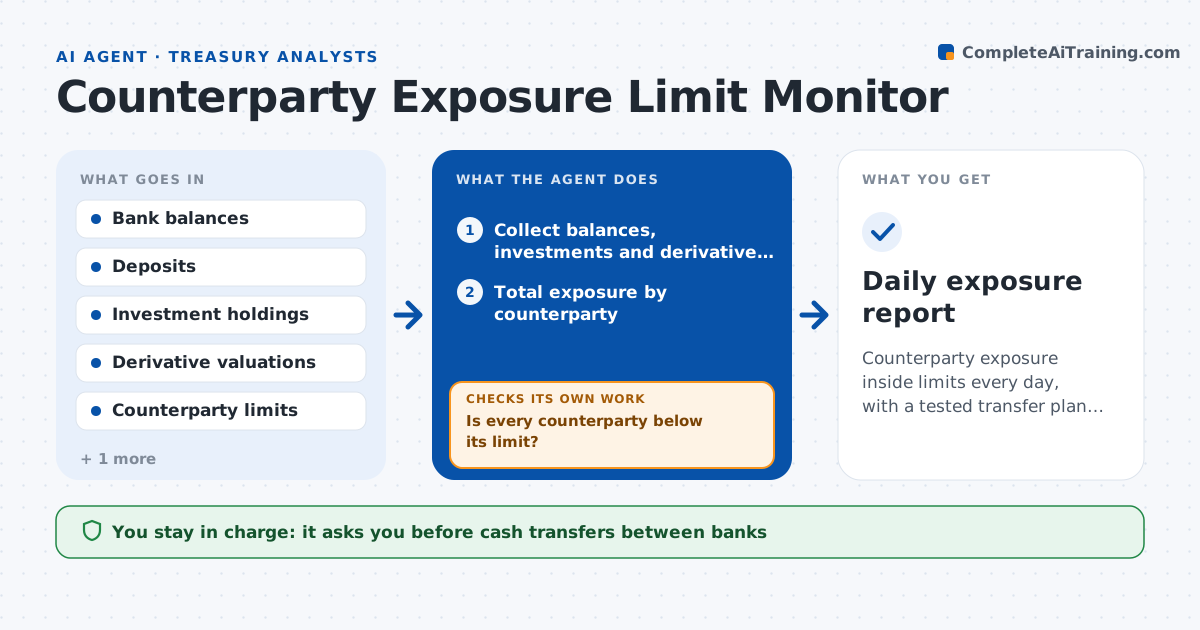
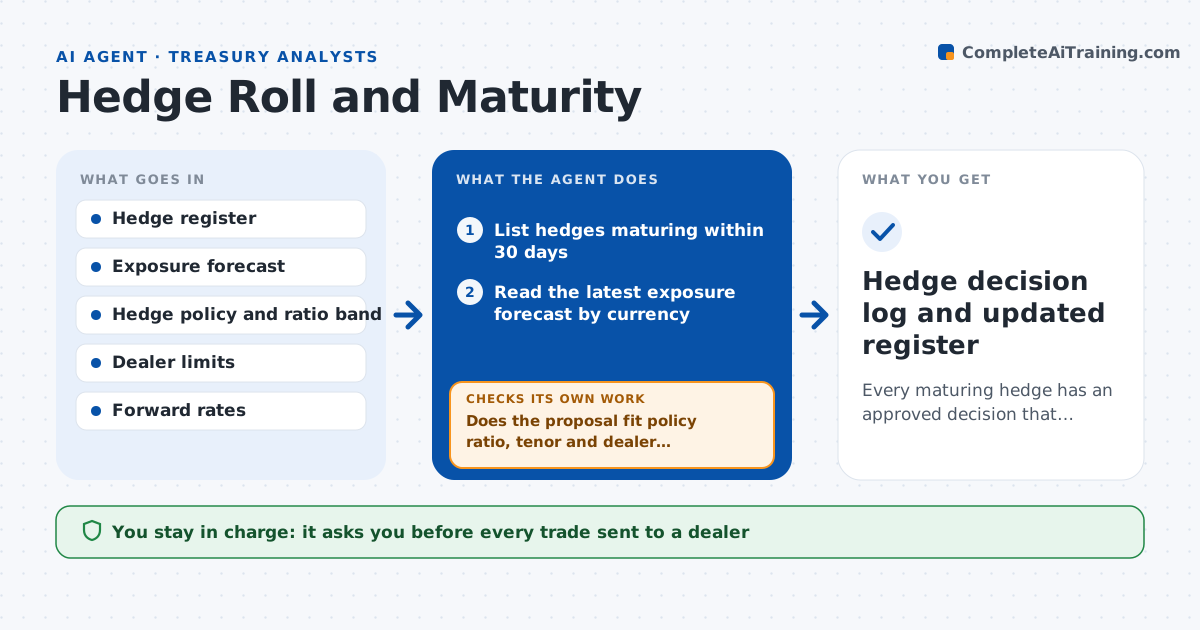
AI agent for treasury analysts
Bank Signatory and Access Review Agent
Bank signer and portal user lists that match HR records and the authority matrix at quarter end
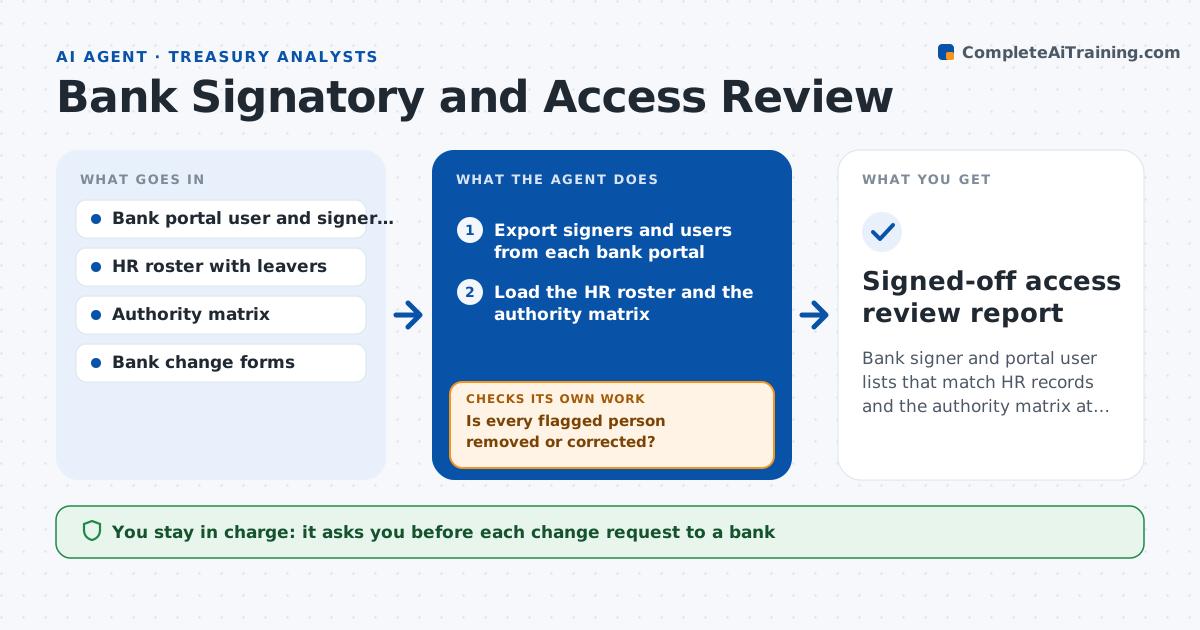
What it does
Every quarter a treasury analyst is supposed to confirm who can move money, and it is a slow chore across many banks. This agent exports signer and user lists from each bank portal and compares them with the HR roster and the approved authority matrix. It flags leavers, people who changed roles, users with limits above their authority and missing dual-approval setups. It drafts a change request for each issue in the format the bank requires. After the bank confirms a change, it re-exports the list and checks that the person is really gone or the limit is fixed, and reopens the item if not. The treasurer approves every request before it goes to the bank. Edge case: an employee on long leave is flagged as inactive but kept until HR confirms they have left.
How it works
Follow the arrows from top to bottom. The orange dashed arrow is the loop: when a check fails, the agent goes back and tries again.
Read the steps as a list
- Quarter-end review window opens
- Export signers and users from each bank portal
- Load the HR roster and the authority matrix
- Match each user to HR status, role and authority
- List leavers, role changes and over-limit users
- Draft a change request for each issue
- Treasurer approves every request before it goes to the bankThe agent waits here for your OK.
- Send the requests and wait for bank confirmation
- Export the lists again after confirmation
- Is every flagged person removed or corrected?If not: redraft the request with the bank's reference and send a follow-up for approval. Back to step 5.
- Signed-off access review report
How it decides
A user is a problem when they are not active in HR, their role no longer needs access, or their limit exceeds what the matrix allows.
- Flag any user not active in HR within 5 business days of leaving
- Flag any limit above the authority matrix amount
- Keep an employee on leave until HR confirms departure
- Require dual approval on any account with payments above the company threshold
Make it yours
Every agent is a starting point. You choose these settings for your own situation.
- Banks and portals included
- Review frequency (default quarterly)
- Grace period after departure (default 5 days)
- Authority matrix limits
What keeps you in control
It always asks you first
- Each change request to a bank
Hard limits
- Never changes bank portals itself
- Never sends a request without treasurer approval
It stops when
- Done: all flagged items are fixed and confirmed
- Stop: a bank export is unavailable
Set it up
We guide you through the set-up, step by step
Members get the full set-up guide for this agent. No technical skills needed: you copy, paste and upload.
- One set of instructions to paste into your AI, with the clicks for ChatGPT, Claude, Microsoft 365 Copilot, Gemini and Grok
- The agent then walks you through connecting your own data, one source at a time
- A downloadable copy with the flow chart, the rules and the full guide