
AI agent for paid media specialists
Bid Strategy Learning Phase Guard Agent
Stop avoidable learning resets and apply held changes safely after learning ends.
What it does
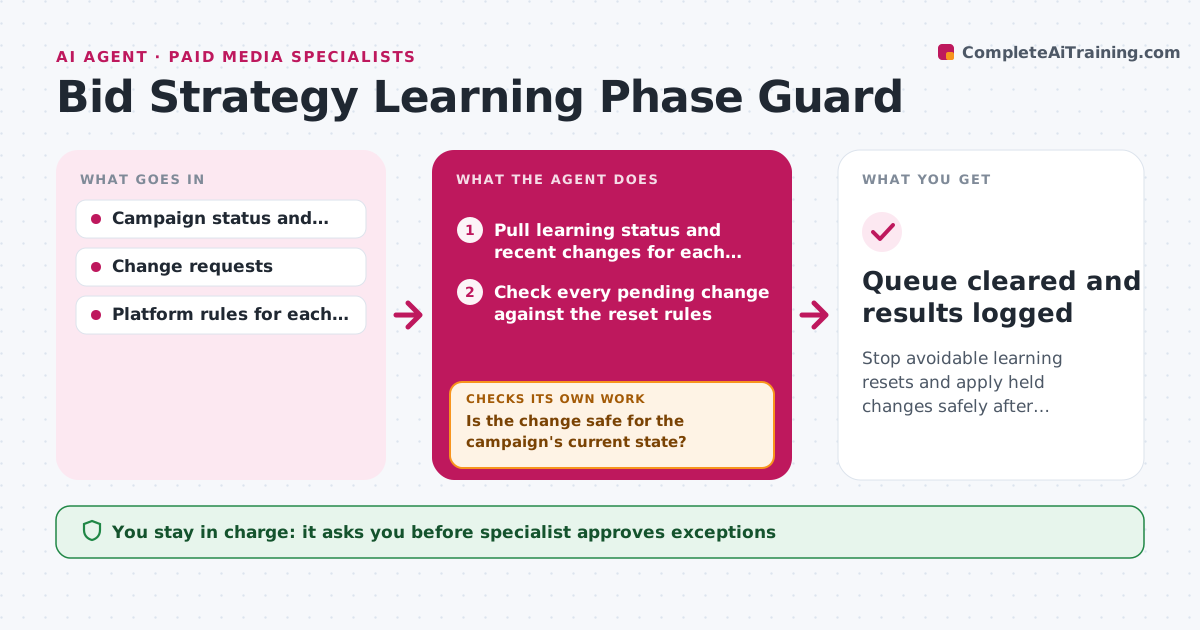
A team member raises a budget or changes a target while a smart bidding campaign is still learning, and the campaign resets and performs worse for a week. The agent watches which campaigns are in a learning phase and when each started. When a change is proposed or detected, such as budget, target, creative or audience, it checks the rules for that platform and strategy to see whether the change would reset learning. Risky edits are held in a queue with a note, and safe ones go ahead. The agent checks each campaign's status daily until learning ends, then releases held changes in a safe order, one at a time, with time between them. After each release, it checks that learning did not restart. Edge case: an urgent budget cut that cannot wait. The specialist approves any exception.
How it works
Follow the arrows from top to bottom. The orange dashed arrow is the loop: when a check fails, the agent goes back and tries again.
Read the steps as a list
- Daily status check
- Pull learning status and recent changes for each campaign
- Check every pending change against the reset rules
- Is the change safe for the campaign's current state?If not: hold it in the queue with the reason and the earliest release date. Back to step 3.
- Let safe changes proceed and log them
- Specialist approves any exception to hold a changeThe agent waits here for your OK.
- Check daily whether learning has ended
- Order the held changes from least to most risky
- Release one change and wait 3 days
- Did learning stay stable after the change?If not: hold the remaining changes and report to the specialist. Back to step 8.
- Queue cleared and results logged
How it decides
A change is risky when it would exceed the platform's change limit for a campaign in learning. Held changes are released after learning ends, one at a time.
- Hold budget changes over 20 percent during learning
- Hold target and creative changes in the first 7 days of learning
- Release held changes one at a time, 3 days apart
- Allow urgent budget cuts only with approval
Make it yours
Every agent is a starting point. You choose these settings for your own situation.
- Budget change limit (default 20 percent)
- Spacing between releases (default 3 days)
- Platforms and strategies covered
- Who can request changes
- Exception rules
What keeps you in control
It always asks you first
- Specialist approves exceptions
- Specialist approves releasing each held change
Hard limits
- Never apply held changes without approval
- Never reject a request without saying why
It stops when
- Done: all held changes released and stable
- Stop: platform status cannot be read, alert the specialist
Set it up
We guide you through the set-up, step by step
Members get the full set-up guide for this agent. No technical skills needed: you copy, paste and upload.
- One set of instructions to paste into your AI, with the clicks for ChatGPT, Claude, Microsoft 365 Copilot, Gemini and Grok
- The agent then walks you through connecting your own data, one source at a time
- A downloadable copy with the flow chart, the rules and the full guide



