AI agent for board members
Capital Request Challenge Agent
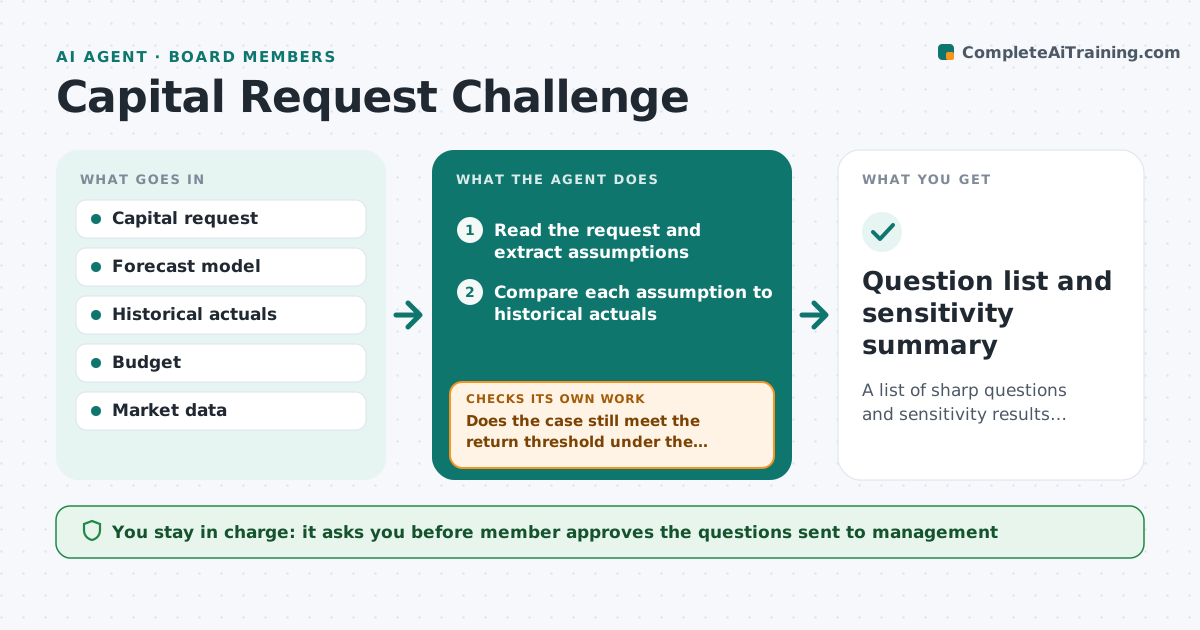
A list of sharp questions and sensitivity results before the board votes on a spend.
What it does
Large spending requests arrive with thin assumptions and glowing forecasts. Board members must decide with little time to test them. This agent reads the request, extracts the assumptions, tests them against historical results and runs sensitivity, then lists questions. After answers it reruns. It decides what is weak by comparing each assumption with past actuals and a range. The member approves the final question list. After management answers, it reruns the cases and checks whether the downside still clears the board's return threshold. If not, it lists conditions the member may want attached. It never recommends how to vote. Edge case: a request assumes 30% sales growth when the past three years averaged 8%, so the agent shows the case at 8%.
How it works
Follow the arrows from top to bottom. The orange dashed arrow is the loop: when a check fails, the agent goes back and tries again.
Read the steps as a list
- Capital request arrives
- Read the request and extract assumptions
- Compare each assumption to historical actuals
- Run sensitivity on the key assumptions
- List the weak assumptions and the cases
- Draft questions for management
- Member approves the final question listThe agent waits here for your OK.
- Rerun the cases with management's answers
- Does the case still meet the return threshold under the downside?If not: add further questions and list conditions to attach. Back to step 4.
- Question list and sensitivity summary
How it decides
It marks an assumption weak when it departs from history by more than a set range without a stated reason.
- Flag an assumption beyond history plus 25%
- Run a downside case at historical average
- Check payback against the policy threshold
- Ask for the source of each key number
Make it yours
Every agent is a starting point. You choose these settings for your own situation.
- Variance range (default 25%)
- Downside case rule
- Payback threshold
- Question count
- Data sources
What keeps you in control
It always asks you first
- Member approves the questions sent to management
Hard limits
- Never recommend a vote
- Never share the model outside the board
It stops when
- Done: questions answered and cases rerun
- Stop: the request lacks a model to test
Set it up
We guide you through the set-up, step by step
Members get the full set-up guide for this agent. No technical skills needed: you copy, paste and upload.
- One set of instructions to paste into your AI, with the clicks for ChatGPT, Claude, Microsoft 365 Copilot, Gemini and Grok
- The agent then walks you through connecting your own data, one source at a time
- A downloadable copy with the flow chart, the rules and the full guide