AI agent for treasury analysts
Cash Pooling Sweep Monitor Agent
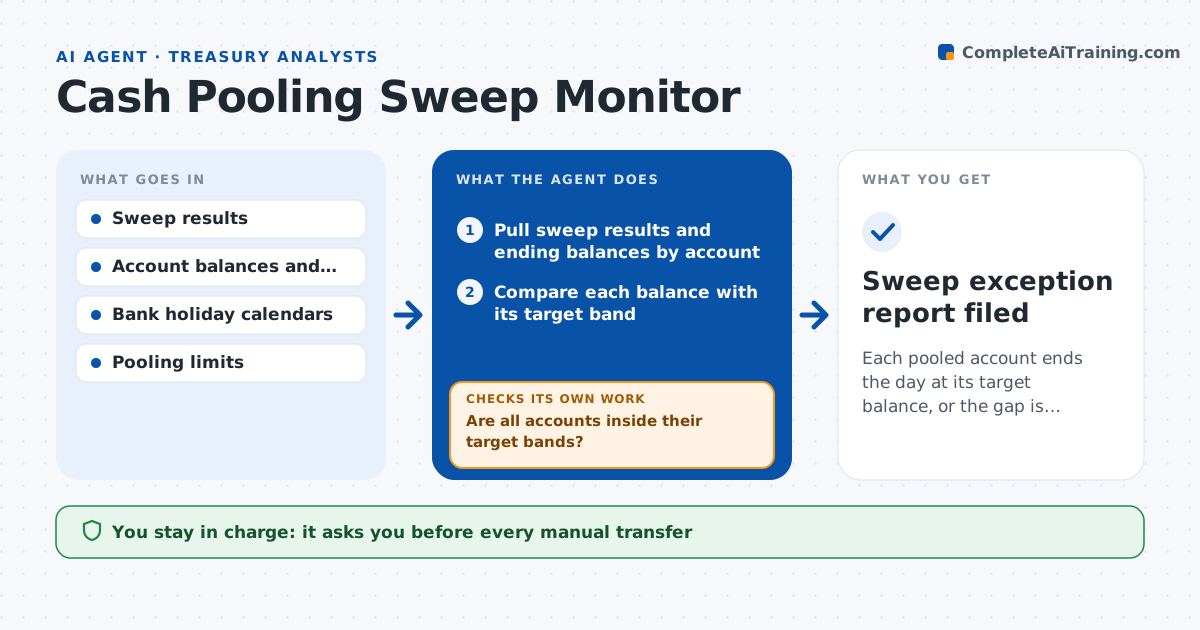
Each pooled account ends the day at its target balance, or the gap is fixed by an approved transfer
What it does
A cash pool sweeps balances from subsidiary accounts into a header account each day. When a sweep fails or only runs partly, accounts go overdrawn or hold idle cash earning nothing. Treasury finds out at the end of the day or the next morning. This agent checks every sweep result against account balances and target limits each day. It flags failed or partial sweeps, finds the cause, such as a cut-off time missed, an account blocked or a limit set wrong, and calculates the transfer needed to restore the target balances. It proposes manual transfers, rechecks the balances after they are made and confirms the cash is where it should be. If a transfer fails, it reports why and tries another route. Treasury approves each transfer. Edge case: a local holiday in one country skips the sweep for that account, and the agent plans for it.
How it works
Follow the arrows from top to bottom. The orange dashed arrow is the loop: when a check fails, the agent goes back and tries again.
Read the steps as a list
- Daily sweep window closes
- Pull sweep results and ending balances by account
- Compare each balance with its target band
- Are all accounts inside their target bands?If not: list accounts outside the band and find the cause for each. Back to step 3.
- Calculate the transfer needed for each exception
- Check bank cut-offs, holidays and limits for each route
- Treasury approves each manual transferThe agent waits here for your OK.
- Place the approved transfers through the bank portal
- Pull balances again after the transfers
- Are all accounts now inside their bands?If not: recalculate and try another route or amount. Back to step 5.
- Sweep exception report filed
How it decides
It compares each account's ending balance to its target band and proposes the smallest transfer that restores it, within pooling and bank limits.
- Flag any account outside plus or minus 5% of its target
- Use the cheapest route that meets the bank cut-off
- Plan for local holidays in advance
- Escalate overdrafts over $50,000 immediately
Make it yours
Every agent is a starting point. You choose these settings for your own situation.
- Target bands (default 5%)
- Escalation limit (default $50,000)
- Banks and accounts covered
- Report time
What keeps you in control
It always asks you first
- Every manual transfer
Hard limits
- Never moves money without approval
- Does not change pool limits
- Records every transfer reference
It stops when
- Done: all accounts inside their bands
- Stop: bank portal unavailable
Set it up
We guide you through the set-up, step by step
Members get the full set-up guide for this agent. No technical skills needed: you copy, paste and upload.
- One set of instructions to paste into your AI, with the clicks for ChatGPT, Claude, Microsoft 365 Copilot, Gemini and Grok
- The agent then walks you through connecting your own data, one source at a time
- A downloadable copy with the flow chart, the rules and the full guide