AI agent for bank branch managers
Currency Transaction Report Completeness Agent
Scan daily cash activity for reporting thresholds, check each form is complete, and track filing deadlines
What it does
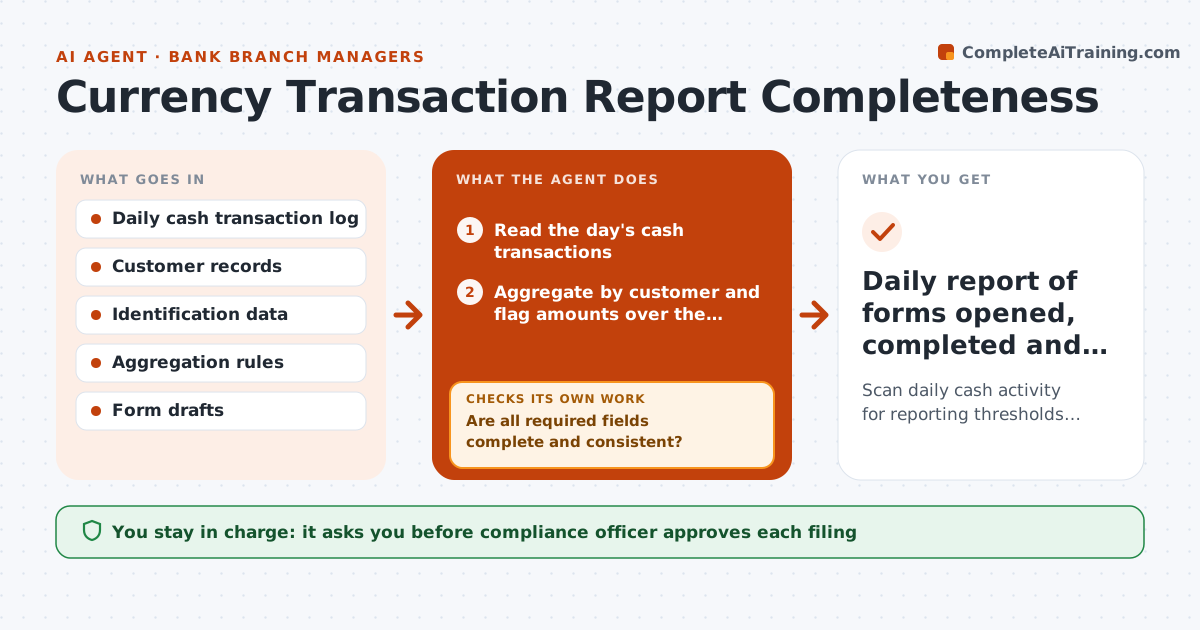
Cash reporting forms go wrong in small ways: a missing ID number, a transaction that should have been combined with another, a filing that slips past its deadline. Each day the agent scans the cash log and adds up transactions by customer, including multiple deposits in different lanes. When a total crosses the reporting threshold, it opens a form draft and fills it from customer records. It then checks every required field and flags gaps for the teller to fix. After the teller adds the information, it checks the form again. It tracks days to the filing deadline and alerts the manager. The compliance officer approves every filing. Edge case: two $6,000 deposits made an hour apart total $12,000, and the agent treats them as one reportable event.
How it works
Follow the arrows from top to bottom. The orange dashed arrow is the loop: when a check fails, the agent goes back and tries again.
Read the steps as a list
- Business day closes
- Read the day's cash transactions
- Aggregate by customer and flag amounts over the threshold
- Open and fill a form draft from customer records
- Are all required fields complete and consistent?If not: Flag the missing fields and ask the teller to supply them. Back to step 3.
- Track days to the filing deadline
- Do corrected forms now pass the field check?If not: Return to the teller and escalate to the manager after 2 days. Back to step 4.
- Compliance officer approves filingThe agent waits here for your OK.
- Record the filing reference
- Daily report of forms opened, completed and filed
How it decides
Transactions are aggregated by customer per day; a form is ready only when every required field is filled and verified.
- Aggregate all cash-in or cash-out by the same customer in a day
- Treat a missing ID field as incomplete
- Escalate any form unfilled 2 days before the deadline
- Never alter transaction amounts
Make it yours
Every agent is a starting point. You choose these settings for your own situation.
- Reporting threshold
- Filing deadline alert lead time
- Fields required
- Notification recipients
What keeps you in control
It always asks you first
- Compliance officer approves each filing
- Compliance officer approves any decision not to file
Hard limits
- Never file without compliance approval
- Never advise a customer on how to avoid reporting
It stops when
- Done: each reportable event is filed and logged
- Stop: a transaction looks structured to avoid reporting and compliance must review
Set it up
We guide you through the set-up, step by step
Members get the full set-up guide for this agent. No technical skills needed: you copy, paste and upload.
- One set of instructions to paste into your AI, with the clicks for ChatGPT, Claude, Microsoft 365 Copilot, Gemini and Grok
- The agent then walks you through connecting your own data, one source at a time
- A downloadable copy with the flow chart, the rules and the full guide