AI agent for astronomers
Data Reduction Quality Agent
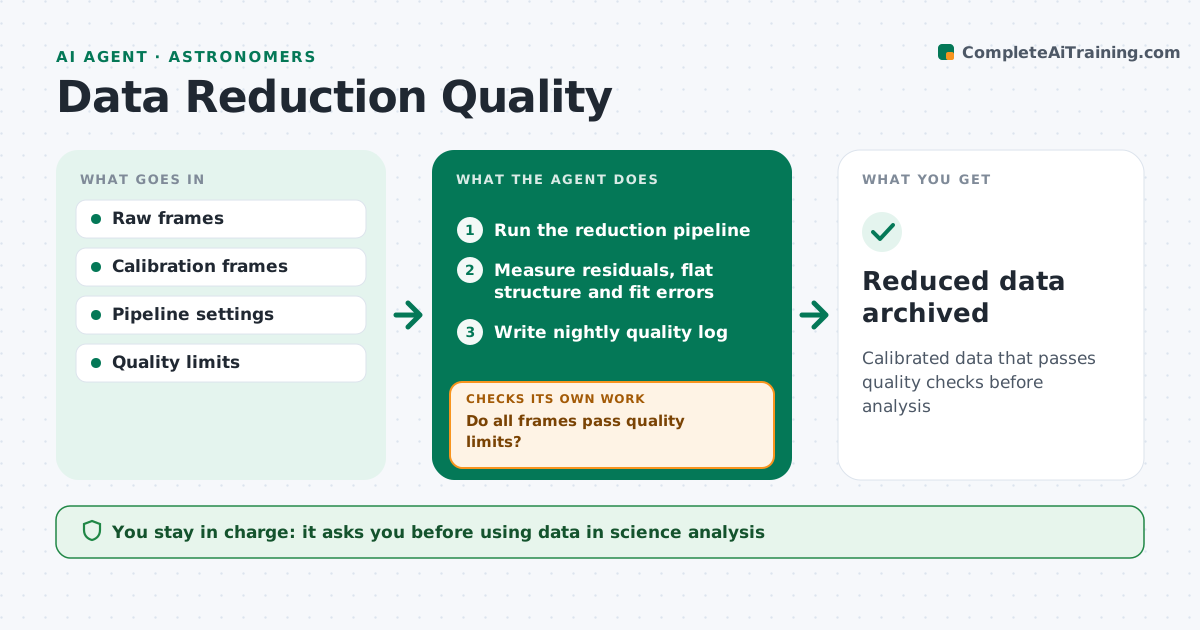
Calibrated data that passes quality checks before analysis
What it does
Raw telescope data must be calibrated with bias, dark and flat frames before any science work, and bad calibration can quietly ruin results. When a new night's data is downloaded, this agent runs the reduction pipeline and then measures the results: residuals in calibrated frames, flat field structure, wavelength solution errors and the astrometric fit. If frames fail the quality limits, it tries known fixes, such as using flats from a nearby night or excluding bad frames, and runs again. After the set number of retries, it stops and reports. It writes a quality log for each night. The astronomer approves which data goes into science analysis, and reduced data is archived. Edge case: frames with clouds or satellite trails are flagged rather than silently averaged into the result.
How it works
Follow the arrows from top to bottom. The orange dashed arrow is the loop: when a check fails, the agent goes back and tries again.
Read the steps as a list
- New night's data downloaded
- Run the reduction pipeline
- Measure residuals, flat structure and fit errors
- Do all frames pass quality limits?If not: retry with alternative calibrations or exclude bad frames. Back to step 2.
- Write nightly quality log
- Astronomer approves data for analysisThe agent waits here for your OK.
- Reduced data archived
How it decides
It compares residuals and fit errors with the set limits and retries with alternative calibrations when they fail.
- Use calibrations from a nearby night when current ones fail
- Flag frames with clouds or trails
- Stop after the set number of retries
Make it yours
Every agent is a starting point. You choose these settings for your own situation.
- Quality limits
- Retry options
- Log format
- Archive location
What keeps you in control
It always asks you first
- Using data in science analysis
Hard limits
- Never deletes raw data
It stops when
- Done: data approved
- Stop: retries fail; report to the astronomer
Set it up
We guide you through the set-up, step by step
Members get the full set-up guide for this agent. No technical skills needed: you copy, paste and upload.
- One set of instructions to paste into your AI, with the clicks for ChatGPT, Claude, Microsoft 365 Copilot, Gemini and Grok
- The agent then walks you through connecting your own data, one source at a time
- A downloadable copy with the flow chart, the rules and the full guide