AI agent for paramedics
EMS Incident Report Agent
Complete, factual incident reports filed on time
What it does
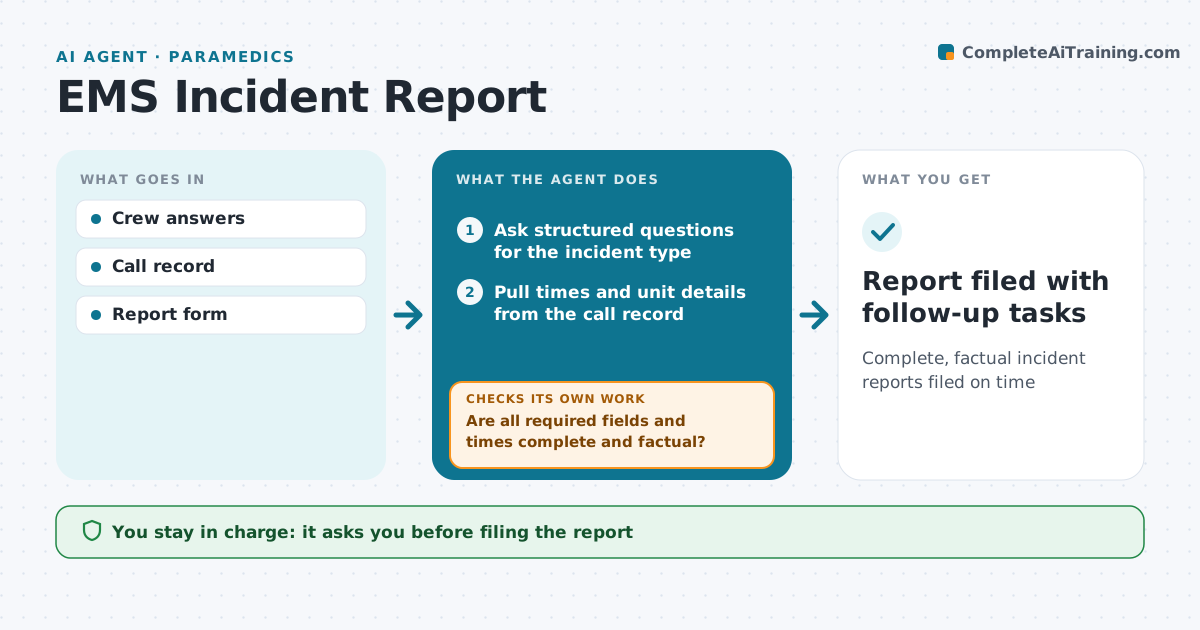
After an exposure, crew injury, vehicle damage or equipment failure, a report must be filed quickly with clear facts, often by a tired crew member. This agent collects the facts through short questions and pulls times and unit details from the call record. It drafts the report in the service's format. It then checks the draft for required fields, a complete timeline, and factual wording without blame. If gaps remain, it asks the crew member the missing questions again. For exposures, it lists time-sensitive steps like testing windows so they are not missed. A supervisor approves and files the report and decides on any notice to outside agencies. Edge case: if the incident involves possible patient harm, it also flags it for the clinical quality lead.
How it works
Follow the arrows from top to bottom. The orange dashed arrow is the loop: when a check fails, the agent goes back and tries again.
Read the steps as a list
- Crew member reports an incident
- Ask structured questions for the incident type
- Pull times and unit details from the call record
- Draft the report with facts only
- Are all required fields and times complete and factual?If not: ask the crew member the missing questions again. Back to step 2.
- List follow-up tasks and deadlines
- Supervisor approves and files the reportThe agent waits here for your OK.
- Report filed with follow-up tasks
How it decides
Required fields per incident type must be complete. Wording is checked for facts, not opinions.
- Exposures list testing windows at once
- Patient harm goes to quality lead
- Blame language is rewritten as facts
Make it yours
Every agent is a starting point. You choose these settings for your own situation.
- Incident types
- Report format
- Who approves
- Notification list
What keeps you in control
It always asks you first
- Filing the report
- Notifying outside agencies
Hard limits
- No blame or speculation in drafts
- Supervisor files every report
It stops when
- Done: filed
- Stop: legal hold, supervisor handles
Set it up
We guide you through the set-up, step by step
Members get the full set-up guide for this agent. No technical skills needed: you copy, paste and upload.
- One set of instructions to paste into your AI, with the clicks for ChatGPT, Claude, Microsoft 365 Copilot, Gemini and Grok
- The agent then walks you through connecting your own data, one source at a time
- A downloadable copy with the flow chart, the rules and the full guide