AI agent for real estate investors
Exit Strategy Comparison Agent
A clear comparison of hold, refinance and sell with the choice and its reasoning on record
What it does
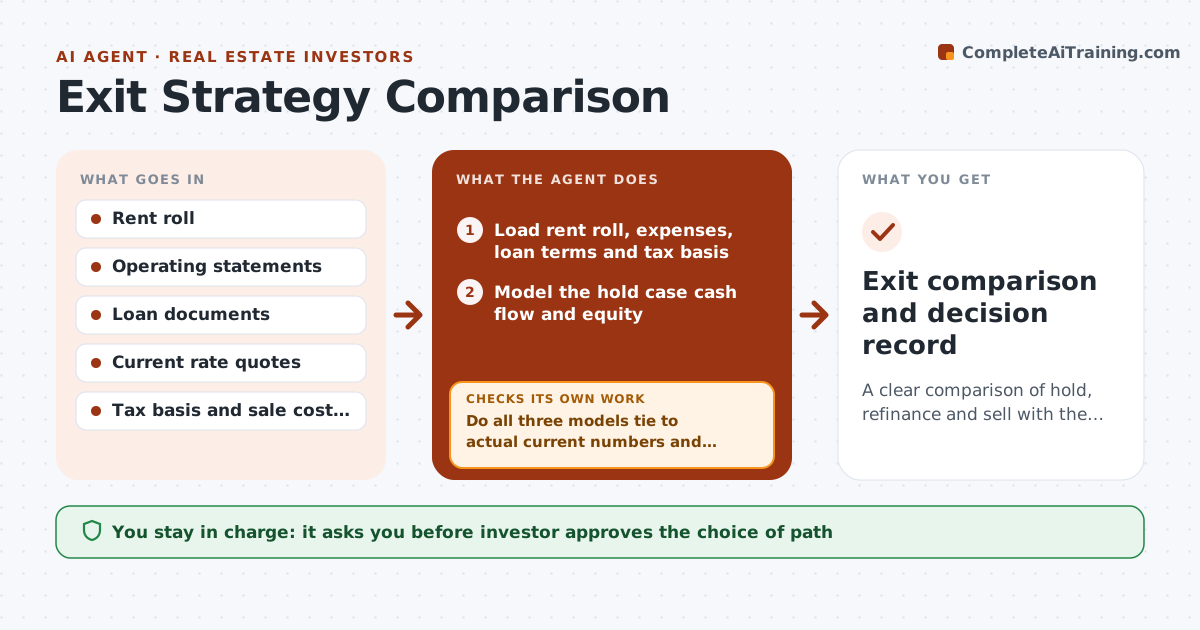
Whether to hold, refinance or sell a property is often decided from rough numbers and a feeling about the market. This agent models all three exits with the current rent roll, expenses, loan terms and today's rates. For a hold it projects cash flow and equity over the next years. For a refinance it checks the new loan against coverage tests, cash out and closing costs. For a sale it estimates net proceeds after costs and taxes and compares them with the other paths over the same horizon. It checks that each model ties to actual numbers, then compares results by return and risk. It reruns whenever rents, rates or costs change. The investor approves the choice. Edge case: a prepayment penalty makes a sale look worse until the agent adds it.
How it works
Follow the arrows from top to bottom. The orange dashed arrow is the loop: when a check fails, the agent goes back and tries again.
Read the steps as a list
- Annual review or an assumption changes
- Load rent roll, expenses, loan terms and tax basis
- Model the hold case cash flow and equity
- Model the refinance case with new rate, cash out and costs
- Model the sale case with costs, penalties and taxes
- Do all three models tie to actual current numbers and include all fees?If not: find the missing cost or mismatched input and rerun. Back to step 3.
- Compare after-tax returns and risk over the same horizon
- Find the assumption that would change the ranking
- Investor chooses the exit pathThe agent waits here for your OK.
- Exit comparison and decision record
How it decides
It compares the three on after-tax return over the same horizon and checks each against loan and coverage limits. It shows the ranking and the assumption that would change it.
- Compare all three over the same horizon
- Include prepayment penalties and transaction costs
- Reject a refinance that fails the lender's coverage test
- Show the one assumption that flips the answer
Make it yours
Every agent is a starting point. You choose these settings for your own situation.
- Horizon in years (default 5)
- Rate scenarios to test
- Tax assumptions
- Coverage requirement
What keeps you in control
It always asks you first
- Investor approves the choice of path
- Investor approves any contact with lenders or brokers
Hard limits
- Never give tax advice; flag it for a professional
- Do not contact lenders without approval
- State every assumption
It stops when
- Done: a path is chosen and recorded
- Stop: tax advice is needed and the investor should consult a tax professional
Set it up
We guide you through the set-up, step by step
Members get the full set-up guide for this agent. No technical skills needed: you copy, paste and upload.
- One set of instructions to paste into your AI, with the clicks for ChatGPT, Claude, Microsoft 365 Copilot, Gemini and Grok
- The agent then walks you through connecting your own data, one source at a time
- A downloadable copy with the flow chart, the rules and the full guide