AI agent for general managers
Industry Conference Intelligence Capture Agent
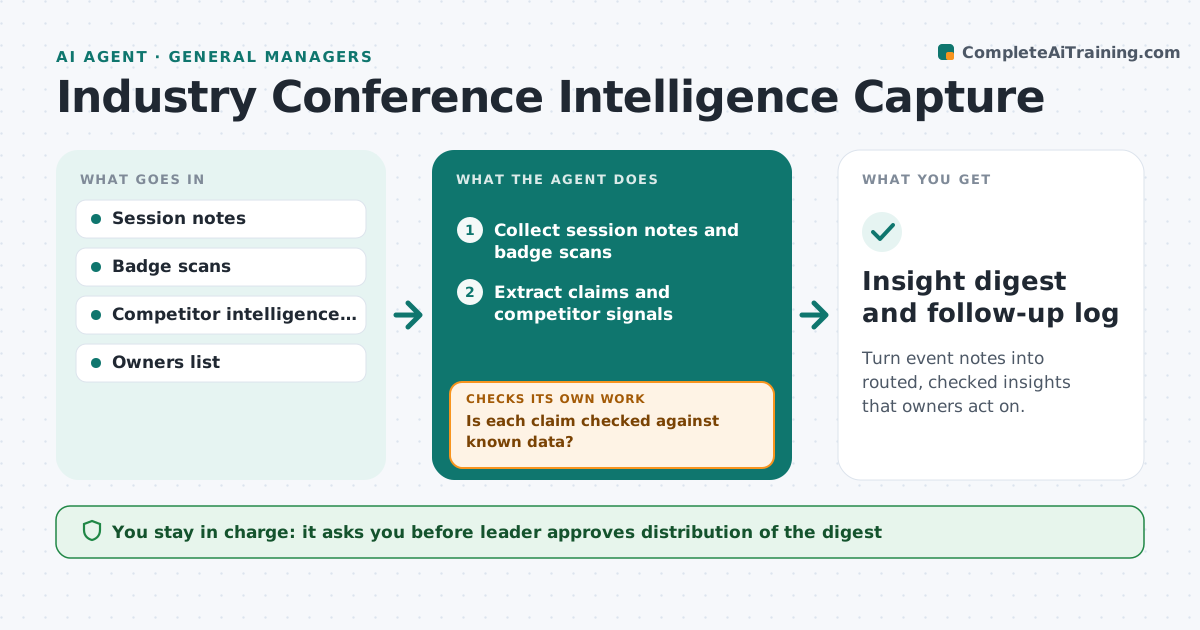
Turn event notes into routed, checked insights that owners act on.
What it does
Insights from industry events are scattered across notes and badge scans and rarely reach decisions. The agent takes session notes and badge scans, extracts claims and competitor signals, and checks them against known data to see what is new and what is already known. It flags new items, routes each to the owner who can use it, and tracks follow-up. If an owner does not respond, it reminds them and, if still open, escalates. The leader approves distribution. Edge case: a competitor says it will launch in Q3, and internal data suggests Q1, so the agent marks it as a conflicting claim.
How it works
Follow the arrows from top to bottom. The orange dashed arrow is the loop: when a check fails, the agent goes back and tries again.
Read the steps as a list
- Event ends
- Collect session notes and badge scans
- Extract claims and competitor signals
- Compare each with the intelligence file
- Is each claim checked against known data?If not: Search other sources and mark unverified claims. Back to step 3.
- Rank new items by relevance to current decisions
- Leader approves distributionThe agent waits here for your OK.
- Route each item to its owner
- Track follow-up
- Has each owner responded within a week?If not: Remind the owner and escalate to the leader if still open. Back to step 8.
- Insight digest and follow-up log
How it decides
A claim is new if it is not in the intelligence file. Conflicts with known data are marked for checking. Each item goes to the owner whose area it affects.
- A claim contradicting internal data is marked conflicting
- Unverified claims are labeled
- Each item has one named owner
- Escalate an open item after 7 days
Make it yours
Every agent is a starting point. You choose these settings for your own situation.
- Days after event to produce the digest (default 2)
- Owners by topic
- Escalation days (default 7)
- Sources used to verify
What keeps you in control
It always asks you first
- Leader approves distribution of the digest
Hard limits
- Never shares unverified claims as facts
- Never contacts people scanned at the event
It stops when
- Done: all items acted on or closed
- Stop: leader closes the digest
Set it up
We guide you through the set-up, step by step
Members get the full set-up guide for this agent. No technical skills needed: you copy, paste and upload.
- One set of instructions to paste into your AI, with the clicks for ChatGPT, Claude, Microsoft 365 Copilot, Gemini and Grok
- The agent then walks you through connecting your own data, one source at a time
- A downloadable copy with the flow chart, the rules and the full guide